Workout Tracker Printable: Free Custom Exercise Log to Print
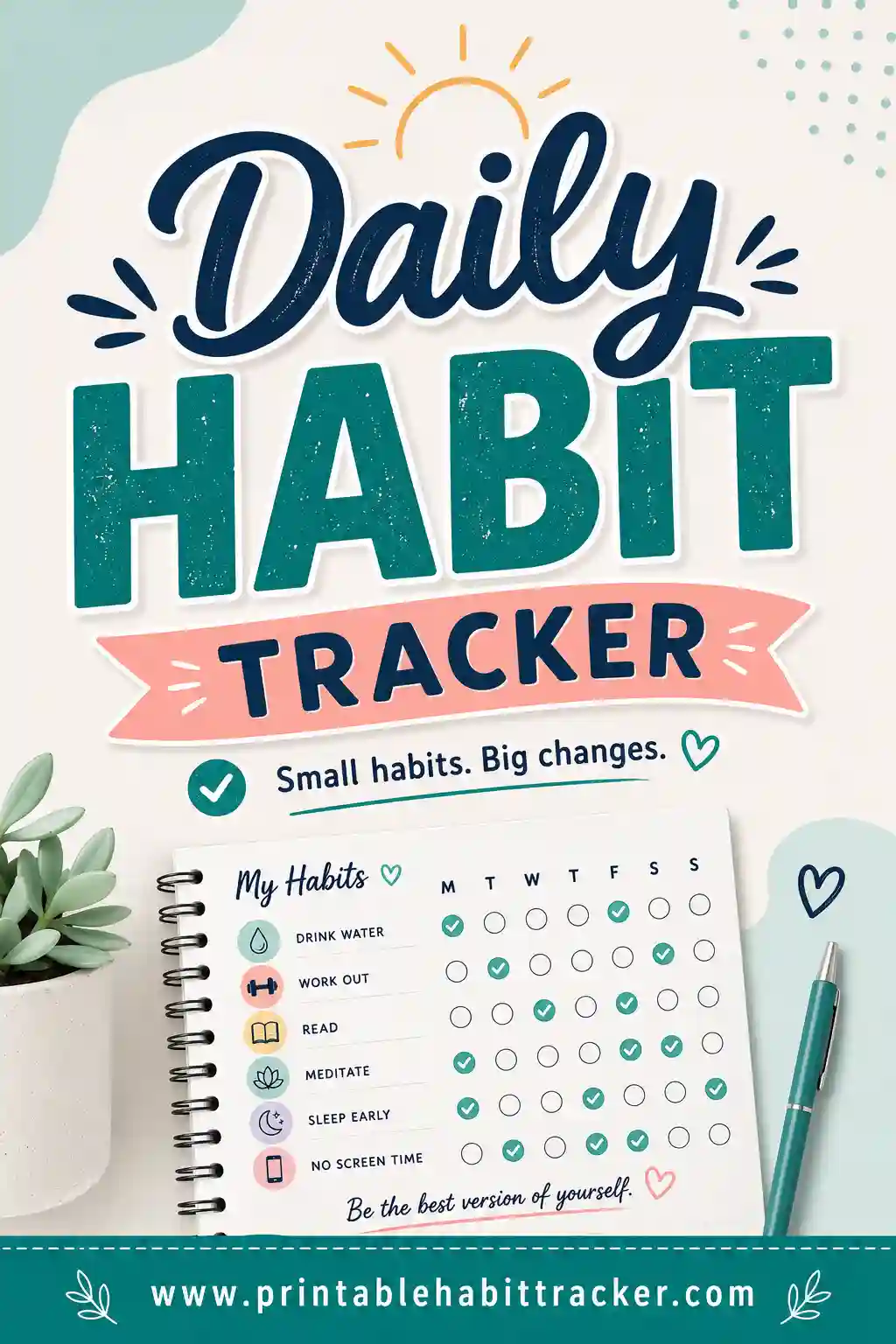
A workout tracker printable is a one-page grid that keeps your training honest: your workouts listed down the side, the days of the week or month across the top, and a box to check every time you show up. No app to open, no login, no charts you'll never look at — just a sheet on the fridge or gym bag that shows, at a glance, whether you're actually training or just meaning to. The fastest way to get one built around your routine is the free printable habit tracker builder: type your workouts as rows, pick a layout, and print.
Want one before your next session? Open the free builder, list your workouts one per line ("Upper body," "Run 3km," "Stretch 10 min"), choose weekly or monthly, and hit print. No sign-up, no watermark.
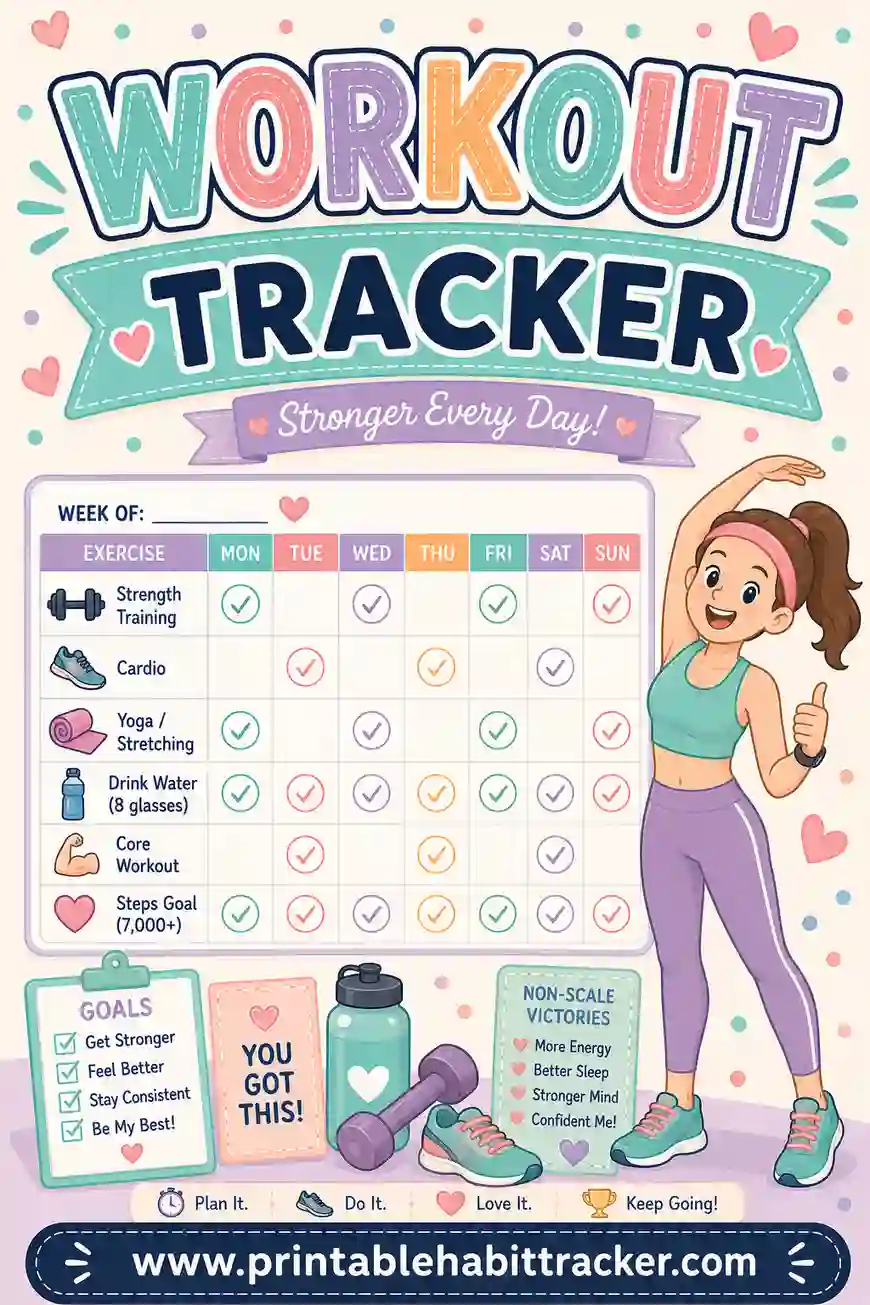
What Is a Printable Workout Tracker?
It's a consistency scoreboard. Each row is a workout or training habit; each column is a day; each checked box is a session that actually happened. Over a month, the grid becomes a picture of your training life that no memory can fake — you either see three strength sessions a week or you see the gaps.
Worth being clear about what this sheet is and isn't: it's a did-I-train tracker, not a rep-by-rep logbook. It won't calculate volume or store your bench numbers in neat columns. What it does instead is solve the problem that sinks most fitness plans — not bad programming, but skipped sessions. If you want numbers on the page, write them in: put targets in the row names ("Squats — 3×8") and jot weights or times in the notes box after each session. For most people building the exercise habit, showing up is the metric.
Because the free builder is fully custom, the tracker matches your actual program — your split, your run days, your rest days — not a generic template's idea of one.
Why a Paper Tracker Beats a Fitness App (for Consistency)
Apps are great at recording workouts. Paper is better at causing them.
- It's always visible. The sheet lives on your fridge or gym bag. Every glance is a tiny reminder, and unchecked boxes create an itch that apps buried in a folder never do.
- The chain effect is real. Three checked boxes in a row makes the fourth feel mandatory. Streaks are the cheapest motivation ever invented, and they work better when you can physically see them.
- No phone required at the gym. Check the box when you get home. Your workout stays a workout instead of becoming twenty minutes of screen time between sets.
- Rest days count too. Give recovery its own row — "stretch," "walk," "sleep 8h" — and rest becomes part of the plan instead of a guilty gap in the data.
- A month on one page. Flip through three finished sheets and you know more about your real training consistency than any app dashboard tells you.
What to Put on Your Workout Tracker
Track sessions and supporting habits, not individual exercises. Here's a menu to copy into the builder — pick five to eight rows that match your week.
| Row | Type | Tip |
|---|---|---|
| Strength — upper | Session | Name the day: "Upper — Mon/Thu" |
| Strength — lower | Session | "Lower — Tue/Fri" |
| Run / cardio 30 min | Session | Any pace counts — the box rewards showing up |
| Walk 8,000 steps | Daily habit | The quiet engine of every fitness goal |
| Stretch or mobility 10 min | Daily habit | The row that saves your back |
| Protein with every meal | Support habit | Training is half the equation |
| Sleep by 10:30 | Support habit | Recovery is when the gains happen |
| Rest day taken | Recovery | Yes, check the box for resting on plan |
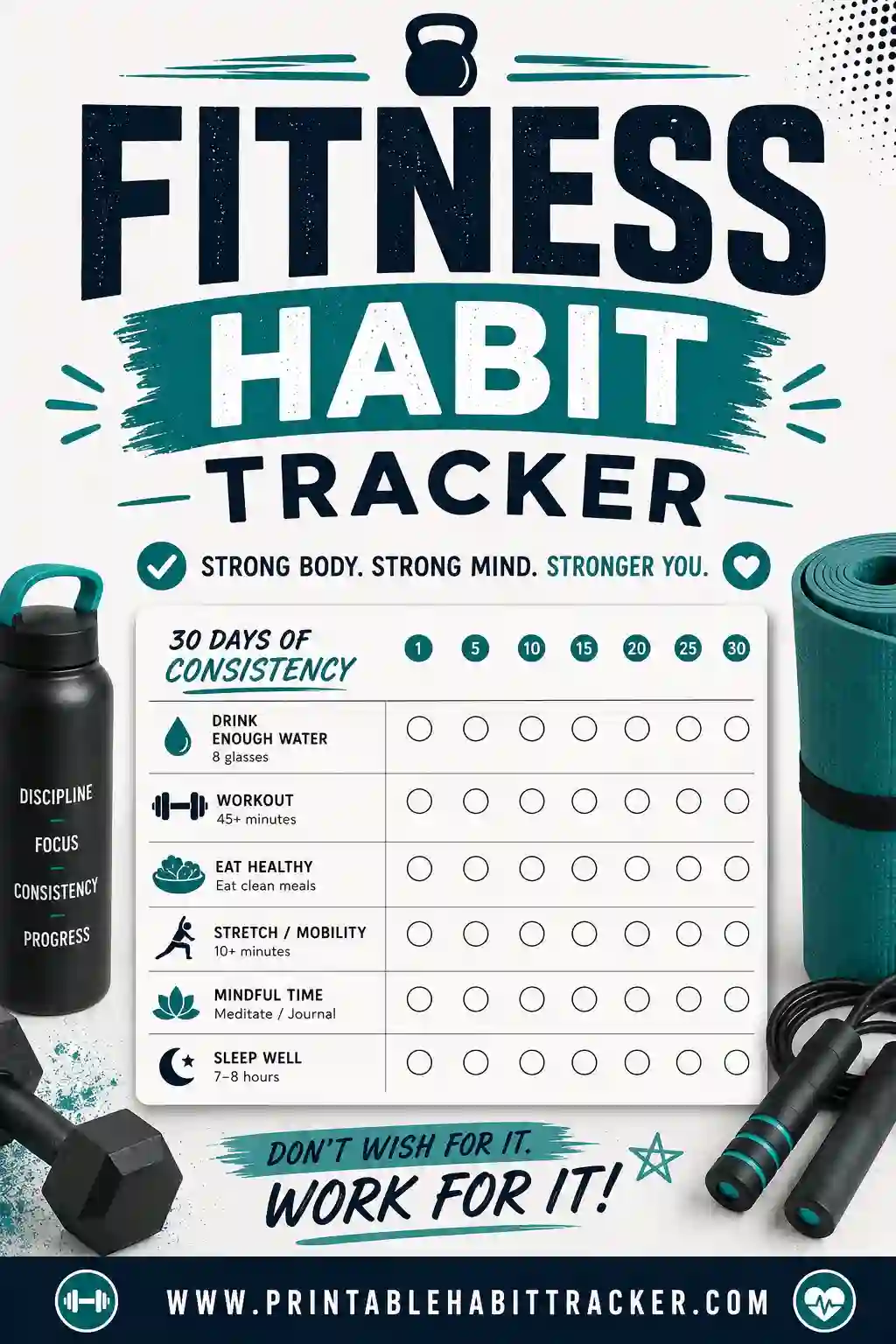
That mix matters. A tracker with only gym sessions has three checkable days a week and four days of nothing — dead paper. Adding daily support rows (steps, stretching, sleep) gives you something to win every single day, which keeps the sheet alive between sessions. The fitness habit tracker guide digs deeper into that habit-first approach.
Write targets into the row names
The grid doesn't do math, so make the rows carry the numbers: "Run — 3km," "Plank — 60s," "Gym — 45 min." When a target moves up, edit the row and reprint — your saved chart makes that a ten-second job.
How to Make a Workout Tracker in 4 Steps
- List your training week. In the free builder, type each session and support habit on its own line — there's even a Fitness preset to start from, then edit to match your split.
- Pick your layout. Weekly for a Mon–Sun training grid, monthly for a full month of consistency on one page, or the chain layout to put a whole year of "did I move today?" on a single sheet.
- Choose a style and theme. Checkboxes feel like a training log; color-in squares turn the month into a heat map of effort. Bold theme if you want the sheet to shout at you a little.
- Print or save as PDF. Letter or A4, portrait or landscape. Tick "Print all 12 months" and your whole training year prints in one go.
Workout Tracker Layouts That Work
The weekly training grid
Sessions and habits down the side, Mon–Sun across the top. Best for people following a split — you can see the week's plan and its execution on one page. Print fresh every Sunday or laminate and wipe.
The monthly consistency page
A real date grid for the month. This is where patterns show up: the second-week fade, the travel-week hole, the strong Monday/dead Friday shape. Great for a "12 workouts this month" goal — count the checks, no math beyond that.
The year chain
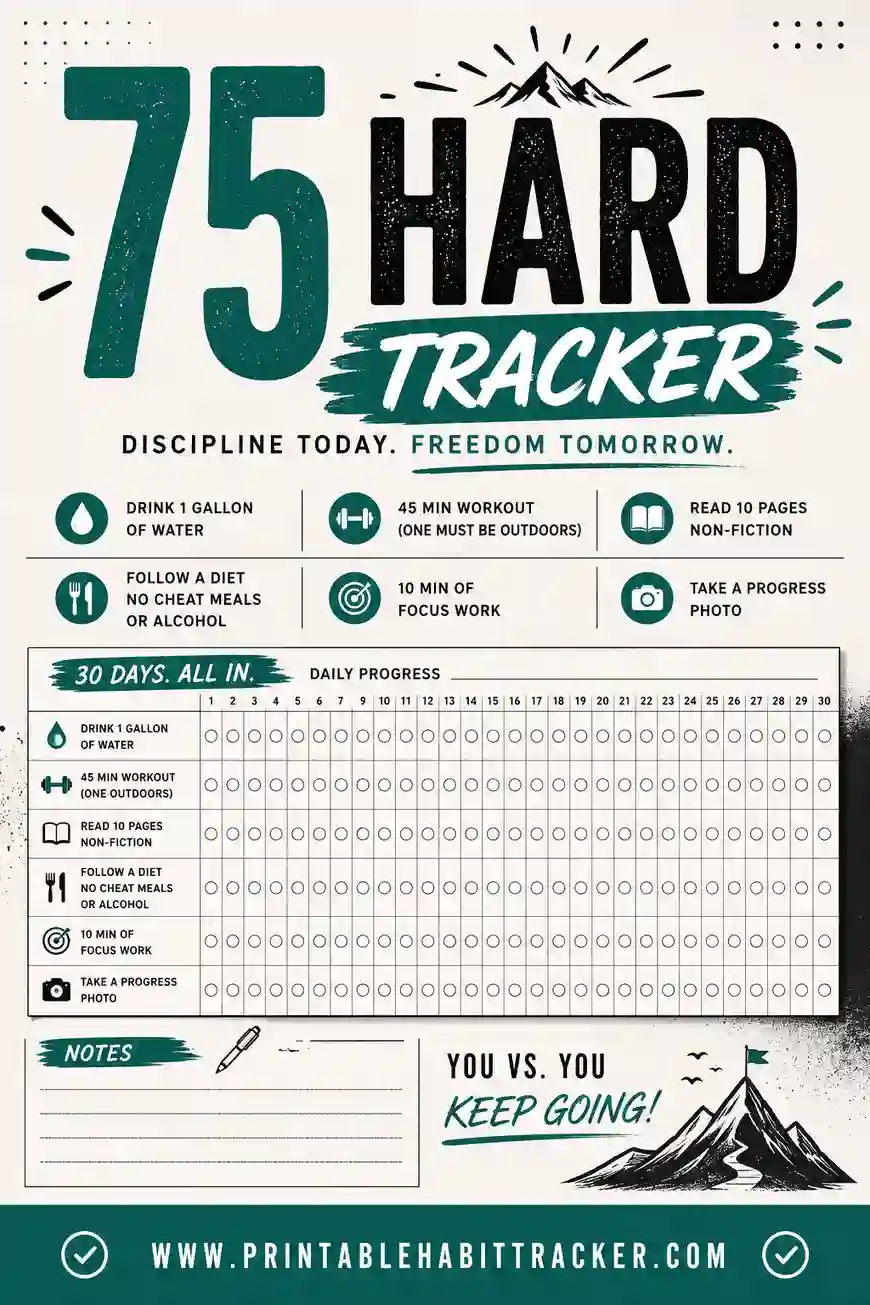
One habit — "trained today" or "moved 30 minutes" — on the chain layout, all 365 days on one page. Color a square every day you move. By March the filled region is something you'll protect fiercely. Perfect companion to a program like the 75 Hard tracker, which runs on exactly this don't-break-the-chain psychology.
The 30-day challenge sheet
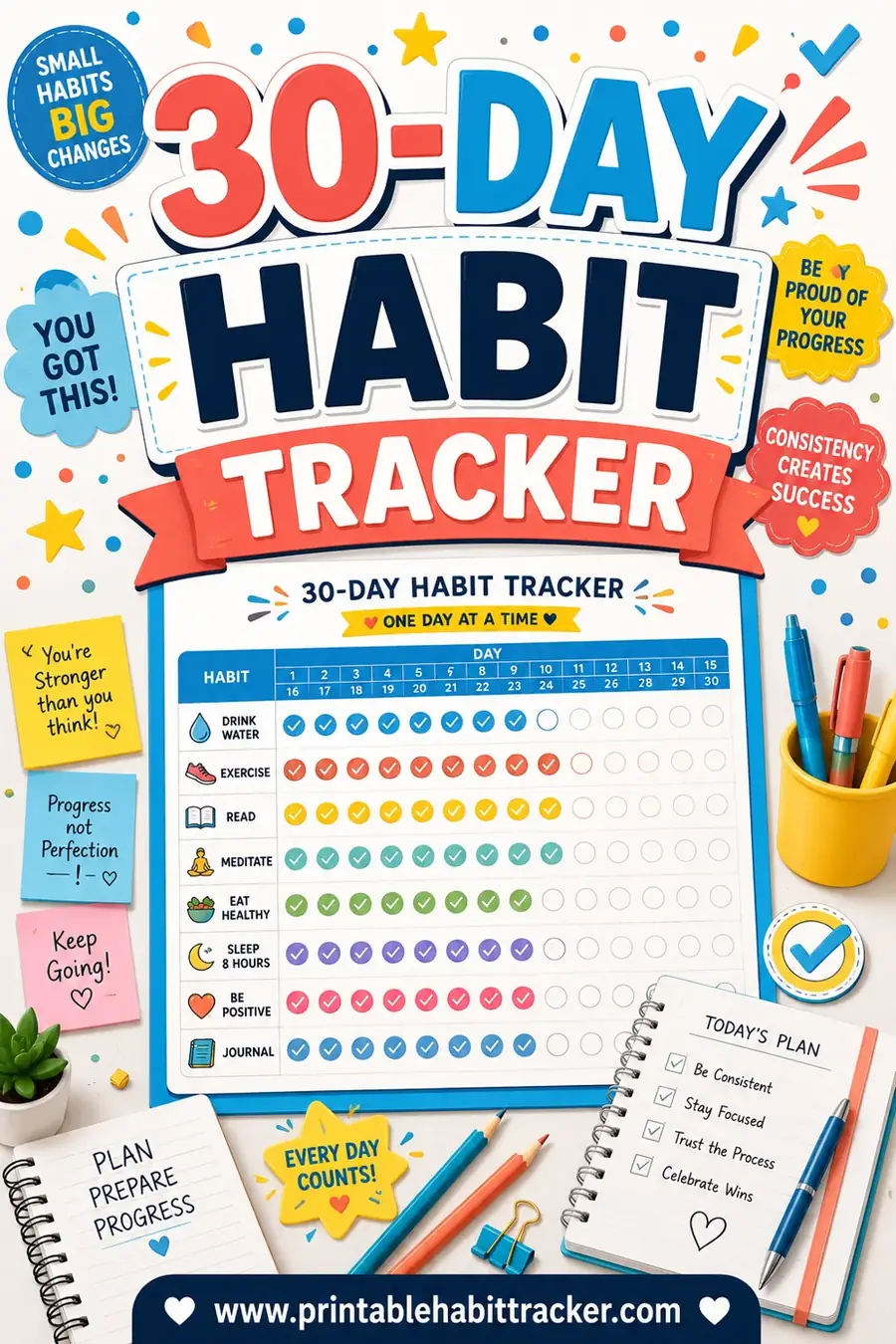
Starting from zero? Run a 30-day habit tracker with just two rows: "10-minute workout" and "stretch." Small enough to never skip, long enough to become a person who trains.
A Sample Week on a Workout Tracker
Here's a realistic filled-in week for someone strength training three days with cardio sprinkled in — copy it into the builder and adapt.
| Row | Mon | Tue | Wed | Thu | Fri | Sat | Sun |
|---|---|---|---|---|---|---|---|
| Upper body — Mon/Thu | ✓ | ✓ | |||||
| Lower body — Tue/Fri | ✓ | ☐ | |||||
| Cardio 30 min | ✓ | ✓ | |||||
| Walk 8,000 steps | ✓ | ✓ | ✓ | ✓ | ✓ | ☐ | ✓ |
| Stretch 10 min | ✓ | ✓ | ☐ | ✓ | ✓ | ✓ | ✓ |
| Sleep by 10:30 | ✓ | ☐ | ✓ | ✓ | ☐ | ☐ | ✓ |
Notes box: "Fri lower — skipped, long workday. Squat felt strong Tue: 3×8 @ 60kg." One missed session, strong habit rows, and the exact note future-you needs. That's a successful week on paper — not a perfect one.
Tips for Actually Staying Consistent
- Schedule sessions into the row names. "Upper — Mon/Thu" turns a vague intention into an appointment. Blank days are rest by design, not by accident.
- Check the box the same day. The mark is the reward — claim it while the endorphins are still around.
- Use the reward box. Write the month's deal in it: "12 sessions = new running shoes." Count the checks at month's end.
- Plan the miss. Life will eat a session. The rule that saves the month: never miss the same session twice in a row. The grid makes a repeat-miss impossible to not notice.
- Review monthly, adjust, reprint. If cardio boxes stay empty for two straight months, stop pretending — swap the row for something you'll do. The tracker should describe your real plan, not your fantasy one.
Printing Tips
- Laminate a weekly copy and keep it on the fridge with a dry-erase marker — wipe and reuse every Sunday.
- Print a second copy for your gym bag if home and gym are far apart; sync the fridge copy at night.
- Landscape orientation fits longer row names like "Deadlift day — 3×5, add 2.5kg."
- Classic black-and-white prints cheap for weekly sheets; save the Bold theme for the year chain on your wall.
- Print all 12 months at once in January — a year of training sheets, stapled and done, no excuses in July.
Frequently Asked Questions
Is the workout tracker printable really free?
Yes — completely. The builder has no sign-up, no account, and no watermark. Build your exercise tracker printable, print it or save it as a PDF, and reprint as often as your program changes.
Can it track sets, reps, and weights?
Not in columns — it's a consistency grid, not a spreadsheet. The working method: put targets in row names ("Bench — 3×8") and jot actual numbers in the notes box after each session. If you want a full lifting logbook, use one at the gym and let this sheet do what it does best: make sure the sessions happen at all.
How many workouts a week should I put on it?
Whatever your real plan is — for most people starting out, three sessions plus daily support habits like walking and stretching. A tracker that mirrors an honest plan gets filled; one that mirrors an ambitious fantasy gets abandoned by week two.
What about rest days?
Give them a row: "Rest day taken" or "Stretch + walk only." Checking a box for planned recovery keeps the sheet alive on non-training days and reframes rest as part of the program — because it is.
Can I print a tracker for the whole year?
Yes, two ways. The chain layout puts all 365 days on one page for a single habit like "trained today." Or pick the monthly layout and tick "Print all 12 months" — twelve dated sheets, January through December, in one print job. No hunting for a dated template every year; the builder generates whichever year you're in.
Ready to Print Your Workout Tracker?
Write down your real training week — sessions, steps, stretching, sleep — then open the free workout tracker builder, turn each line into a row, and print. It's free, it takes five minutes, and the first full week of checkmarks will do more for your consistency than any app notification ever has. The program only works if you show up; the sheet makes sure you see whether you did.