Best Bullet Journal Habit Tracker Ideas to Try
The best bullet journal habit tracker ideas are the simple ones you'll actually keep up: a monthly grid, a habit circle, a mini-pixel chart, or a single-habit streak line. The trick is matching the layout to how many habits you track and how much time you want to spend drawing. If you love the look of a bullet journal but dread ruling out a fresh grid every month, you can print a ready-made habit tracker and skip straight to the fun part.
Want a layout right now without the ruler and washi tape? Open the free printable habit tracker, pick your habits, and print a clean grid you can paste into your journal. No drawing, no smudged lines.
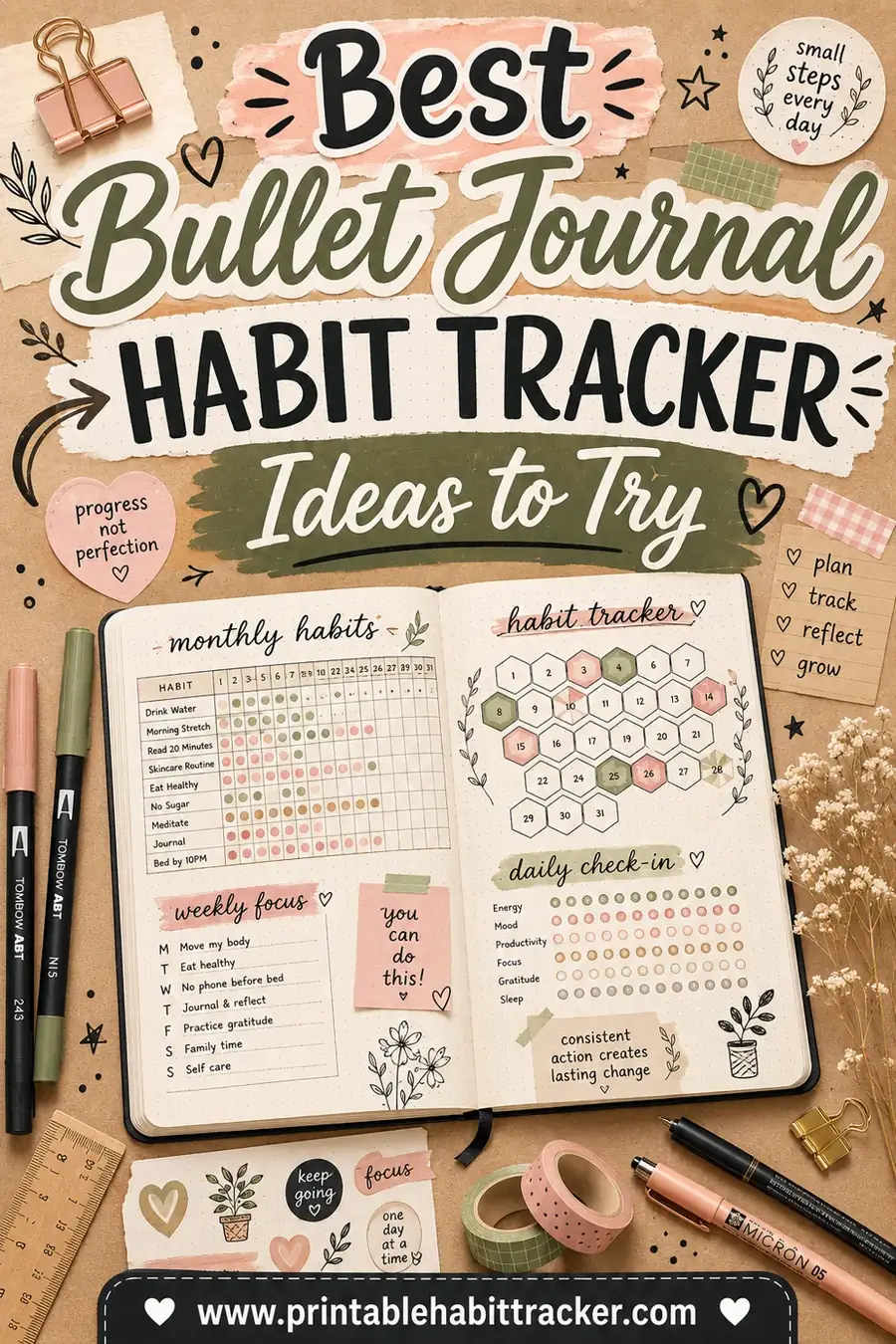
What Makes a Bullet Journal Habit Tracker Work
Before the pretty layouts, one rule matters more than any of them: keep it simple enough to fill in every day. The most beautiful tracker on Pinterest is useless if it's so fussy you abandon it by the 10th.
A good bullet journal habit tracker has three things:
- A clear list of habits. Five to ten is the sweet spot. More than that and you'll dread updating it.
- A daily marking spot. A box, a dot, a colored cell, anything you can fill in a second.
- A visible streak. You should be able to glance at it and instantly see how you're doing.
Everything below is just a different way to deliver those three things. Pick the one that fits your style.
1. The Classic Monthly Grid
This is the workhorse of habit tracking and for good reason. You list your habits down the left side and number the days, 1 to 31, across the top. Each day you do a habit, you fill in the matching box.
It's clean, it's compact, and you can fit your whole month on one page. The filled-in rows turn into a visual streak that's genuinely satisfying to grow.
Best for: people who track 5 to 12 habits and want everything on one spread. If drawing 31 columns by hand sounds tedious, print the grid instead and glue it in.
2. The Habit Circle
Instead of a grid, you draw a circle and split it into wedges, one wedge for each day of the month. Color in a wedge each day you complete the habit. By month's end, a fully colored circle means a perfect streak.
You'd use one circle per habit. They look gorgeous, almost like a sunrise as they fill, and the empty wedges are a gentle nudge rather than a harsh blank box.
Best for: visual people, single-habit focus, and anyone who finds grids boring. It's slower to set up but lovely to look at.
3. The Pixel / Mood Chart
A pixel chart uses one small square per day, and you fill it with a color based on a scale. It's most famous for tracking mood (yellow for great, blue for low) but it works beautifully for any habit you measure by degree, like hours of sleep or pages read.
The finished month becomes a mosaic. Patterns jump out: you can literally see a rough stretch or a great week as a block of color.
Best for: mood, sleep, energy, or any habit that isn't a simple yes/no.
4. The Single-Habit Streak Line
When you only care about one big habit, give it a whole strip. Draw a long row of boxes, one per day, and your only job is to keep the chain unbroken. This is the classic "don't break the chain" method, and it's brutally effective for one important goal.
Best for: a single keystone habit like writing daily, working out, or quitting a bad habit.
5. The Weekly Mini-Tracker
If a full month feels overwhelming, shrink it. A weekly tracker tucks a small 7-day grid into the corner of your weekly spread. You reset every Sunday, which makes a slip feel less permanent.
Best for: beginners, people who plan week-by-week, and anyone who gets discouraged by a half-empty monthly grid.
6. The Habit Tracker Key with Symbols
This one's a twist you layer onto any layout. Instead of just filling a box, you use small symbols: a dot for done, a slash for partial, a star for "went above and beyond." It adds nuance without clutter.
Best for: people who want to capture how well they did, not just whether they did it.
Quick Comparison of the Best Ideas
Not sure which to try first? Here's how the main layouts stack up.
| Layout | Setup effort | Best for | Habits at once |
|---|---|---|---|
| Monthly grid | Medium | All-rounders | 5–12 |
| Habit circle | High | Visual focus | 1 per circle |
| Pixel/mood chart | Medium | Mood, sleep, scales | 1–3 |
| Single-habit streak | Low | One keystone habit | 1 |
| Weekly mini-tracker | Low | Beginners | 3–7 |
| Symbol key | Low (add-on) | Nuanced tracking | Any |
If "setup effort" is the column scaring you off, that's exactly where a printable helps. You get the look of a hand-drawn spread without the drawing.
Habit Ideas to Fill Your Tracker
Stuck on what to actually track? Here's a starter menu across a few life areas. Pick a handful, not all of them.
| Health | Mind | Home & Work |
|---|---|---|
| Drink water | Meditate | Make the bed |
| Move 30 min | Read 10 pages | Inbox to zero |
| Sleep by 11 | Journal | Tidy 10 min |
| Take vitamins | Gratitude note | Plan tomorrow |
| Stretch | No phone in bed | Deep-work block |
| Eat a veggie | Learn something | Save a little |
Start with three to five. You can always add more once the first ones feel automatic.
How to Set One Up in Minutes (Without the Ruler)
Hand-drawing a tracker is part of the bullet journal charm, but it's also the number-one reason people quit. If the prep work is the thing stopping you, here's the shortcut.
- Choose your habits. Pick three to seven to start.
- Pick a layout above. A monthly grid is the safest first choice.
- Print it. Use the free printable habit tracker to generate a clean grid with your habits already labeled.
- Glue or tape it in. Trim it to size and paste it into your journal spread.
- Decorate the edges. Now spend your creative energy on the doodles and headers, not on ruling 31 straight lines.
You get the handmade feel where it counts and a perfectly even grid where it doesn't.
Mistakes That Kill a Bullet Journal Tracker
A few habits-about-habits to keep yours alive past week two.
- Tracking too much. Ten habits feels ambitious on day one and crushing by day five. Start small.
- Over-designing. If your tracker takes 40 minutes to set up, you'll skip it next month. Keep it quick.
- Hiding it. A tracker buried mid-journal gets forgotten. Keep it on a spread you open daily.
- Punishing slips. A missed box isn't failure. Just fill in the next one. The streak that matters is the long one.
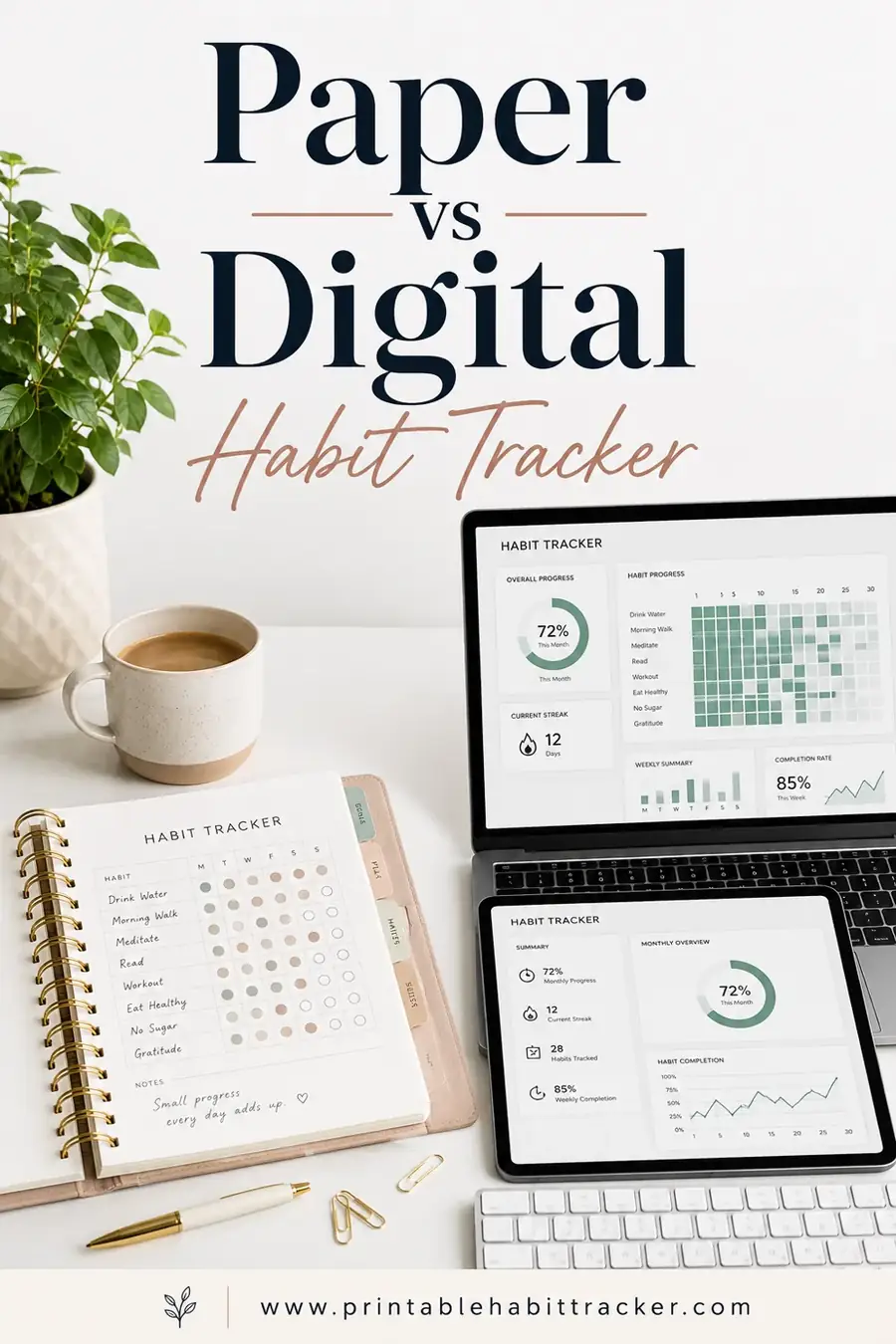
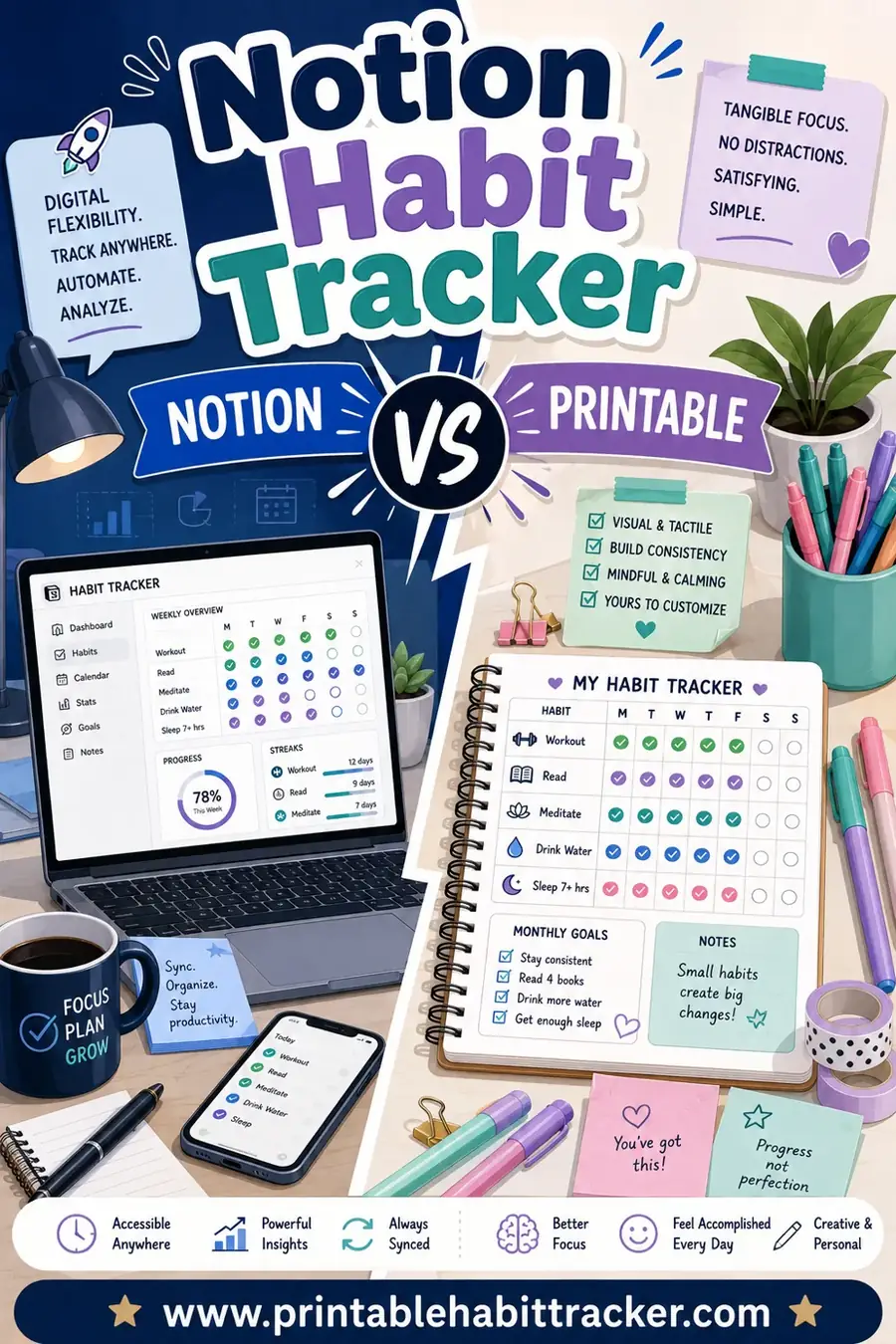
Want the bigger picture on paper versus apps? Read our take on paper vs digital habit tracker and Notion habit tracker vs printable.
Picking Colors and a Key That Actually Help
Color is where bullet journal trackers either shine or descend into chaos. The rule of thumb is to let color carry meaning, not just decoration. Assign one color per habit, or one color per category, so a glance tells you something useful instead of just looking busy.
A simple, sustainable system looks like this. Use a single pen color for "done" if you track yes/no habits, and reserve a second color for "partial" days when you sort of did it. For mood or energy trackers, build a three- or four-color scale and stick to it all month so the patterns stay readable. Write your key in the corner of the spread so you never have to remember what teal meant on the 3rd.
Resist the urge to use ten colors. It looks impressive on day one and becomes a memory test by day ten. Two or three colors, used consistently, beat a rainbow you can't decode.
Combining a Tracker With Your Monthly Spread
Your habit tracker doesn't have to live alone. Many people tuck it right into their monthly spread so habits sit next to the goals they support. Put your monthly goals at the top of the page, your habit grid in the middle, and a small notes box at the bottom for reflections.
This placement does something subtle but powerful: it links the daily action to the bigger reason. When you can see "read 20 books this year" floating above your "read 10 pages" habit row, the boring daily box suddenly has a point. The habit stops feeling arbitrary and starts feeling like a step.
If your journal is your command center, keeping habits beside your tasks and goals also means you'll actually open to that page every day. A tracker you see daily is a tracker you'll fill in. One buried three spreads back is a tracker you'll forget by the 5th.
Making Your Tracker Survive a Busy Month
Even the best layout struggles when life gets hectic, so build in a little forgiveness. Leave a "rest day" symbol in your key so a planned day off doesn't look like a failure. Add a small "minimum version" of each habit, like "read one page" instead of ten, so on hard days you can still keep the chain alive with a tiny win.
The goal of any of these layouts isn't a flawless month. It's a tracker you're still using on the 28th. Design for the tired version of yourself, not the inspired one, and you'll keep it going far longer.
Frequently Asked Questions
How many habits should I track in my bullet journal?
Start with three to five. It's tempting to track ten, but a shorter list is far easier to keep up, and consistency beats ambition. Once your starter habits feel automatic, add one or two more.
What's the easiest bullet journal habit tracker layout?
A monthly grid or a weekly mini-tracker. Both are simple boxes you fill in daily, with no special drawing skills needed. If even the grid feels like a chore, print a ready-made one and paste it into your journal.
Do I have to draw my habit tracker by hand?
No. Hand-drawing is part of the bullet journal hobby, but plenty of people print a clean grid and glue it in to save time. That way you get an even layout and still get to decorate it your own way.
Can I track mood and habits on the same page?
Yes. A pixel or mood chart pairs nicely beside a habit grid. Keep the mood chart as a color scale and the habits as yes/no boxes so each stays readable at a glance.
What should I do when I miss a day?
Nothing dramatic. Leave the box blank and fill in the next day. A single gap doesn't ruin your progress, but quitting because of one gap does. The goal is the long-term pattern, not a flawless chain.
How do I keep my tracker from getting messy?
Use a light, consistent marking style (one color per habit helps), give each habit its own row, and don't cram too many habits onto one page. A printable grid with even spacing also keeps things tidy automatically.
Ready to Try Your First Layout?
The best bullet journal habit tracker is the one you'll fill in tomorrow and the day after. Pick a simple layout, start with a few habits, and don't let a fussy setup talk you out of it. Open the free printable habit tracker, choose your habits, and print a clean grid to paste right into your journal. It's free, it takes a minute, and it leaves all your creative energy for the fun part.