Notion Habit Tracker vs Printable: Which Sticks?
A Notion habit tracker is a digital database you build inside the Notion app, while a printable habit tracker is a paper sheet you fill in by hand. Notion wins on automation, charts, and syncing across devices. A printable wins on speed, focus, and the simple fact that paper is harder to ignore. If your goal is actually building streaks and not just admiring a dashboard, a printable usually keeps you more consistent. The fastest way to try one is a free printable habit tracker you can set up and print in under a minute.
Want to skip the comparison and just start? Open the free printable habit tracker, add the habits you care about, and print today's sheet. No app to install, no account, no learning curve.
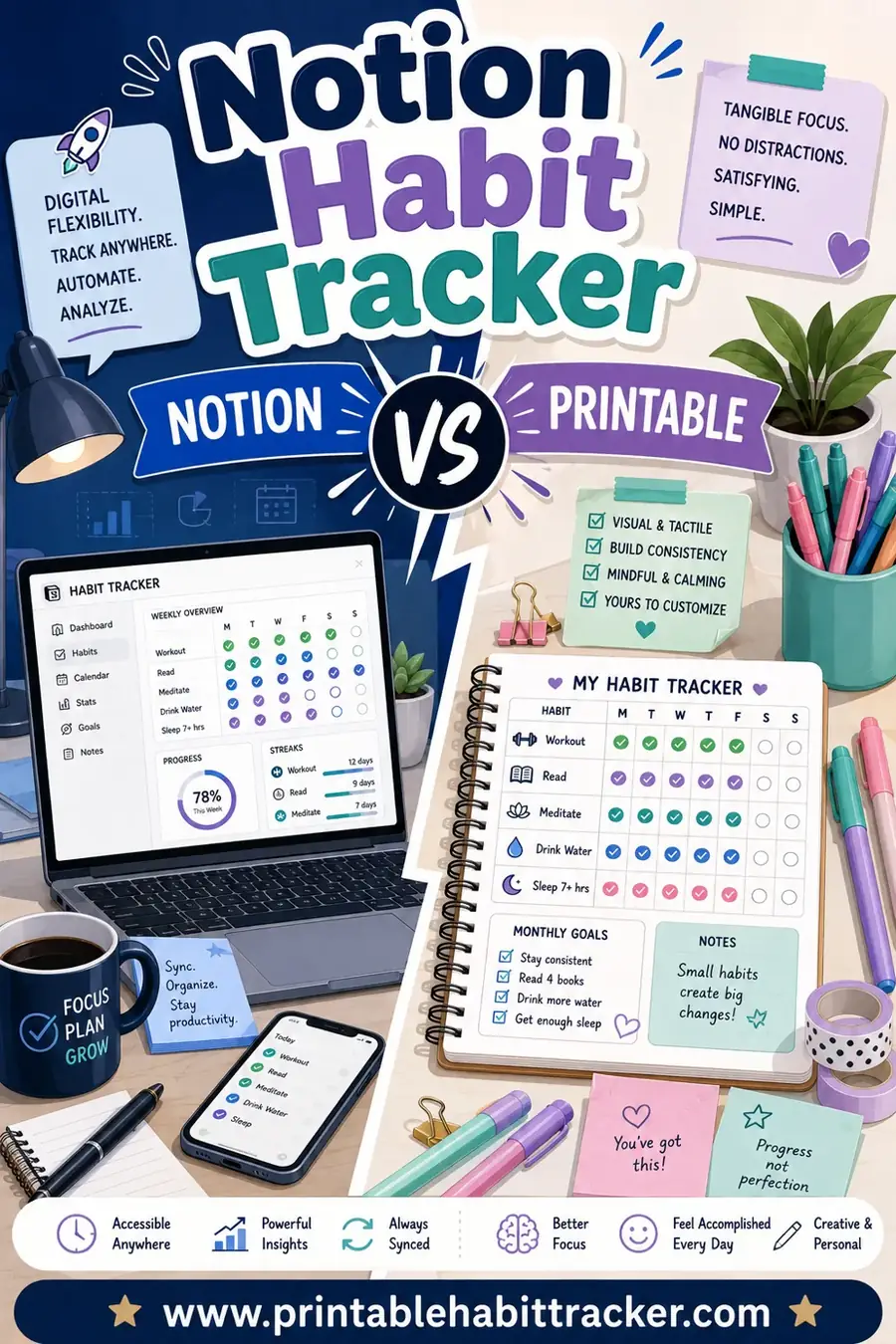
Notion Habit Tracker vs Printable at a Glance
Both tools do the same job: they help you mark whether you did a habit today. The difference is in how they feel to use day after day. Here's the short version before we dig in.
| Feature | Notion habit tracker | Printable habit tracker |
|---|---|---|
| Setup time | 20–60 min (or import a template) | Under 1 minute |
| Cost | Free tier works, paid for teams | Free |
| Daily logging | Open app, tap a checkbox | Glance at the fridge, tick a box |
| Distraction risk | High (your phone is right there) | None |
| Charts & stats | Built-in, automatic | You eyeball your streak |
| Works offline | Limited | Always |
| Best for | Data lovers, multi-habit systems | Focus, beginners, kids, quick wins |
Neither is "better" for everyone. The right pick depends on how your brain likes to work and how easily your phone pulls you off track.
What a Notion Habit Tracker Does Well
Notion is genuinely powerful, and for the right person it's a joy. If you like systems, it can be the heart of a whole productivity setup.
- Automatic stats. Notion can count your streaks, show completion percentages, and chart your month without you doing math.
- Everything in one place. Your habits can live next to your tasks, notes, and goals, all linked together.
- Syncs across devices. Check off a habit on your phone, see it update on your laptop.
- Endless customization. Filters, views, formulas, color-coding. If you can imagine it, you can probably build it.
For someone who already lives in Notion all day, adding a habit tracker is a small, natural step. The data is satisfying, and the flexibility is real.
Where Notion gets in the way
The same power that makes Notion great is also its weak spot for habits.
- It lives on your phone. Opening Notion means unlocking the one device most likely to swallow your next 20 minutes.
- Setup can stall you. People spend a weekend perfecting a template and then never log a single day.
- Friction adds up. A few taps sounds like nothing, but "a few taps" repeated every day is exactly the kind of tiny resistance that breaks new habits.
- It's invisible. Out of sight, out of mind. A tracker buried in an app is easy to forget.
What a Printable Habit Tracker Does Well
A printable strips the whole thing down to its core: did you do the thing, yes or no. That simplicity is the point.
- Zero distraction. Paper can't show you a notification or pull you into a feed.
- Always visible. Tape it to the fridge, the bathroom mirror, or your desk, and it nudges you every time you walk by.
- Instant logging. A pen and a quick tick. No unlocking, no loading, no app.
- No setup spiral. You print it and you're done. There's no template to tweak for hours.
- Easy on the brain. Crossing off a box by hand feels good in a way a screen tap doesn't quite match.
That last point matters more than it sounds. The small physical reward of marking a box is part of what makes habits stick. You can feel the streak growing.
Where a printable falls short
Paper isn't magic, and it's fair to name the trade-offs.
- No automatic stats. You count your streak yourself, though for most people a quick glance is plenty.
- It can get lost or wet. Keep a spare, or print a fresh one each month.
- Harder to track 15 habits. Paper shines for a focused handful, not a sprawling system.
For most people, none of these are dealbreakers. You can print a fresh tracker any time in seconds.
The Real Question: Which One Keeps You Consistent?
Here's the honest truth that most comparisons skip. The best habit tracker isn't the one with the most features. It's the one you'll actually use on day 14, when the novelty has worn off and you're tired.
Notion is fantastic at recording habits. But it asks you to open the very device that's most likely to distract you, and it hides your progress inside an app. A printable does the opposite. It sits in the open, in your line of sight, asking for one second of your attention.
For habit formation specifically, visibility and low friction beat features almost every time. That's why a lot of people who love Notion for projects still keep a paper tracker on the wall for their daily habits.
When to Choose Notion
Go with a Notion habit tracker if:
- You already use Notion every day for work or study.
- You love data, charts, and seeing trends over months.
- You're tracking many habits and want them linked to goals or tasks.
- You have the discipline to open the app daily without doom-scrolling.
If that's you, Notion can absolutely work. The key is keeping your tracker dead simple so logging stays a 5-second job.
When to Choose a Printable
Go with a printable habit tracker if:
- You're starting fresh and want results, not a setup project.
- Your phone is a known distraction.
- You want your progress visible where you'll see it.
- You're building habits with a kid, partner, or your whole household.
- You just want to start today, right now, with zero fuss.
For beginners especially, paper is the safer bet. It removes every excuse between you and a checked box.
How to Get the Best of Both
You don't actually have to pick a side. A lot of people combine them, and it works beautifully.
- Print the daily tracker. Keep your active habits on paper, somewhere you'll see them every day. Use a free printable habit tracker so it takes seconds to set up.
- Log the day in Notion if you like data. Once a week, transfer your checks into a Notion table to see long-term trends.
- Let paper do the nagging. The wall sheet keeps you honest day to day; Notion gives you the satisfying month-end stats.
This hybrid gives you the consistency of paper and the insights of digital, without forcing either one to do a job it's bad at.
Sample Week: How Each Feels in Practice
To make it concrete, here's how a single habit, "drink water," might play out across one week with each tool.
| Day | With Notion | With a printable |
|---|---|---|
| Mon | Unlock phone, open app, tap box | See sheet, grab pen, tick box |
| Tue | Forget; app was closed all day | Walk past fridge, tick box |
| Wed | Tap box, get distracted by a notification | Tick box, move on in 2 seconds |
| Thu | Forget again | Tick box |
| Fri | Open app, admire your chart | Tick box, see the streak growing |
| Sat | Skip; didn't open phone for tracking | Tick box |
| Sun | Catch up on three missed days from memory | Already current; review at a glance |
Notice the pattern. The printable's win isn't fancier. It's just harder to skip.
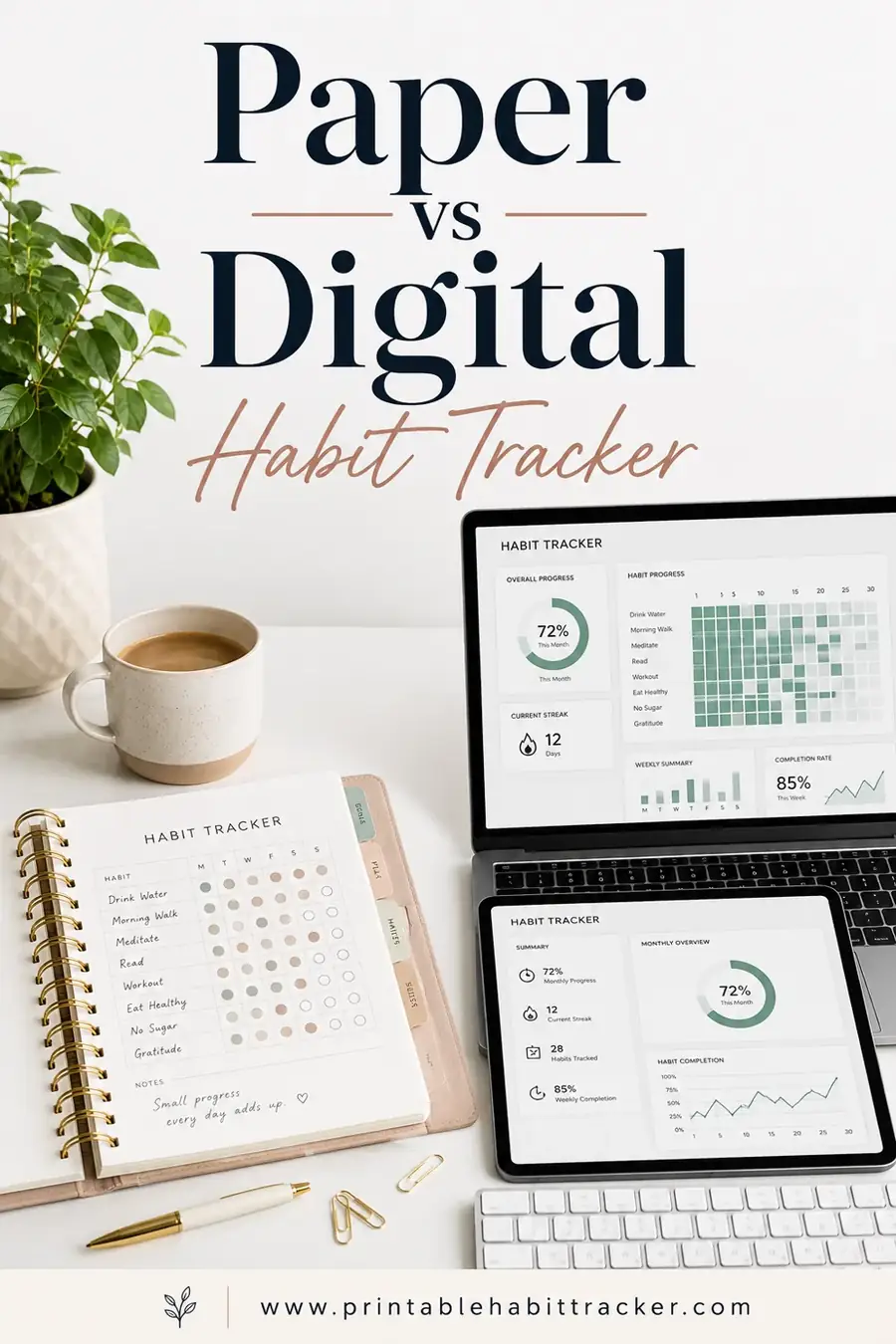
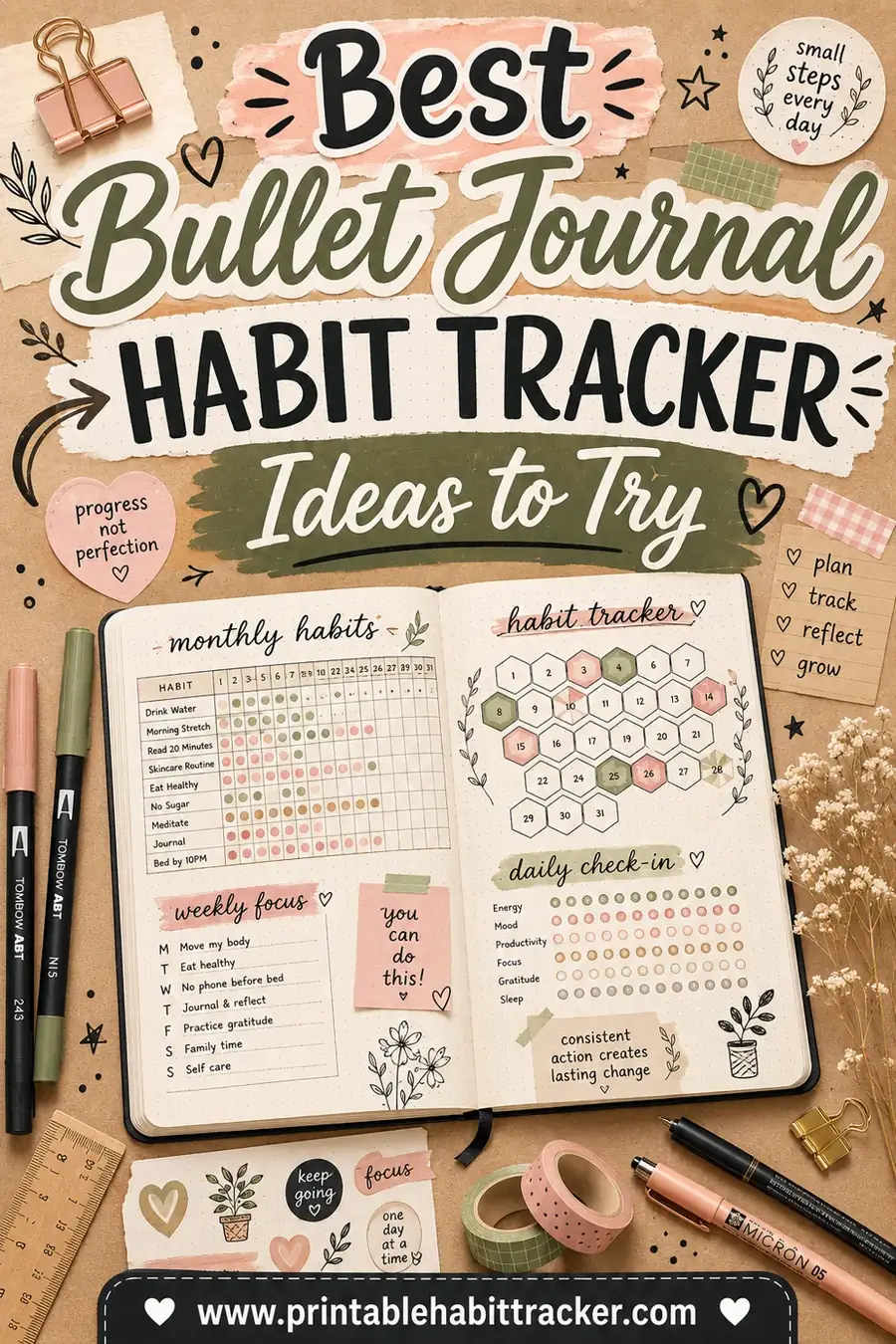
Curious how this compares more broadly? See our deeper dive on paper vs digital habit tracker, or grab fresh layout ideas from our best bullet journal habit tracker ideas.
What the Research Hints At
You don't need a study to know this, but it helps to understand why paper feels stickier. Habits form through cues, and the strongest cue is one you literally can't miss. A tracker taped to your fridge is a cue that fires every single time you reach for a snack or a glass of water. A Notion database is a cue only when you decide to open it, which means it depends on the very memory and motivation that new habits haven't built yet.
There's also the friction angle. Every extra step between you and an action makes that action less likely. Unlocking your phone, finding the app, waiting for it to load, and tapping the right box is four steps. Grabbing the pen already sitting next to the sheet and ticking a box is one. That gap sounds trivial, but multiplied across weeks it's the difference between a habit that sticks and one that fizzles.
And then there's the reward. Marking a box by hand gives a small hit of satisfaction you can feel in your fingers. Watching a row of checks grow on the wall is a visible trophy. A digital streak counter does something similar, but it's locked behind a screen you have to choose to look at. The wall sheet rewards you whether you ask for it or not.
Switching From Notion to Paper Without Losing History
If you've already built a Notion tracker and you're worried about abandoning months of data, you don't have to. Keep the Notion page exactly as it is, frozen as your archive. Export it or just leave it; the history stays put.
Then start fresh on paper for your current habits. The two don't compete. Your Notion archive holds the long view, and the printable handles the daily work. After a month, if you want the trend lines back, spend five minutes copying your paper checks into Notion in one sitting. That batch entry is far easier to keep up than daily app logging, and you still get the charts you loved.
The point is that choosing a printable today doesn't erase what you built. It just moves the daily job to a tool that's better at it.
Frequently Asked Questions
Is a Notion habit tracker free?
Yes. Notion's free plan covers personal habit tracking, and there are thousands of free templates. You'll only pay if you need team features. A printable habit tracker is also completely free and needs no account at all.
Which is better for building a new habit?
A printable usually wins for brand-new habits. It's always visible and takes one second to log, which removes the friction that breaks most early habits. Notion shines later, once the habit is locked in and you want to study your long-term data.
Can I track multiple habits on a printable?
Absolutely. A single printable sheet can hold a row for each habit and a column for each day. For five to ten daily habits, paper is plenty. If you're tracking fifteen or more linked habits, Notion's database may feel cleaner.
Do I lose my data with a printable tracker?
Only if you lose the paper. The fix is easy: snap a photo of each finished month, or print a fresh sheet monthly and keep the old ones in a folder. You can print a new tracker any time for free.
Can I use both Notion and a printable together?
Yes, and many people do. Keep the printable on your wall for daily logging, then copy your results into Notion weekly if you want charts and trends. You get paper's consistency plus digital's insights.
Which is better for kids?
A printable, hands down. Kids respond to a colorful chart on the fridge with stickers or a marker far better than to an app. It's visual, tactile, and rewarding, which is exactly what builds habits at a young age.
Ready to Build a Tracker You'll Actually Use?
Notion is brilliant if you love data and already live in the app. But if your real goal is showing up every day, a printable is the simpler, stickier choice. Open the free printable habit tracker, add your habits, and print today's sheet in under a minute. It's free, there's no sign-up, and the only feature that matters, getting you to check the box, is the one it does best.