Habit Tracker Color Coding Ideas That Keep You Going
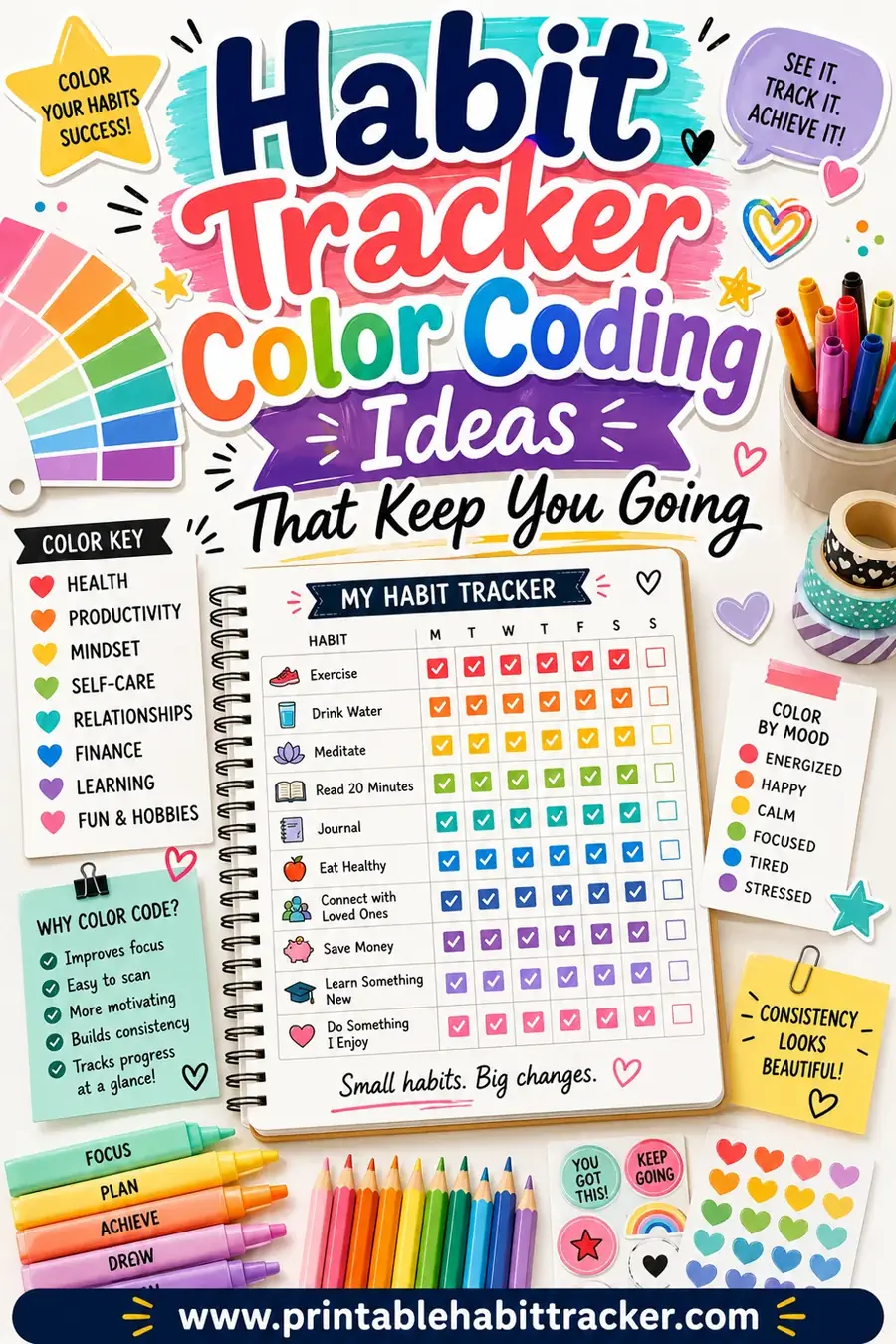
The simplest way to color code a habit tracker is to give each category of habit its own color: green for health, blue for work, orange for rest and fun. That way your tracker reads like a heatmap, and a single glance tells you whether your week is balanced or all work and no play. From there you can color by priority, by mood, or by how the day went, depending on what you want your tracker to show you.
Want to set one up today? Open the free printable habit tracker, add your habits, and color the boxes with whatever pens or highlighters you already own. No sign-up, no app, and you can reprint a fresh sheet whenever you change your system.
Why Color Code a Habit Tracker at All
A plain habit tracker is a grid of identical checkmarks. That works fine for three habits. But once you're tracking eight or ten, every box looks the same, and you lose the story your tracker is trying to tell.
Color fixes that in two ways:
- It groups related habits instantly. You stop reading the tracker box by box and start seeing patterns by color.
- It makes marking feel good. Reaching for a bright highlighter is more satisfying than a gray pencil tick, and tiny bits of satisfaction are what keep a habit alive.
Color is also a feedback loop. A week heavy in one color and light in another shows you, without any math, where your life is leaning. That awareness is often the whole point.
Color Code by Category
This is the most popular system and the easiest to start with. You sort your habits into a few buckets and give each bucket a color.
A simple starter set looks like this:
- Green — health: water, workout, vegetables, sleep.
- Blue — work and growth: deep work, study, reading, skill practice.
- Orange — rest and fun: hobby time, friends, no-screen wind-down.
- Purple — mind: meditation, journaling, gratitude.
The beauty here is balance. If your whole week is blue, you're grinding without rest. If it's all green, maybe your goals have stalled. The colors keep you honest in a way numbers don't.
Best for: people tracking many habits who want their week to feel balanced.
Color Code by Priority
Not every habit carries the same weight. Some are non-negotiable; others are nice-to-haves. Coding by priority makes your must-do habits visually shout.
A clean three-tier setup:
- Red — must do daily: the one or two habits you refuse to skip.
- Yellow — should do: important, but the world won't end if you miss one.
- Green — bonus: habits you're testing or layering in slowly.
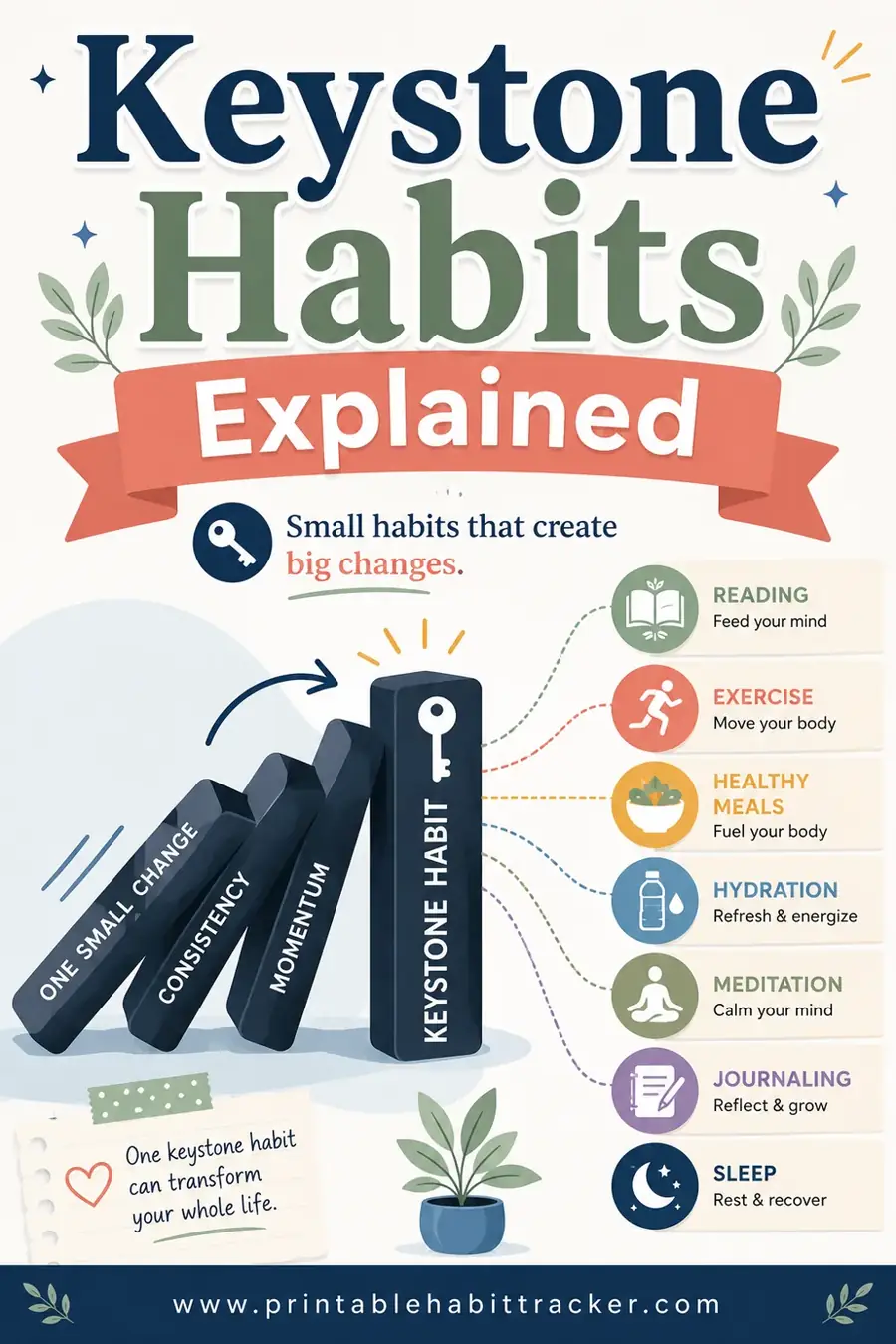
When you're short on time and energy, you scan for red first, handle those, and let the rest happen if they happen. This is a great pairing with a keystone habit — make that one red, and protect it above all else.
Best for: busy people who need to triage their habits on hard days.
Color Code by Mood or Energy
Here the color doesn't label the habit. It records how the day actually felt. You still check off your habits as usual, but you shade the day's column based on your energy or mood.
A common scale:
- Green: great day, high energy.
- Yellow: okay, getting through it.
- Red: rough day, running on empty.
After a month you can lay your habit completion next to your mood colors and learn something real. Maybe you nail your habits on green days and crumble on red ones, which tells you to build smaller, gentler routines for the hard stretches.
Best for: people who want to understand the link between their habits and how they feel.
Color Code by Progress
This one turns your tracker into a living chart. Instead of a binary check, you color the box by how much of the habit you did.
For example, with a "drink water" goal:
- Light shade: a little.
- Medium shade: halfway.
- Full color: hit the goal.
By the end of the week, a row tells you not just whether you showed up but how strongly. It's perfect for habits that aren't all-or-nothing, like exercise, water, or reading minutes.
Best for: habits measured in degrees rather than yes/no.
Color System Comparison
Not sure which to pick? Here's a quick guide.
| System | What the color means | Best for | Pens you'll need |
|---|---|---|---|
| By category | The type of habit | Many habits, balance | 3–5 colors |
| By priority | How essential it is | Busy, triage days | 3 colors |
| By mood | How the day felt | Self-awareness | 3 colors |
| By progress | How much you did | Degree-based habits | 1 color, light to dark |
You can even mix two: code your habits by category and shade each day's header by mood. Just don't pile on so many rules that coloring becomes a chore. The system should serve you, not the other way around.
Picking a Palette That Doesn't Fight You
The colors you choose matter more than you'd think. A few guidelines keep your tracker readable and pleasant.
- Stick to four or five colors, max. Beyond that, you'll forget what each one means and the page turns muddy.
- Pick colors with clear contrast. Pastels look pretty but blur together. If you can't tell two colors apart at arm's length, swap one out.
- Match color to meaning where you can. Green reads as "go" and "healthy," red reads as "stop" and "urgent." Lean into those instincts; they make the system feel obvious.
- Use what you own. A set of highlighters or a five-pack of gel pens is all you need. There's no special supply here.
A balanced starter palette
If you just want a set that works, use this:
| Color | Meaning |
|---|---|
| Green | Health and body |
| Blue | Work and focus |
| Orange | Rest and fun |
| Purple | Mind and reflection |
| Pink | Relationships |
Print your tracker, keep these five pens nearby, and you're set.
How to Set It Up on a Printed Tracker
Color coding works best on paper because filling boxes with a real pen is half the reward. Here's how to roll it out without overthinking.
- Print your tracker. Use the free printable habit tracker to lay out your habits and days first.
- Pick one system. Category coding is the friendliest place to start.
- Make a tiny legend. In a corner, write which color means what. You'll thank yourself in week two.
- Color a sample row. Fill in one habit's row the way you imagine it. If it looks confusing, simplify before you commit.
- Keep your pens with the tracker. If you have to hunt for the right color, you won't color at all. Clip them to the page or stash them right beside it.
That's the whole setup. Five minutes, and your tracker goes from a gray grid to a board you actually want to look at.
Color-Coding Mistakes to Avoid
A handful of slip-ups can turn a helpful system into a frustrating one.
- Too many colors. More than five and you lose track of what they mean. Keep it tight.
- No legend. Future you won't remember why some boxes are pink. Always jot down the key.
- Making it precious. If you're scared to "ruin" a perfect spread, you'll avoid marking it. It's a tool, not art. Mark freely.
- Switching systems mid-month. Pick one and ride it to the end of the month, then change if you want. Mixing two systems in one grid creates chaos.
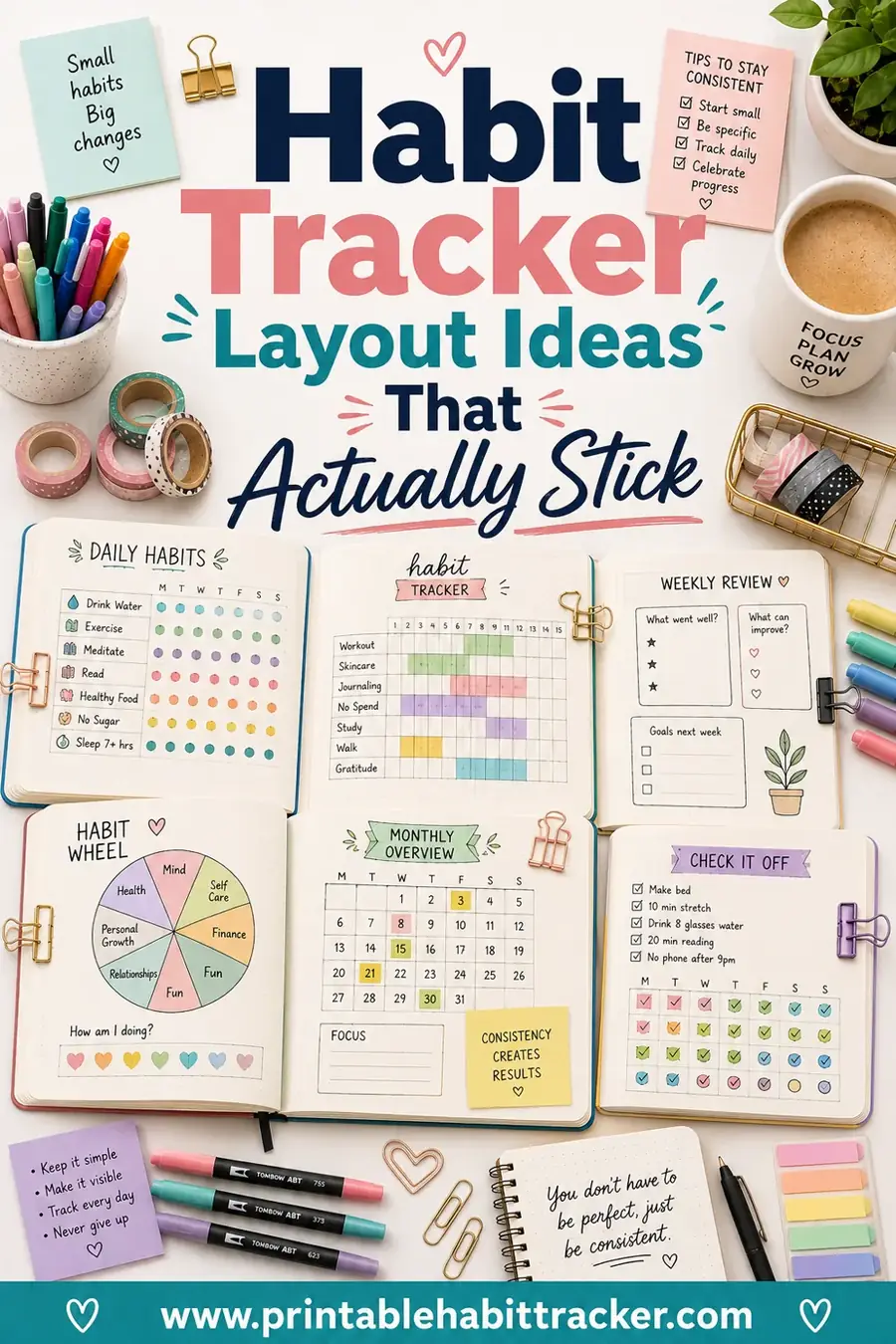
If color coding feels like too much, that's fine. A plain tracker still works. We cover the full range of styles in our habit tracker layout ideas guide.
Color Coding for Specific Goals
Different goals lend themselves to different color tricks. Here are a few setups people swear by, so you can borrow one that fits what you're working on.
- Fitness goals. Use a single color and shade it darker the harder you worked. A light box for a stretch day, a full deep color for a tough workout. Over a month your row becomes a visual record of effort, not just attendance.
- Mood and mental health. Color each day by how you felt, then check your habits in plain pen on top. Lining up your mood colors against your habit completion reveals which routines lift you and which ones drain you.
- Reading or study streaks. Give each subject or book its own color. A glance shows whether you're neglecting one area, and a balanced rainbow week feels genuinely good to look at.
- Breaking a bad habit. Use green for a clean day and red for a slip. The goal is a wall of green, and even a single red box stands out enough to keep you honest without any shame attached.
Pick the version that matches your goal, and color coding stops being decoration and starts being a tool that actually teaches you something about yourself.
Frequently Asked Questions
What is the easiest habit tracker color coding system?
Coding by category is the easiest to start with. Group your habits into health, work, and rest, then give each group a color. Three colors are enough to make your week readable at a glance, and you can add more later if you want finer detail.
How many colors should I use in a habit tracker?
Four or five at most. Fewer colors are easier to remember and keep the page clean. Beyond five, you start forgetting what each one means and the tracker turns into a muddle. Always keep a small legend so you don't lose track.
Can color coding actually help me build habits?
Yes, in two ways. It makes patterns visible, so you can see if your week is unbalanced, and it makes marking more satisfying, which keeps you coming back. Both are real drivers of consistency. The color won't do the work for you, but it removes friction and adds a little reward.
What pens or markers work best for a printed habit tracker?
Highlighters, gel pens, or colored fineliners all work great. Use whatever you already own. The only thing that matters is that the colors are easy to tell apart at a glance. Keep them right beside your tracker so coloring stays effortless.
Can I make a color-coded habit tracker for free?
Yes. The free printable habit tracker lets you build your layout and add your habits, then you color the boxes yourself with any pens you have. There's no cost, no sign-up, and you can reprint a fresh sheet whenever you tweak your color system.
Ready to Add Some Color?
Pick a system, grab a few pens, and turn your tracker into something you genuinely look forward to filling in. Open the free printable habit tracker, add your habits, print it, and start coloring. It's free, there's no sign-up, and a brighter, clearer tracker is just a print away.