How to Build a Habit Tracker in Notion (Step by Step)
To build a habit tracker in Notion, create a new database (table or calendar), add a row for each day, make a checkbox column for every habit you want to track, and check the boxes off as you go. You can stop there for a simple version, or add a formula to count your daily wins and a streak counter to keep yourself motivated. The whole basic setup takes about fifteen minutes.
Prefer something you can hold and stick on the wall? You can make a free printable habit tracker in under a minute, no Notion account or formulas needed. We'll cover both, so you can pick what fits.
Why Track Habits in Notion
Notion is flexible, free for personal use, and lives on every device you own. If you already use it for notes, tasks, or planning, adding a habit tracker keeps everything in one place. You won't have to jump between a separate app and your daily workspace.
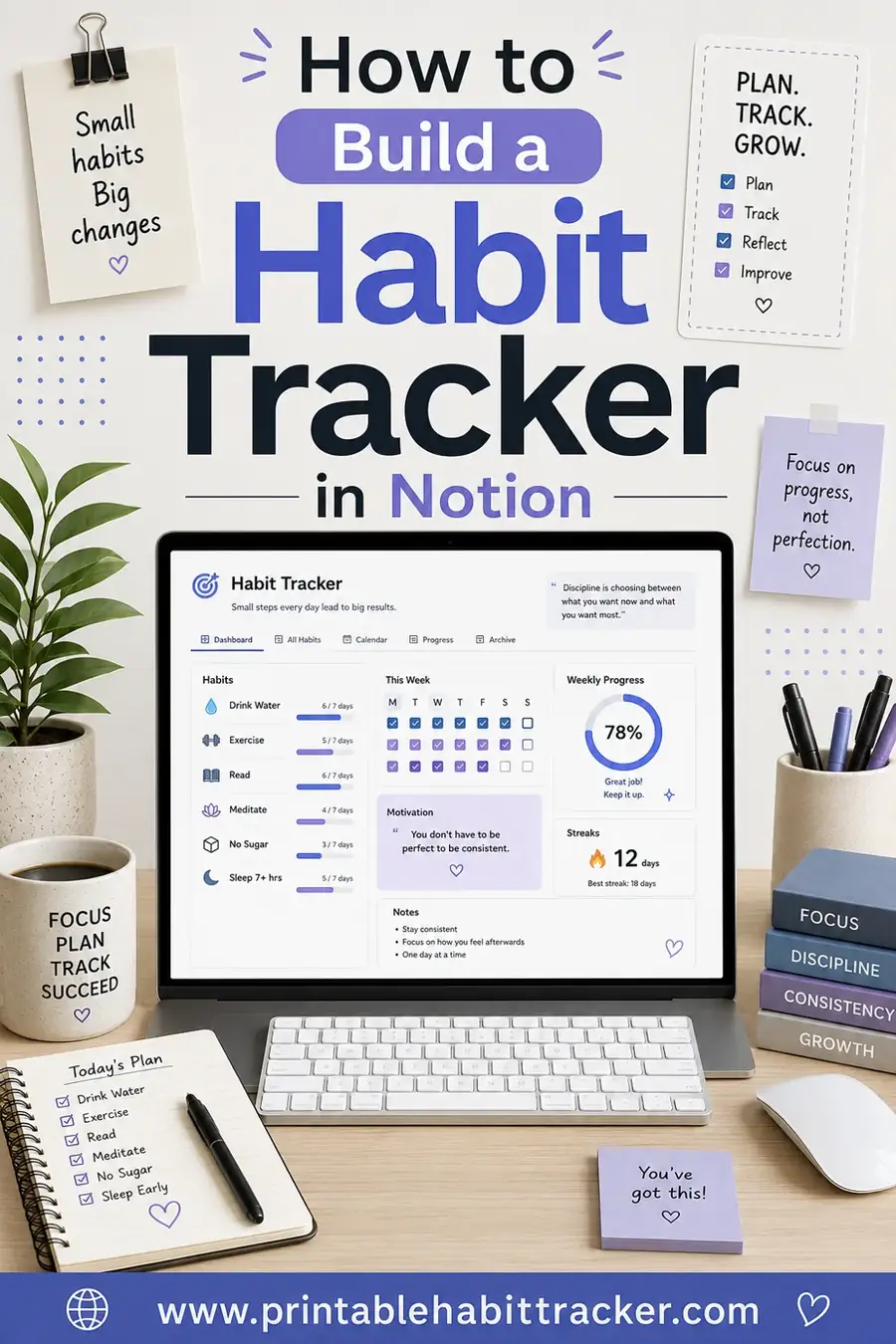
The big draw is customization. You decide which habits to track, how to view them, and what data to show. Want a calendar view that paints completed days green? You can build that. Want a dashboard that shows this week's completion rate? That too. Notion bends to your system instead of forcing you into someone else's.
The trade-off is setup time and a small learning curve. It takes more effort upfront than printing a sheet. But once it's built, it runs itself, and you can reuse the template forever.
What You'll Need
Almost nothing, which is part of the appeal.
- A free Notion account. Personal use is free with unlimited blocks.
- About 15 minutes for the basic build.
- A clear list of habits you want to track (3 to 7 is a good start).
That's it. No paid plan, no plugins, no coding. Everything below uses built-in Notion features.
Step-by-Step: Build a Basic Notion Habit Tracker
Here's the simplest reliable setup. Follow these in order.
| Step | What you do |
|---|---|
| 1. Create a database | Add a new page, choose "Table" view |
| 2. Add a date column | Rename the title column "Date" or add a Date property |
| 3. Add habit columns | One Checkbox property per habit |
| 4. Add daily rows | One row per day of the week or month |
| 5. Check boxes daily | Tick each habit you complete |
| 6. (Optional) Add a formula | Count completed habits per day |
Let's walk through the key steps.
1. Create your database
Open a new Notion page and type `/table`, then pick Table - Inline or Full page. This gives you a grid you can fill with habits and dates.
2. Set up your columns
Rename the first column to Date (or add a Date property so Notion knows it's a real date). Then add a new property for each habit and set the type to Checkbox. For example: Water, Exercise, Read, Meditate. Each becomes its own column with a tickable box.
3. Add your days
Create one row per day. You can type the dates manually, or for a month, add 30 to 31 rows. Each row is one day, and you'll tick the habit boxes as you complete them.
4. Check off your habits
This is the daily part. Open your tracker, find today's row, and tick every habit you did. That's the whole routine, takes ten seconds.
Level It Up: Formulas and Streaks
Once the basic version works, you can add features that make Notion shine. These are optional, but they're motivating.
Count your daily wins
Add a Formula property that counts how many habit boxes are checked in a row. A simple version adds up your checkboxes (Notion treats a checked box as 1 and unchecked as 0). Now each day shows a score, like "4 of 5 done." Watching that number is oddly satisfying.
Build a streak counter
Streaks are the secret sauce of habit tracking. In Notion you can track a streak with a formula that looks at whether you hit your goal each day. It's more advanced and the exact formula depends on your setup, but the payoff is a live count of how many days in a row you've stayed consistent.
Try different views
This is where Notion beats paper. From one database, create multiple views:
- Calendar view — see completed days laid out on a monthly calendar.
- This week view — filter to just the last 7 days to stay focused.
- Board view — group days by completion to spot patterns.
You build the data once and slice it however helps you most.
Use a Template to Skip the Setup
Don't want to build from scratch? Notion has a large template gallery, and the community has shared thousands of habit tracker templates. You can duplicate one into your workspace in a couple of clicks and start tracking immediately.
The catch with templates is that someone else designed them. They might track habits you don't care about, or use a layout that doesn't click for you. Often it's worth building a simple version yourself so it fits exactly how your brain works. You can always borrow ideas from templates and adapt them.
Notion vs Paper: When to Use Which
Notion is powerful, but it isn't always the right tool. Here's an honest comparison so you pick what actually keeps you consistent.
| Factor | Notion tracker | Printable tracker |
|---|---|---|
| Setup time | ~15 min (or duplicate a template) | Under 1 minute |
| Cost | Free | Free |
| Reminders | None built in | None (but always visible) |
| Streaks & stats | Yes, with formulas | Manual, at a glance |
| Distraction risk | High (you're on a device) | Zero |
| Always visible | Only when you open it | Yes, stick it on the wall |
| Learning curve | Some | None |
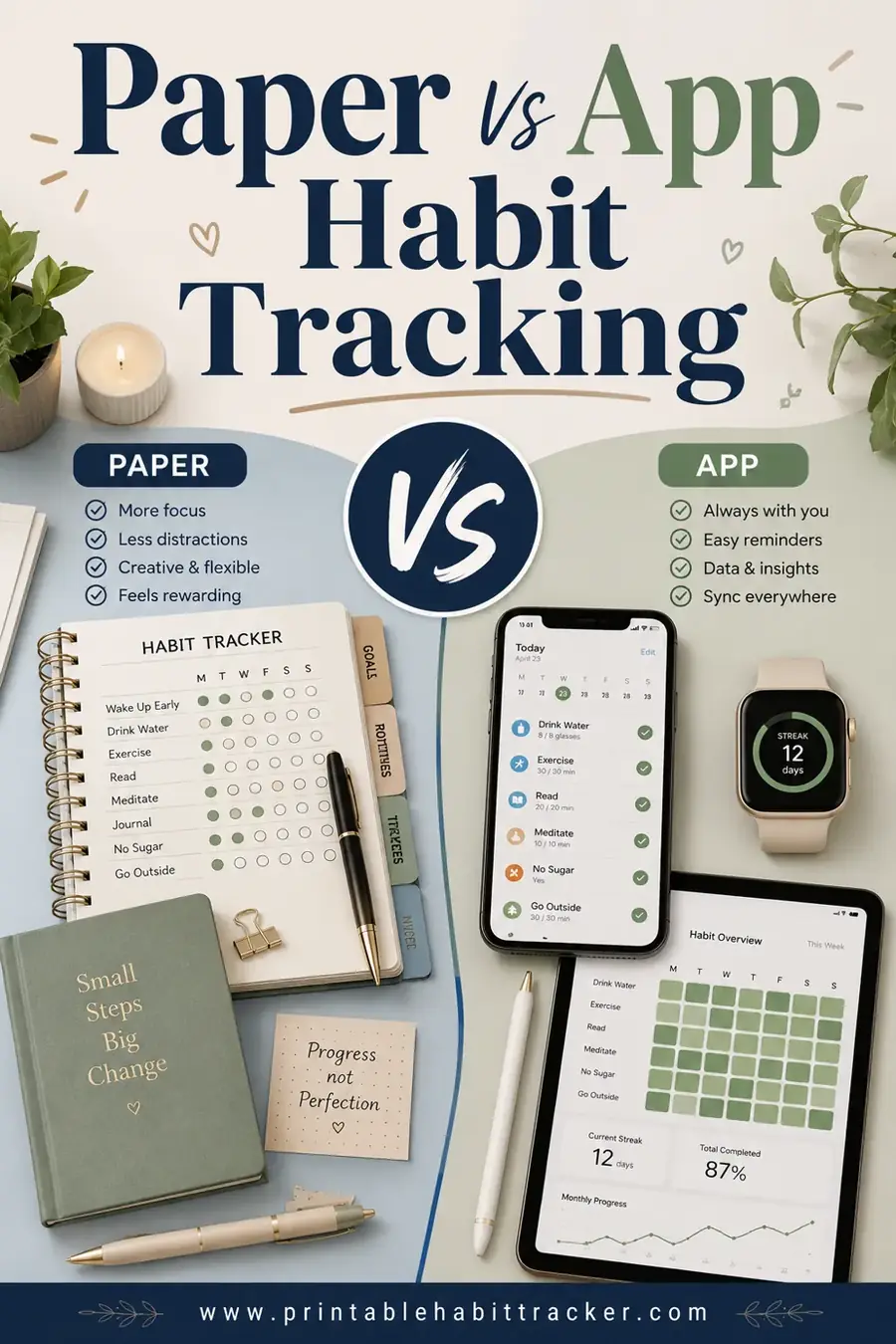
Notion wins if you love systems, already use the app, and want stats and multiple views. Paper wins if you're easily distracted by screens, want zero setup, or just need something on the fridge that you can't ignore. Plenty of people use Notion for planning and a printable tracker for the daily habit check-off.
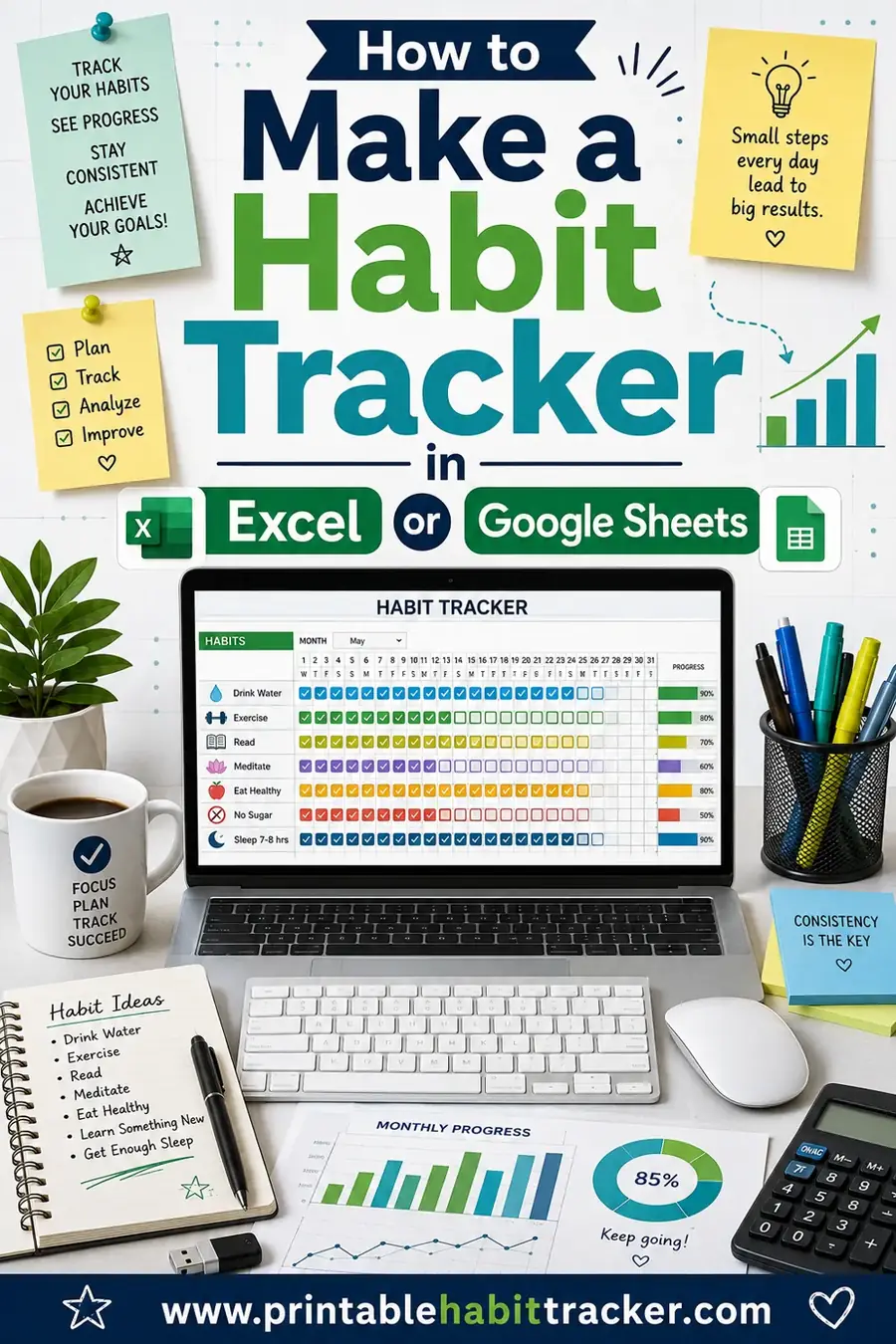
If you want to see how a spreadsheet approach compares, our habit tracker in Excel or Sheets guide covers a similar digital build with formulas. And for the bigger-picture decision, the paper vs app habit tracking post breaks down which method sticks for which kind of person.
Common Notion Tracker Mistakes to Avoid
Notion gives you so much power that it's easy to overbuild. Watch out for these traps, because each one quietly kills habit trackers.
- Over-engineering the database. Adding ten formulas, three relations, and a rollup before you've tracked a single day. Build the simplest version first, use it for a week, then add features only if you miss them.
- Tracking too many habits. A grid of fifteen checkboxes looks impressive and feels impossible. Cut it to the few that actually matter to you right now.
- Hiding the tracker. If it's buried three pages deep, you'll forget it exists. Pin it to your sidebar or embed it on your home dashboard.
- Logging at random times. Without a set moment to check in, days slip by unticked. Anchor it to a daily routine you already have.
- Chasing a perfect streak. One blank day is not failure. People who demand 100% tend to quit the moment they slip. Aim for "most days," not "every day."
The fix for almost all of these is the same: keep it simple and keep it visible. A bare-bones tracker you open daily beats a gorgeous, formula-packed one you forget about by Wednesday.
Tips to Make Your Notion Tracker Stick
Building the tracker is easy. Actually using it every day is the hard part. A few things that help:
- Pin it. Add your tracker to your sidebar favorites so it's one click away.
- Check it at the same time daily. Tie it to an existing routine, like your morning coffee or bedtime.
- Start with few habits. Three to five. A wall of checkboxes is intimidating and easy to abandon.
- Add it to your dashboard. If you have a Notion home page, embed the tracker there so you see it constantly.
- Review weekly. Use a filtered "this week" view to celebrate wins and adjust what's not working.
The same rule applies as with any tracker: don't aim for a perfect record, aim to never miss twice in a row.
Frequently Asked Questions
How do I make a habit tracker in Notion?
Create a database (table view), add a Date column, then add a Checkbox column for each habit. Make one row per day and tick the boxes as you complete each habit. For extras, add a formula to count daily wins. The basic version takes about fifteen minutes to set up.
Is a Notion habit tracker free?
Yes. Notion's personal plan is free with unlimited blocks, which is plenty for a habit tracker. You don't need a paid plan, plugins, or any add-ons. Everything you need is built into the free version.
Can I track streaks in Notion?
You can, using a formula property that counts consecutive days you hit your goal. It's a more advanced step and the formula depends on your setup, but it gives you a live streak count that's genuinely motivating to watch climb.
Should I build my own Notion tracker or use a template?
Templates save time and you can duplicate one in two clicks, but they're designed around someone else's habits. Building a simple version yourself takes about fifteen minutes and fits exactly how you think. Borrow ideas from templates, then tweak to taste.
Is Notion or paper better for habit tracking?
It depends on you. Notion is great if you love systems, want stats and multiple views, and already use the app. Paper wins if you're distracted by screens or want zero setup. Many people use Notion for planning and a printable tracker for the daily check-off.
How many habits should I track in Notion?
Start with three to five. A short, focused list is easy to keep up and far more likely to stick. A long wall of checkboxes looks impressive but tends to get abandoned. Add more habits only once the first few feel automatic.
Ready to Start Tracking Your Habits?
If you love building systems, Notion is a fantastic home for your habits, and you can have a basic tracker running in fifteen minutes. But if screens distract you or you just want something simple today, build a free printable habit tracker instead, print it, and stick it where you'll see it. Either way, pick a habit and check off day one. The best tracker is the one you'll actually use.