Habit Tracker Journal: A Monthly Page to Print for Your Notebook or Planner
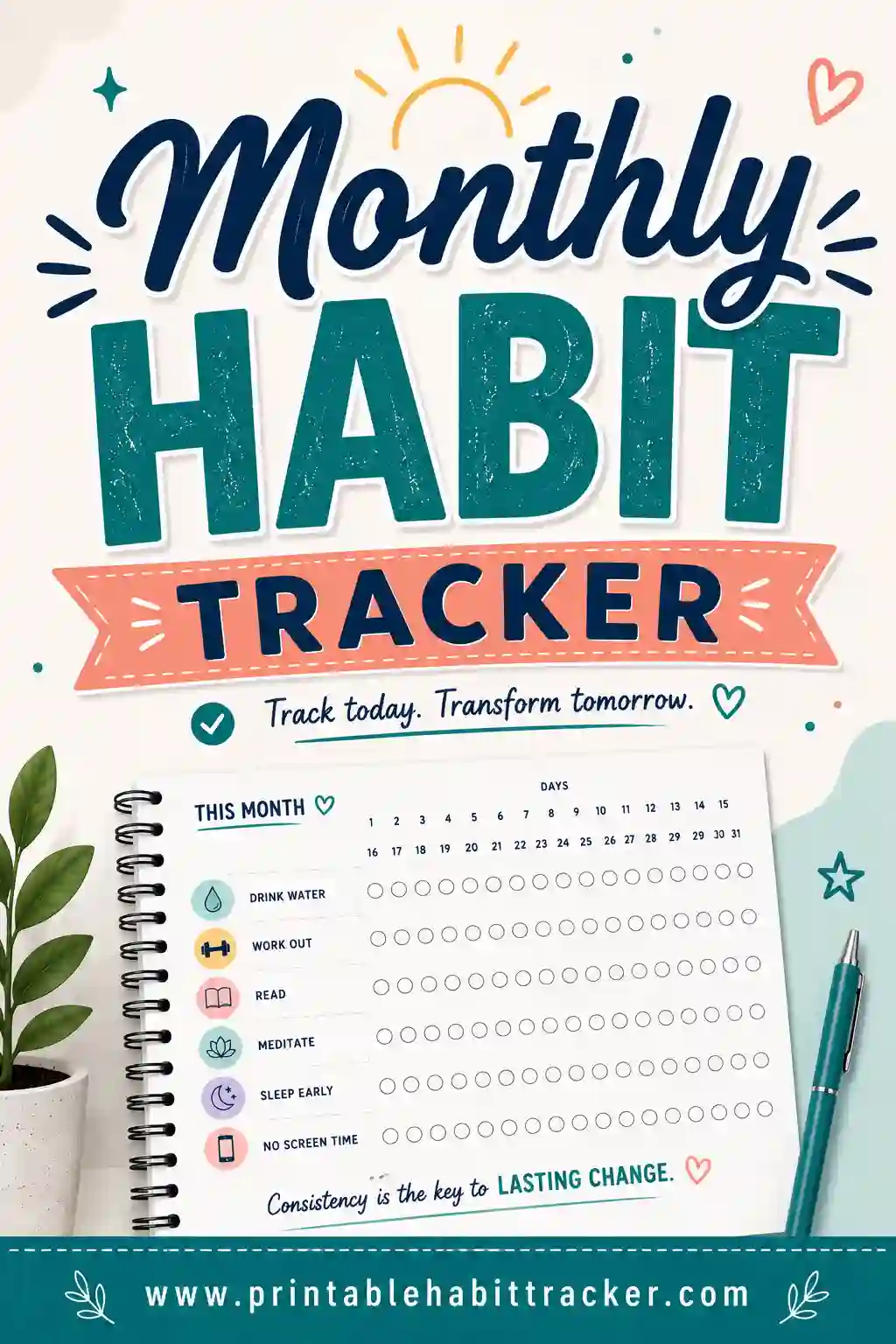
A habit tracker journal page is just a month-long grid of your habits that lives inside the notebook or planner you already carry. You can draw one by hand, but the quickest way is to print a monthly tracker, shrink it to fit your journal, and tape or glue it in. Pick five to eight habits, check a box each day you do one, and look back at the end of the month.
Set up your habits below, then print it sized for your journal:
✅ Try this tracker for one week
Tap a box each day you do the habit. Your ticks stay on this device.
What is a journal habit tracker?
It's a habit grid that sits right next to your notes, plans and to-do lists, instead of in an app or on the fridge. Habits down the side, days 1 to 31 across the top, a box for each day. That's it.
The big perk is that you already open your journal every day. A tracker on page 3 of your planner gets checked. A tracker in a drawer doesn't.
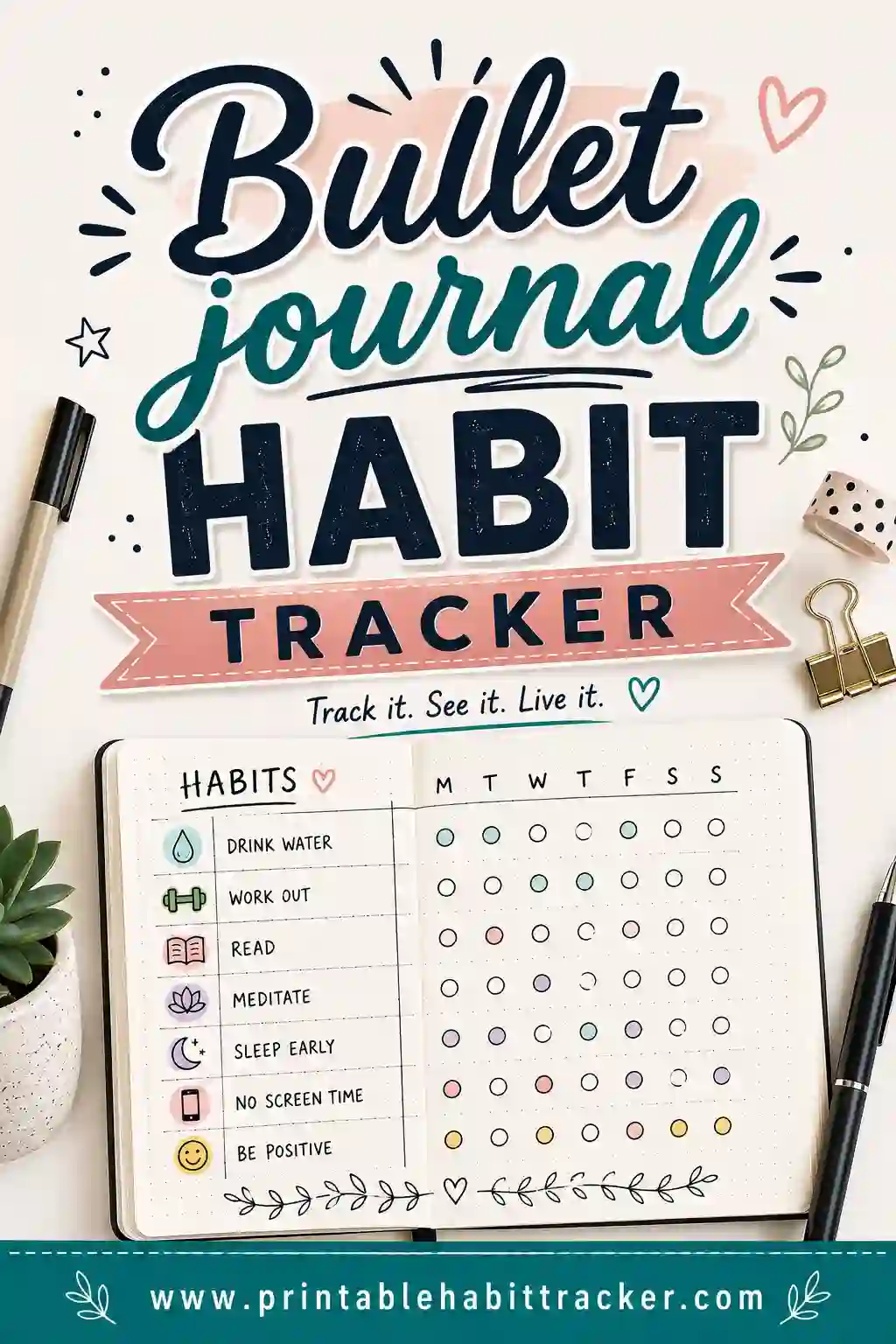
Already use a dotted bullet journal? Our bullet journal habit tracker page covers BuJo-style spreads. This page is for everyone else: plain notebooks, store-bought planners, Moleskine-style journals and binders.
How do you add a habit tracker to a notebook or planner?
You've got three good options:
| Method | Time | Best for |
|---|---|---|
| Print, trim and tape in | 5 minutes | Any notebook or planner, neat lines with no ruler |
| Print on a full page and fold in | 2 minutes | Binders and bigger planners |
| Draw it by hand | 20 to 30 minutes | People who enjoy the creative part |
If you go with printing, here's how to get the size right.
How to print a habit tracker to fit your journal
Most journals are smaller than a regular sheet of paper, so you'll want to shrink the page when you print. Two easy ways:
Option 1: Print 2 pages per sheet
In your print settings, look for "Pages per sheet" (or "Multiple" or "Layout," depending on your computer) and pick 2. Each tracker comes out half-size, which is a near-perfect fit for half-letter planners (5.5 by 8.5 inches). Print two months at once and cut down the middle.
Option 2: Set a custom scale
Choose "Custom scale" and try these as a starting point, then trim the white edges:
| Journal or planner size | Common examples | Scale to try |
|---|---|---|
| Half-letter (5.5 x 8.5 in) | Many paper planners and discbound notebooks | About 64% |
| A5 (about 5.8 x 8.3 in) | Most dotted and lined journals | About 68% |
| B5 (about 6.9 x 9.8 in) | Larger notebooks and student journals | About 80% |
| Letter (8.5 x 11 in) | Binders and full-size planners | 100% |
These numbers are for a portrait page. A monthly grid with 31 days is wide, so if you set it to landscape in the maker, either turn your journal sideways or glue it across a two-page spread. Print one test page on plain paper first and hold it against your journal. It takes a minute and saves you a lot of trimming. For more on picking a layout, see our monthly habit tracker.
Tape, glue or washi?
- Glue stick: flat and permanent. Run it along all four edges so the corners don't curl.
- Washi tape: pretty, easy to remove, and lets you swap the page out next month.
- Clear tape on one edge: makes a flip-up page, so the tracker sits over your weekly spread.
How many habits should you track in a journal?
Five to eight is the sweet spot. Fewer than that and the page feels empty. More than ten and you'll spend more time checking boxes than doing the habits. If you're coming into January with big plans, start with five and add more in February once the first ones stick.
Habit tracker journal ideas to start with
Mix a few easy wins with one or two stretch habits. Here are ideas people actually keep:
- Health: drink water, take vitamins, move for 20 minutes, walk outside, stretch, in bed by a set time, eat a vegetable at lunch
- Mind: read 10 pages, journal one line, no phone for the first 30 minutes, three things I'm grateful for, ten minutes of quiet
- Home: make the bed, ten-minute tidy, dishes done before bed, plan tomorrow
- Money: no-spend day, log spending, pack lunch
- People: text a friend, family dinner, call Mom or Dad
- Growth: practice an instrument, 15 minutes of a new language, work on a side project
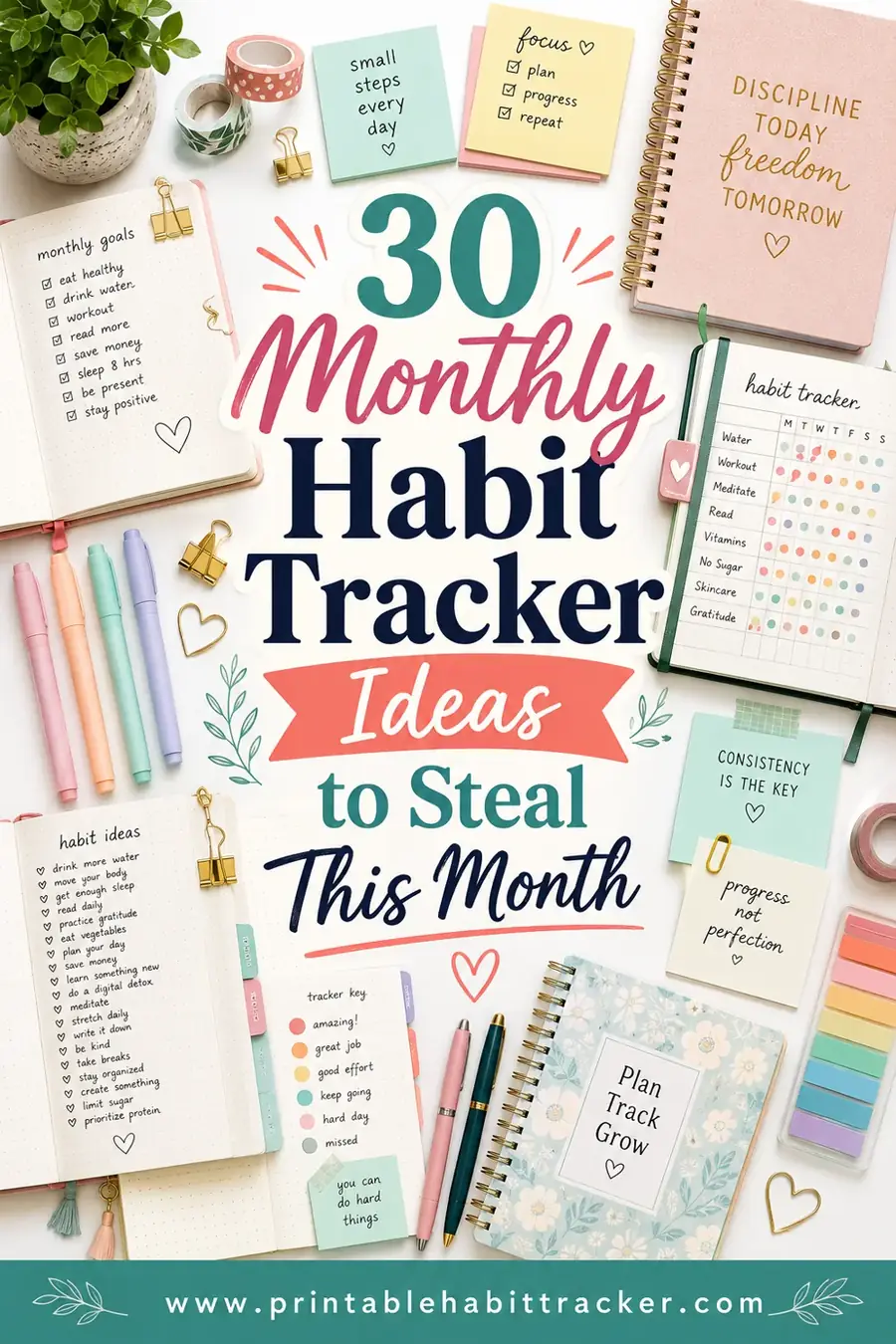
Need more? Our list of monthly habit tracker ideas has 30 to pick from.
Using a planner with a habit tracker already built in
Lots of planners come with a habit tracker page each month. If yours does, great, use it. If the boxes are tiny or there are only five rows, print your own and tape it over the built-in one. That way you keep the planner you love and get the tracker you actually want.
A tip for planner people: put the tracker on the first page of each month, right before your monthly calendar. You'll see it every time you flip to plan your week.
Common journal habit tracker mistakes
- Tracking too much. Fifteen habits on day one is the fastest way to quit by day ten.
- Vague habits. "Exercise" is hard to check off. "Walk 20 minutes" is easy.
- Hiding it in the back. Put the tracker where you open your journal every day.
- Skipping the review. At the end of the month, spend five minutes looking at the page. Which habits stuck? Which ones should go? Here's how to review your habits monthly.
- Quitting after a gap. Missed a week? Leave the boxes empty and start again today. A blank column isn't a failure, it's information.
Starting fresh for the new year? Our habit tracker for New Year resolutions helps turn big goals into daily boxes. Then make your monthly tracker in the free maker, print it sized for your journal, and tape it in tonight.
Frequently Asked Questions
How do I put a habit tracker in my journal?
Print a monthly habit tracker, scale it to fit your journal, trim the edges and glue or tape it in. You can also draw one by hand with habits down the side and days 1 to 31 across the top.
What scale should I print a habit tracker for an A5 journal?
Start at about 68% for A5 and about 64% for half-letter planners, then trim. Printing 2 pages per sheet is another easy way to get a half-size page.
How many habits should I track in a journal?
Five to eight habits works well for most people. Start with five in January and add more once the first ones feel easy.
What's the difference between a habit tracker journal and a bullet journal tracker?
A bullet journal tracker is usually hand-drawn in a dotted BuJo. A habit tracker journal page can go in any notebook, planner or binder, and printing it saves time.
Can I add a habit tracker to a planner that already has one?
Yes. If the built-in tracker is too small, print your own and tape it over that page or on the first page of each month.
Is this habit tracker journal printable free?
Yes. Type your habits into our maker, choose the monthly layout and print as many pages as you like. No sign-up needed.