Assignment Tracker Template: A Free Printable Homework and Due Date Grid
An assignment tracker template is a simple grid: each assignment or class goes in a row, the days of the week go across the top, and you tick a box when the work is done or turned in. Print one a week, and you can see at a glance what's due, what's finished and what's slipping. It works for school, college and homeschool, and it takes about two minutes to fill in on Sunday night.
Here's an assignment tracker with eight rows filled in. Swap in your own classes, then print it free:
✅ Try this tracker for one week
Tap a box each day you do the habit. Your ticks stay on this device.
What goes on an assignment tracker?
Keep it light. If a tracker takes ten minutes to fill in, you'll quit by Wednesday. A good one has just three jobs: show you what's due, show you what's done, and show you what's next.
- The class or subject (math, English, science, history).
- The assignment in a few words ("ch. 4 worksheet," "lab report draft").
- The due date, written where you can't miss it.
- A box to tick when it's finished, and a second one when it's handed in.
- A notes line for anything you need, like "ask teacher about #7."
Sample assignment tracker (one week)
Here's what a filled-in week can look like for a middle or high school student. Yours will look different, and that's fine.
| Class | Assignment | Due | Done | Turned in |
|---|---|---|---|---|
| Math | Practice set, problems 1 to 20 | Tuesday | Box | Box |
| English | Read chapters 5 and 6, answer 3 questions | Wednesday | Box | Box |
| Science | Lab report first draft | Thursday | Box | Box |
| History | Study notes for Friday quiz | Thursday night | Box | Box |
| Spanish | Vocabulary list, 15 words | Friday | Box | Box |
| Art | Finish sketchbook page | Next Monday | Box | Box |
How to use your tracker in 5 steps
- Pick one time to fill it in. Sunday evening or Monday morning works well. Check your planner, your school portal and your notes.
- Write every assignment on its own row. Big projects get broken into smaller steps, like "outline," "first draft" and "final copy."
- Put the due date first. Anything due in the next two days gets a star.
- Tick it off each day. Finish it, tick it. Hand it in, tick again.
- Check it before you pack your bag. This one habit saves a lot of "I forgot it at home" moments.
How to break a big project into small steps
A big project with one due date is easy to put off. Break it into rows, each with its own mini due date. For a two-week research paper, it might look like this:
| Step | Aim to finish by |
|---|---|
| Pick a topic and find 3 sources | Day 2 |
| Take notes | Day 5 |
| Make an outline | Day 7 |
| Write the first draft | Day 10 |
| Edit and read it out loud | Day 12 |
| Final copy and hand it in | Day 14 |
Each step is small enough to finish in one sitting, and every tick feels like progress.
Homework tracker or assignment tracker: what's the difference?
Not much. A homework tracker is usually for younger kids and lists the nightly work. An assignment tracker covers longer tasks too, like essays, labs and projects, and leans on due dates. If your child is in elementary school, a simple daily list is plenty. From about middle school on, add a due date column.
Tips that make a tracker actually work
- Keep one tracker, not three. One printed page on the wall or in the binder beats a pile of apps and sticky notes.
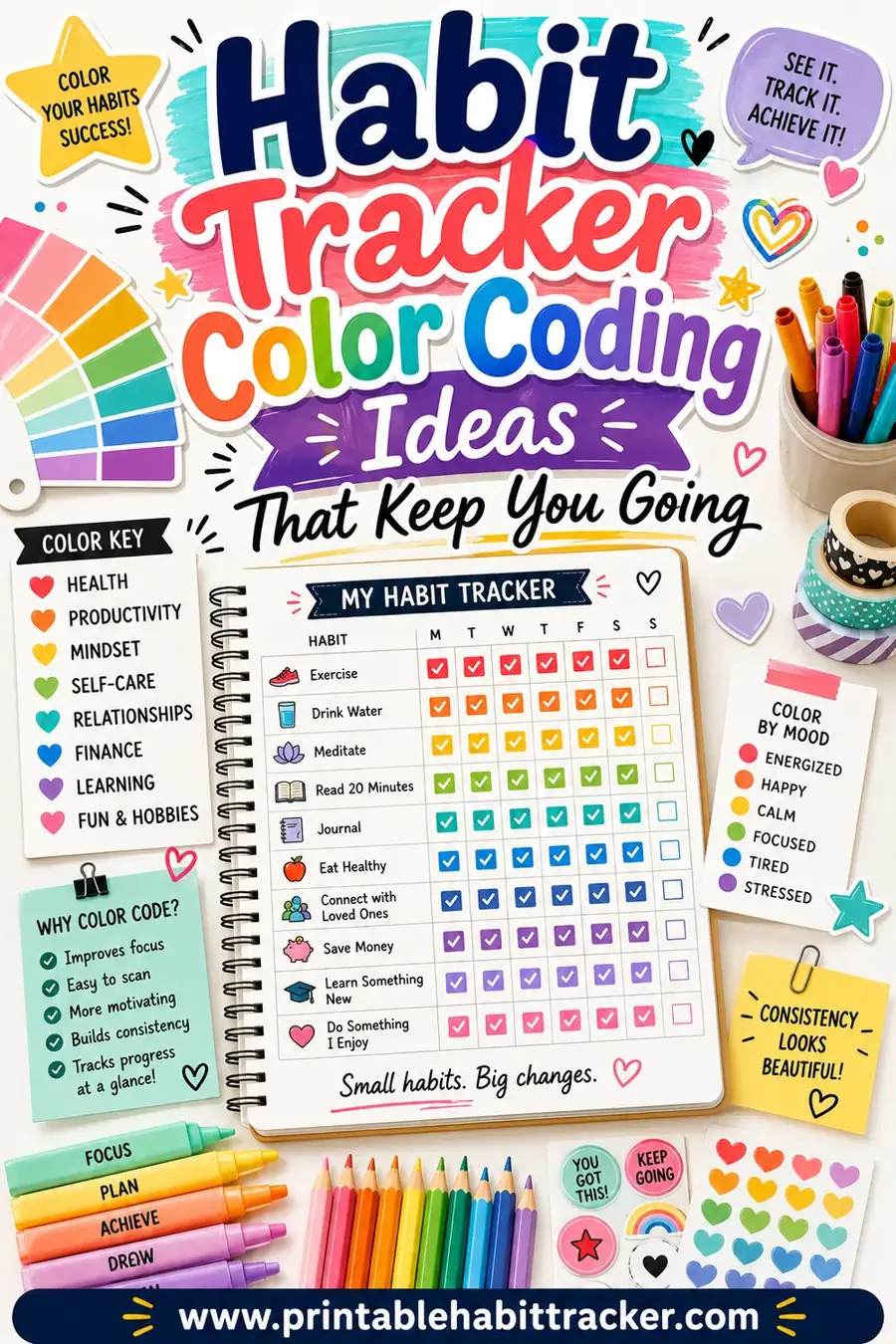
- Use colors. One color per class makes the page easy to scan. Our page on color coding ideas has a few that work.
- Do the hardest thing first. If you're stuck, start with the 10-minute version of it.
- Plan for the unexpected. Leave one slot a day empty for the thing that always takes longer than planned.
- For parents: check the tracker together once a week, ask what's due, and let your child do the filling in. It's their system.
Assignment tracker for college
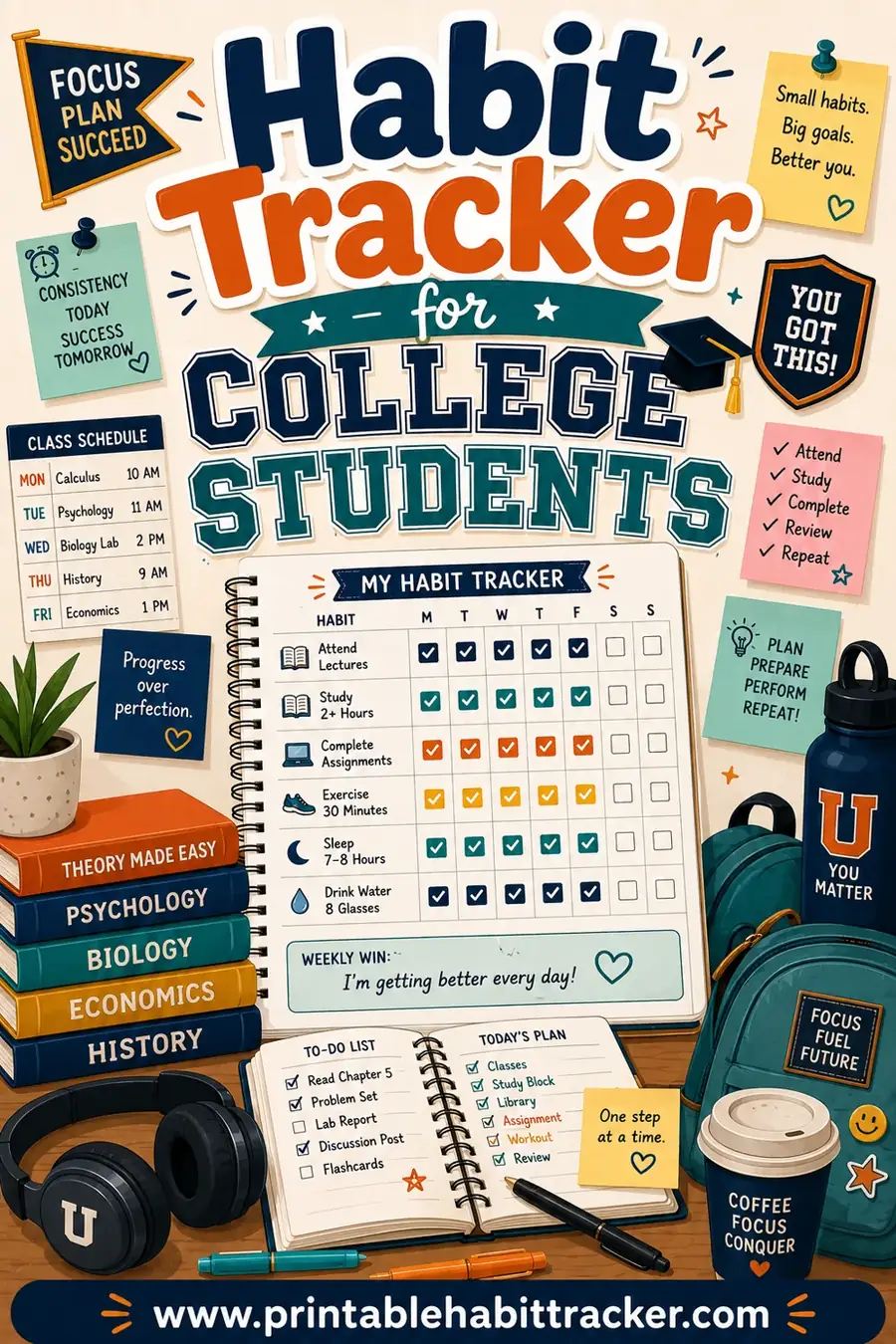
College is mostly long deadlines: papers, exams and readings that are due weeks from now. Use the same grid, but put the due date and the weight of the assignment next to each row, and add a "start by" date a few days before the due date. Our habit tracker for college students goes into more detail.
Start the new semester ready
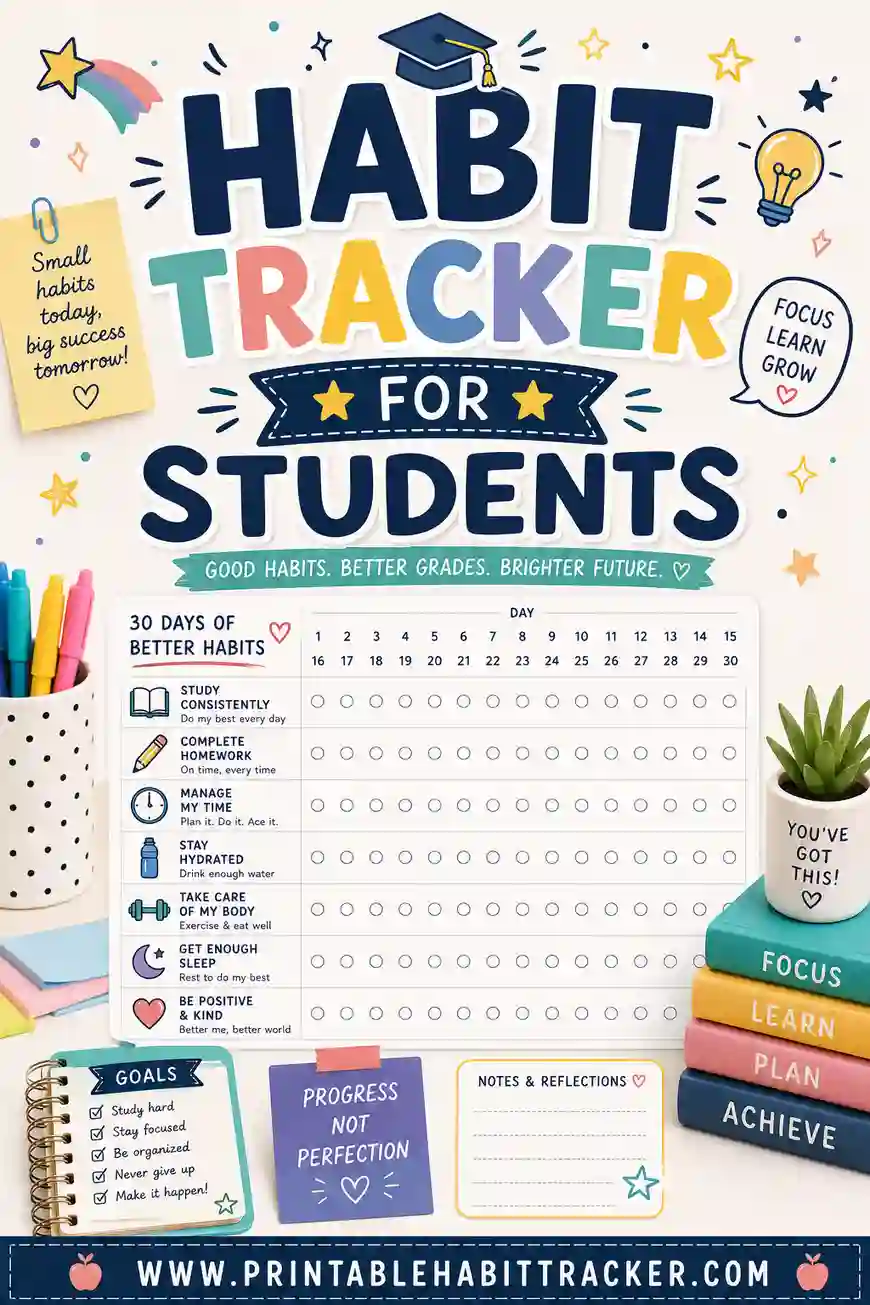
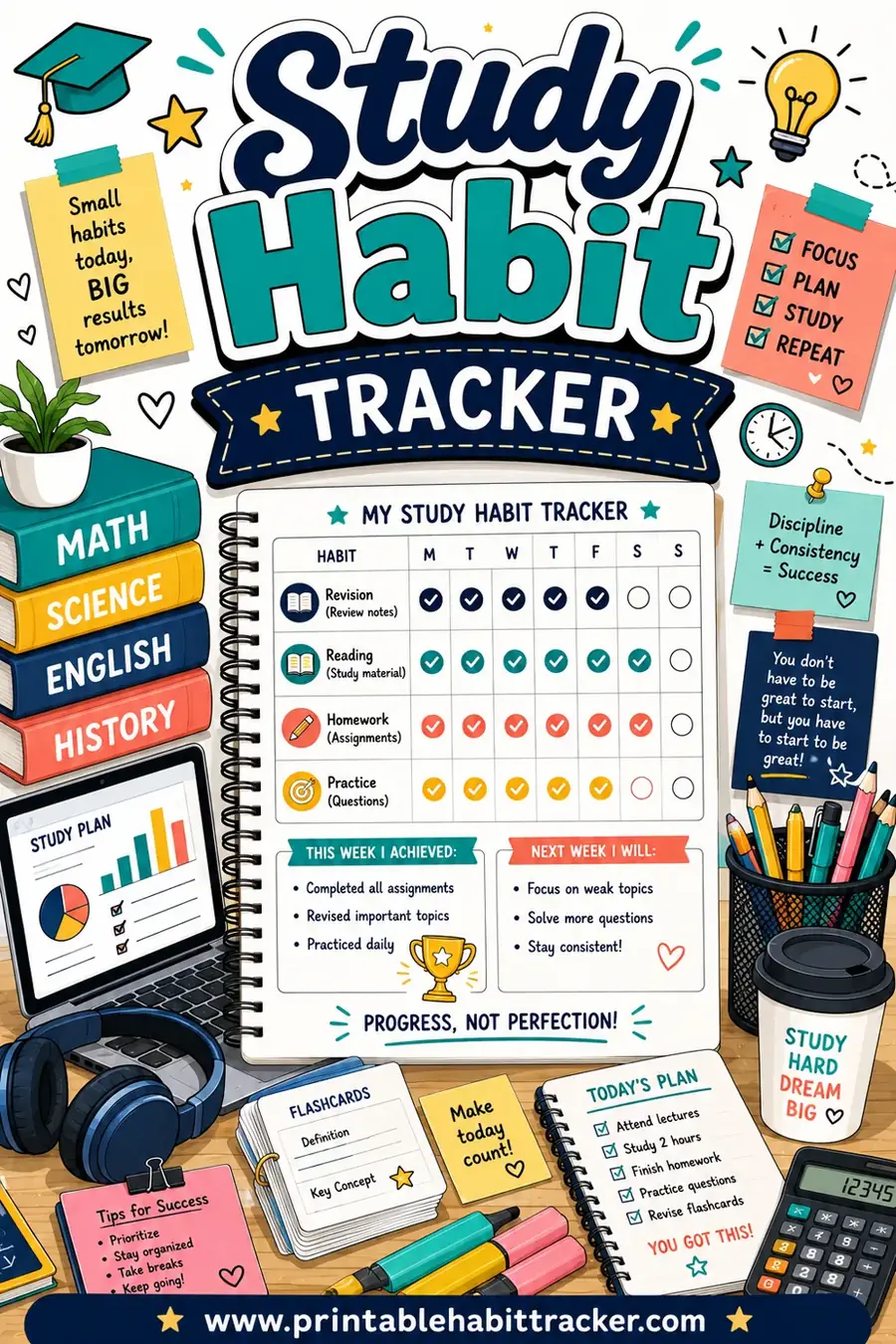
Most schools start a new term in early January, so a fresh tracker on the first day back makes a nice reset. If finals or tests are coming, pair it with our exam study planner, and read how to track study habits and our student habit tracker for a daily routine that lasts past the first week.
How to print your assignment tracker
- Open the free habit tracker maker with the button above. It opens in the weekly layout.
- Rename the title to your name and the week, then swap the rows for your own classes and assignments.
- Print one page per week, or make a few and keep them in a binder.
- Tick the boxes as you go, and start a fresh page every Monday.
When you're ready, open the free maker and print your tracker.
Frequently Asked Questions
What is an assignment tracker?
It's a printable page where you list every assignment, write the due date and tick a box when it's done. It shows what's due and what's finished at a glance.
How do I make an assignment tracker?
List your classes or assignments in rows, put the days of the week across the top, and add a tick box for each. Print one a week and fill it in every Sunday or Monday.
What should I include on a student assignment log?
Include the class, the assignment, the due date, a done box and a turned-in box. A notes line for questions to ask the teacher is also handy.
What's the best way to track homework due dates?
Write the due date first on every row and star anything due within two days. Check the page before you pack your bag each night.
How do I break a big project into steps?
Split it into small tasks with their own mini due dates, like picking a topic, taking notes, outlining, drafting and editing. Each step should fit in one sitting.
Is an assignment tracker good for college?
Yes. Add a start-by date a few days before each deadline, since college work often has long due dates and big papers.