Best Habit Tracker Templates for Sheets (Free)
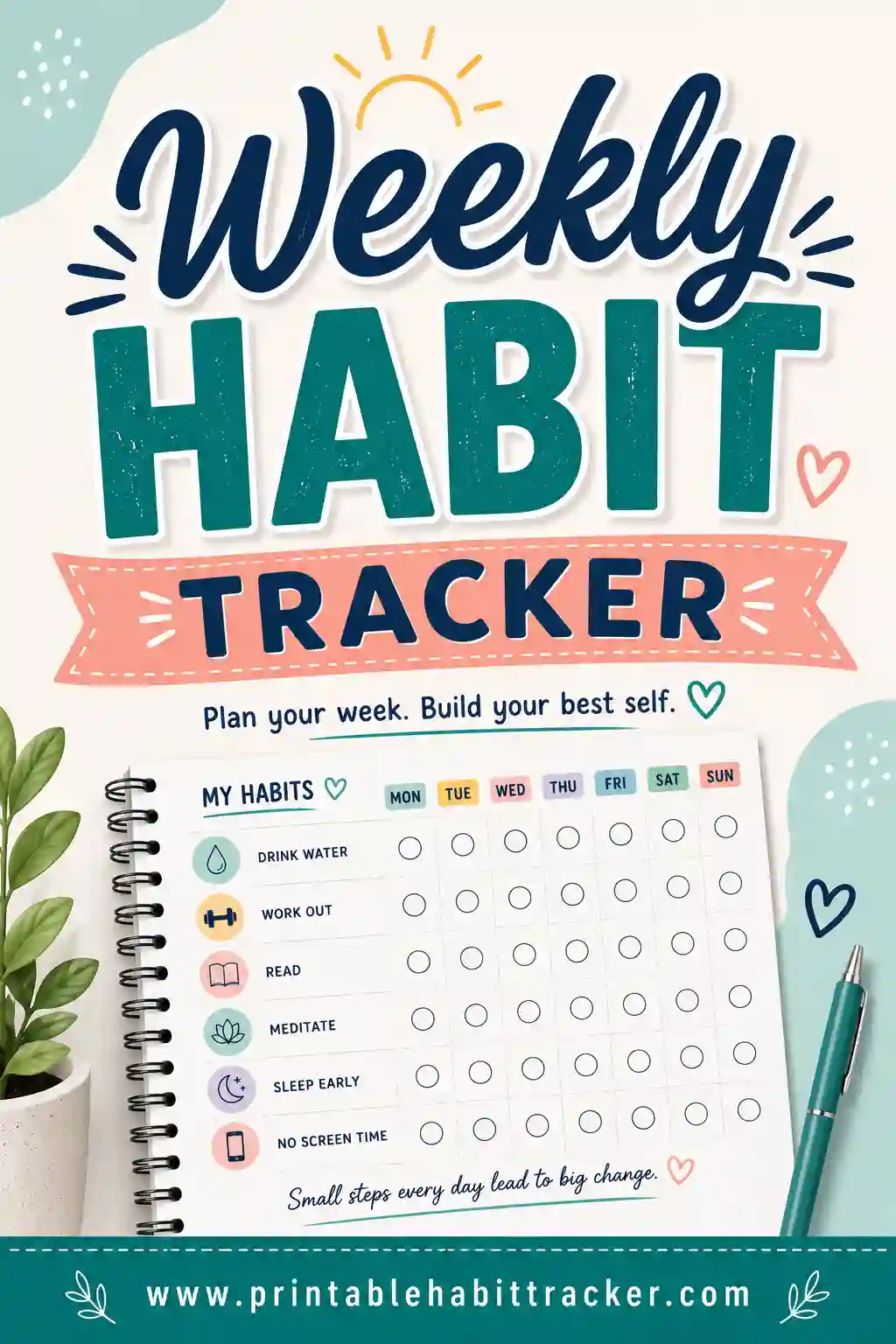
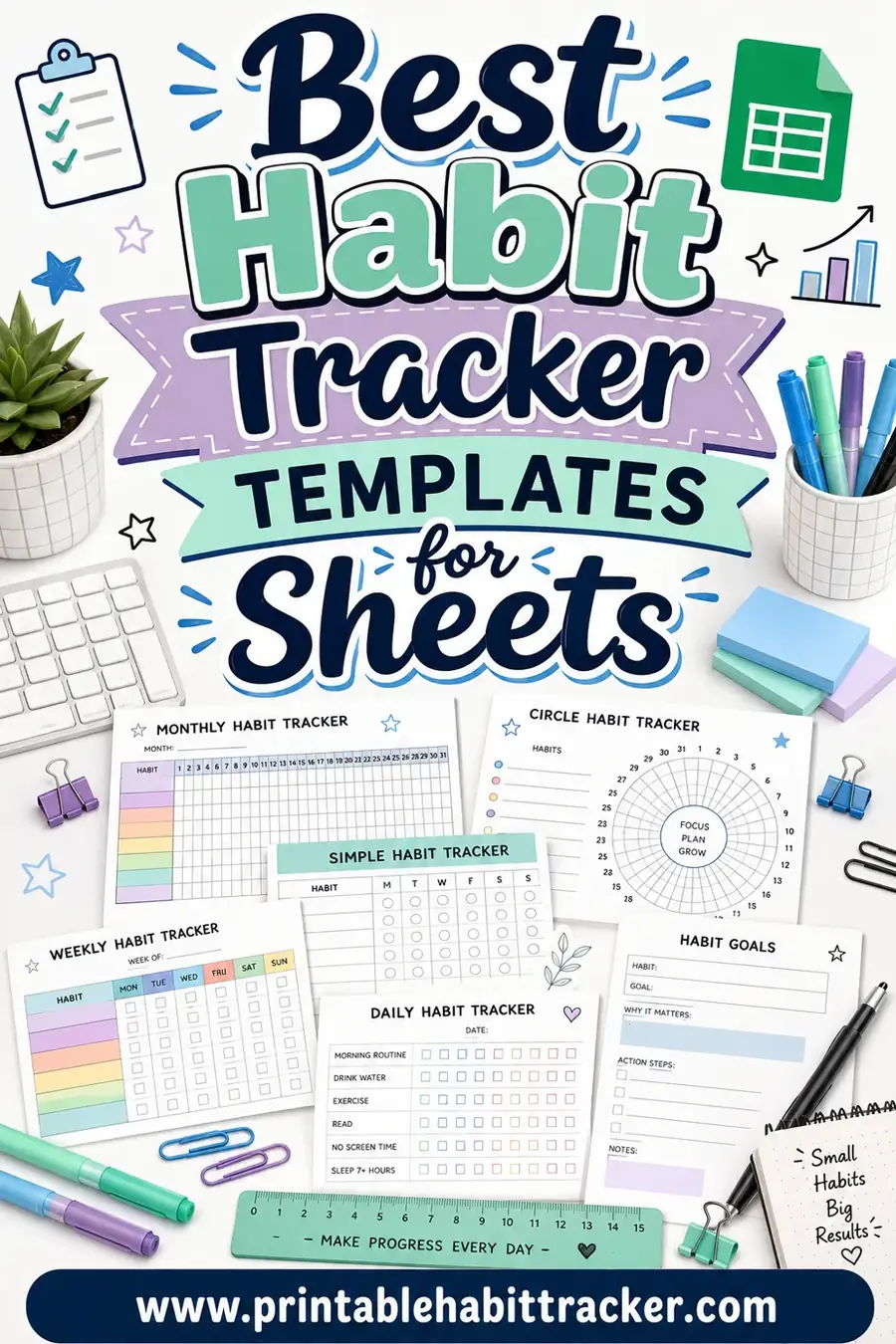
The best habit tracker templates for Sheets are simple grids with your habits down one column, the days across the top, and a checkbox where they meet. Google Sheets and Excel both handle this well, and a good template can even auto-count your streaks. If you'd rather skip the spreadsheet fiddling, our free printable habit tracker gives you the same clean grid as a ready-to-print page in seconds.
Want the fastest path? Open the free tracker, add your habits, and print, no formulas, no setup. Or keep reading for the best spreadsheet templates if you live in Sheets.
Why Use a Spreadsheet for Habit Tracking?
Spreadsheets are a natural fit for habit tracking because they're built for grids. Rows, columns, and a tidy checkbox in every cell, that's exactly the shape a habit tracker needs.
The real upside is automation. A few simple formulas can count your completed days, show a streak number, or color a cell green when you hit your weekly goal. If you love seeing your data add up, a spreadsheet rewards you.
That said, spreadsheets have downsides. They live on a screen, so they don't sit on your desk as a reminder. And building one from scratch, with checkboxes and conditional formatting, takes time. That's why a lot of people use a printable for daily marking and a spreadsheet just for the monthly review.
The Best Habit Tracker Templates Compared
Here's an honest comparison of the most useful template types. Our printable tracker leads for sheer ease, but if you want spreadsheet power, the others are worth a look.
| Template | Platform | Cost | Best for |
|---|---|---|---|
| Printable habit tracker (this site) | Print/PDF | Free | Anyone who wants instant, no-formula tracking |
| Weekly checkbox template | Google Sheets | Free | Quick at-a-glance weekly tracking |
| Monthly grid with streak counter | Google Sheets / Excel | Free | Data lovers who want auto-counted streaks |
| Conditional-format heatmap | Excel | Free | Visualizing consistency over months |
| Habit + notes hybrid | Google Sheets | Free | People who journal alongside tracking |
If you're not sure where to begin, the free printable is the lowest-effort option, you don't have to set up a single cell. If you genuinely want the streak math, a Sheets monthly grid is the sweet spot.
Why a printable still beats a spreadsheet for many people
A printable wins on three fronts: it's instant, it's visible, and it needs zero setup. You don't fight with checkbox formatting or broken formulas, you just print and mark. And because it lives in the real world, on your desk or fridge, it reminds you to do the habit every time you walk past.
Spreadsheets are powerful, but power isn't always what you need. If your goal is to show up daily and keep a streak, a plain printed grid removes every excuse. You can always export a monthly summary into Sheets later if you want the numbers.
How to Set Up a Habit Tracker in Sheets
If you want to build your own, here's a clean, beginner-friendly setup.
- Label your rows. Put one habit per row down the left column.
- Label your columns. Put the days of the week or month across the top row.
- Insert checkboxes. Highlight the grid, then use Insert > Checkbox (in Google Sheets) to drop a checkbox in every cell.
- Add a streak count. In a column on the right, use a COUNTIF formula like `=COUNTIF(B2:H2, TRUE)` to total each habit's completed days.
- Color it with conditional formatting. Set checked cells to turn green so your progress pops at a glance.
Save it as a template tab you can copy each week or month. Once it's built, reusing it takes two clicks.
A sample Sheets layout
Here's how a basic weekly template looks once it's set up. Each ✓ is a checkbox you'd tick in the spreadsheet.
| Habit | Mon | Tue | Wed | Thu | Fri | Sat | Sun | Total |
|---|---|---|---|---|---|---|---|---|
| Track expenses | ✓ | ✓ | ☐ | ✓ | ✓ | ☐ | ✓ | 5 |
| Exercise | ✓ | ☐ | ✓ | ✓ | ☐ | ✓ | ✓ | 5 |
| Read 10 pages | ✓ | ✓ | ✓ | ✓ | ✓ | ✓ | ☐ | 6 |
| Drink water | ✓ | ✓ | ✓ | ☐ | ✓ | ✓ | ✓ | 6 |
The "Total" column is just a COUNTIF doing the math for you. Want this without building it? The same grid prints from our free tracker in seconds.
Google Sheets vs. Excel for Habit Tracking
Both work well. The right one usually comes down to what you already use.
Google Sheets is free, lives in the cloud, and syncs across your phone and laptop. Checkboxes are easy to insert, and you can open your tracker anywhere. For most people, Sheets is the more convenient pick.
Excel has more advanced formatting and charting if you want a detailed heatmap or graph of your consistency. It's a strong choice if you already have it and like its tools. The trade-off is it's less cloud-native unless you use the online version.
Either way, the core template, habits in rows, days in columns, checkboxes between, is identical. Pick the app you'll actually open.
Common Mistakes With Spreadsheet Trackers
Spreadsheets are flexible, which means it's easy to overcomplicate them. Watch for:
- Too many tabs and formulas. A tracker you have to "maintain" becomes a chore. Keep it simple.
- Forgetting to fill it in. Out of sight, out of mind. A spreadsheet on a closed laptop is easy to ignore.
- Over-tracking. Twenty habit rows look thorough until you stop opening the file. Start with five or six.
- Broken streak counters. If your COUNTIF range is wrong, your totals lie. Test it with a known week.
- No daily reminder. Pair your spreadsheet with a printed page or a calendar nudge so you remember to update it.
Keep it lean and visible, and a spreadsheet tracker can be genuinely powerful.
Who Spreadsheet Templates Are Best For
A Sheets template isn't for everyone, but it shines for certain people:
Data and numbers lovers
If you get a kick out of watching totals climb, a spreadsheet's auto-counted streaks are deeply satisfying. The COUNTIF math turns your effort into a clean number.
Laptop-first workers
If your day already revolves around a computer, opening a tab to mark a habit fits your flow. A weekly habit tracker layout works perfectly as a Sheets tab.
People doing monthly reviews
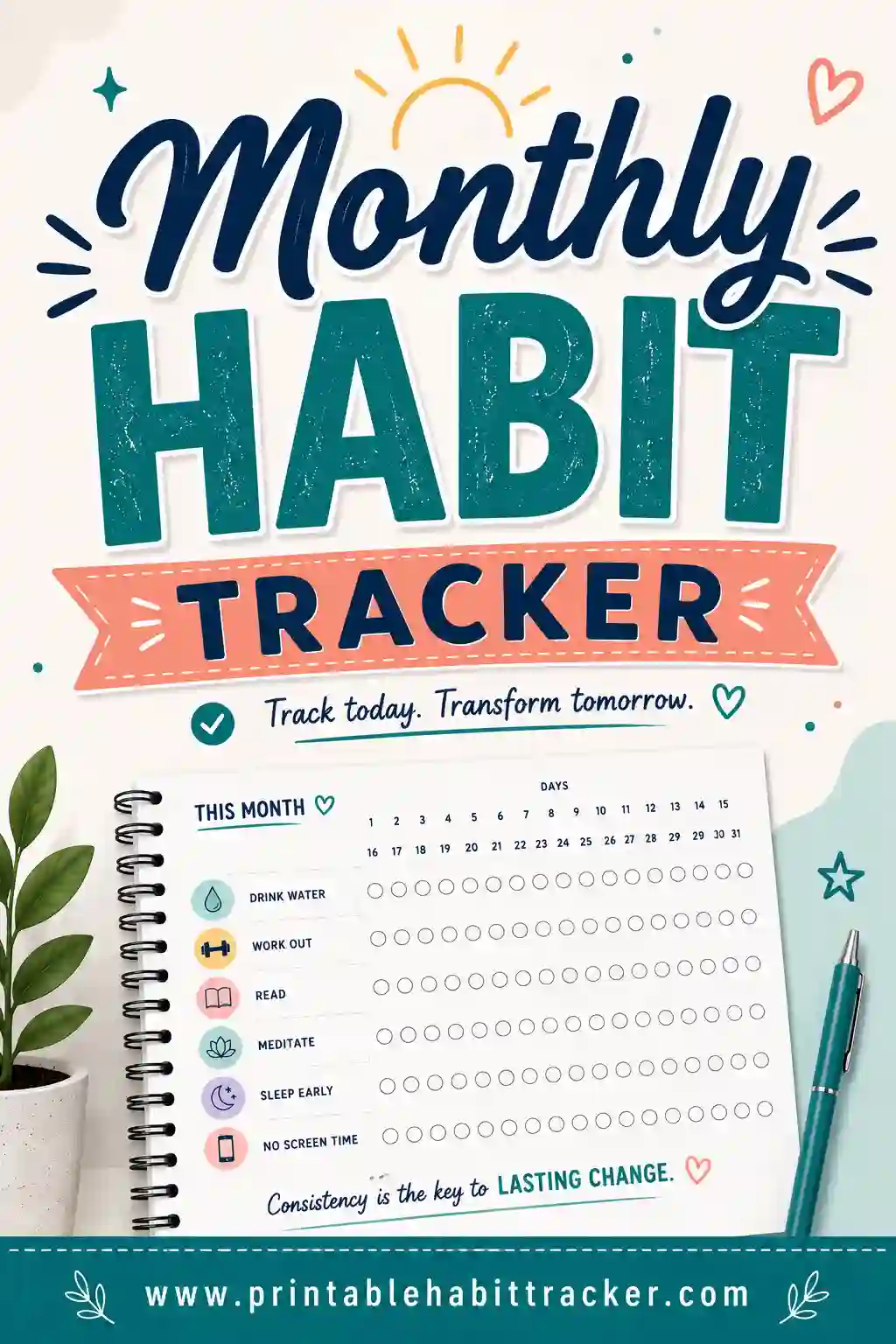
A spreadsheet is great for the big-picture look. Use a monthly habit tracker layout to spot patterns across a whole month at a glance.
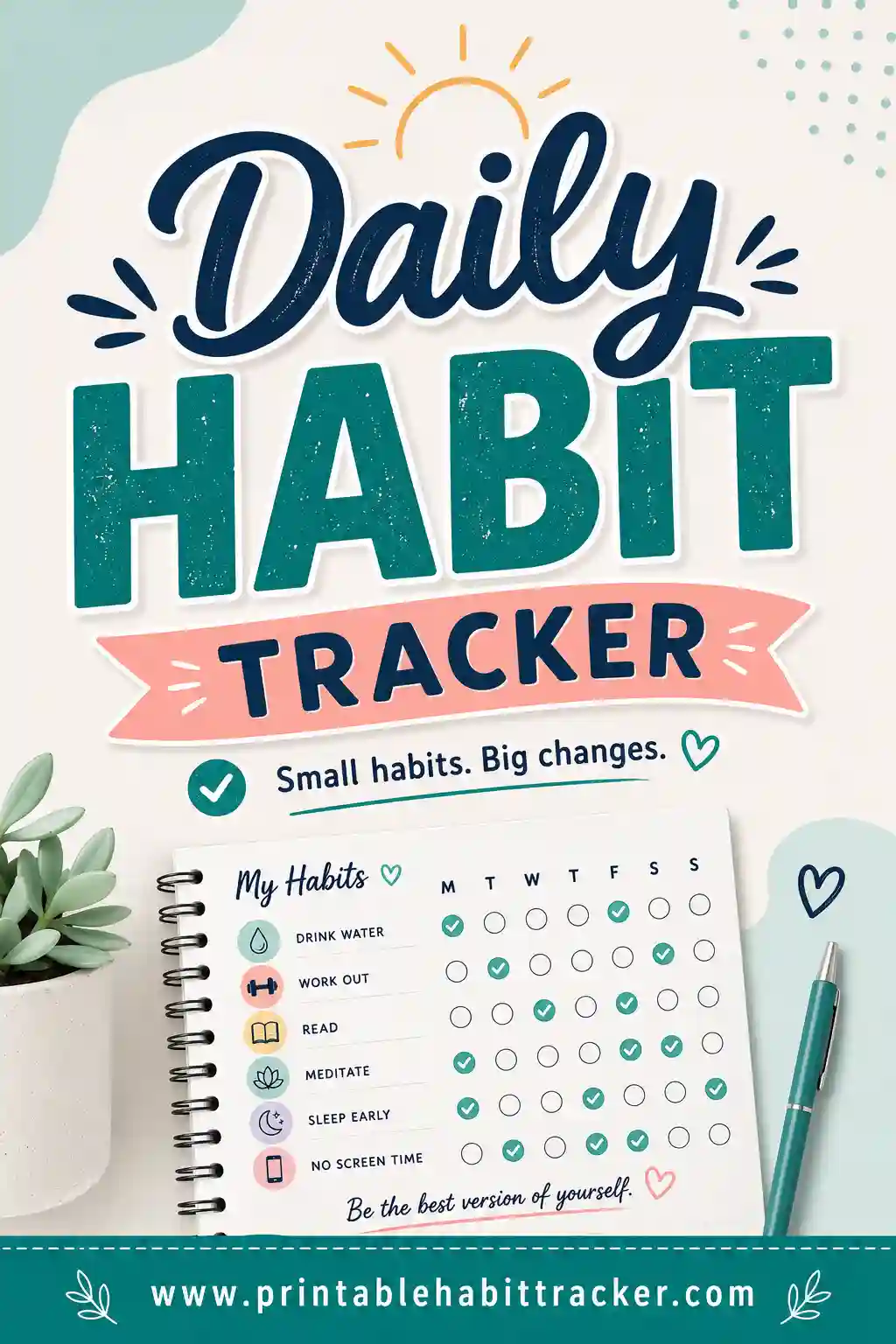
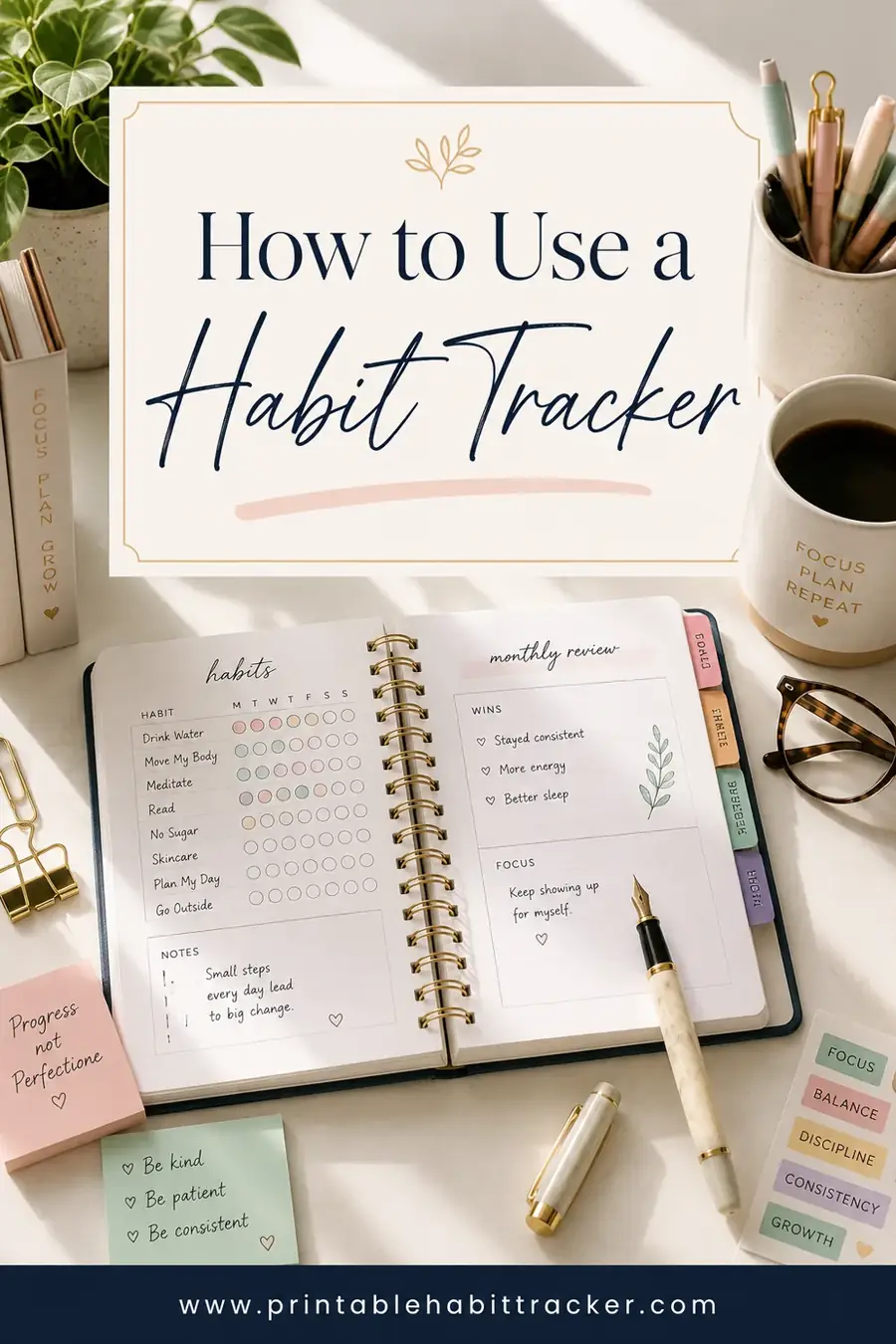
If you mostly want to mark a box each morning, a daily habit tracker printable is faster, and our how to use a habit tracker guide helps you pick the right rhythm.
Useful Formulas to Level Up Your Sheets Tracker
If you do go the spreadsheet route, a handful of simple formulas turn a plain grid into something genuinely smart. You don't need to be a spreadsheet wizard, just copy these and adjust the cell ranges to match your layout.
Count completed days per habit. This is the workhorse. Put it in a column to the right of each habit row:
- `=COUNTIF(B2:H2, TRUE)` totals how many days you checked that habit in the week.
Show a completion percentage. Handy for a monthly view where you want to see how close to perfect you got:
- `=COUNTIF(B2:AF2, TRUE) / 30` then format the cell as a percent. Swap 30 for the number of days in your month.
Highlight your best and worst habits. Conditional formatting does this visually. Set a rule so that any "Total" cell above a target turns green, and any below turns red. Now your strongest and weakest habits jump out the moment you open the file.
Flag a broken streak. A simple formula can warn you when you miss two days in a row, though for most people the visible gaps in the grid do this job just fine without any math.
Here's how a smart monthly summary might look once those formulas are in place:
| Habit | Days done | Goal | Percent |
|---|---|---|---|
| Track expenses | 26 | 30 | 87% |
| Exercise | 22 | 30 | 73% |
| Read 10 pages | 28 | 30 | 93% |
| Drink water | 30 | 30 | 100% |
The numbers are satisfying, and they help you spot patterns, like which habit always slips on weekends. Just remember the spreadsheet is only useful if you actually open it daily. If you find yourself forgetting, pair it with a printed page that lives on your desk and update the sheet during your weekly review.
Frequently Asked Questions
What is the best habit tracker template for Sheets?
For auto-counting streaks, a monthly grid with a COUNTIF formula is the best Sheets template, since it does the math for you. If you'd rather skip the setup entirely, a free printable like ours gives you the same clean grid without any formulas. Choose based on whether you want numbers or simplicity.
Are habit tracker templates for Sheets free?
Most are. Google Sheets itself is free, and you can build a tracker in minutes with checkboxes and a COUNTIF. Our printable habit tracker is also free with no sign-up if you'd rather print than build a spreadsheet.
How do I add checkboxes to a Google Sheets habit tracker?
Highlight the cells in your grid, then go to Insert > Checkbox. A checkbox appears in each selected cell. You can then check or uncheck them daily, and use COUNTIF to total each habit's completed days.
Is a spreadsheet or a printable better for habit tracking?
A spreadsheet is better if you want auto-counted streaks and live on a laptop. A printable is better if you want a visible, screen-free page that reminds you just by sitting on your desk. Many people use both.
Can I make a habit tracker without using formulas?
Yes. A simple grid of checkboxes needs no formulas at all, you just tick boxes. For a no-formula, no-setup option, print one from our free tracker and mark it by hand.
Ready to Start Tracking?
Whether you love a formula-packed spreadsheet or just want a clean grid you can print, the right template is the one you'll actually open. Open the free printable habit tracker, add your habits, and print, no formulas, no sign-up, no cost. Mark your first box today and let the streak build.