Bill Payment Tracker Printable: Free Year-at-a-Glance Payment Log
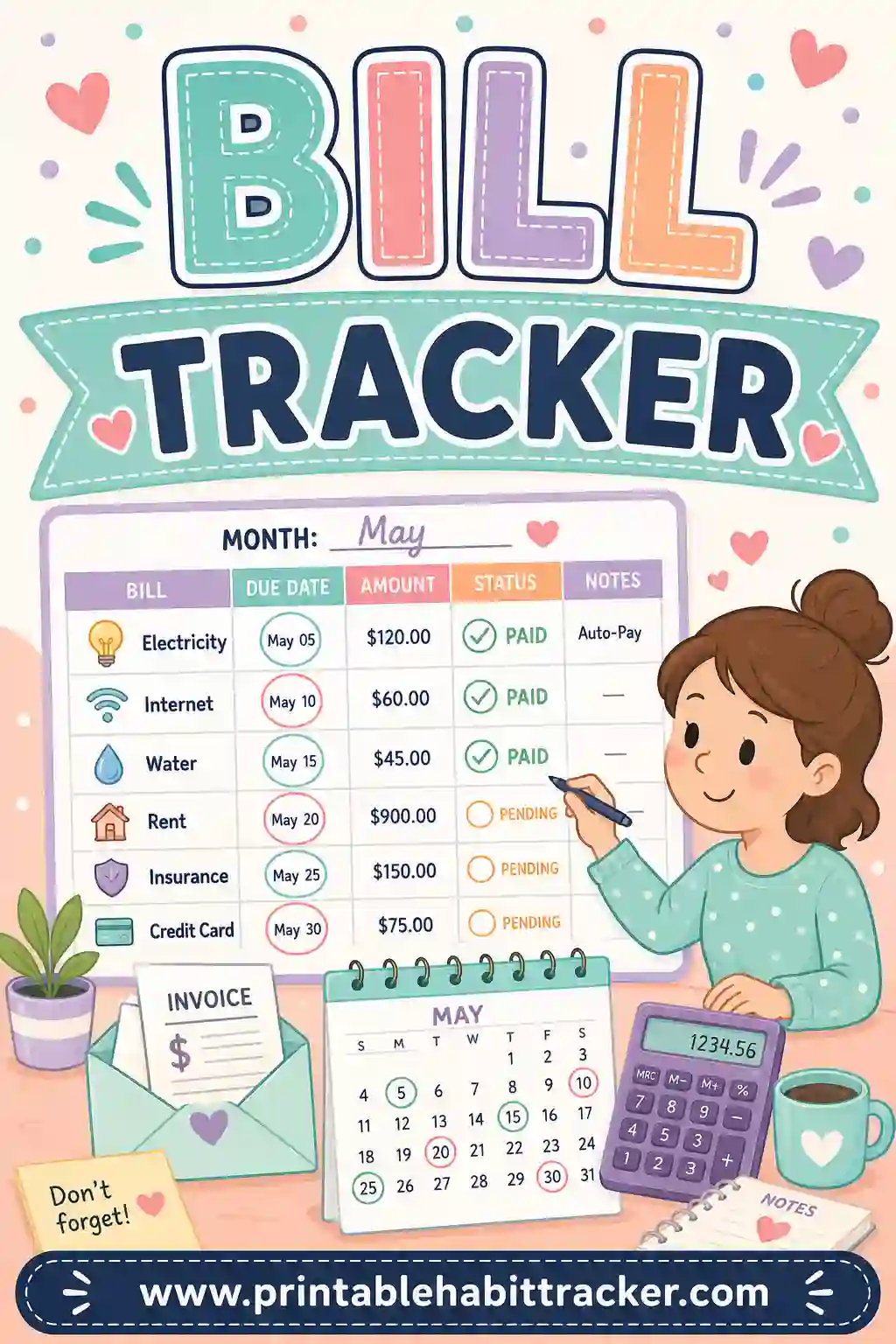
A bill payment tracker printable is a one-page grid that answers a single nagging question all year long: did I pay that yet? Your bills run down the side — with the amount and due date written right into each row — and the months (or days) run across the top. Every payment gets a checked box, and a glance tells you what's done and what's looming. The fastest way to get one is with a free printable habit tracker builder — type in your bills, pick the yearly layout, and print a payment log that covers all twelve months on one sheet.
Want one right now? Open the free builder, add a row per bill like "Electric — due 15th," choose the yearly layout, and hit print. No sign-up, no watermark, no more 2 a.m. "did the water bill go out?" panic.
What Is a Printable Bill Payment Tracker?
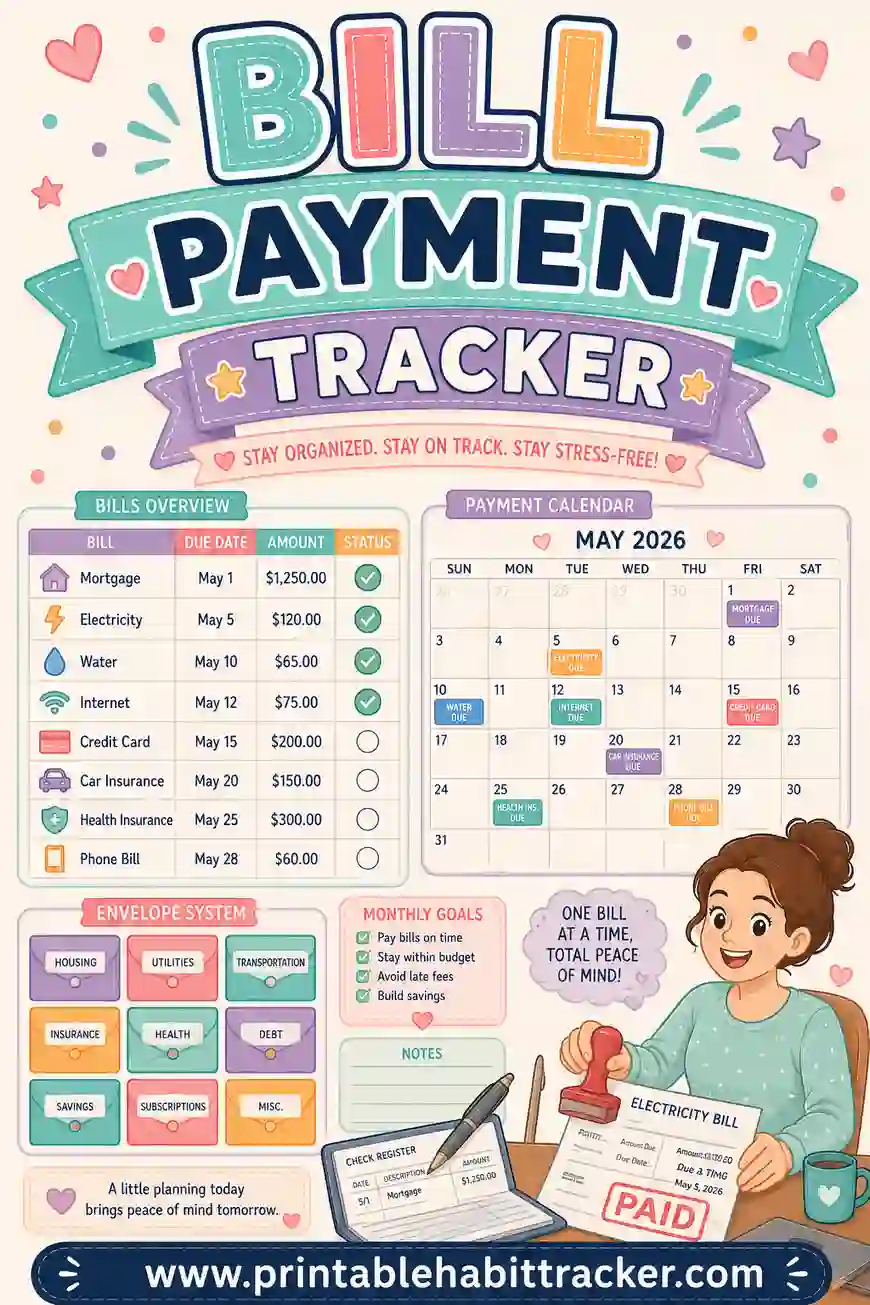
It's a payment log in grid form. One row per bill, one column per month, and a checkbox at every intersection. When rent goes out, January's box gets a check. When it happens twelve times, that row is a clean line of checkmarks — a full year of on-time payments you can see.
An honest note on how the grid handles numbers: the tracker doesn't do math. Amounts live in the row names — "Car insurance — $148 — due 3rd" — and anything variable gets penciled into the box or the notes area by hand ("Electric: $92 in July"). That's genuinely all a payment tracker needs, because the job isn't accounting. The job is never missing a due date again, and a paper grid you see every day does that better than an app notification you swipe away.
Built in the free tool, the rows are your actual bills with your actual due dates — not a template's guesses.
Why a Payment Grid Beats Memory (and Most Apps)
Late fees are almost never about money — they're about attention. One $35 late fee usually means the bill was payable and simply forgotten. Here's what the printed grid fixes:
- Everything's on one page. Autopay here, manual payment there, annual renewal somewhere else — the grid is the single place where all of it shows up.
- Empty boxes shout. It's the 20th and the electric box is still empty? You can't un-see that on the fridge.
- It catches the sneaky annuals. Car registration, domain renewals, insurance premiums — the once-a-year bills that ambush everyone get their own rows and stop being surprises.
- It audits your autopay. "Set and forget" fails silently when a card expires. A monthly thirty-second check-against-statement catches it before the service does.
Twelve checked boxes per row also add up to something real: a year of on-time payments is precisely what a payment history — the biggest slice of a credit score — is made of.
What to Put on Your Bill Payment Tracker
Copy this starter set into the builder and swap in your numbers:
| Row | Why it earns a spot |
|---|---|
| Rent / mortgage — due 1st | The anchor. Always row one |
| Electric — due 15th | Varies monthly; pencil the amount in the box |
| Water / trash — due 20th | Small, forgettable, fee-prone |
| Internet — $65 — due 8th | Autopay? Still track it — verify the charge |
| Phone — $80 — due 12th | Same |
| Car payment — $310 — due 5th | Late fees here hurt credit fast |
| Car insurance — $148 — due 3rd | Or twice-yearly — check only those months |
| Streaming bundle — $35 | One row for all of them, or one each |
| Credit card — due 25th | The one row where "on time" matters most |
| ANNUAL: registration — March | Annual rows: only one box gets checked — make it count |
Between eight and fifteen rows covers most households. Put the due date in every row name — that's what turns the sheet from a list into a schedule.
How to Make a Bill Payment Tracker Printable in 4 Steps
- List your bills. In the free builder, one row per bill: name, amount (if fixed), due date. Pull last month's bank statement so nothing hides.
- Pick the yearly layout. Twelve columns, one per month — the whole year's payments on a single page. This is the natural bill payment format.
- Or go monthly for a date grid. If you'd rather see days, the monthly layout prints a real date grid (correct days for each month, leap years included). Tick "Print all 12 months" and you get twelve dated sheets in one print run.
- Add the notes box and print. Use notes for payment logins, confirmation-number space, or "card on file expires in Nov." Letter or A4, portrait or landscape.
Your bill list saves locally in your browser — when a bill changes, edit the row and reprint in seconds.
Layouts That Work for Bill Payments
The year-at-a-glance grid
One row per bill, twelve month columns. Check the box when it's paid. The single most satisfying money page you'll own by December.
The monthly due-date sheet
A real date grid: on the 15th, the electric bill's box is that day's box. Best for households with lots of manual payments and specific due dates.
The color-coded split
Turn on color-coding: autopay bills in one color, manual-pay in another, annuals in a third — with the key printed at the bottom. Your eye goes straight to the rows that need action.
The payday-cycle version
Paid twice a month? Group rows by paycheck — "1st-check bills" then "15th-check bills" — so the sheet mirrors how money actually arrives. Pair it with a budget tracker and the two sheets run your whole money month.
A Five-Minute Monthly Routine
The tracker works with almost no effort — here's the whole routine:
- Payday: Check the sheet, pay what's due before the next paycheck, check the boxes.
- Mid-month: One glance for empty boxes with near due dates.
- Month's end: Compare the row of checks against your bank statement — this is the thirty seconds that catches failed autopays and double-charges.
- December: Look at the year. Every fully-checked row is a bill that never once cost you a fee.
Printing Tips
- Landscape orientation suits the yearly grid — twelve columns get room to breathe.
- Cardstock for the annual sheet — it needs to survive twelve months of handling.
- Classic black-and-white prints crisp and photocopies well if you keep a backup.
- A clipboard near where you pay bills beats the fridge for this one — bills are private.
- Print a test page and check all twelve columns fit before committing the year to it.
- Pencil for variable amounts, pen for checkmarks. Amounts change; payments don't un-happen.
Common Bill Payment Tracker Mistakes
- Leaving autopay bills off the sheet. Autopay is a payment method, not a guarantee. Track it and verify monthly — expired cards fail silently.
- No due dates in the row names. Without dates, it's a list of nouns. "Electric" does nothing; "Electric — due 15th" runs your calendar.
- Forgetting annual and quarterly bills. These cause the ugliest surprises. Give each one a row and check only its months.
- Tracking amounts nowhere. The grid doesn't add for you, so write variable amounts in the boxes as you pay. Come tax time or budget season, that penciled history is gold. For the full picture of money in and out, run an income and expense tracker alongside.
- Starting over every January without looking back. Before you print next year's sheet, read this year's. Rows with late checks are telling you to move that due date or set up autopay.
A Sample Filled-In Bill Payment Tracker
Half a year, mid-July:
| Bill | Jan | Feb | Mar | Apr | May | Jun | Jul |
|---|---|---|---|---|---|---|---|
| Rent — due 1st | ✔ | ✔ | ✔ | ✔ | ✔ | ✔ | ✔ |
| Electric — due 15th | ✔ 88 | ✔ 84 | ✔ 79 | ✔ 81 | ✔ 90 | ✔ 102 | |
| Internet — $65 — due 8th | ✔ | ✔ | ✔ | ✔ | ✔ | ✔ | ✔ |
| Car insurance — due 3rd | ✔ | ✔ | ✔ | ✔ | ✔ | ✔ | ✔ |
| Registration — March | ✔ | ||||||
| Credit card — due 25th | ✔ | ✔ | ✔ | ✔ | ✔ | ✔ |
It's July 10th: electric (due the 15th) and the credit card (due the 25th) are open — and visibly so. The penciled electric amounts also just revealed a creeping summer bill. That's a payment tracker doing two jobs at once.
Frequently Asked Questions
Is the bill payment tracker printable really free?
Yes — completely. The builder has no sign-up and no watermark. Build it once, print or save as PDF, and reprint whenever a bill changes.
Does it calculate my monthly bill total?
No — it's paper, so the grid tracks paid or not and you write amounts by hand in row names and boxes. Totaling your fixed rows once with a calculator takes two minutes and rarely changes. The tracker's job is the part software keeps failing at: making sure you actually look.
What's the difference between this and a bill tracker?
A bill tracker is the broader organizer — what you owe, to whom, and when. A bill payment tracker zeroes in on the payment event itself: twelve boxes per bill, checked as the year goes. If late fees are your enemy, this is the sharper weapon.
Should I track autopay bills too?
Absolutely — they're the ones that fail silently. Give them their own color with the color-key option and spend thirty seconds a month confirming the charge actually landed. That habit alone pays for the ink.
Can I get the whole year on one page?
Yes. The yearly layout puts all twelve months across one sheet — or use the monthly layout with "Print all 12 months" ticked for twelve dated pages in a single print run.
Ready to Print Your Bill Payment Tracker?
Pull up last month's bank statement, list every bill with its due date, and open the free bill payment tracker builder. Pick the yearly layout, print it landscape, and clip it wherever you pay bills. It's free, it takes five minutes, and the next late fee you don't pay covers the printer paper for a decade.