Income and Expense Tracker Printable: Free One-Page Money Log
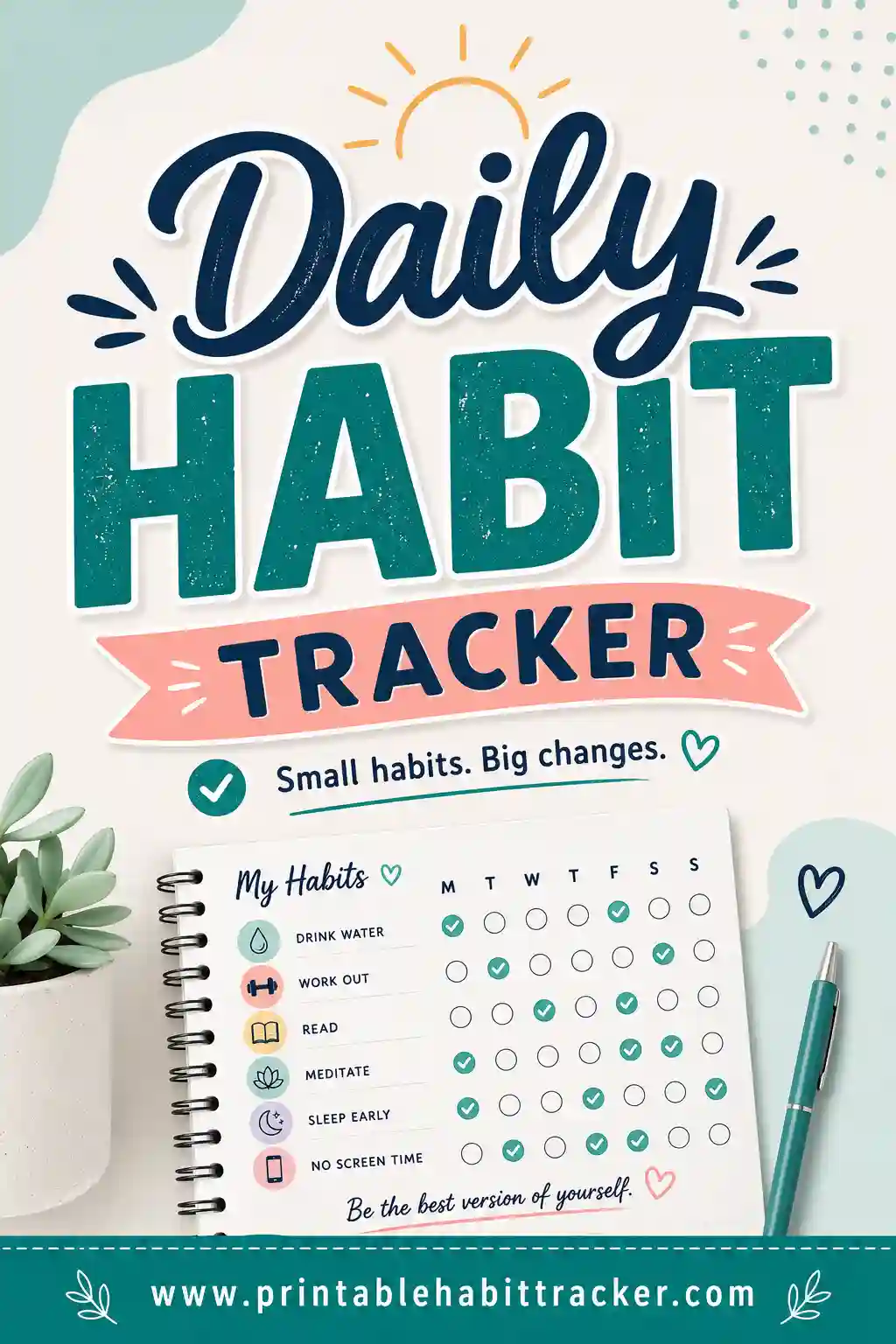
An income and expense tracker printable puts both halves of your money story on a single page: income rows on top — paychecks, side gigs, anything coming in — and expense rows below, with a grid of boxes across the month to mark every time money moves. In goes a check when the paycheck lands; out goes a check (with the amount penciled in) when the groceries get paid. One page, whole picture. The fastest way to get one that matches your real money life is a free printable habit tracker builder — type your income and expense rows, pick the monthly layout, and print.
Want one right now? Open the free builder, list your income sources and spending categories as rows, turn on color-coding so the two sections print in different colors, and hit print. No sign-up, no watermark, fresh sheet every month.
What Is an Income and Expense Tracker?
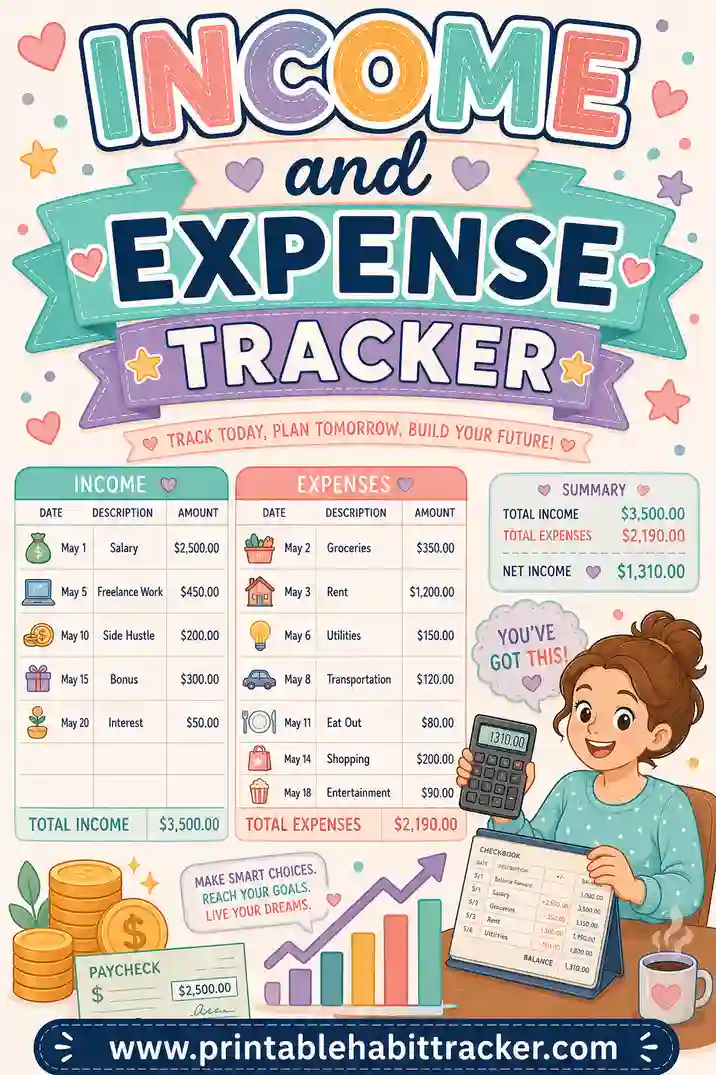
It's the two-column ledger idea, rebuilt as a one-page grid. The top rows are money in: "Paycheck — 1st & 15th," "Etsy shop," "Freelance invoices." The rows below are money out: "Groceries," "Gas," "Eating out," "Kids' stuff." Across the top runs a real date grid for the month. Whenever money moves, you check that day's box in the right row and pencil the amount beside or inside it.
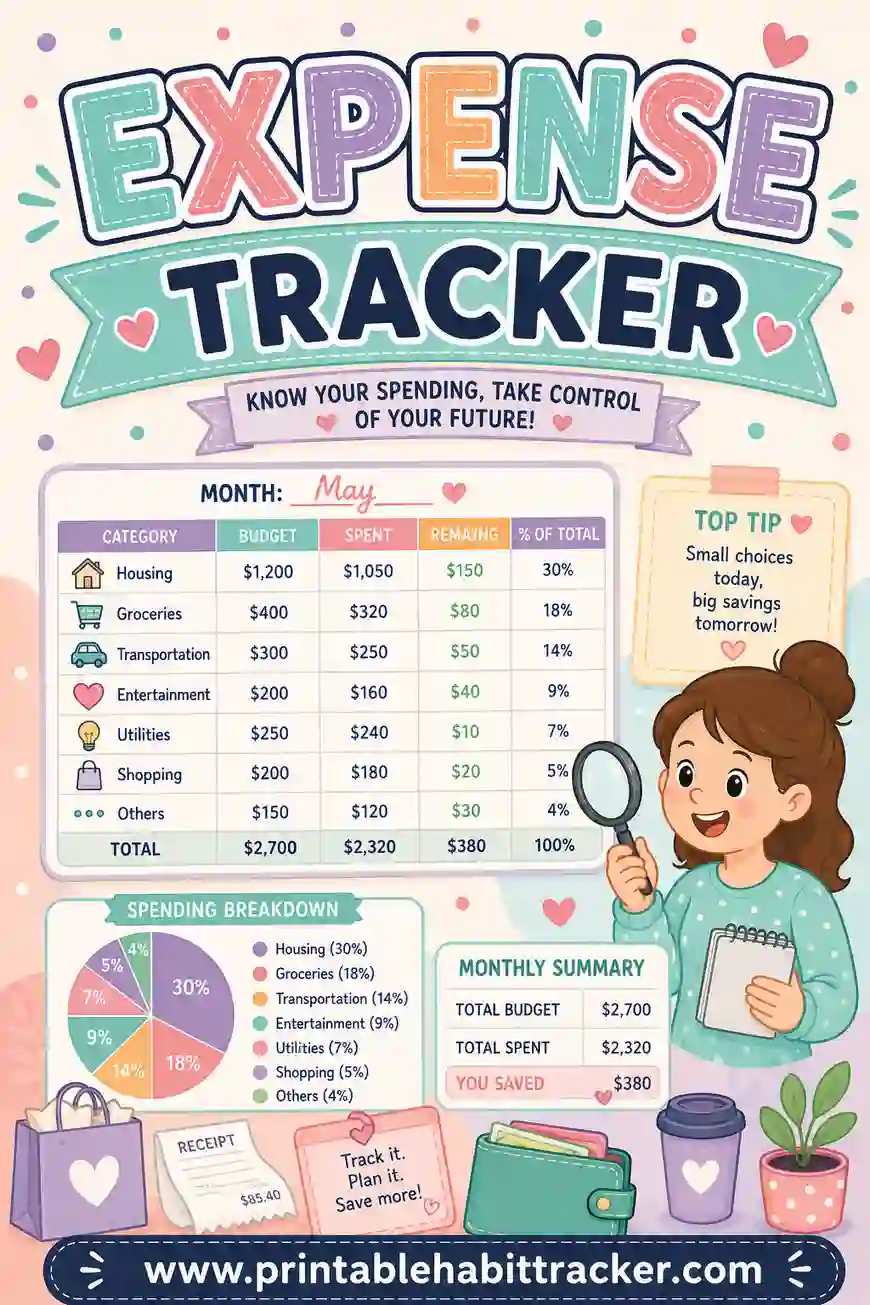
Let's be straight about what paper does and doesn't do: this tracker doesn't total anything. The grid records that money moved and when; the amounts are handwritten and the adding happens at month's end with a calculator and five minutes. What you get in exchange is the thing apps can't deliver — a page on the wall that keeps your entire money month visible without a login, and a marking habit that makes you feel every transaction. People who hand-log spending consistently report the same effect: writing it down makes you spend less, because every purchase now has a tiny moment of reckoning.
Built in the free tool, the rows are your actual income streams and your actual spending categories — a template can't know you have a Wednesday farmers-market habit and a quarterly freelance check.
Why Track Both Sides on One Page?
Plenty of people track spending. Far fewer put income on the same sheet — and that's the upgrade:
- Cash flow becomes visible, not just spending. A tight week is instantly explainable when you can see that the 15th paycheck hasn't landed yet but three expense rows are already busy.
- It matches irregular income reality. Freelancers, servers, gig workers — when income arrives unevenly, an expenses-only tracker is half a story. Seeing the "in" checks cluster tells you when to spend and when to hold.
- The month tells one story. At month's end you total the top section and the bottom section, subtract, and write the verdict in the notes box: ahead, behind, or even. That single handwritten number is the most honest budget review there is.
- It teaches the timing game. After two months you'll see patterns — the empty week before payday, the expense pile-up on weekends — and timing fixes (moving a bill's due date, batching grocery runs) become obvious.
What to Put on Your Tracker
Copy this starter set into the builder and make it yours:
| Section | Rows | Notes |
|---|---|---|
| INCOME | Paycheck — 1st & 15th | Check the day it lands; amount in pencil |
| INCOME | Side gig / freelance | One check per payment received |
| INCOME | Other (refunds, resale, gifts) | The forgettable money — track it and it stops vanishing |
| EXPENSES | Groceries | Check each shopping day + amount |
| EXPENSES | Gas / transport | Same |
| EXPENSES | Eating out & coffee | The row that teaches the most |
| EXPENSES | Household & kids | Target, pharmacy, school stuff |
| EXPENSES | Fun / personal | Honest row, no judgment |
| EXPENSES | Irregular (repairs, gifts) | The budget-breakers get their own row |
Start the income rows with "IN:" and expense rows with "OUT:" — or better, turn on color-coding so income prints in one color and expenses in another, with the key at the bottom of the page. Fixed bills on autopay can stay off this sheet if they're already on your budget tracker — this page earns its keep on the variable money.
How to Make an Income and Expense Tracker in 4 Steps
- List income rows first, then expense rows. In the free builder, keep it to two or three income rows and five to seven expense categories. Amounts and paydays go right in the row names.
- Pick the monthly layout. You get a real date grid — the correct number of days for the month, leap years included — so every checkmark lands on an actual date.
- Color-code the two sections. Income rows in green-ish, expenses in another color, key printed on the page. One glance separates in from out.
- Add the notes box and print. The notes box is your totals station: "Income: ___ Expenses: ___ Difference: ___." Letter or A4, landscape if your row names run long. Tick "Print all 12 months" and the whole year is ready in one print run.
Your setup saves in your browser — tweak a category next month and reprint in seconds.
Ways to Run It
The checkmark-plus-pencil method
Check the box the day money moves; pencil the amount in or beside the box. Weekly, add up the pencil marks per row. This is the full ledger experience on one page.
The checks-only cash-flow view
Skip amounts entirely — just mark that money moved. Lighter to maintain, and still reveals the timing patterns that cause most money stress. Good first month.
The envelope-hybrid
If you budget with cash envelopes, use the rows as envelope categories and check each day you stayed inside the envelope. The grid becomes a discipline tracker, and the amounts live in the envelopes themselves.
The freelancer's version
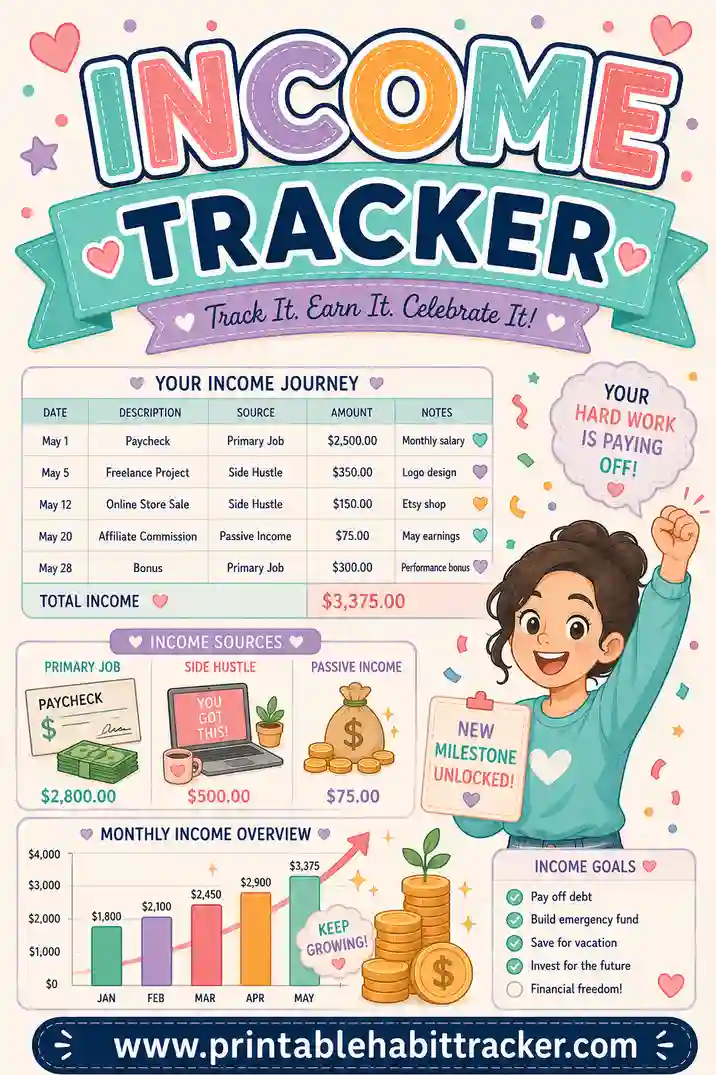
Income rows per client ("Client A — invoice," "Client B — retainer"), expense rows for business costs. At tax time, the penciled amounts and dates are a surprisingly decent paper trail. If income is the side you most need eyes on, a dedicated income tracker goes deeper.
A Ten-Minute Weekly Rhythm
- Daily (30 seconds): Check today's boxes, pencil amounts while you still remember them. Receipt-to-page beats memory every time.
- Sunday (5 minutes): Total each expense row's week in the margin. Circle anything running hot.
- Month-end (10 minutes): Calculator time — total income, total expenses, write the difference in the notes box, and read the story before printing next month's sheet. Ahead two months running? That difference has a name: savings.
Printing Tips
- Landscape orientation — a month of date columns plus penciled amounts wants the width.
- Pencil for amounts, pen for checks. Amounts get corrected; the fact that money moved doesn't.
- Clip it to the fridge or planner — this sheet only works within arm's reach of daily life. If houseguests make money-on-the-fridge weird, the inside of a cabinet door works perfectly.
- Classic black-and-white with color-coding off still works — prefix rows "IN:" and "OUT:" instead, and save the color ink.
- Print a test page and check that the full date grid fits before running twelve months.
Common Mistakes
- Too many expense categories. Fifteen rows means filing decisions at the fridge ("is coffee 'eating out' or 'fun'?") — and filing decisions kill logging. Five to seven broad rows, resolved in one second.
- Skipping small amounts. The $4 coffees are usually the entire plot of the month's story. Check the box; pencil the 4.
- Only tracking expenses. Then a good income month and a bad one look identical, and the month-end verdict means nothing. Both sides, always — that's this sheet's whole reason to exist over a plain expense tracker.
- Catch-up logging from memory. Three days of reconstructed spending is fiction. Log same-day, or pull the banking app and copy the real transactions across — the page still does its visibility job.
- Treating a behind-month as failure. The sheet's job is truth, not cheerleading. One honest "-$180" in the notes box, understood and adjusted for, is worth more than a year of untracked pleasant vagueness.
A Sample Filled-In Week
| Row | Mon | Tue | Wed | Thu | Fri | Sat | Sun |
|---|---|---|---|---|---|---|---|
| IN: Paycheck | ✔ 1,240 | ||||||
| IN: Marketplace sales | ✔ 35 | ✔ 60 | |||||
| OUT: Groceries | ✔ 84 | ✔ 37 | ✔ 112 | ||||
| OUT: Gas | ✔ 45 | ||||||
| OUT: Eating out | ✔ 18 | ✔ 52 | ✔ 26 | ||||
| OUT: Kids' stuff | ✔ 29 |
Margin math, Sunday night: in $1,335, out $403 — a good week, and the Friday-to-Sunday eating-out pattern ($96) is now officially visible. That pattern was invisible in the banking app for two years.
Frequently Asked Questions
Is the income and expense tracker printable really free?
Yes — the builder is completely free, no sign-up, no watermark, and you can print all twelve months in one go or reprint whenever your categories change.
Does it total my income and expenses automatically?
No — it's paper, so you pencil amounts and total them at month's end. That five minutes with a calculator is, honestly, the most valuable money-review ritual most people never do. The grid's job is making sure there's a truthful page to total.
How is this different from a budget tracker?
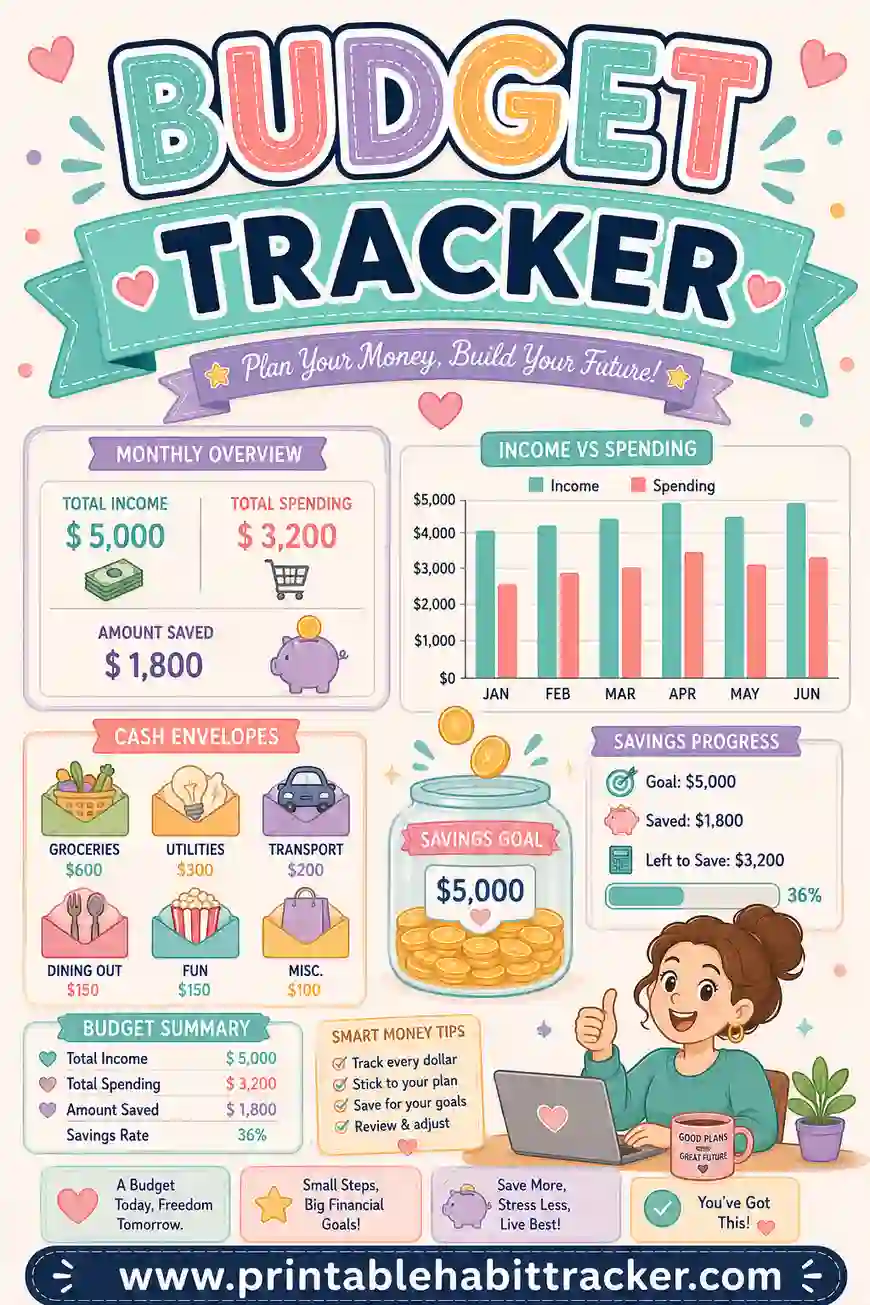
A budget tracker watches the plan — did you stay within limits? This sheet records the events — money in, money out, on which days. Record first, plan second: most people run this tracker for a month or two, then build a much smarter budget from what it revealed.
What about cash spending?
This is where paper beats apps outright — cash never shows up in an app's automatic feed, but it takes the same two seconds to check a box and pencil "20." If you deal in cash regularly, a paper tracker is arguably the only honest option.
I have irregular freelance income. Will this work?
It's built for you. Give each client or income stream a row, check the day payments actually land, and within two months you'll see your true cash-flow rhythm — which weeks are safe for spending and which need the brakes. Pair with a dedicated income tracker if invoice-chasing is half your job.
Ready to See Your Whole Money Month on One Page?
List two or three income rows, five or six expense rows, and open the free income and expense tracker builder. Monthly layout, color-coded sections, notes box for the month-end math — print it and clip it where the wallet lives. It's free, it takes five minutes, and one honest month on this page will tell you more about your money than a year of good intentions.