Budget Tracker Printable: Free Custom Sheets You Can Print at Home
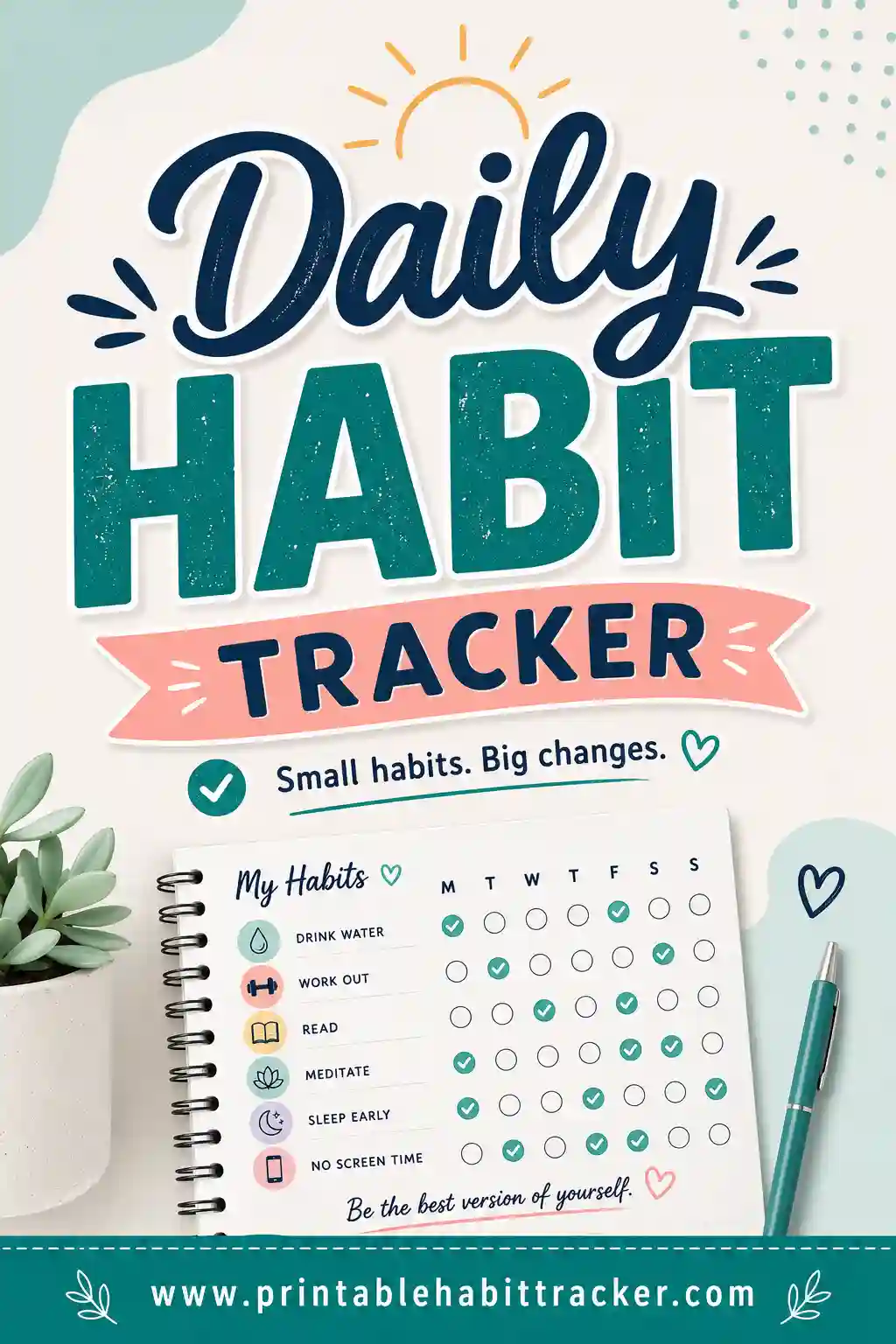
A budget tracker printable is a one-page grid that keeps your money plan where you can actually see it: your spending categories or money habits listed down the side, the days of the week or month across the top, and a box to check every time you stay on plan. Instead of a spreadsheet you forget to open, it lives on the fridge or inside your planner. The fastest way to get one is with a free printable habit tracker builder — type in your budget rows, pick a layout, and print a clean sheet that fits your exact budget.
Want one right now? Open the free builder, add a row for each category or money habit, pick the monthly layout for a real date grid, and hit print. No sign-up, no watermark, and you can reprint a fresh sheet every month.
What Is a Printable Budget Tracker?
Think of it as the paper version of "did I stick to the plan today?" Each row is a piece of your budget — a category like groceries, a bill, or a money habit like logging your spending. Each column is a day, week, or month. When you do the thing (or stay under the limit), you check the box.
One honest note before we go further: a paper tracker doesn't add numbers up for you. The grid tracks the behavior — the checking, the logging, the not-spending — and you write the amounts by hand where you need them, in the row names or the notes box. That sounds like a limitation, but it's actually the point. Budgets don't fail because people can't do arithmetic. They fail because nobody looks at the plan after week one. A printed budget tracker fixes the looking part.
Because you build it in the free tool, the rows match your real budget — your categories, your bills, your goals — not someone else's template.
Why a Paper Budget Tracker Works When Apps Don't
Budget apps are powerful, and plenty of people quietly stop opening them after two weeks. Paper has a few unfair advantages:
- It's always visible. A sheet on the fridge confronts you daily. An app waits politely behind a lock screen.
- Checking a box is a ritual. The thirty seconds you spend marking today's boxes is thirty seconds of thinking about money — which is more than most people do all day.
- There's nothing to fiddle with. No categories to sync, no bank connection that breaks. A pen and a grid.
- Streaks are motivating. Five no-spend days in a row look like five filled boxes. You won't want to break the run.
The best system is often both: an app or bank statement for the exact numbers, and a printed sheet for the daily behavior that keeps those numbers healthy.
What to Put on Your Budget Tracker
There are two ways to set up your rows, and both work brilliantly. You can copy either list straight into the builder.
Option 1: Budget habit rows
Track the behaviors that keep a budget alive:
| Row | What it means |
|---|---|
| Logged today's spending | Wrote down what you spent, anywhere |
| No-spend day | Zero non-essential purchases |
| Checked account balance | 60 seconds, once a day |
| Cooked at home | Instead of takeout or delivery |
| Under daily fun-money limit | Whatever number you set |
| Moved money to savings | Any amount counts |
| No impulse buy | Waited 24 hours on anything unplanned |
Option 2: Category rows
List your spending categories with the monthly limit written right in the row name — "Groceries — $500," "Fun money — $150," "Gas — $120." Then check the box each day you stayed on plan for that category, or use the boxes weekly: four boxes per row, one per week under budget. The amounts live in the row names, and the notes box at the bottom is perfect for your income and total budget for the month.
Keep it to five to eight rows
A budget tracker with twenty rows becomes homework. Five to eight rows you'll actually check beats a complete-but-abandoned system every time.
How to Make a Budget Tracker Printable in 4 Steps
The whole thing takes under five minutes:
- List your rows. In the free builder, type each budget habit or category on its own line. Put limits and amounts right in the row name — "Groceries — $125/wk."
- Pick your layout. Monthly gives you a real date grid with the correct number of days — the natural fit for a budget. Weekly works if you review money every Sunday.
- Choose a style and extras. Checkboxes feel businesslike; color-in squares are more satisfying. Turn on the reward box and write in your treat for a month on budget, and use the notes box for this month's income and savings goal.
- Print or save as PDF. One clean page, Letter or A4. Tick "Print all 12 months" and you'll get the whole year's budget sheets in one go.
Your setup saves in your browser, so next month you open the page, adjust a number in a row name, and reprint.
Budget Tracker Layouts to Try
The monthly date grid
Rows of categories or habits, a date grid across the top with the right number of days for the month. This is the classic budget tracker printable — one page, one month, the whole picture.
The weekly money check-in
Seven columns, one per day, focused purely on daily habits: logged spending, no-spend, cooked at home. Print a fresh one each week or laminate it and reuse with a dry-erase marker.
The yearly overview
Twelve columns, one per month, one row per money goal — "Stayed under budget," "Added to emergency fund," "No credit card balance." A full year of financial wins on one page.
The color-coded family version
Turn on color-coding so each person's spending rows (or each category group) prints in its own color with a key at the bottom. Great for couples budgeting together on a single sheet.
A Simple Weekly Money Routine
The tracker works best inside a tiny routine. Here's one that takes ten minutes a week:
- Daily (1 minute): Check today's boxes. Logged spending? No-spend? Done.
- Sunday (10 minutes): Open your bank app, compare reality to the sheet, write the week's totals in the margin, and circle any category that's running hot.
- Month's end (15 minutes): Count the checks, write the verdict in the notes area, and set next month's row names with adjusted numbers.
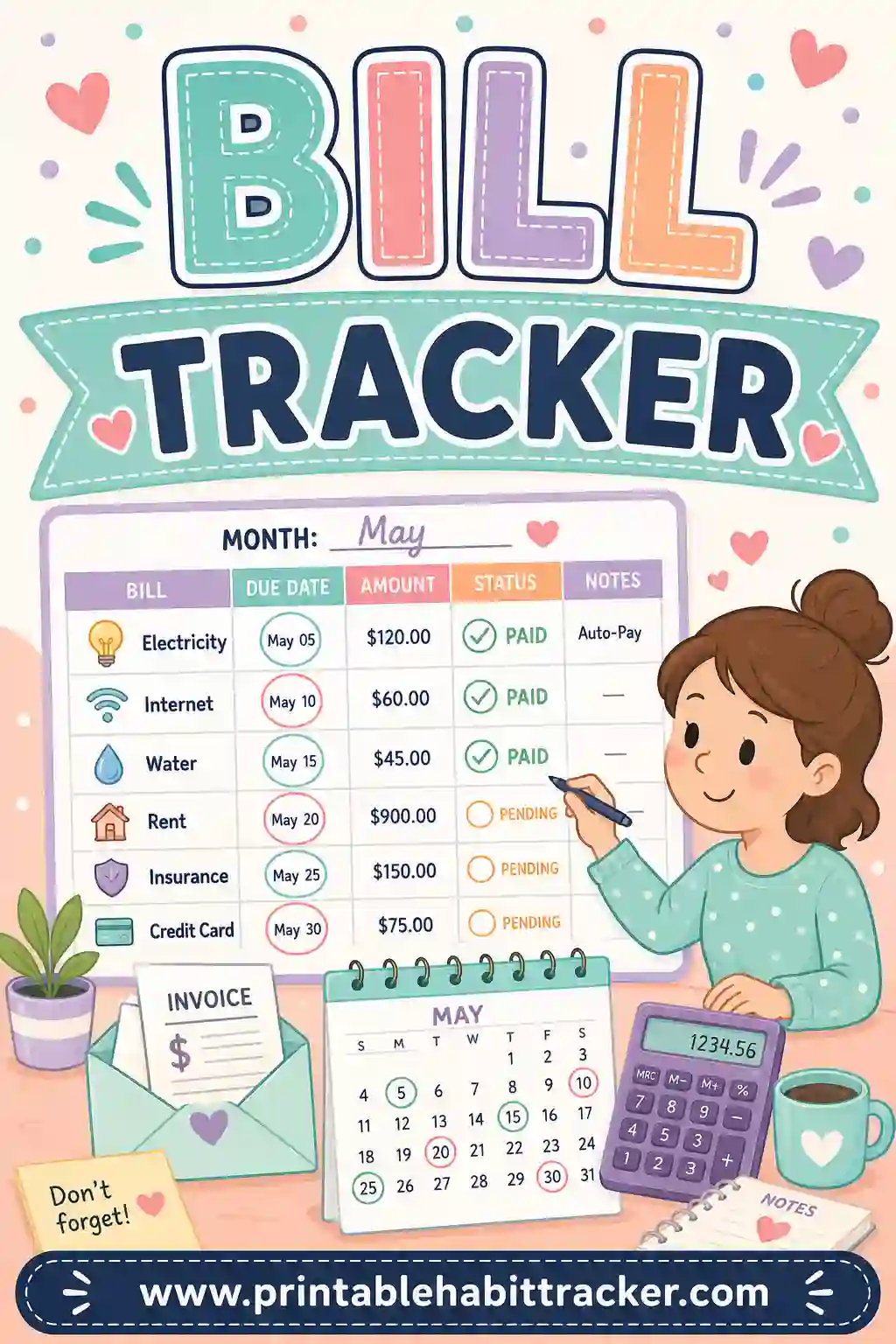
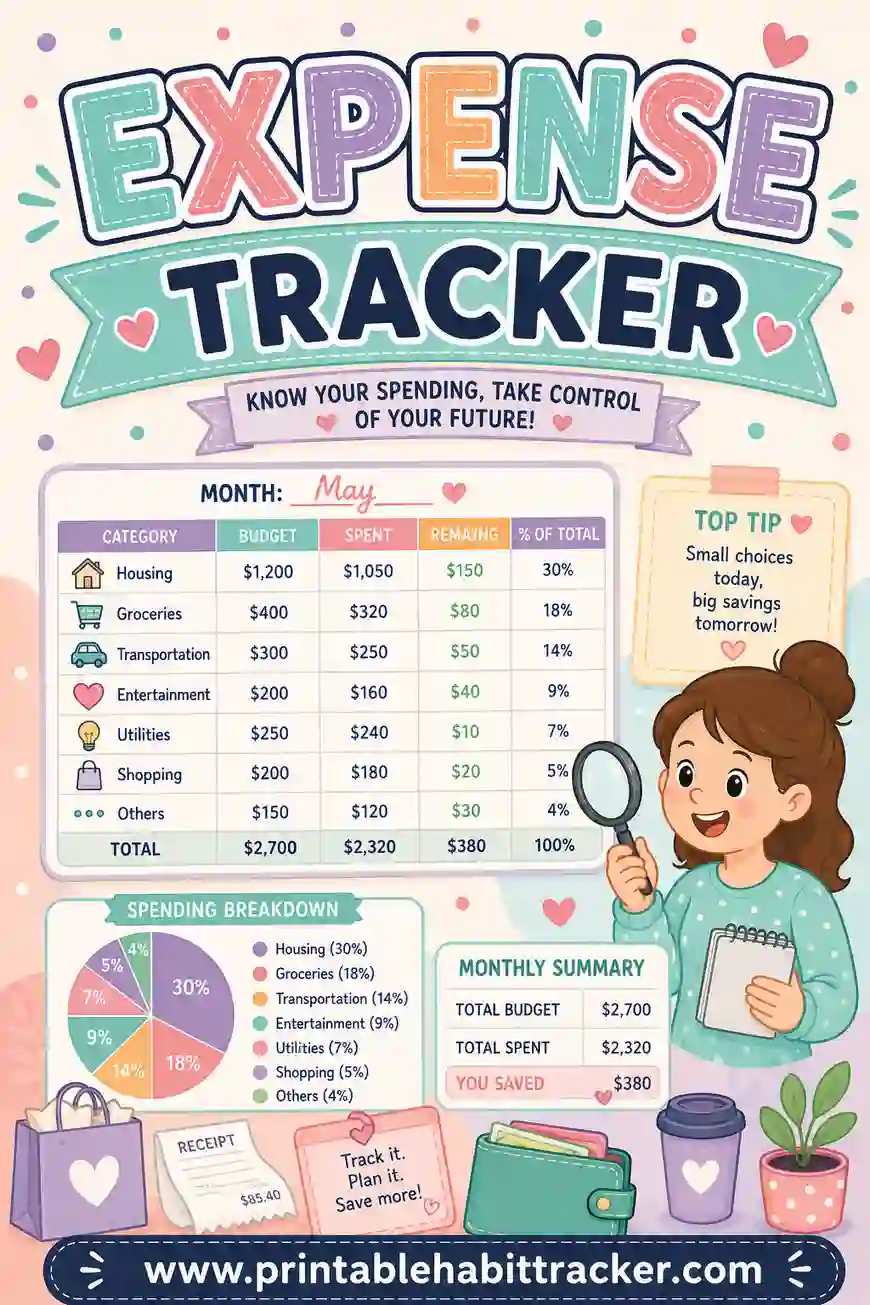
That's it. Pair the sheet with a bill tracker for due dates and an expense tracker if you want a dedicated page for logging purchases — the three together cover almost everything a budgeting app does.
Printing Tips for a Budget Sheet That Lasts the Month
- Regular paper is fine — it only needs to survive one month.
- Landscape orientation gives you wider rows if your category names include amounts.
- Classic black-and-white theme saves ink and looks tidy clipped into a planner.
- Laminate one copy and use a dry-erase marker if you'd rather reuse than reprint.
- Print a test page first and check the grid fits before printing all twelve months.
- Keep it visible but private. Inside a kitchen cabinet door or a planner beats the fridge if guests wander through.
Common Budget Tracker Mistakes
- Tracking every penny from day one. Start with five rows. Precision can come later; the habit comes first.
- Setting limits you've never once hit. If groceries have been $700 for a year, a $400 row is a plan to feel bad. Cut 10% at a time.
- Punishing a bad day. One blown box doesn't blow the month. Check the honest answer and move on — the streak restarts tomorrow.
- No reward. Budgeting is delayed gratification, which is exactly why the reward box matters. Write in something real: "Month on plan = dinner out."
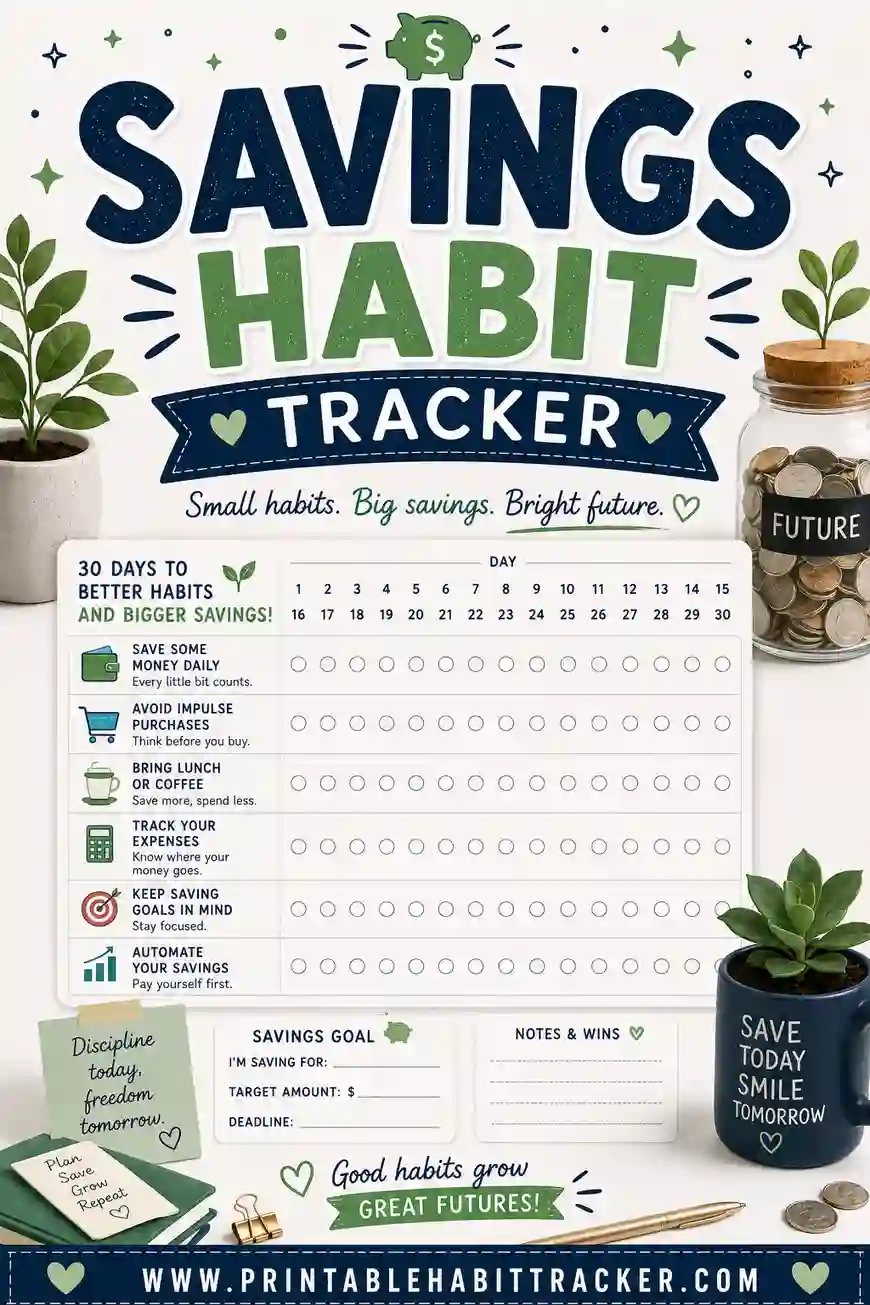
- Ignoring the wins. A row of no-spend checks is real progress even if the numbers aren't perfect yet. Momentum first, perfection later. If saving is your main goal, a dedicated savings habit tracker makes those wins even more visible.
A Sample Filled-In Budget Tracker
Here's what one week of a habit-style budget tracker might look like:
| Row | Mon | Tue | Wed | Thu | Fri | Sat | Sun |
|---|---|---|---|---|---|---|---|
| Logged spending | ✔ | ✔ | ✔ | ✔ | ✔ | ✔ | ✔ |
| No-spend day | ✔ | ✔ | ✔ | ✔ | |||
| Cooked at home | ✔ | ✔ | ✔ | ✔ | ✔ | ||
| Checked balance | ✔ | ✔ | ✔ | ✔ | ✔ | ✔ | |
| Moved $ to savings | ✔ | ✔ |
Notes box: "Income this month: $3,400. Goal: save $300. Friday takeout was planned — not a slip." Notice it's not perfect. Four no-spend days out of seven is a genuinely strong week, and the tracker makes that visible instead of letting the two takeout nights define the story.
Frequently Asked Questions
Is the budget tracker printable really free?
Yes — completely. The builder has no sign-up, no account, and no watermark. Build your sheet, print it or save it as a PDF, and reprint every month for as long as you like.
Does the tracker calculate my totals?
No — it's a printable, so the math stays with you. Write amounts in the row names ("Groceries — $500") and totals in the notes box, and let the grid do what paper does best: keep the plan in front of your face every day. Most people find ten minutes with a calculator on Sunday covers everything an app was doing.
Should I track categories or habits?
If your budget keeps failing at the doing stage — impulse buys, takeout, never checking the account — track habits. If your spending is steady but you want oversight, track categories with weekly check-offs. Plenty of people run one sheet with a few of each.
How is this different from an expense tracker?
A budget tracker watches the plan; an expense tracker records the purchases. The budget sheet asks "did I stay on plan today?" while the expense sheet asks "what exactly did I spend?" They're a great pair.
Can I make one budget tracker for the whole year?
Yes, two ways. The yearly layout gives you twelve month-columns for big-picture goals, or pick the monthly layout and tick "Print all 12 months" to get twelve dated sheets — January through December — in a single print run.
Ready to Print Your Budget Tracker?
Pick five rows — a couple of habits, a couple of categories with limits in the names — then open the free budget tracker builder, choose the monthly layout, and print. It's free, there's no sign-up, and a month of honest checkmarks will teach you more about your money than any app you've stopped opening. Print one today and let the sheet keep the plan alive.