Bill Tracker Printable: Free Monthly Bill Payment Checklist
A bill tracker printable is a one-page grid that lists every bill you owe — rent, electric, phone, streaming — with a box to check the moment each one is paid. Pin it where you'll see it, and the days of "wait, did I pay the water bill?" are over. The fastest way to get one that matches your actual bills is the free printable habit tracker builder: type each bill as a row, pick a monthly layout, and print a clean checklist you can reuse every month.
Want one now? Open the free builder, list your bills one per line (add the amount and due date right in the name, like "Electric — $120, due 15th"), choose the monthly layout, and print. No sign-up, no watermark, and next month's copy is one click away.
What Is a Bill Tracker?
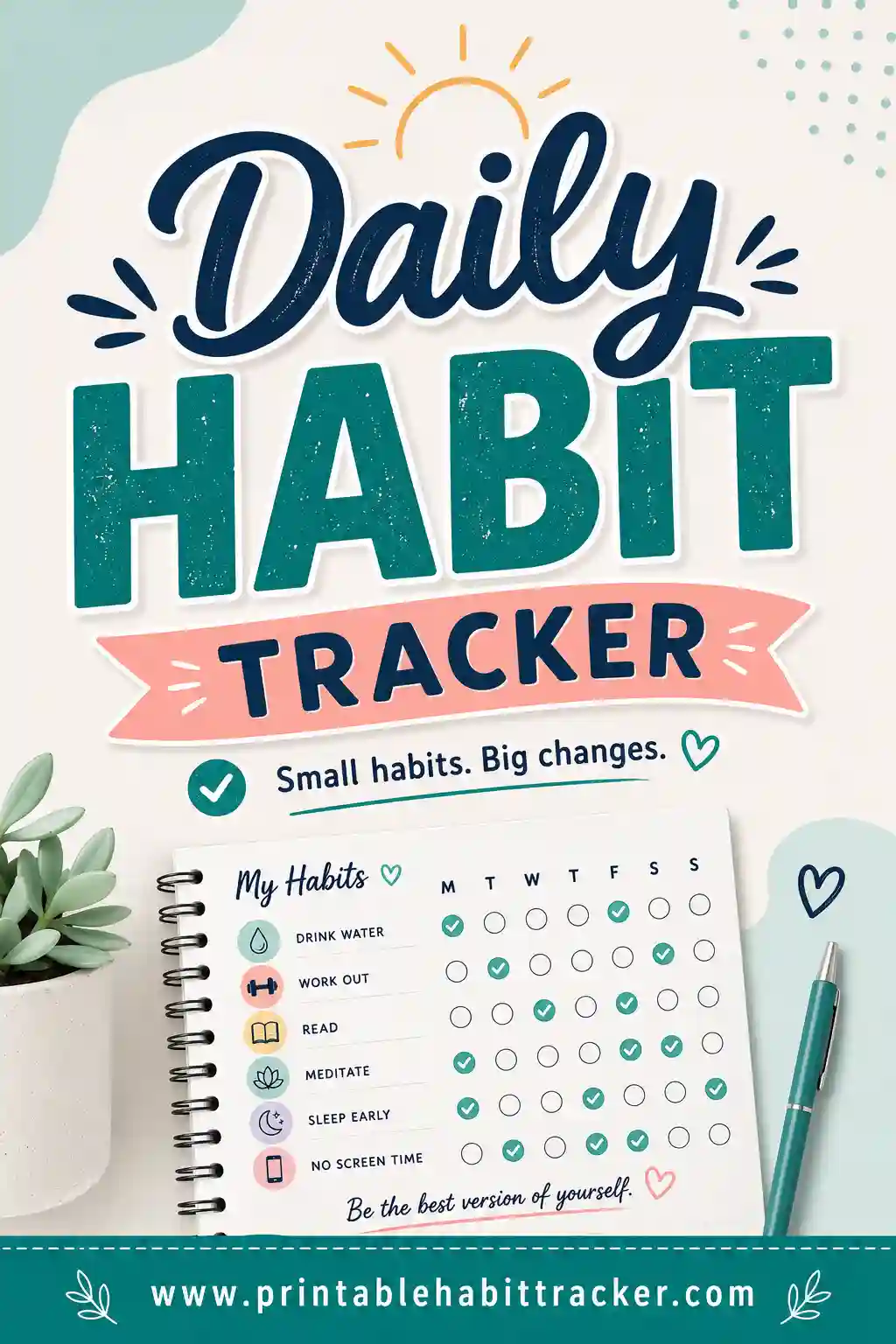
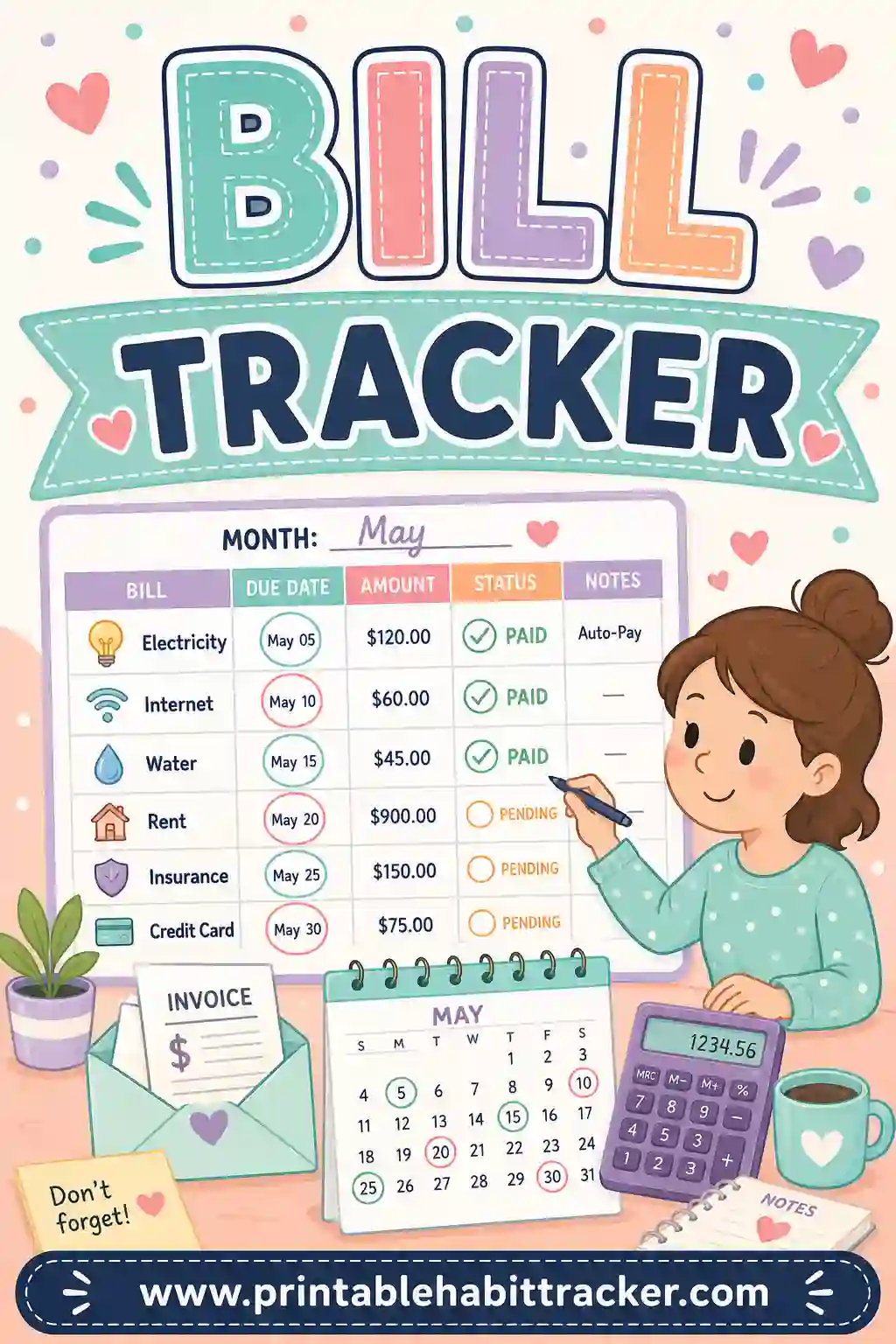
A bill tracker is the paper answer to bill anxiety. Every bill you pay in a month gets its own row; the columns are the dates of the month; and when a bill is paid, you check the box under that date. One glance tells you what's paid, what's pending, and what's due soon.
To be clear about what you're building: this is a check-grid, not a spreadsheet. It doesn't add up totals or do math — it does something simpler and, for staying on top of due dates, more useful. It sits on your fridge or in your planner and shows you, in half a second, whether the rent has left the building. Write the amount and due date into each bill's row name ("Car insurance — $89, due 3rd") and the grid carries all the information that matters day to day.
Because the free builder is fully custom, your tracker lists your bills — not the fifteen generic rows of a pre-made template, half of which don't apply to you.
Why a Paper Bill Tracker Beats Memory (and Most Apps)
Late fees aren't a math problem — they're a visibility problem. The bill was fine; you just didn't see it coming. A printed bill tracker fixes exactly that.
- It's always in view. No app to open, no login. The tracker hangs where you make coffee, and unpaid rows nag you gently every morning.
- Checking a box feels good. The same small satisfaction that makes habit trackers work makes bill-paying weirdly pleasant. A fully checked column at month's end is a tiny victory lap.
- It catches the sneaky ones. Quarterly insurance, annual subscriptions, the streaming service you forgot you had — once they're rows on the sheet, they can't ambush you.
- It's shared by default. Partners and roommates can both see what's paid without anyone texting "did you send the electric?"
- One month, one page, filed. Keep the finished sheets in a folder and you have a paper trail of every payment date, which has settled more than one billing dispute.
What Bills to Put on Your Tracker
List everything that leaves your account on a schedule. Most people find a few forgotten ones the first time they do this — that alone pays for the exercise.
| Category | Examples | Tip for the row name |
|---|---|---|
| Housing | Rent or mortgage, HOA | "Rent — $1,450, due 1st" |
| Utilities | Electric, gas, water, trash | Include the typical amount |
| Connectivity | Internet, phone plans | One row per line if split |
| Insurance | Auto, health, renters, life | Mark quarterly ones "(Q)" |
| Debt payments | Credit cards, car loan, student loans | Minimums and due dates |
| Subscriptions | Streaming, gym, apps, storage | One row each — they hide |
| Irregulars | Property tax, registrations | Add in the months they hit |
Order the rows by due date, earliest first. The tracker then reads top to bottom as the month unfolds, and "what's next?" answers itself.
Don't forget the autopays
List autopay bills too, with an "(A)" in the name. You're not checking whether you remembered — you're checking that the payment actually went through and the amount looked right. Autopay errors are rare, but they're expensive precisely because nobody is watching.
How to Make a Bill Tracker in 4 Steps
- List your bills, one per line. In the free builder, enter each bill with amount and due date in the name. Pull up your bank statement while you do it — that's where the forgotten subscriptions surface.
- Pick the monthly layout. Choose the month and year, and the grid prints with the correct dates — check the box under the day you actually paid. Prefer something simpler? The weekly layout works as a "bills to handle this week" checklist.
- Choose your style and theme. Checkboxes keep it businesslike; Classic black-and-white prints crisp and cheap. Add the notes box and jot the month's total or any amount changes.
- Print or save as PDF. One page, Letter or A4. Tick "Print all 12 months" and you get the entire year's bill tracker in one print job — twelve dated sheets, January through December.
Your setup saves in your browser, so next month is: open, glance, print.
Bill Tracker Layouts That Work
The monthly date grid
Bills down the side, real dates across the top. The gold standard — you see exactly when each bill was paid, and clusters of due dates (the dreaded 1st of the month) become obvious and plannable.
The payday-based tracker
If you budget by paycheck, make the rows "Bills from paycheck 1" and "Bills from paycheck 2" groups, or print a weekly tracker per pay period. Every payday, sit down, pay the group, check the boxes. Fifteen minutes, twice a month, done.
The yearly overview
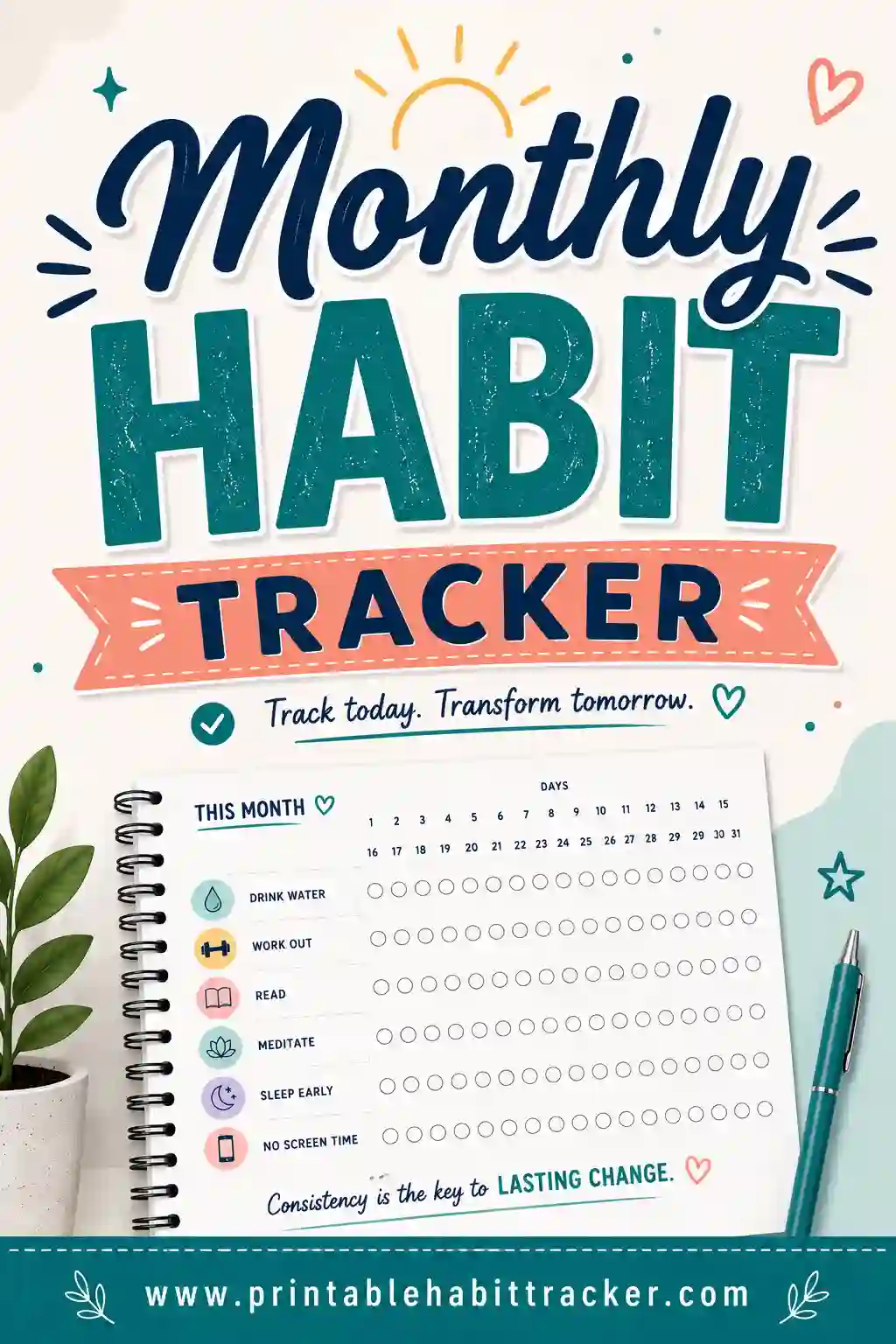
The yearly layout puts your bills in rows with 12 month-columns across — one page showing whether every bill got paid every month all year. Beautiful for spotting patterns and deeply satisfying to fill.
The bills-plus-goals combo
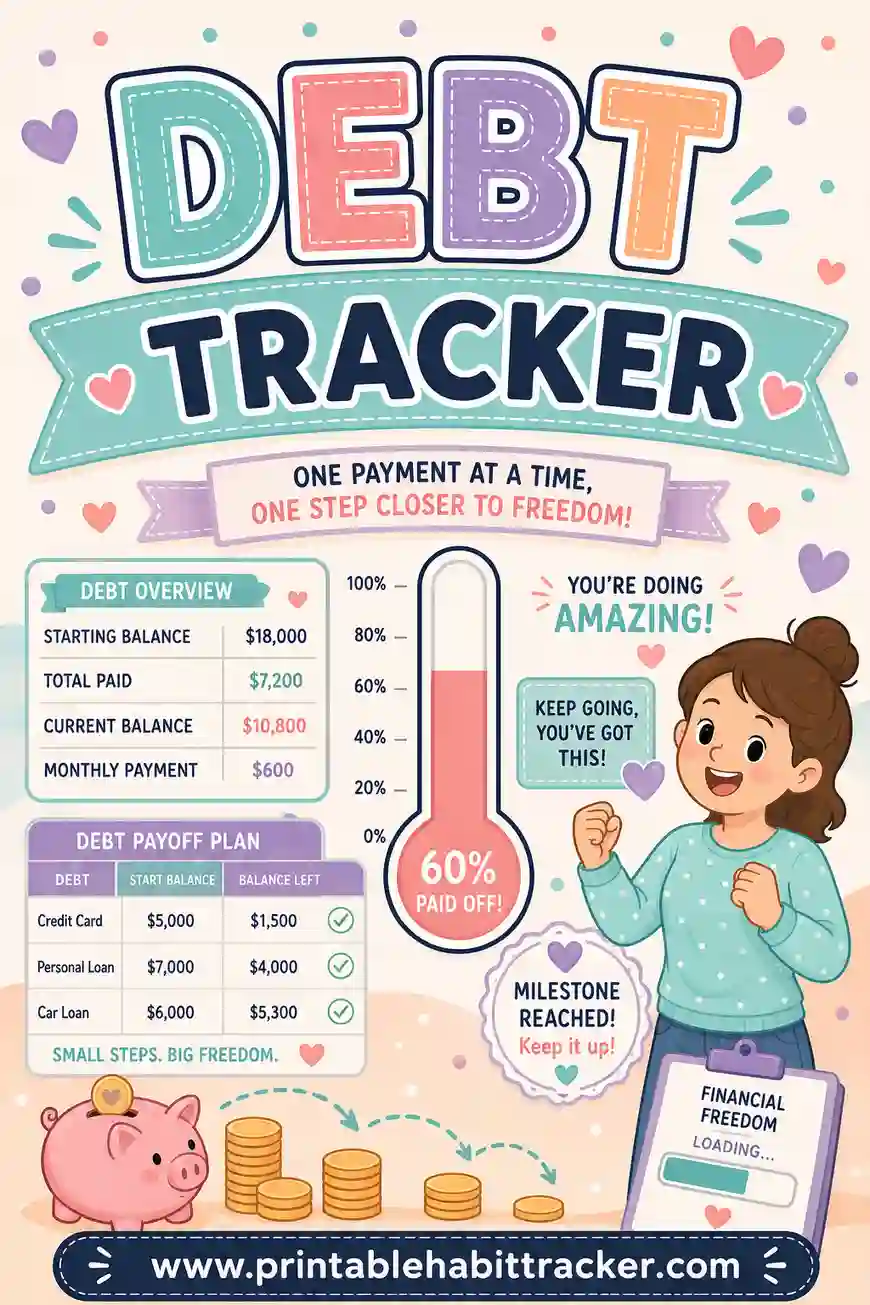
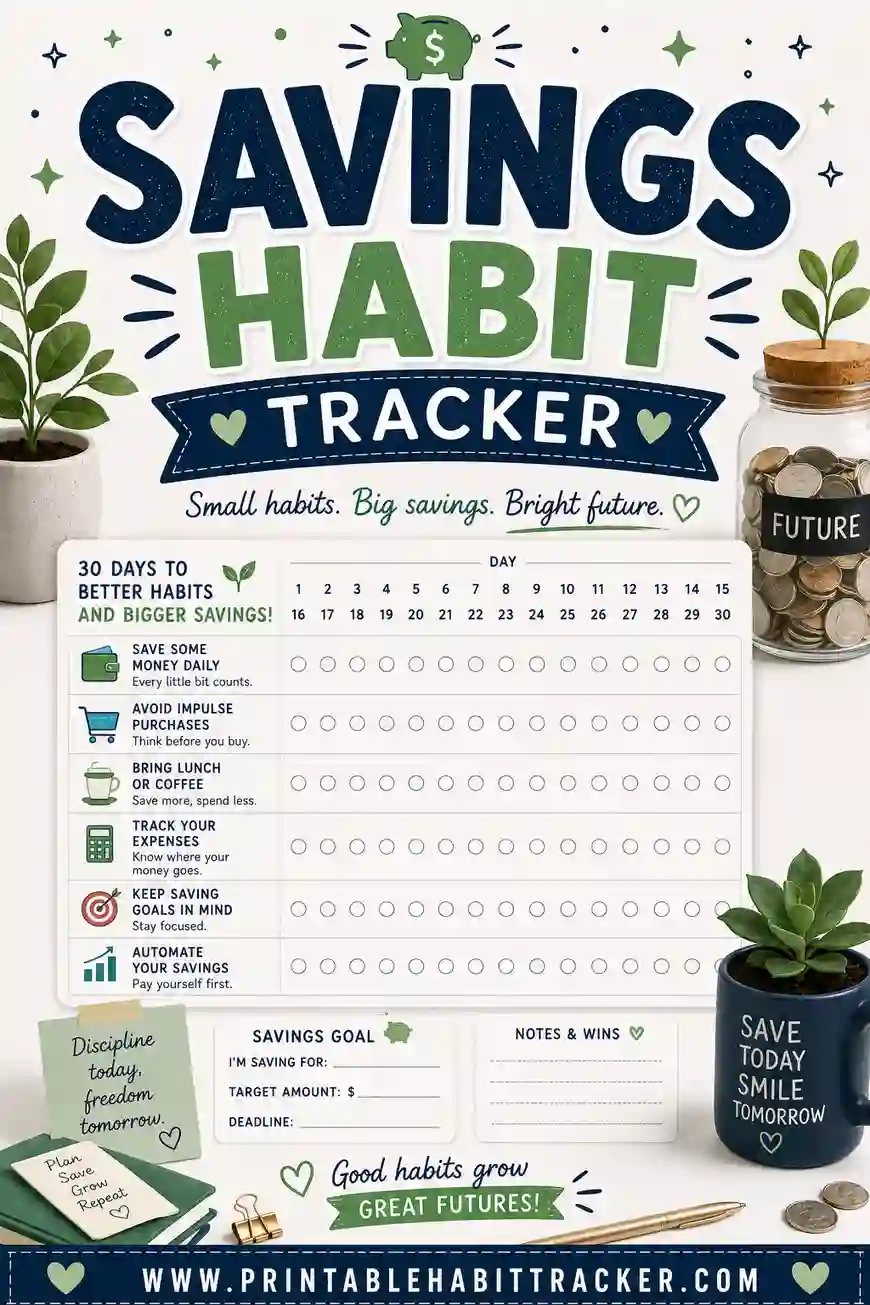
Add rows for money habits alongside the bills: "no-spend day," "checked account balance," "moved $50 to savings." A bill tracker keeps you at zero missed payments; pairing it with a savings habit tracker is how you start moving forward. If debt payoff is the bigger mission, the debt tracker approach goes deeper.
A Simple Monthly Routine
The tracker works when it's part of a rhythm. Here's a routine that takes under an hour a month, total:
- Print day (1st of the month). Print the new sheet — or grab it from your all-12-months stack — and stick it on the fridge or in your planner.
- Bill session (weekly, 10 minutes). Same day each week, coffee in hand: pay what's due in the next seven days, check the boxes, glance at what's coming.
- Month-end minute. Any empty boxes? Handle them today, not "soon." Then file the sheet and note next month's changes in the notes box.
This is the same habit-loop that makes a monthly habit tracker work — a visible grid plus a fixed check-in time. Bills are just habits with late fees.
A Sample Bill Tracker Month
Here's what a filled-in tracker might look like mid-month — rows ordered by due date, amounts in the names, checkmarks under the dates paid.
| Bill | Due | Paid on |
|---|---|---|
| Rent — $1,450 | 1st | ✓ 1st |
| Car loan — $310 | 5th | ✓ 3rd |
| Electric — ~$120 | 15th | ✓ 14th |
| Internet — $65 (A) | 18th | ✓ 18th (autopay confirmed) |
| Visa — $90 min | 22nd | ☐ |
| Car insurance — $267 (Q) | 25th | — not this month |
| Streaming — $15 (A) | 28th | ☐ |
One glance mid-month tells the whole story: everything early-month is handled, the Visa needs attention this week, and the quarterly insurance is dormant until April. In the notes box: "Total this month: ~$2,050. Electric ran $12 high — check thermostat." Thirty seconds of writing, and next month's you knows exactly what happened. That's the entire system.
Printing Tips
- Classic black-and-white prints fast, cheap, and legible — this is a workhorse sheet, not wall art. (Though Sage looks great in a home office.)
- Landscape orientation fits long bill names with amounts and due dates comfortably.
- Print all 12 months in one go and staple the stack — a year of bill tracking, ready before your coffee cools.
- Laminate one copy and run it with a dry-erase marker if you'd rather reuse than reprint.
- Save the PDF so you can reprint mid-month if the fridge copy meets a coffee spill.
Common Bill Tracker Mistakes
- Leaving out the small subscriptions. The $7.99 charges are the ones that leak. Every recurring charge gets a row, no exceptions.
- No amounts on the rows. "Electric ☐" tells you half the story. "Electric — $120 ☐" lets you sanity-check your balance at a glance.
- Tracking but never scheduling. The grid shows due dates; you still need the weekly ten-minute session to act on them. Put it on the calendar.
- Starting over every month from scratch. Your bills barely change. The builder saves your list in your browser — edit the one thing that changed and reprint.
- Hiding the sheet in a drawer. A bill tracker in a drawer is a late fee waiting to happen. Fridge, planner, or desk — somewhere your eyes land daily.
Frequently Asked Questions
Is the bill tracker printable free?
Yes — completely. The builder has no sign-up, no watermark, and no fee. Build the tracker, print it or save it as a free printable bill tracker PDF, and reprint every month all year.
Can it calculate totals or track amounts?
Not automatically — it's a printable checklist grid, not a spreadsheet. The workaround is simple and works well: put the amount in each row name ("Internet — $65") and use the notes box for the monthly total. For most people, seeing paid/unpaid at a glance matters far more than automated math.
How do I handle bills that aren't monthly?
Give them a row anyway, tagged with when they hit: "Car insurance — $267 (Jan/Apr/Jul/Oct)." The row sits quietly most months and saves you precisely when the big quarterly bill would have blindsided you.
Should I track autopay bills too?
Yes. Mark them "(A)" and check the box when you've confirmed the payment cleared. Autopay removes the chore, not the responsibility — a bounced autopay you don't notice is how a small bill becomes a credit report problem.
Can I print the whole year at once?
Yes. Pick the monthly layout and tick "Print all 12 months" — you get twelve correctly dated sheets, January through December, in a single print job. Staple them into a booklet and your bill tracking is set up for the year.
Ready to Print Your Bill Tracker?
Grab last month's bank statement, open the free bill tracker builder, and give every recurring bill a row with its amount and due date. Print the month — or all twelve — and stick the sheet where you'll see it daily. It's free, it takes ten minutes, and it may be the cheapest insurance against late fees you'll ever print.