Expense Tracker Printable: Free Daily Spending Log You Can Print
An expense tracker printable is a one-page grid that makes your spending visible: your spending categories listed down the side, the days of the month across the top, and a box to mark every day you spend (or don't spend) in each one. It's the paper version of "where did my money go?" — except this time you actually get an answer. The fastest way to get one that matches your real life is the free printable habit tracker builder: type your categories as rows, pick a monthly layout, and print a clean sheet you can stick in your planner or on the fridge.
Want one now? Open the free builder, list your spending categories one per line ("Coffee & takeout," "Groceries," "Online shopping"), choose the monthly layout, and hit print. No sign-up, no watermark, and next month's copy is one click away.
What Is a Printable Expense Tracker?
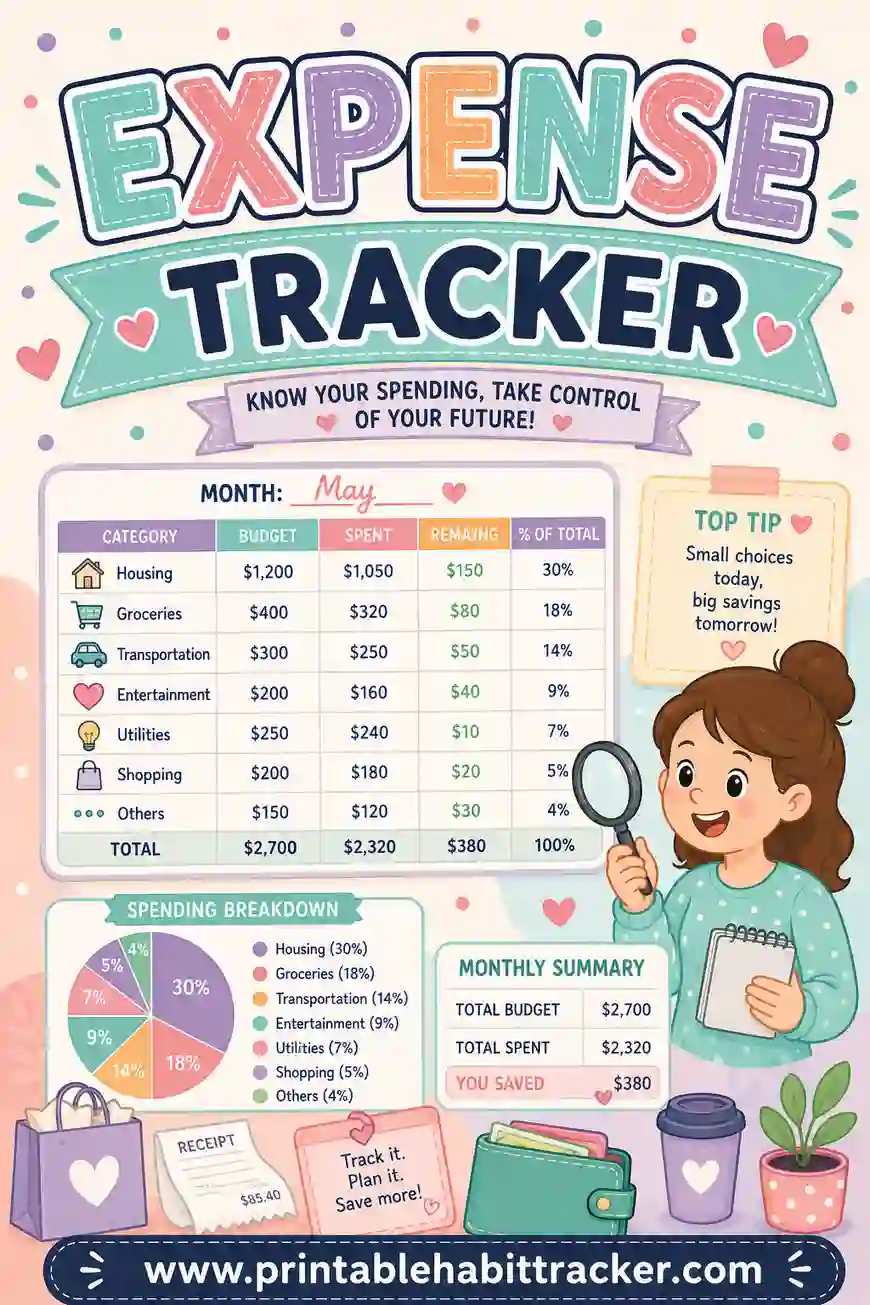
An expense tracker is a simple daily log of where your money goes. The printable version is a grid: each row is a spending category, each column is a day of the month, and you mark the box whenever money leaves your pocket in that category. Some people jot the amount in the box; others just mark it and keep amounts in the notes box at the bottom.
Let's be honest about what you're building, because it matters: this is a check-grid, not a spreadsheet. It doesn't add up totals or draw pie charts. What it does instead is the thing apps quietly fail at — it makes you notice the spending at the moment it happens, every single day, on a sheet you can't swipe away. If you want the amounts on paper, write them right into the row names ("Groceries — budget $400") or pencil them into the boxes as you go.
Because the free builder is fully custom, your tracker lists your categories — not the forty generic lines of a pre-made template, most of which don't apply to you.
Why Tracking Expenses on Paper Actually Works
Banking apps already show you every transaction, so why print anything? Because seeing a list after the fact and writing something down as it happens are completely different experiences.
- Writing creates friction — the good kind. When every coffee run means marking a box, you feel the spending instead of tapping past it. That tiny pause is where better decisions happen.
- It's always in view. A printed expense tracker on the fridge or in your planner nags gently every day. An app only talks when you open it.
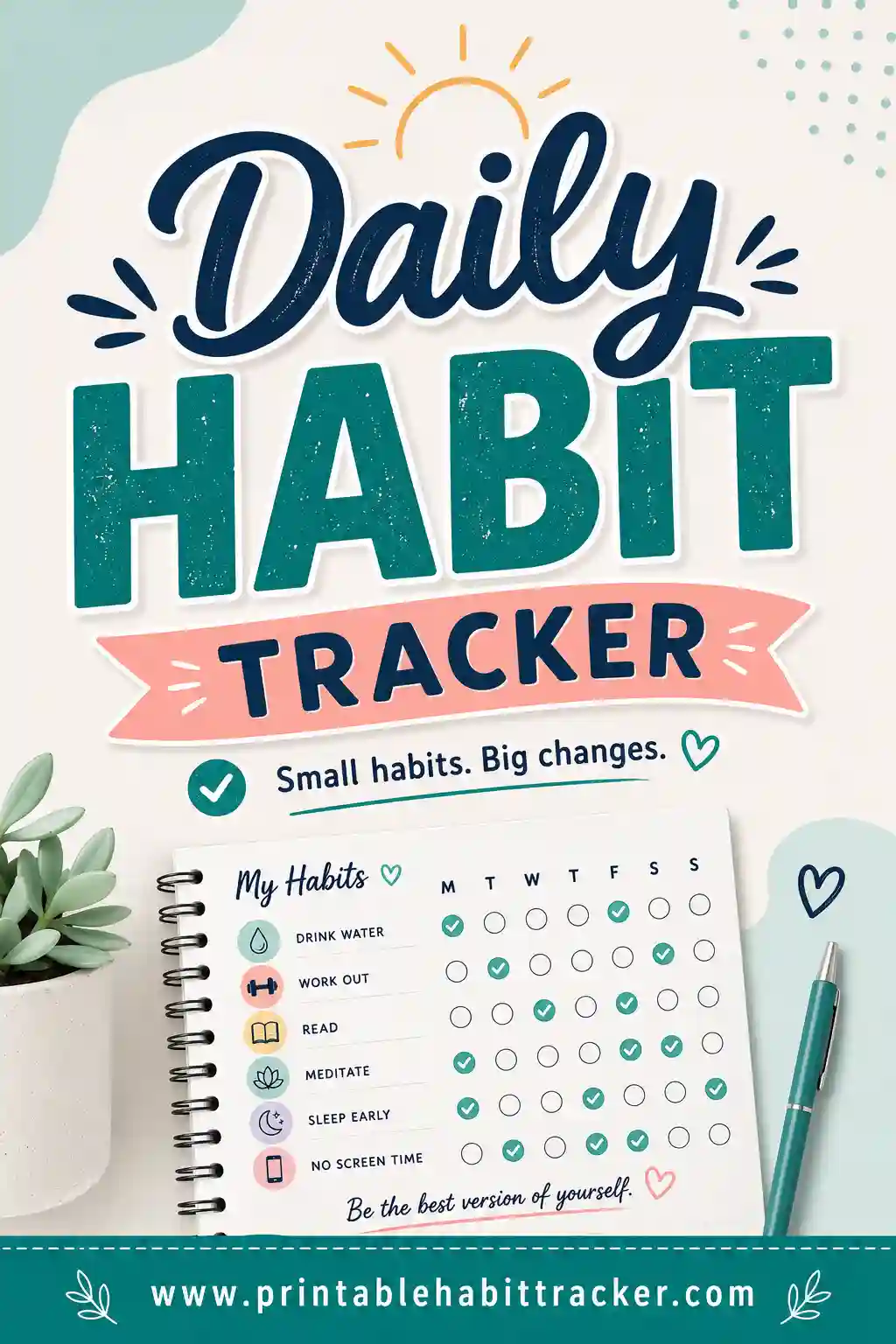
- Streaks work on spending too. A row of no-spend days in the "takeout" row is genuinely motivating — the same chain effect that makes habit trackers work turns saving money into a game.
- It catches the leaks. Most people can name their big bills. It's the eleven small "it's only $8" moments a month that vanish. Once they're marks on a grid, they stop hiding.
- It's private and free. No account linking, no app permissions. Just paper.
What to Put on Your Expense Tracker
Keep it to five to eight rows. The goal isn't to log every penny — it's to shine a light on the categories where money leaks. Here's a starter set you can copy straight into the builder.
| Row | Why track it | How to mark it |
|---|---|---|
| Coffee & takeout | The classic leak | Mark any day you buy either |
| Groceries | Biggest flexible expense | Jot the amount in the box |
| Online shopping | Late-night carts add up | Mark the day you order |
| Gas & transport | Easy to underestimate | Mark fill-ups and fares |
| Fun & entertainment | Guilt-free, but visible | One mark per outing |
| Impulse buys | The honesty row | Anything unplanned |
| No-spend day | The row you want full | Color it in when nothing left your account |
That last row is the secret weapon. Flip the game from "record my failures" to "collect no-spend days," and the tracker becomes something you look forward to filling in. Plenty of people track only that row using the chain layout — the whole year on one page, one colored square per no-spend day.
Put the numbers in the row names
Since the grid doesn't do math, give each category its monthly budget right in the name: "Takeout — cap $60," "Groceries — $400." Now every mark happens next to the number it's chipping away at, and a glance mid-month tells you whether you're on pace. Use the notes box for a weekly running total if you want one — thirty seconds with your phone calculator on Sunday does the job.
How to Make an Expense Tracker in 4 Steps
- Pick your categories. In the free builder, type five to eight spending categories, one per line, with budget caps in the names. Pull up last month's bank statement while you do it — the categories that make you wince are the ones that belong on the sheet.
- Choose the monthly layout. Pick the month and year, and the grid prints with the correct dates for that month. Prefer a shorter runway? The weekly layout makes a tidy seven-day spending log.
- Pick a style and theme. The color-in square style is perfect here — shade the box on days you spent, leave it white when you didn't, and the month becomes a heat map of your habits. Classic black-and-white prints cheap; Sage looks calm and grown-up in a planner.
- Print or save as PDF. One page, Letter or A4. Tick "Print all 12 months" and you get an entire year of dated expense sheets in a single print job.
Your setup saves locally in your browser, so next month is: open, tweak a budget number, print.
Expense Tracker Layouts That Work
The monthly category grid
Categories down the side, real dates across the top. The workhorse. You see exactly which days money moved and in which category, and clusters (payday splurges, weekend takeout runs) jump out by week two.
The no-spend chain
One habit — "no unnecessary spending" — on the chain layout, which puts all 365 days on one page as a color-in grid. Every frugal day gets a shaded square. It's the single most motivating money page you can hang on a wall.
The weekly cash log
A seven-day grid with your categories, printed fresh each week. Great if a whole month feels heavy, or if you run a cash envelope system and want a matching paper log.
The money habits combo
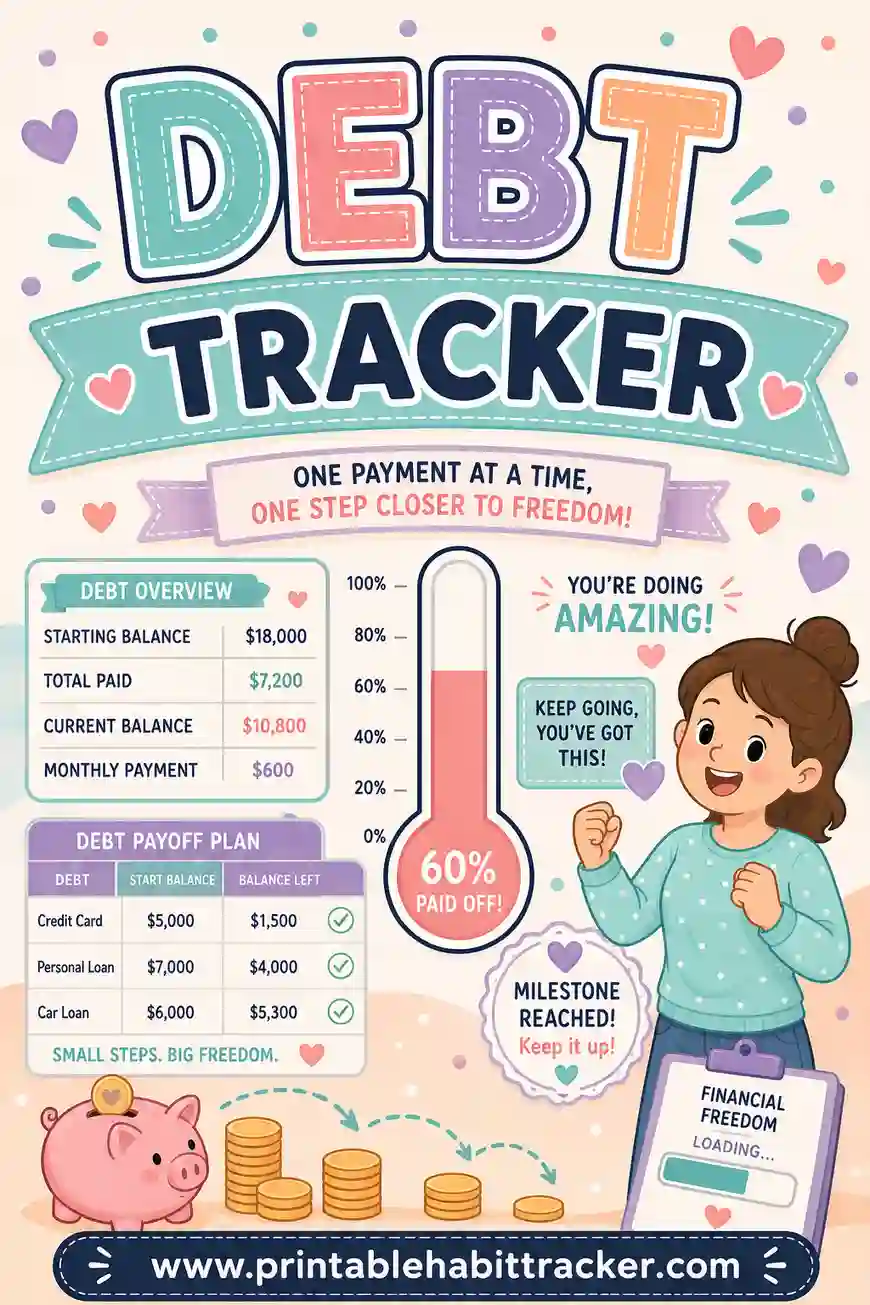
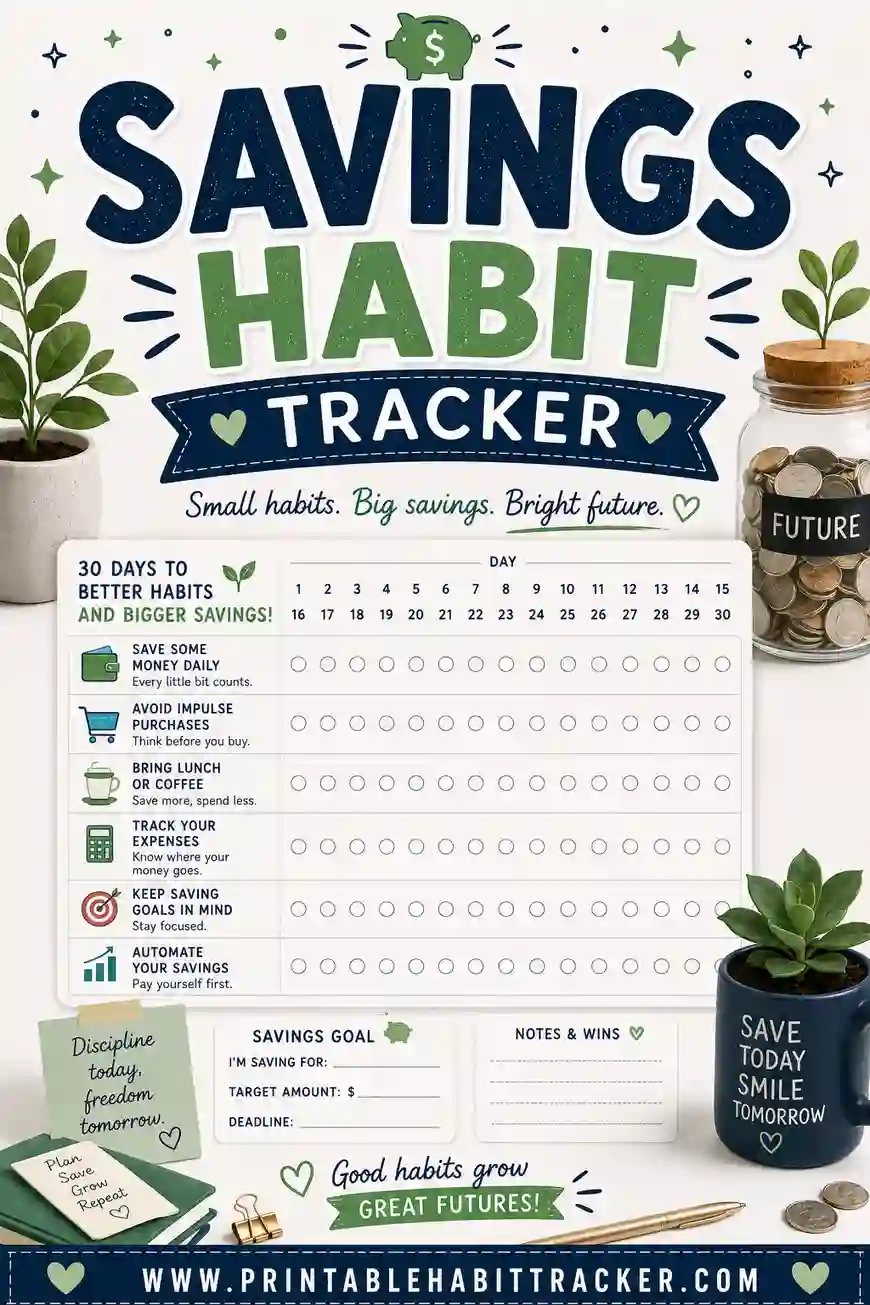
Add habit rows below your expense rows: "checked account balance," "packed lunch," "moved $25 to savings." Spending less and saving more are two ends of the same rope — the savings habit tracker guide goes deeper on that side. And if the spending you're tracking is going toward debt, pair this sheet with a debt tracker.
A Simple Daily Routine That Makes It Stick
An expense tracker free printable only works if marking it becomes automatic. Anchor it to something you already do:
- Evening mark-up (1 minute). After dinner or while brushing your teeth, glance at your phone's transaction list and mark the day's boxes. Done daily, it's painless; done weekly, it's archaeology.
- Sunday money minute (5 minutes). Total the week roughly in the notes box, look at which rows are filling fastest, and set one intention for the week ahead — "two no-spend days before Friday."
- Month-end review (10 minutes). Compare each row against the cap in its name. Adjust next month's numbers, reprint, file the old sheet. That stack of finished sheets becomes a surprisingly honest money diary.
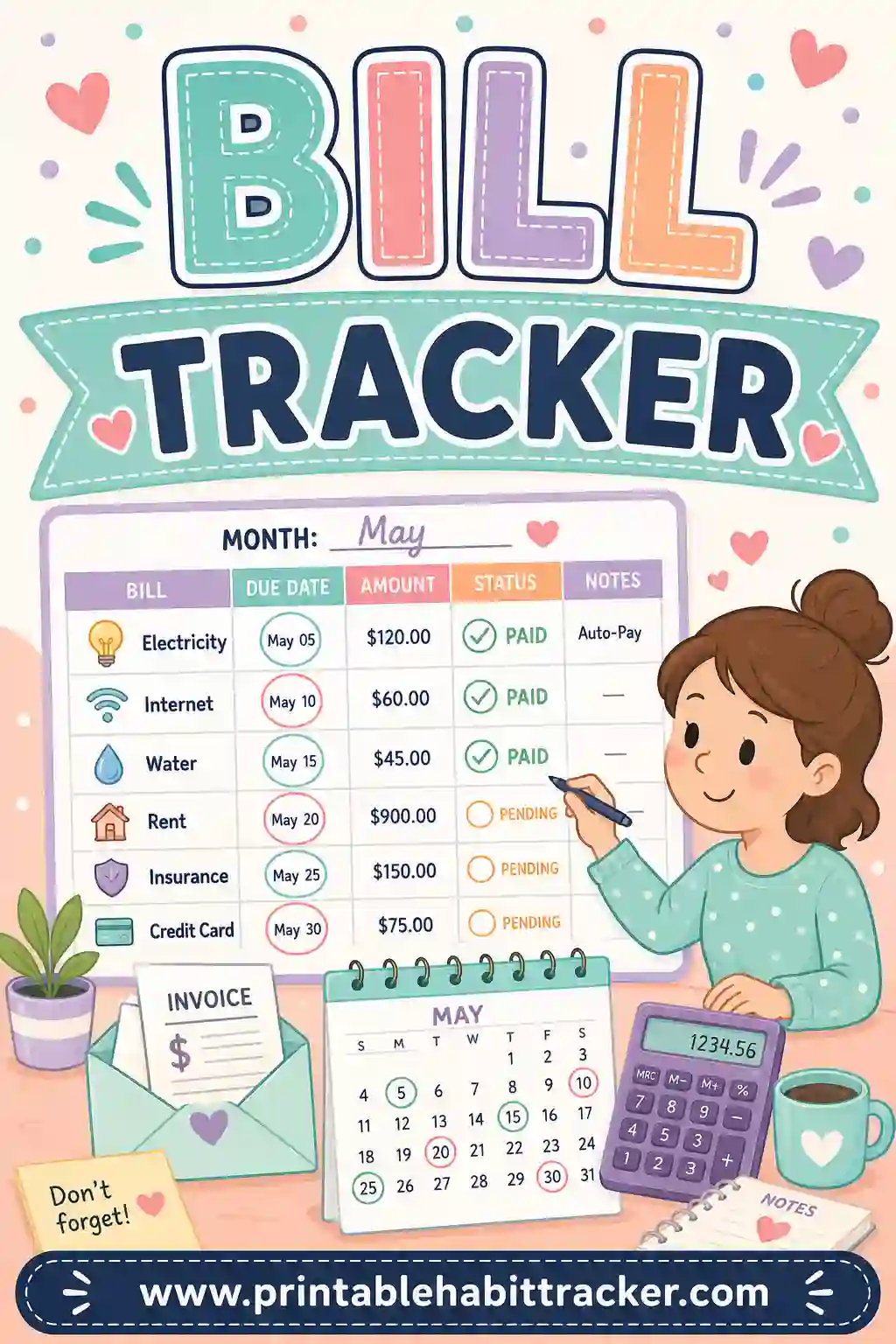
Bills belong on their own sheet, by the way — a bill tracker handles the fixed stuff with due dates, while the expense tracker watches the flexible spending. Together they cover your whole money month.
A Sample Filled-In Expense Tracker
Here's what one week of a filled-in sheet might look like mid-month — amounts penciled into the boxes, no-spend row at the bottom.
| Category | Mon | Tue | Wed | Thu | Fri | Sat | Sun |
|---|---|---|---|---|---|---|---|
| Coffee & takeout — cap $60 | $6 | $14 | $22 | ||||
| Groceries — $400 | $86 | $54 | |||||
| Gas — $120 | $38 | ||||||
| Online shopping — cap $50 | $31 | ||||||
| Fun — $80 | $25 | ||||||
| No-spend day ⬛ | ⬛ | ⬛ | ⬛ |
One glance tells the story: three no-spend days (great week), takeout already at $42 against a $60 cap (watch it), groceries on pace. In the notes box: "Week 2 total ≈ $276. Skip the Friday cart next week." That's the whole system — no spreadsheet required.
Printing Tips
- Classic black-and-white prints crisp and cheap for a sheet you'll replace monthly.
- Landscape orientation gives wider rows if your category names carry budget numbers.
- The color-in style prints larger squares with room to pencil amounts inside.
- Print all 12 months at once and clip the stack into a folder — a year of money tracking, set up in one go.
- Laminate one copy and use a dry-erase marker if you'd rather wipe and reuse each month.
Common Expense Tracker Mistakes
- Too many categories. Twenty rows means you'll quit by the 9th. Five to eight rows that cover your actual leaks beat a full accounting system.
- Skipping the amounts entirely. Marks show frequency; a penciled number shows damage. Do both for the categories that scare you.
- Only tracking the guilt. Add the no-spend row and the "moved money to savings" row. A tracker that only records failure gets abandoned; one that records wins gets used.
- Backfilling once a week. Memory smooths over the ugly bits. Mark daily, even if roughly.
- Treating one bad month as failure. The first month is diagnosis, not judgment. You can't fix a leak you haven't found yet.
Frequently Asked Questions
Is the expense tracker printable free?
Yes — completely. The builder has no sign-up, no account, and no watermark. Build your sheet, print it or save it as a PDF, and reprint a fresh free printable expense tracker every month, all year.
Does it add up my spending automatically?
No — it's a printable grid, not a spreadsheet, and it doesn't do math. The workaround works well in practice: put budget caps in the row names, pencil amounts into the boxes, and keep a rough weekly total in the notes box. For daily awareness — the thing that actually changes spending — the marks matter more than the arithmetic.
What's the difference between this and a bill tracker?
Bills are fixed and scheduled; expenses are flexible and daily. A bill tracker makes sure rent and electric get paid on time. An expense tracker printable free sheet watches the coffee, carts, and takeout in between. Most people benefit from running both — they're two different problems.
Can I track cash and card spending together?
Yes — the grid doesn't care how you paid. Mark the box either way. If you run cash envelopes, some people add a "cash withdrawn" row so ATM trips don't disappear from the record.
How many categories should I start with?
Five. Your two or three known leaks, groceries, and a no-spend row. Once marking becomes automatic — usually two or three weeks in — add a couple more. A short sheet you fill in daily beats a detailed one you abandon by the 10th.
Ready to Print Your Expense Tracker?
Pull up last month's statement, pick the five categories that made you wince, and open the free expense tracker builder. Give each row a budget cap, choose the monthly layout, and print. It's free, it takes five minutes, and the first full row of no-spend days might be the cheapest thrill your budget gets all month.