Income Tracker Printable: Free Custom Sheet for Every Dollar Coming In
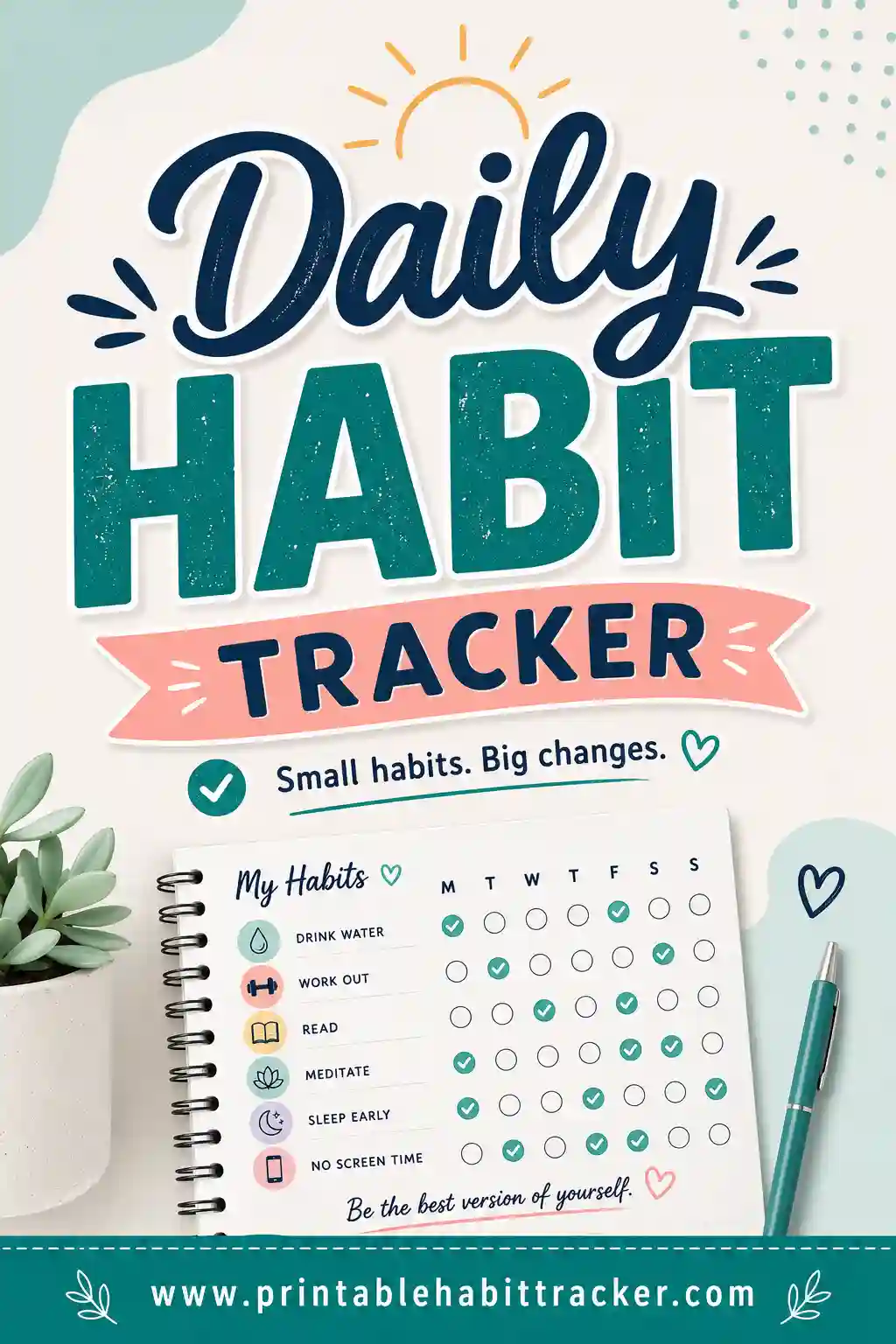
An income tracker printable is a one-page grid that logs every dollar arriving: your income sources listed down the side — paycheck, freelance clients, the Etsy shop, that resale side hustle — and columns across for the days or months, with a box to check (and an amount to pencil in) every time money actually lands. For anyone whose income arrives from more than one place, it turns "I think it was an okay month?" into a page of facts. The fastest way to get one built around your actual income streams is a free printable habit tracker builder — type in your sources, pick a layout, and print.
Want one right now? Open the free builder, add a row per income source, choose the monthly layout for a real date grid, and hit print. No sign-up, no watermark — and reprinting when a new client shows up takes ten seconds.

What Is a Printable Income Tracker?
It's the receiving side of your money, on paper. Each row is a source of income; each column is a day (monthly layout) or a month (yearly layout). When money arrives, you check the box and pencil the amount — "✔ 450" — right there. Over a month, the page becomes a map of when and where your money actually comes from.
The honest disclaimer first: paper doesn't add. The grid records the events and the amounts; the totaling is a two-minute calculator job at month's end, written by hand in the notes box. If you want automated sums, that's a spreadsheet's job. What the printed page does that spreadsheets don't is stay visible — pinned by the desk, showing you at a glance whether this month is filling up or worryingly quiet. For freelancers especially, that quiet-month early warning is worth more than any formula.
Built in the free tool, the rows are your real streams — one per client, per gig, per shop — not a generic template's "Income 1, Income 2."
Who Actually Needs an Income Tracker?
If you get one salary deposit a month, your bank app has you covered. This sheet earns its keep the moment income gets plural:
- Freelancers and contractors — five clients, five payment schedules, and the eternal question "who hasn't paid me yet?" A row per client answers it at a glance.
- Gig and shift workers — DoorDash Tuesdays, weekend bar shifts, tips in cash. Cash income never shows up in an app automatically; on paper it takes two seconds.
- Side-hustlers — the Etsy shop, the flipping habit, the tutoring gig. Watching a side income row thicken month over month is powerful fuel for growing it.
- Small landlords and sellers — rent rows, marketplace rows, checked when paid. The empty box on the 5th is the late-rent alert.
- Anyone building income deliberately — because what gets tracked gets grown. It's the same visibility trick as any habit tracker, aimed at earning.
What to Put on Your Income Tracker
Copy this starter set into the builder and swap in your streams:
| Row | What to write when money lands |
|---|---|
| Paycheck — 1st & 15th | ✔ + amount, on the actual landing day |
| Client A — invoices | ✔ + amount; empty boxes past due date = chase it |
| Client B — monthly retainer | One ✔ a month; its absence screams |
| Etsy / shop payouts | ✔ each payout day |
| Gig work (rideshare, delivery) | ✔ + amount per payout |
| Cash tips / cash jobs | ✔ + amount — the row apps can't see |
| Rent from tenant — due 1st | ✔ when received, not when promised |
| Interest / dividends | Small, quarterly, and satisfying to log |
| Refunds & resale | The "found money" row |
Put expected amounts and dates right in the row names — "Client B retainer — $600 — 1st" — so the sheet doubles as a who-owes-what schedule. Three to eight rows covers almost everyone; if you have one row, you don't need the sheet, and if you have fifteen, group the small stuff into "Other."
How to Make an Income Tracker Printable in 4 Steps
- List your income sources. In the free builder, one row per stream, expected amount and date in the name. Include the cash row — especially the cash row.
- Pick your layout. Monthly gives a real date grid, so every payment lands on its true date — best for month-to-month cash flow. Yearly gives twelve month-columns per row — best for the big-picture "which streams are growing?" view.
- Add the notes box. That's your totals station: "Month total: ___. Best week: ___. Still owed: ___." Turn on color-coding if you want employment income, side income, and passive income in different colors with a printed key.
- Print or save as PDF. Letter or A4, landscape for long row names. Tick "Print all 12 months" and the year's sheets come out in one run.
Your setup saves locally in your browser — new client, new row, reprint, done.
Income Tracker Setups That Work
The freelancer's invoice board
One row per client, monthly date grid. Pencil the invoice amount into the expected date box lightly; ink the check when it actually arrives. The gap between pencil and ink is your late-payment radar — and nothing motivates a follow-up email like a visibly empty box.
The side-hustle growth chart
Yearly layout, one row per hustle, monthly amounts penciled into each box. Twelve columns later you can see which stream deserves more of your evenings. Watching "Etsy: 40… 85… 210" march across a page beats any dashboard for motivation.
The irregular-income smoother
For feast-or-famine earners: log everything on the monthly sheet, and keep a "monthly total" note running in the notes box. After three months you know your true average — the number your budget tracker should actually be built on, instead of your best month's fantasy.
The paycheck-plus version
Salary row on top, side streams below. Even with boring-reliable employment income, seeing the side rows grow relative to the paycheck row is how a lot of people first realize their side gig stopped being "side."
A Five-Minute Weekly Routine
- When money lands (10 seconds): Check the box, pencil the amount. Same day, always — memory is a terrible bookkeeper.
- Friday (2 minutes): Scan for expected-but-empty boxes. Every one is either a late payment to chase or a shift that didn't happen — both worth knowing now.
- Month-end (5 minutes): Calculator out, total each row, write the month's number in the notes box, and compare to last month before printing the next sheet. That one handwritten number, tracked over a year, is your income story.
Printing Tips
- Landscape orientation — client names plus penciled amounts want the width.
- Pencil for amounts, pen for checkmarks. Amounts get corrected; arrivals don't.
- Keep it by the desk, not the fridge. Income is private; the sheet works anywhere you sit weekly.
- Classic black-and-white prints crisp and photocopies cleanly for your records.
- Keep the old sheets. Twelve filled pages in a folder is a real income history — handy at tax time and genuinely satisfying to flip through.
- Print a test page before running the full year.
Common Income Tracker Mistakes
- Logging promised money as received. The check goes in when the money lands — not when the invoice is sent or the client says "processing." The sheet must be the truth.
- Skipping cash. Cash income untracked is income that evaporates. The cash row is the one that makes paper worth it.
- Tracking income but never totaling. The month-end five minutes is where the value lives. A grid full of checks with no totals is a diary, not a tracker.
- No expected dates in the row names. "Client A" tells you nothing is late. "Client A — net 30 from invoice" turns every empty box into an action item.
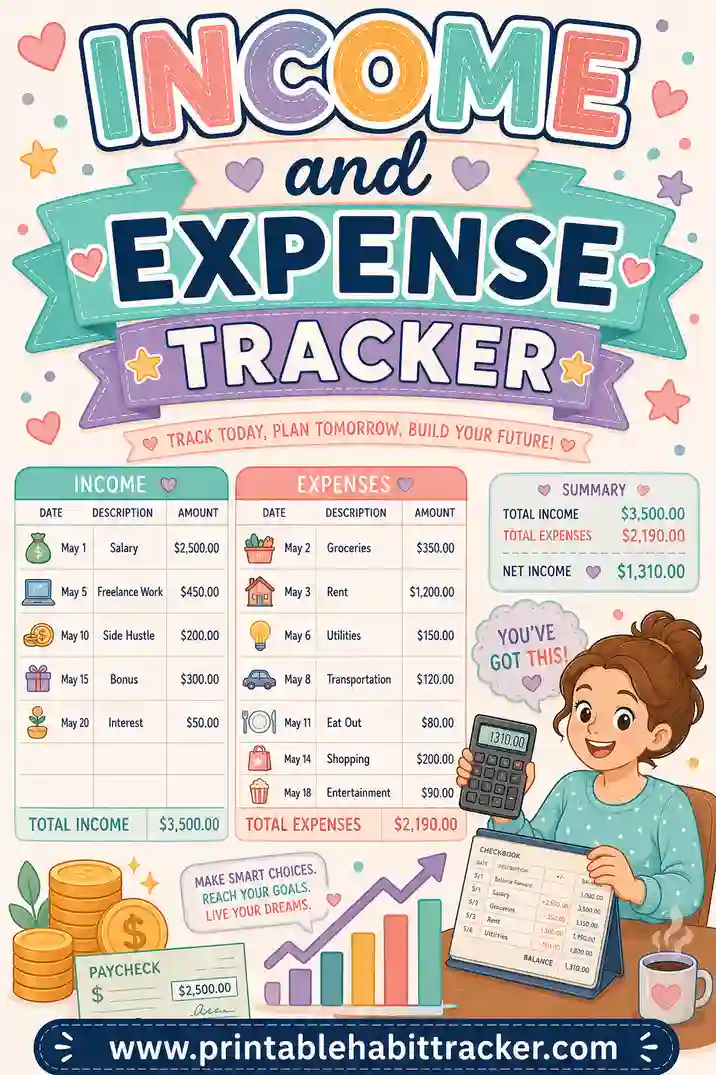
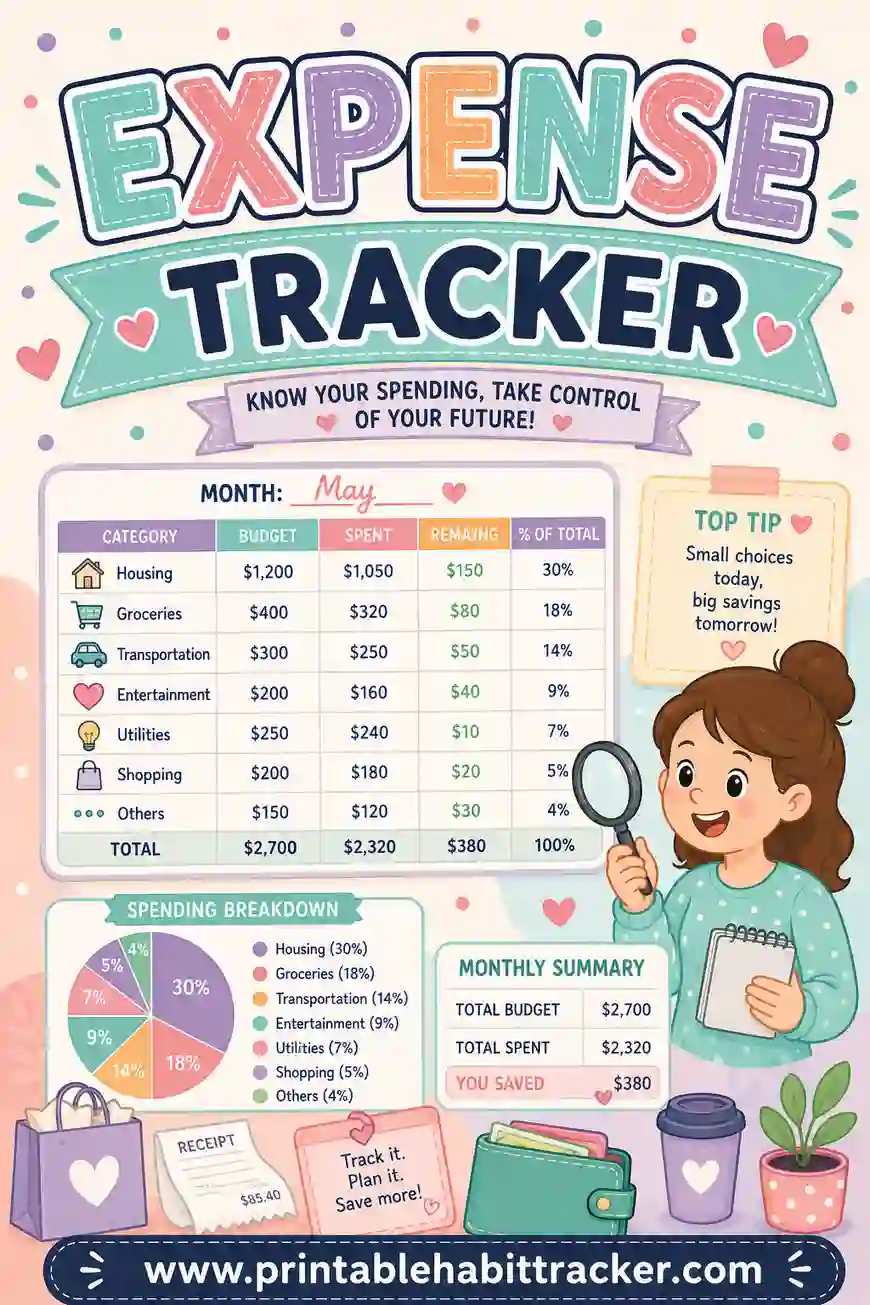
- Watching only income. Money in without money out is half a story — run an expense tracker beside it, or combine both on one page with the income and expense tracker.
A Sample Filled-In Income Tracker
A freelancer's month, three weeks in:
| Source | Week 1 | Week 2 | Week 3 | Week 4 |
|---|---|---|---|---|
| Client A — project | ✔ 800 | ✔ 400 | ||
| Client B — retainer — 1st | ✔ 600 | |||
| Client C — net 30 | (due 18th) | — | ||
| Etsy payouts | ✔ 62 | ✔ 41 | ✔ 88 | |
| Weekend market (cash) | ✔ 150 | ✔ 175 |
Notes box: "Running total: $2,316. Client C now 6 days late — emailed the 21st. Etsy up 30% on last month." The empty Client C box did its job: the follow-up email went out because a piece of paper made the lateness impossible to ignore.
Frequently Asked Questions
Is the income tracker printable really free?
Yes — the builder is completely free, with no sign-up and no watermark. Build your sheet, print or save as PDF, print all twelve months in one go, and reprint whenever your income streams change.
Does it add up my income automatically?
No — it's paper, so the totals are a five-minute month-end job with a calculator, written in the notes box. In practice that little ritual is the point: it's the moment you actually look at your income instead of assuming. For automated math, feed a spreadsheet from your filled sheets.
What's the best layout for freelance income?
Monthly, with one row per client and expected dates in the row names — that's your late-invoice radar. Add the yearly layout as a second sheet if you also want the which-streams-are-growing view; the free printable income tracker costs nothing to print twice.
How should I track cash income?
Give cash its own row and log it the same day you're paid — amount penciled next to the check. Paper is honestly the best tool there is for cash income, since no app sees it automatically. At tax time, a year of dated cash entries is a record you'll be glad exists.
Income tracker or income and expense tracker — which do I need?
If your question is "who's paid me and who hasn't?", this sheet. If it's "am I ahead or behind this month?", the combined income and expense tracker puts both flows on one page. Plenty of freelancers run this one for client tracking plus the combined sheet for household cash flow.
Ready to Track Every Dollar In?
List your income streams — including the cash one — and open the free income tracker builder. Monthly layout, expected dates in the row names, notes box ready for the month-end total. It's free, it takes five minutes, and the first late invoice this sheet catches will pay for the printer paper a few hundred times over.