Habit Tracker PDF: Print One and Start Today
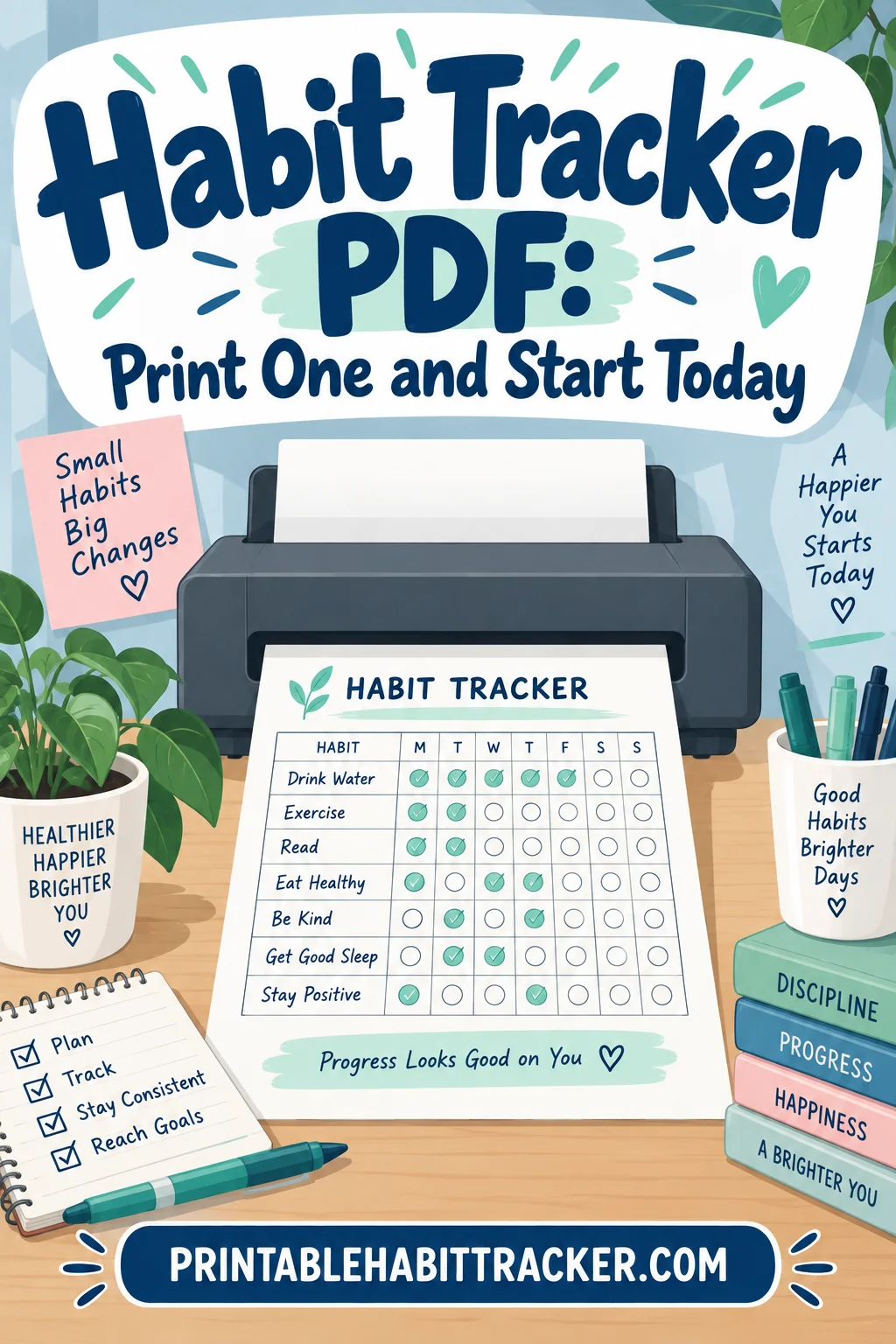
A habit tracker PDF is a single printable page with your habits down one side and dates across the top, and you can have one filled out and stuck to the fridge in about five minutes. Pick a layout, name three habits, print it, and mark the first box tonight.
That short version is the whole method. Everything below is about the choices that make a printed tracker survive past week two, because the sheet itself is easy and the sticking is the hard part.
Start Here: The Five-Minute Version
You do not need a system. You need a page and a pen.
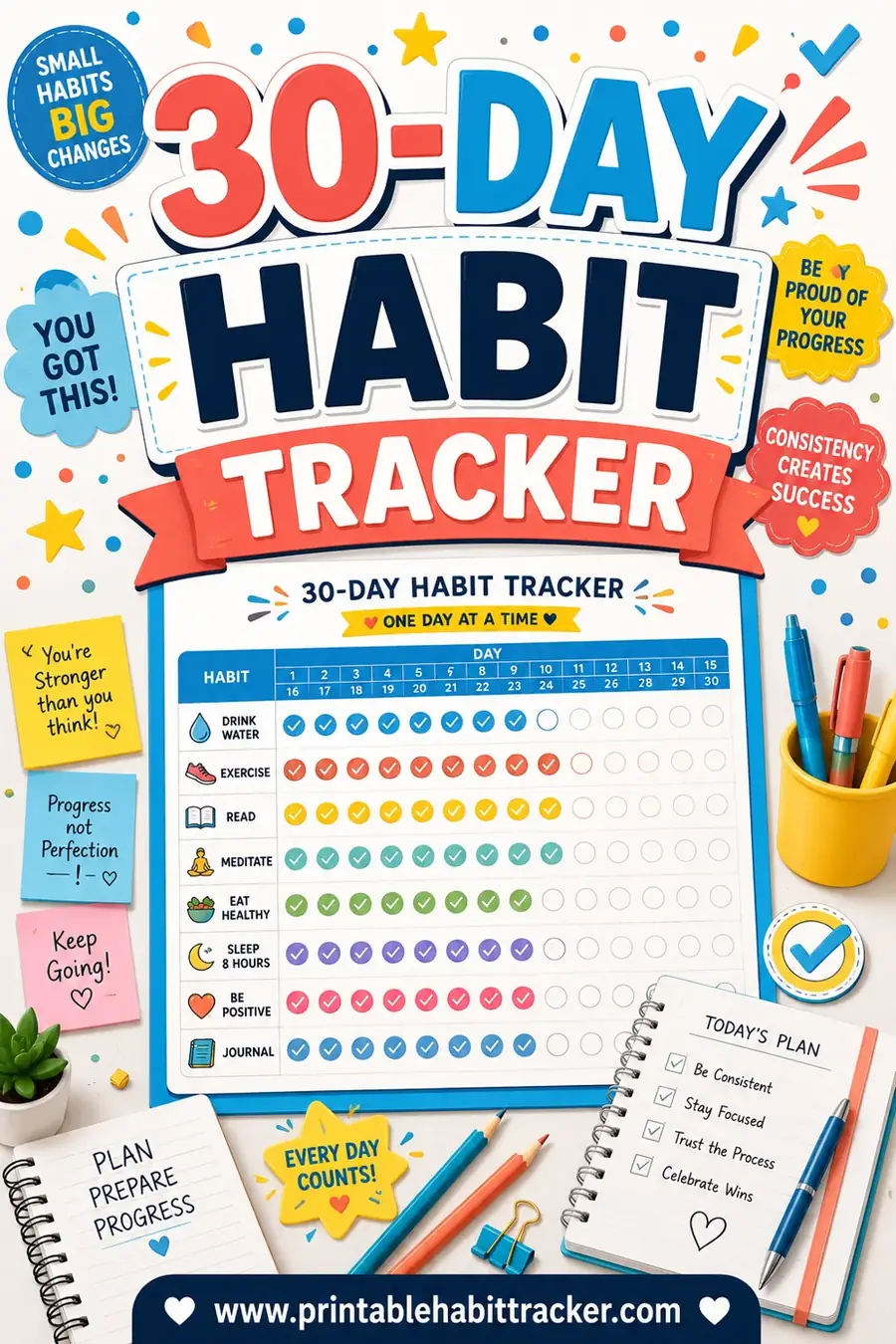
- Choose a monthly grid. It is the layout most people stay with, and it fits a full month on one side of paper.
- Write down three habits. Three, not ten. More on why below.
- Set the month and year so the dates are already printed and you are not writing them in.
- Print it on plain letter or A4 paper, portrait.
- Put it somewhere you physically pass every day, and mark today's box before you go to bed.
The printable habit tracker on this site builds that page in the browser. You type your habits into the list, pick a layout and a color theme, and print. Nothing gets saved to an account and nothing gets emailed to you.
Why Paper Beats a Screen for This Particular Job
A habit tracker works on a mechanism that is almost embarrassingly simple: you do not want to break the row of marks. Paper serves that mechanism better than a screen for three concrete reasons.
It is always visible. A phone app is behind a lock screen, a home screen, and a folder. A sheet taped to a cabinet door is in your field of view whether or not you went looking for it. Visibility is doing most of the work here, and a page that lives in a drawer is no better than an app.
Marking it is physical. Drawing an X across a box takes a second and produces something you can see from across the room. Tapping a toggle produces a state change you forget immediately.
It cannot notify you. A tracker that pings is a tracker you learn to dismiss. A sheet of paper waits without nagging, and the only thing prompting you is the gap where yesterday's mark should be.
There is a fourth reason that is less obvious. A printed sheet has a hard edge. It covers this month and then it is done, and that natural ending gives you a built-in review point and a clean restart. Digital trackers run forever, which sounds better and in practice means a bad week quietly becomes a bad quarter.
Choosing a Layout Before You Print
The layout decides how the month reads at a glance, and it is worth thirty seconds of thought because reprinting is annoying.
| Layout | Best for | What one page holds |
|---|---|---|
| Daily | A single demanding habit, tracked in detail | One day, with room for notes |
| Weekly | Getting started, or a habit you are still shaping | Seven days, larger boxes |
| Monthly | Most people, most habits | A full month for several habits |
| Yearly | One habit you want to see across seasons | Every day of the year, tiny boxes |
| Circle | A visual, low-pressure record | A month arranged as a ring |
| Chain | Streak-focused tracking, one habit | A run of connected links |
Weekly is the easiest place to start. The boxes are big, a bad week is over quickly, and reprinting on Sunday is a natural checkpoint. If you have never kept a tracker for a full month, start here.
Monthly is where most people end up. One sheet, one month, several habits side by side. It is the layout that makes patterns visible, because you can see that you skipped every Thursday without anyone having to tell you.
Yearly grids look impressive and are harder than they seem. The boxes are small, one habit is the realistic maximum, and a gap in February sits there for the rest of the year. Use one for a habit you already do reliably and want a record of, not for a habit you are trying to build.
Circle and chain layouts trade precision for pull. They are worse for data and better for motivation, because an incomplete ring or a broken chain is visually annoying in a way a missing checkmark is not.
How Many Habits Belong on One Sheet
Three is the number I would defend. Five is the ceiling. Ten is a page you will abandon.
The reason is not willpower, it is arithmetic. Every habit you add multiplies the number of ways the day can end in partial failure. With three habits, a decent day is three marks and you get it. With ten, almost every day is a mixed result, and a page covered in blanks stops being a record of progress and starts being a record of shortfall. People do not keep looking at those.
There is a second problem with a crowded sheet. Habits compete for the same slot in your day. Morning stretching, morning journaling, morning reading and a morning walk are four habits fighting over the same twenty minutes, and the tracker cannot referee that. Spread them across different anchors in the day, or cut some.
If you have a long list you genuinely care about, run three for a month, keep the ones that stuck, and swap in the next three. You will get further in six months that way than by trying to install ten at once.
Name the Habit So the Box Is Unambiguous
This is the single biggest quality difference between trackers that work and trackers that fizzle, and it costs nothing.
A bad habit name is one where you can argue with yourself at 11pm about whether it counts. "Exercise" is a bad name. Does a walk to the mailbox count? What about ten minutes of stretching? Every night you have to relitigate it, and on a tired night the argument goes the way that lets you fill the box, which quietly makes the tracker meaningless.
A good habit name has a threshold built in. "Walk 20 minutes" is unambiguous. So is "Read 10 pages," "Water plants," "In bed by 11," "No phone before coffee." You either did it or you did not, and the box answers itself.
Two more rules that help:
Make the minimum embarrassingly small. "One push-up" is a better habit name than "Full workout," because the habit you are actually building is the showing up, and the sheet only rewards showing up. Most days you will do more than the minimum. On bad days the minimum is what keeps the row unbroken.
Phrase it as the action, not the outcome. "Lose weight" cannot be marked in a box. "Log dinner" can. Track things you control directly and let the outcomes take care of themselves.
Marking Styles and What They Do to You
Most printable sheets offer a few ways to fill the box, and they are not interchangeable.
Checkboxes are the neutral default. Fast, unambiguous, and they read cleanly at a distance.
Circles invite filling in rather than ticking, which takes a beat longer and, for a lot of people, feels more satisfying. A row of solidly filled circles is more visually rewarding than a row of small check marks.
Color-in squares turn the sheet into something closer to a chart. If you use one color per habit, the finished month reads as a block of color where you were consistent and white space where you were not. This is the version people photograph at the end of the month.
Whichever you choose, use a single pen and keep it with the sheet. Hunting for a marker is a small friction, and small frictions are exactly what kill a thirty-second daily action.
Printing Settings That Actually Matter
A tracker that prints badly gets thrown away, so a few dull details are worth getting right the first time.
Paper size. Letter and A4 are close but not identical, and printing a letter-sized design on A4 without adjusting can shave the right-hand column. Pick the one your printer actually holds.
Orientation. Portrait suits most monthly grids with a handful of habits. Landscape gives you wider rows and is better if your habit names are long or if you are tracking more than five.
Print in black and white by default. Most home printers are monochrome, and a design that relies on colored headers turns into gray mush. If you want color, add it yourself with a pen after printing, which also looks better.
Leave real margins. Half an inch minimum. Anything tighter gets clipped by the printer, and if you plan to punch holes for a binder, keep the left margin wider still.
Print two. One for the wall and one for the folder or the desk. The second copy costs you nothing and covers the day the first one goes missing.
PDF, Spreadsheet, or a Planner: Picking Your Format
There are three sensible ways to keep this record, and the right one depends on what you want out of it.
A habit tracker PDF is the lowest-friction option. It prints identically every time, it needs no software beyond a printer, and the marking is manual, which is the whole point. Use it when the daily visible mark is what you are after.
A habit tracker spreadsheet wins when you want to do something with the data. Conditional formatting can shade completed days automatically, formulas can total your streaks, and you can chart a habit against a month or a quarter. The cost is that opening a spreadsheet is a bigger action than glancing at a wall, so the streak pressure is weaker. A habit tracker spreadsheet is a good companion to a printed sheet rather than a replacement for it, particularly if you like a monthly tally.
A planner with habit tracker pages built in keeps everything in one book, which suits people who already carry a planner and would rather not manage a separate sheet. The trade-off is that the tracker is now closed inside a cover, which removes the ambient visibility that makes trackers work. If you use a planner with habit tracker sections, keep it open on your desk rather than closed in a bag.
You can also run a hybrid without any complication. Print the page, mark it by hand daily, and once a month type the totals into a sheet if you want the longer view. That gives you the visibility of paper and the history of a file.
A Free Habit Tracker Template Is Not the Hard Part
It is easy to spend a whole evening comparing one free habit tracker against another and finish with a beautiful page and no habit. The template is genuinely the smallest part of this. A hand-drawn grid on lined paper works. So does a habit tracker template you customize in two minutes and print.
What actually determines whether it works is the stuff the page cannot do for you: choosing few enough habits, defining them so the box is unarguable, putting the sheet where you will see it, and deciding in advance what happens when you miss a day.
So take the first reasonable habit tracker template you find, print it, and start tonight. If it is wrong in some way, you will know exactly how it is wrong by the end of the week, and reprinting takes a minute.
What to Do When You Miss a Day
You will miss days. The plan for missed days matters more than the plan for good ones.
Never miss twice. One blank box is noise. Two in a row is the beginning of a stopped habit. If you skip Tuesday, Wednesday is the priority, even if you only do the minimum version.
Do not backfill. Filling in three days on Sunday from memory turns the sheet into fiction and removes the daily action that was the point. Leave the gap.
Do not restart the month. The urge to reprint a clean page after a bad week is strong and it is a trap, because a fresh page with no history has nothing to protect. Keep the messy one.
Do not treat the gap as a verdict. A month with twenty-two marks out of thirty is a good month. People routinely look at eight blanks and conclude they failed, which is a strange way to read a page that also contains twenty-two days of doing the thing.
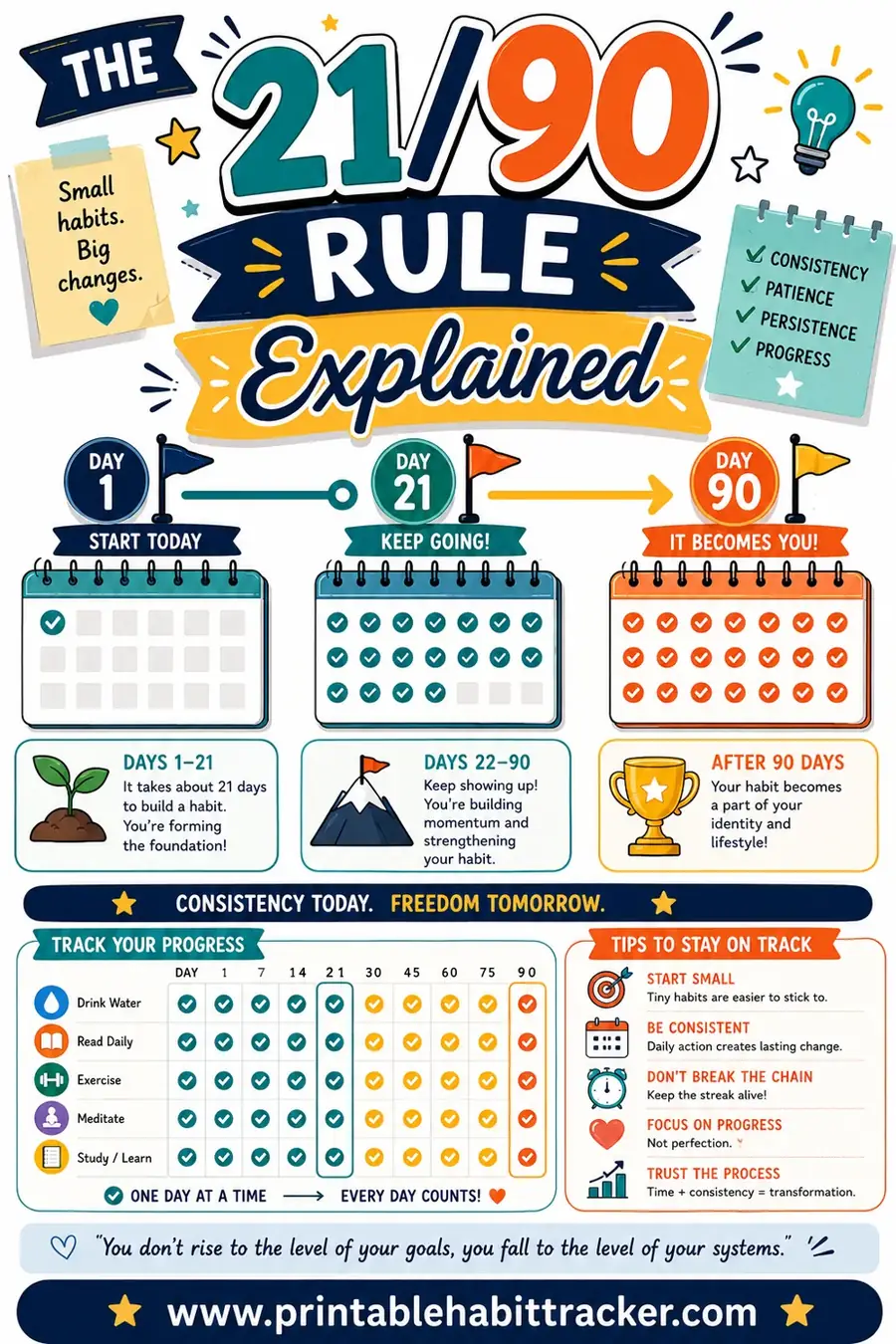
It is worth saying plainly that the popular claim about habits taking twenty-one days to form is not a research finding. It traces back to a mid-century observation about how long patients took to adjust to a change in their appearance, not to any study of habit formation. The research that does exist on automatic behavior points to a wide range: some simple habits settle within a few weeks, more demanding ones can take many months, and the spread between individuals is large. The practical consequence is that there is no finish line on day twenty-one, and a tracker that is still going in month three is doing exactly what it should.
Reviewing the Month
When the sheet is full, spend five minutes on it before you print the next one. Count the marks per habit rather than judging the page as a whole. Look for the pattern in the blanks, because gaps cluster: the same weekday, the weekends, the week you traveled. That pattern tells you whether the habit is wrong, the time slot is wrong, or the week was just unusual.
Then decide, deliberately, what carries over. A habit at twenty-five marks out of thirty is established and can probably come off the sheet to make room. A habit at four marks is not a discipline problem, it is a design problem: it is either too big, badly timed, or something you do not actually want. Shrink it or drop it, and give the space to something else.
Frequently Asked Questions
How many habits should a habit tracker PDF have? Three is the sweet spot and five is the practical ceiling. Every extra habit multiplies the ways a day can end in a partial result, and a sheet covered in blanks stops feeling like progress.
Is a printed tracker better than an app? For most people, yes, because it stays visible without being opened and it cannot be dismissed like a notification. An app is better only if you specifically want reminders or long-term data, and even then a printed sheet on the wall makes a good companion.
What should I do if I miss several days in a row? Leave the gaps, do not backfill them, and restart today on the same sheet rather than printing a clean one. A page with history is worth protecting; a fresh page has nothing to defend.
Can I track the same habit for a whole year on one page? Yes, with a yearly layout, though the boxes are small and one habit is realistically the maximum. Yearly grids work best for a habit you already do consistently and want a record of, rather than one you are still trying to build.