Habit Tracker vs To-Do List: Which One Do You Need?
Here's the short answer: a to-do list is for one-time tasks you want to get done and forget, while a habit tracker is for repeat behaviors you want to keep doing every day. "Email the dentist" belongs on a to-do list. "Drink water," "stretch," and "read for ten minutes" belong on a habit tracker. They solve different problems, and most people actually need both.
If you already know habits are what you're after, you can skip the theory and build a free printable habit tracker now — pick your habits, set your days, and print. No sign-up, no app to download.
The Core Difference in One Sentence
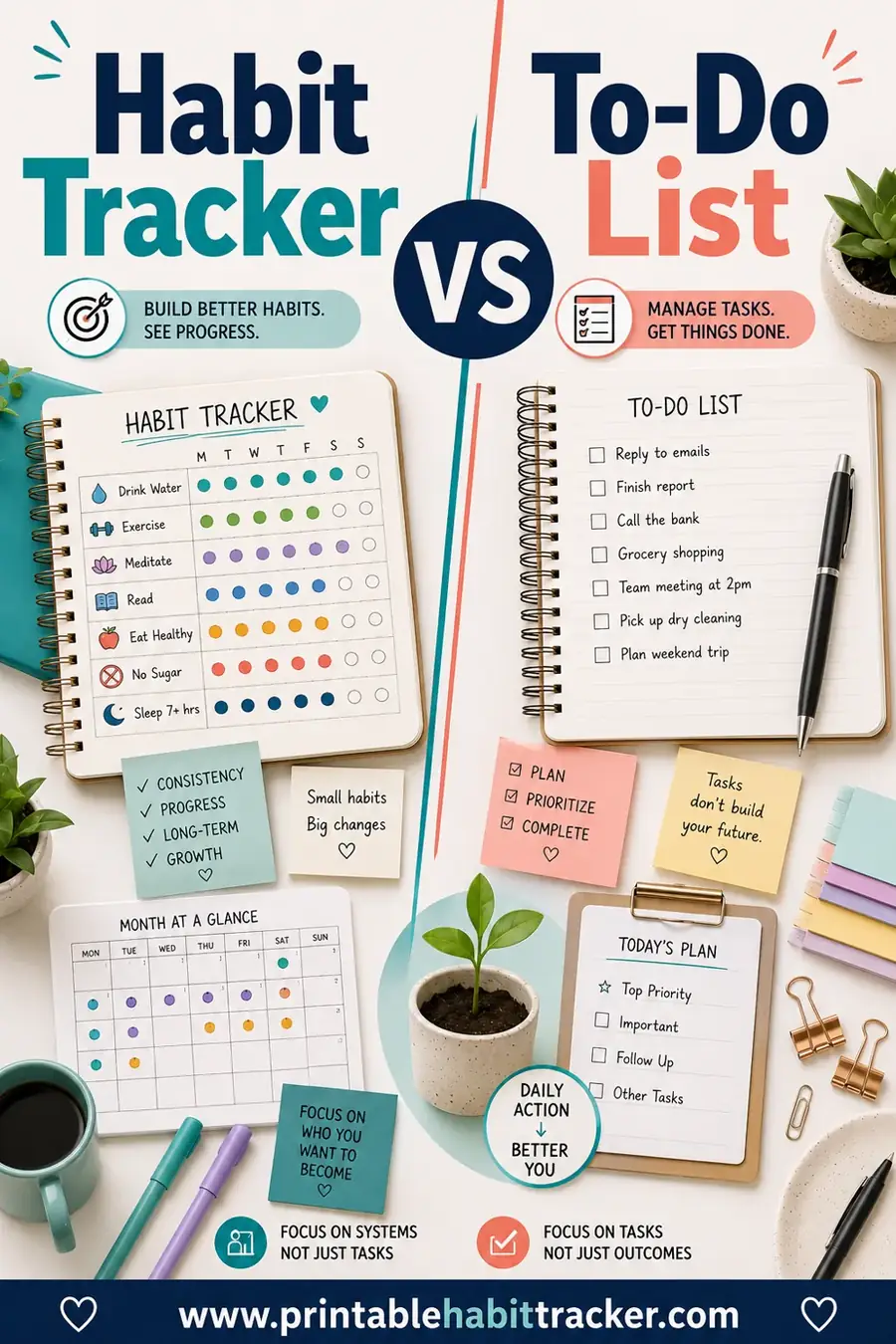
A to-do list tracks tasks. A habit tracker tracks behaviors over time.
A task has a finish line. You buy the groceries, you cross it off, it's gone. A habit never really finishes. You don't "complete" drinking enough water on Tuesday and then quit forever. You do it again Wednesday, and Thursday, and the point is the repetition.
That one difference shapes everything else. A to-do list is built around checkboxes and deadlines. A habit tracker is built around a grid, so you can see a row of days fill up and watch a streak grow.
What a To-Do List Does Best
To-do lists are unbeatable for the stuff in your head that has an expiration date.
- One-off tasks. "Renew the car registration," "reply to Sam," "book the flight."
- Errands and chores. Things that need doing once this week and then they're done.
- Project steps. Breaking a big job into smaller pieces you can check off in order.
- Mental offloading. Getting a swirling list out of your brain and onto paper so you stop worrying about forgetting.
The reward of a to-do list is the satisfying crossing-off. You complete something, you strike it through, your brain gets a little hit of done. That works great for tasks. It works badly for habits, because there's nothing to cross off when the thing comes back tomorrow.
What a Habit Tracker Does Best
A habit tracker shines exactly where a to-do list falls apart: anything you want to do repeatedly.
- Daily routines. Water, movement, vitamins, journaling, making the bed.
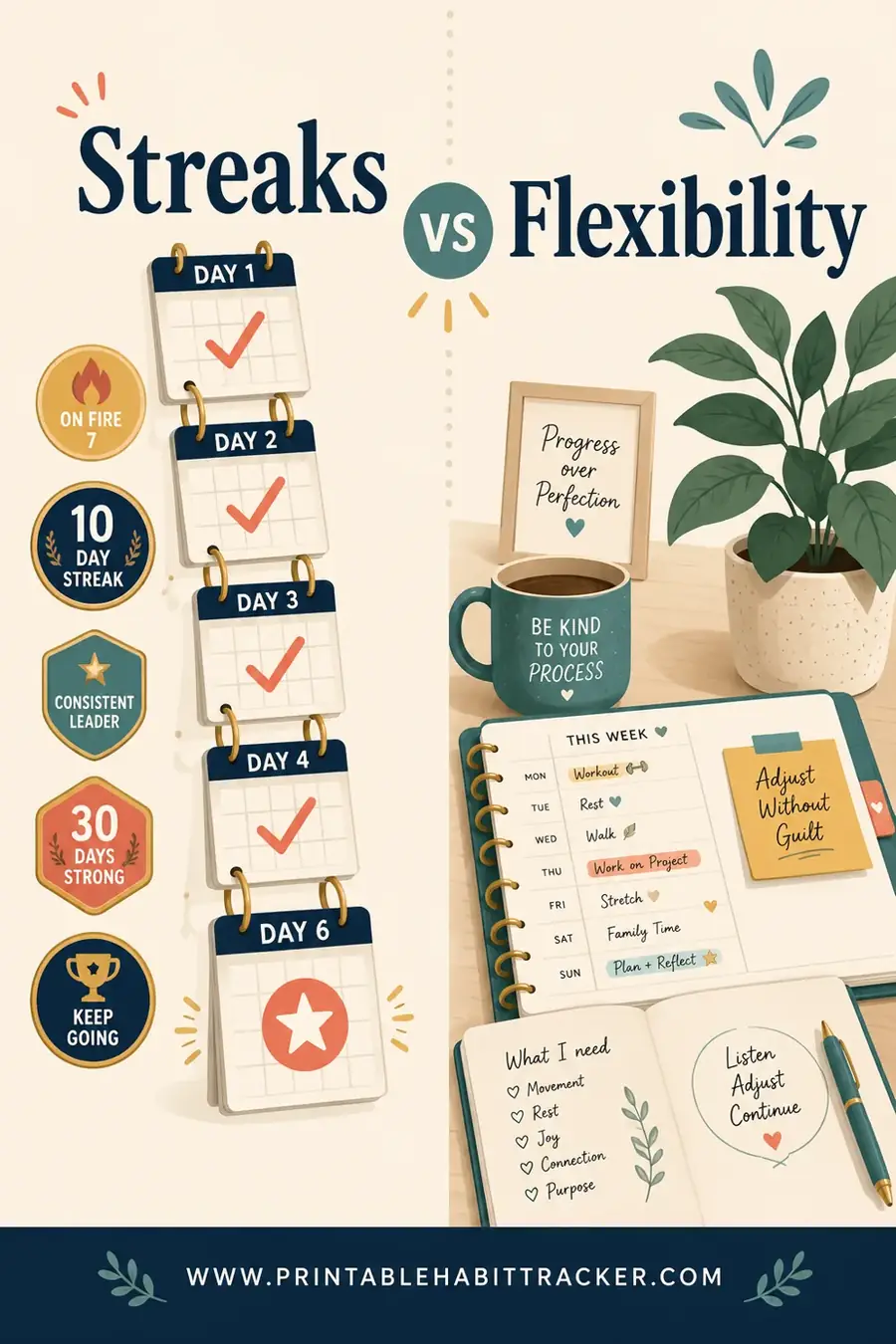
- Streak building. Seeing five days in a row checked makes you not want to break the chain.
- Slow progress. Habits compound. A tracker shows you a month of small wins you'd never notice day to day.
- Honest feedback. A glance at the grid tells the truth. Three blank Thursdays in a row? Thursday is your weak spot.
The reward here isn't crossing off and forgetting. It's the pattern. A full row feels good. A growing streak feels even better. That visual is the whole engine, and it's why a printable habit tracker works when a plain list doesn't.
Side-by-Side Comparison
Here's the quick version if you just want to glance and decide.
| Feature | To-Do List | Habit Tracker |
|---|---|---|
| Tracks | One-time tasks | Repeated behaviors |
| Time frame | Today / this week | Days, weeks, months |
| Looks like | A list of checkboxes | A grid of days |
| Reward | Crossing items off | Watching a streak grow |
| When it's "done" | When the task is finished | It's ongoing |
| Best for | Errands, projects, reminders | Routines, health, consistency |
| Failure mode | Things slip off the list | A broken streak |
Notice they don't really compete. They cover different ground. The mistake people make is trying to force daily habits onto a to-do list, where they get lost in the noise of one-off tasks.
When You Need One, the Other, or Both
Most people benefit from running both side by side. Here's how to tell which tool a given goal belongs to.
Use a to-do list when
- The thing happens once. ("Sign the permission slip.")
- It has a hard deadline. ("Pay rent by the 1st.")
- It's part of a project with steps. ("Draft, edit, send.")
- You'll feel done once it's finished.
Use a habit tracker when
- The thing repeats. ("Walk after dinner.")
- You want consistency, not completion. ("Read every night.")
- Progress is slow and easy to lose sight of. ("Save a little each week.")
- You keep starting but not sticking. The tracker is the accountability.
Use both when
You're a normal human with a life. Keep a to-do list for tasks and a habit tracker for routines, and let each do its job. A clean split actually reduces stress, because your daily habits stop cluttering your task list and your tasks stop drowning out your habits.
Why People Quit Habits on a To-Do List
This deserves its own section, because it's the single most common mistake.
When you write "exercise" on your to-do list every single day, two bad things happen. First, it sits there unfinished and starts to feel like nagging. Second, you get no sense of momentum. You did it three days straight? The list doesn't know or care. Each day is a blank slate with the same lonely line item.
A habit tracker fixes both. The grid remembers. It shows you the three days you already nailed, which is exactly the thing that makes you want a fourth. To-do lists are forgetful by design. Habit trackers are built to remember, and remembering is what builds a habit.
How to Set Up a Habit Tracker (Fast)
If you've decided you need the tracker side, here's the whole process in four steps.
- Pick 3 to 7 habits. Don't track twenty things at once. Start small so you actually keep up. Water, movement, sleep, and one personal goal is a great starter set.
- Choose your time frame. A weekly grid (7 columns) is easy to glance at. A monthly grid is great for spotting bigger patterns.
- Make it visible. Stick it on the fridge, your desk, or inside a notebook you open daily. Out of sight is out of mind.
- Check it daily. Mark each habit the moment you do it. The check is the reward.
You can do all of this in about two minutes with a free printable habit tracker. Pick your habits, pick weekly or monthly, and print.
Sample Setup: Tasks vs Habits, Split Cleanly
Here's what a tidy week looks like when you put each item where it belongs.
| To-Do List (this week) | Habit Tracker (every day) |
|---|---|
| Book dentist appointment | Drink 8 glasses of water |
| Reply to landlord email | Walk 20 minutes |
| Buy birthday gift | Read 10 pages |
| Fix the leaky faucet | No screens after 10pm |
| Submit expense report | Take vitamins |
The left side empties out as you finish things. The right side fills up, row by row, as your streaks grow. Two tools, two jobs, zero overlap.
Can a Habit Tracker Replace Your To-Do List?
Not really, and it shouldn't try. A tracker is bad at one-off tasks because there's no "tomorrow" for "renew passport." It's a grid waiting to be repeated, and a one-time errand has nothing to repeat.
That said, a habit tracker can quietly reduce your to-do list. A lot of recurring "tasks" people write down over and over, like "take meds" or "water plants," are really habits in disguise. Move those to the tracker and your to-do list gets shorter and calmer. What's left is the genuinely one-time stuff, which is exactly what a to-do list is for.
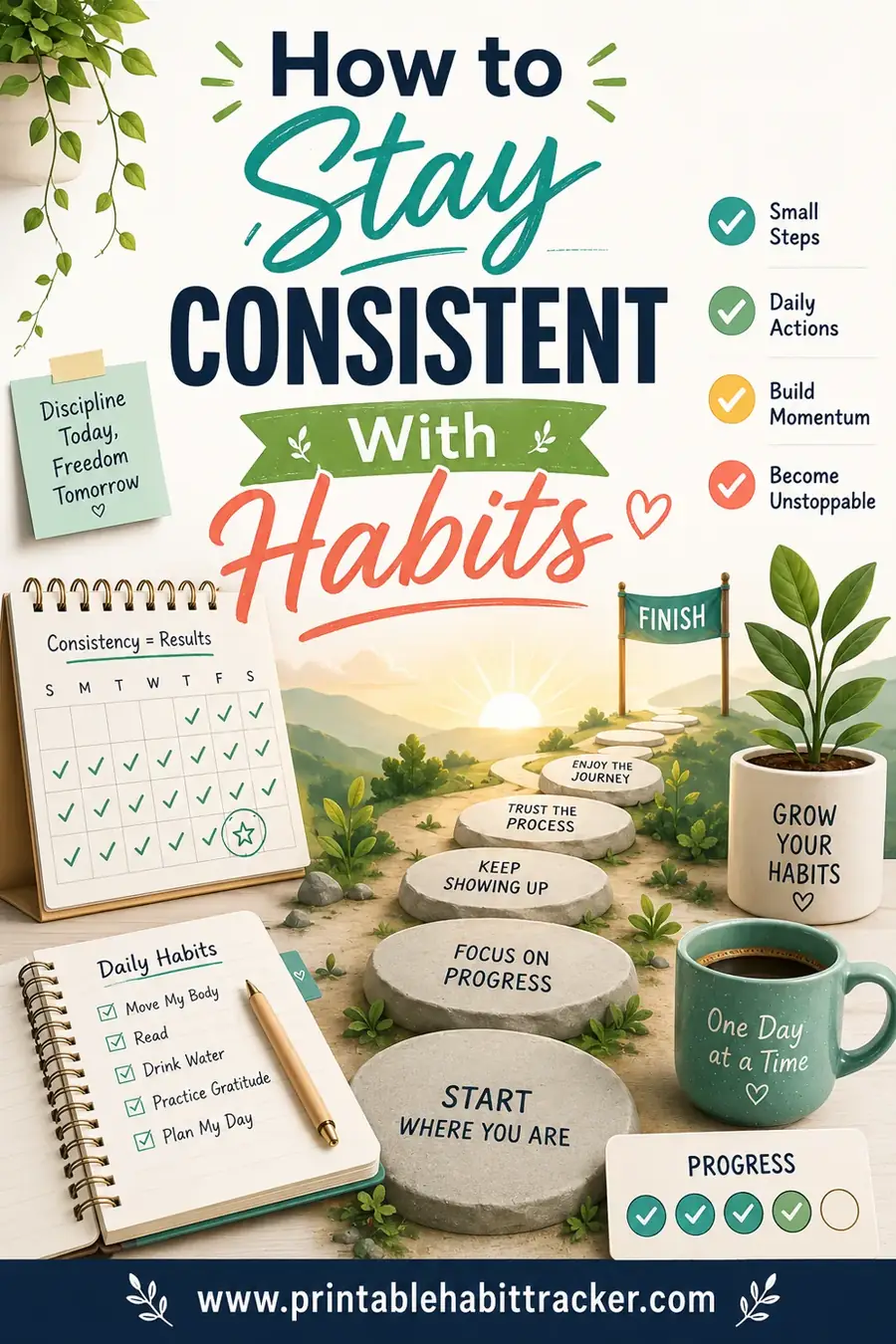
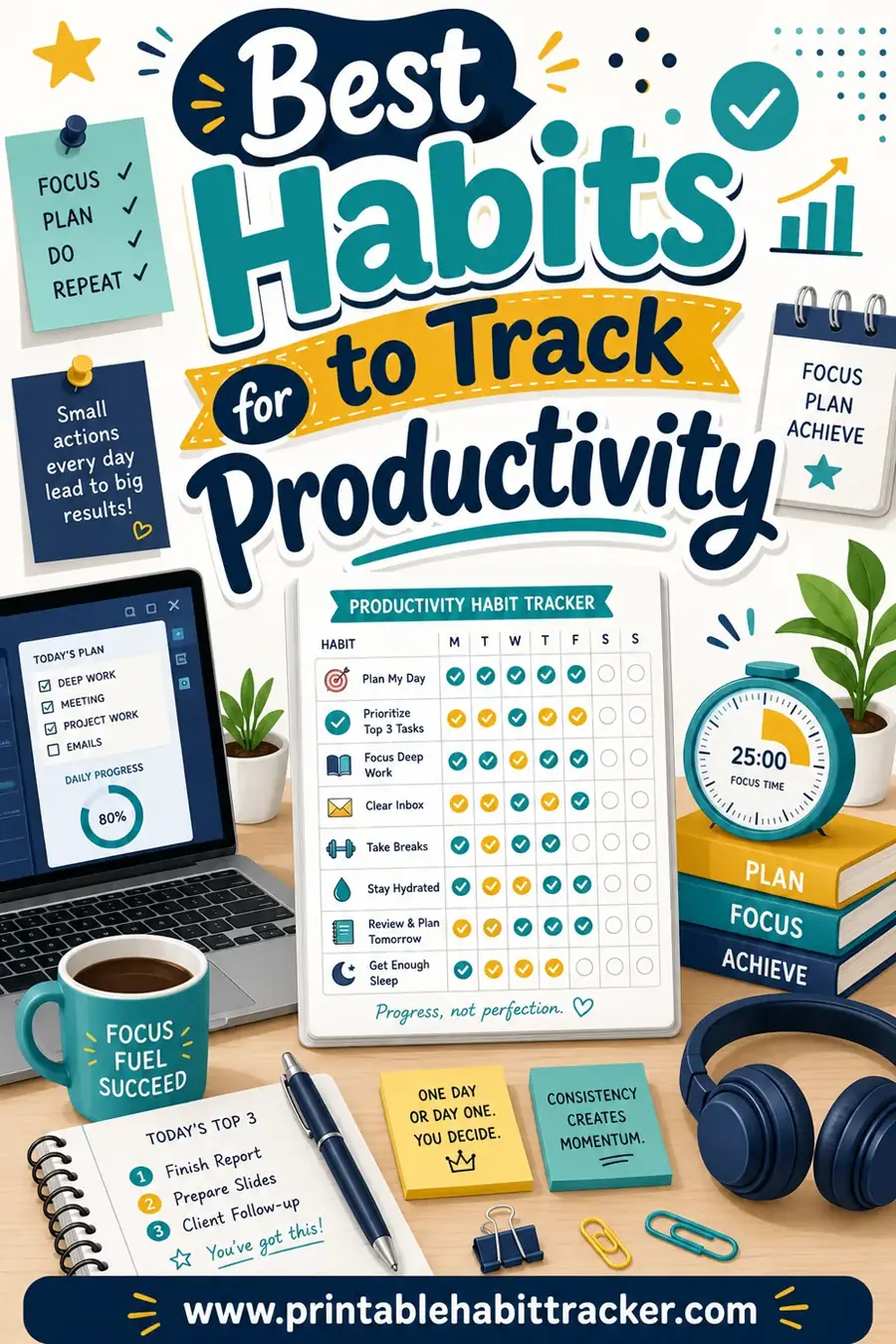
If you want to go deeper on the consistency side, our guide on how to stay consistent with habits breaks down the small tricks that keep streaks alive, and best habits to track for productivity gives you a ready-made starter list.
Real-Life Examples of Each in Action
Sometimes the split clicks faster with concrete stories. Here are three.
The new runner. Maya keeps "sign up for the 10k" on her to-do list — it's a one-time task with a deadline, and once she registers, it's gone. But "run three times this week" goes on her habit tracker, because that's the repeating behavior that gets her ready for the race. The list got her signed up. The tracker is what actually trains her.
The freelancer. Theo's to-do list is full of client deliverables: "send invoice," "finish the logo," "reply to the brief." Each one finishes and disappears. Meanwhile, his habit tracker holds "one deep work block" and "plan tomorrow tonight" — the daily routines that make the deliverables happen on time. He noticed his to-do list shrank once his habits got consistent, because he stopped scrambling.
The student. Priya used to write "study" on her to-do list every single day and never felt like she was getting anywhere. Moving "study 25 minutes" to a habit tracker changed the whole feel of it. Now she sees a row of checked days building up, which makes her want to keep the streak alive. Same habit, totally different result — because the tracker remembers and the list didn't.
The pattern in all three: one-time, deadline-driven items live on the list; repeated, build-it-up behaviors live on the tracker. Once you start sorting your goals this way, it becomes second nature.
Frequently Asked Questions
Is a habit tracker better than a to-do list?
Neither is "better" — they do different jobs. A to-do list handles one-time tasks with deadlines. A habit tracker handles repeated daily behaviors. For building consistency, the tracker wins. For remembering errands, the list wins. Most people use both.
Can I combine a habit tracker and to-do list on one page?
Yes, and lots of planners do exactly this. Put your task checklist on one side and a small habit grid on the other. Just keep them visually separate so daily habits don't get buried in one-off tasks. A printable tracker can sit right next to your task list in the same notebook.
Why do habits fail when I put them on a to-do list?
Because a to-do list forgets. It shows each day as a blank line with no memory of your past streak, so you get no sense of momentum. A habit tracker keeps the whole record visible, and seeing a streak is what makes you want to continue it.
How many habits should I track at once?
Three to seven is the sweet spot. Fewer than three barely needs a tracker. More than seven gets overwhelming and you start skipping. Start small, lock in consistency, then add more once the first set feels automatic.
Do I need an app, or is paper fine?
Paper is genuinely great for habit tracking. A printed grid on your fridge is always visible and never buried under notifications. You can print a free habit tracker in seconds with no app, no account, and no subscription.
What's the easiest habit tracker to start with?
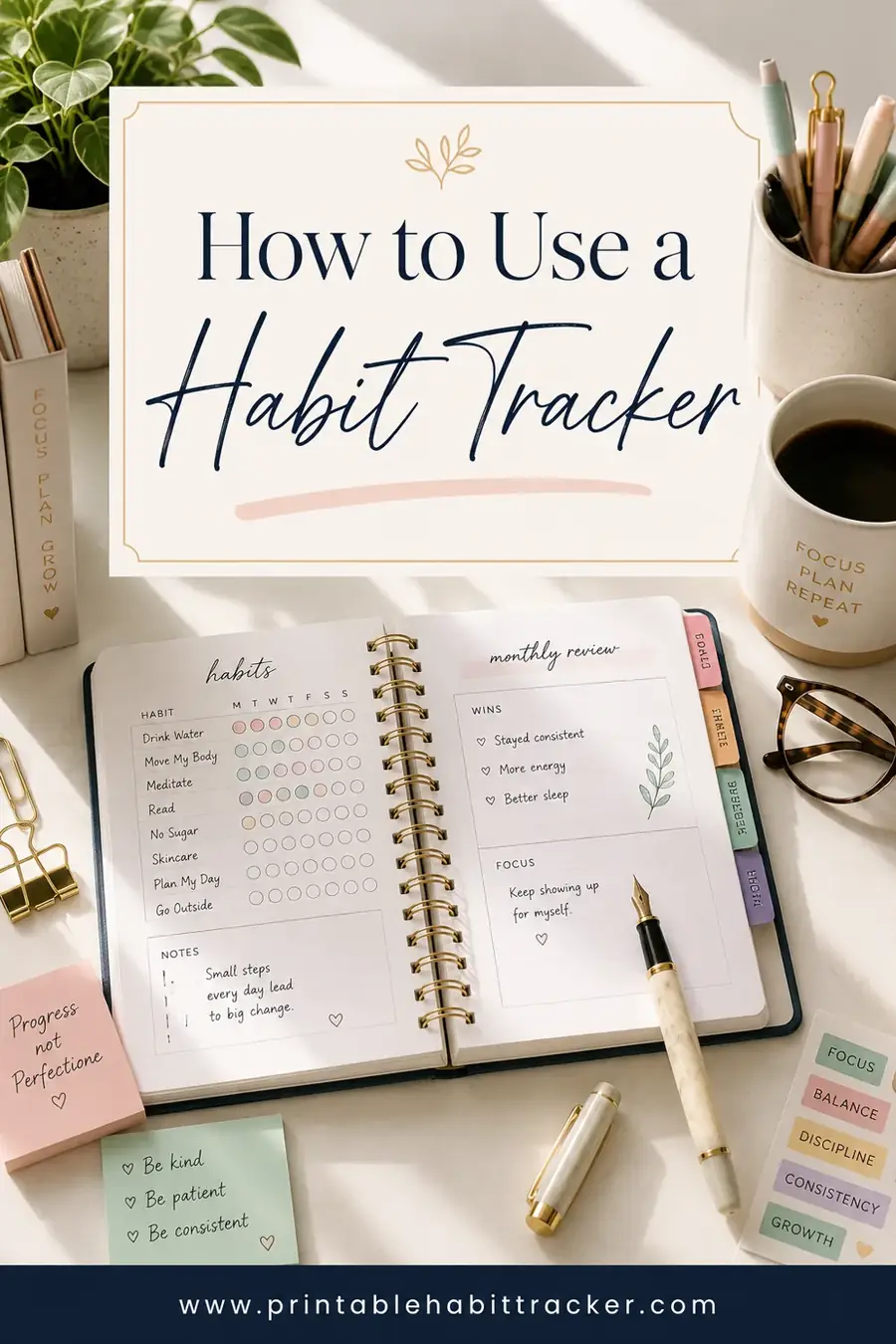
A simple weekly grid: your habits down the left, the seven days across the top, and a box for each. Check a box every time you complete a habit. It's the format that's worked for decades because the streak is right there in front of you.
Ready to Build Your Habit Tracker?
Now you know the split: to-do lists for tasks, habit trackers for behaviors you want to repeat. If you've been losing your daily habits in the chaos of a task list, give them their own home. Open the free habit tracker builder, pick your habits, choose weekly or monthly, and print a clean grid you'll actually keep up with. It's free, there's no sign-up, and your first streak starts the moment you check that first box.