Productivity Tracker: Free Printable to Build Better Habits
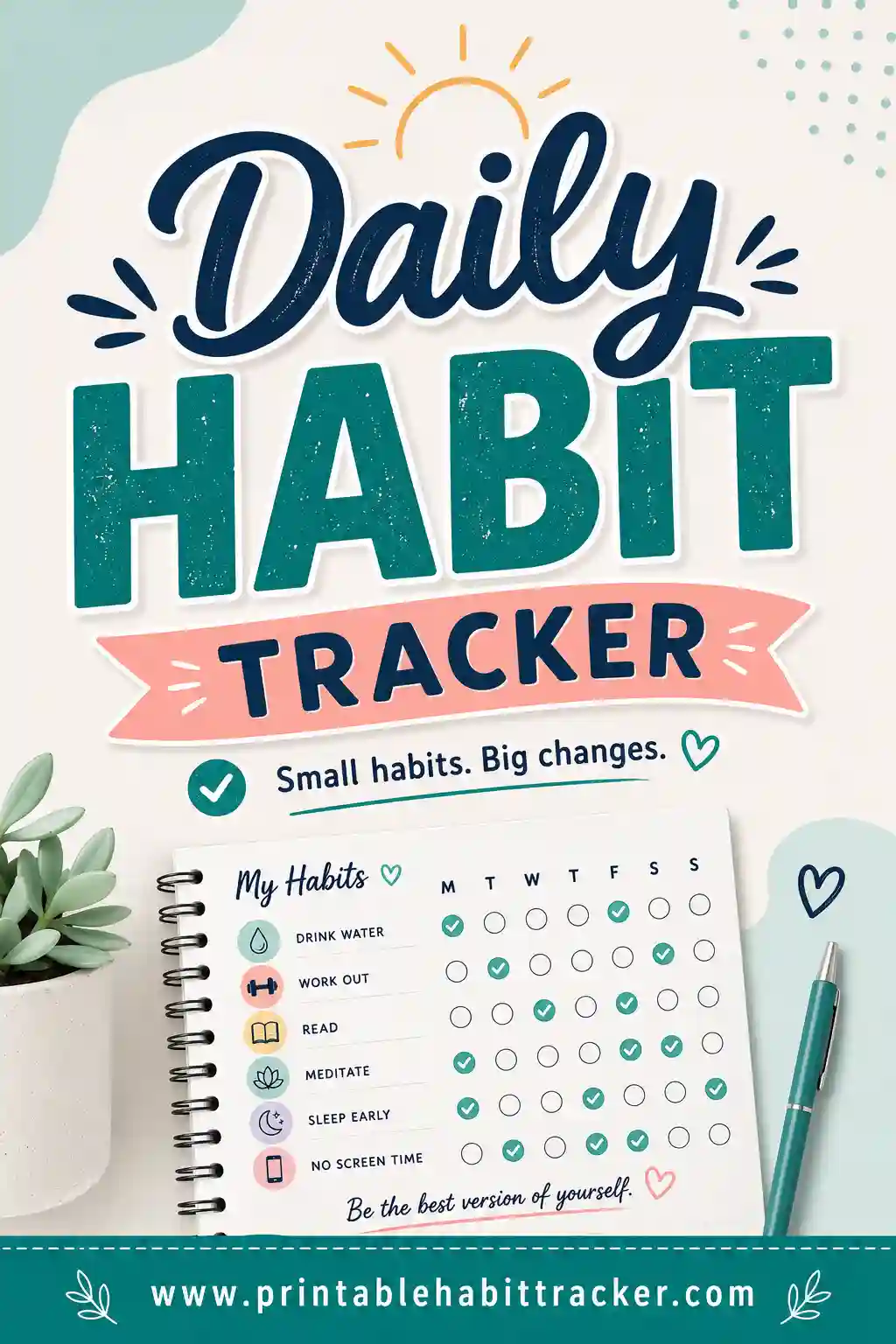
A productivity tracker is a simple grid where you list the habits and tasks that move your day forward, then check off a box each time you do one. Seeing the boxes fill in keeps you honest, builds a streak you don't want to break, and turns vague goals like "be more focused" into something you can actually measure. The quickest way to start is to use a free printable habit tracker, pick the habits that matter to you, and print a clean page you can stick on your desk.
Want to skip ahead? Open the free tracker, choose a daily, weekly, or monthly layout, type in your habits, and print. No sign-up, no app to download, no subscription.
What a Productivity Tracker Actually Does
Think of it as a scoreboard for your day. Instead of trying to hold every task and habit in your head, you write them down once and tick them off as you go. That small act does three useful things.
First, it makes your effort visible. A row of checkmarks is proof you showed up, even on days that felt unproductive. Second, it removes the guesswork. You stop wondering "did I actually work out this week?" because the boxes answer for you. Third, it builds momentum. Once you've got a five-day streak going, skipping feels like wasting all that progress, so you keep going.
A productivity tracker isn't a to-do list. A to-do list is about today's chaos. A tracker is about the handful of repeatable things that, done consistently, make every day better.
Why Paper Beats Another App
You've probably tried a productivity app or two. They're great until the notifications get annoying and you stop opening them. A printed tracker has a few quiet advantages.
- It's always visible. Tape it above your desk and it nags you without a battery or a buzz.
- There's no friction. No login, no loading screen. You grab a pen and check the box.
- It's distraction-free. Opening your phone to log a habit is how you end up scrolling for ten minutes.
- It feels good. There's a real, physical satisfaction in marking a box that a screen can't quite match.
None of this means apps are bad. But if you've fallen off the wagon with digital trackers before, paper is worth a real try.
What to Put on Your Productivity Tracker
The best tracker has the right number of habits, not the most. Five to eight is the sweet spot. Pick too many and you'll dread the whole thing; pick too few and it won't move the needle. Here are habits that reliably boost a workday, why they help, and an easy way to track each.
| Habit | Why it helps | How to track |
|---|---|---|
| One deep-work block | Protects focused time before the day fills with interruptions | Check the box once you finish a 60–90 min block |
| Plan tomorrow tonight | Lets you start fast instead of deciding what to do | Check when your top 3 tasks are written down |
| Inbox to zero | Stops email anxiety from following you all day | Check when your inbox is empty or sorted |
| Move your body | Boosts energy and focus more than caffeine | Check after a walk, workout, or stretch |
| Drink water | Dehydration quietly tanks concentration | One box per glass, or a single daily check |
| No phone first hour | Protects your best morning focus | Check if you stayed off socials after waking |
| Single-task one project | Switching tasks burns more time than it feels | Check when you finish a block without tab-hopping |
| Shut down ritual | A clear end to the workday improves rest | Check when you close out and write tomorrow's list |
You don't need all of these. Pick the five that match what you're trying to fix right now, and add more later once they stick.
Tracking output vs. tracking habits
There are two things you can track, and the difference matters. Habits are inputs you control completely: "did a deep-work block," "no phone first hour." Outputs are results that depend on more than effort: "shipped the report," "hit 5,000 words." Lean toward tracking habits. You can always control whether you sat down to write; you can't always control whether the words came out great. Reward the showing-up, and the output follows.
Pick a Layout That Fits Your Rhythm
The same set of habits can live in different layouts depending on how you like to work. The tracker tool gives you daily, weekly, monthly, and yearly views, so you can match the frequency to the habit.
| Layout | Best for | Example |
|---|---|---|
| Daily | Habits you do many times a day | Glasses of water, focus blocks, breaks |
| Weekly | The everyday workday staples | Plan tomorrow, exercise, inbox zero |
| Monthly | Big-picture consistency at a glance | A dot grid showing your "no phone" streak |
| Yearly | Long arcs and "don't break the chain" goals | One square per day for a whole habit |
A common setup is a weekly sheet for your five core habits plus a monthly page for the one big habit you really want to nail. Print both, clip them together, and you've got a complete system on two sheets of paper.
How to Build Your Tracker in 4 Steps
You don't need a planner or any design skill. Here's the whole process.
- Choose your habits. Pick five to eight from the table above, or write your own. Keep them concrete.
- Pick a layout. Weekly is the easiest starting point. Open the generator and choose it.
- Type your habits in. One per row. Short labels work best so the page stays clean.
- Print and place it. Print on regular paper, then tape it somewhere you'll see it every day — beside your monitor, on the fridge, inside a notebook.
That's it. Most people go from idea to a printed tracker in under five minutes.
Make it harder to ignore
Where you put the tracker matters as much as what's on it. A tracker in a drawer is a tracker you forget. Stick it at eye level. Keep a pen right next to it. Tie the check-off to something you already do, like marking your water habit right after you fill your bottle. The less you have to think about logging, the more you'll actually log.
Reading Your Tracker (the Part Most People Skip)
Filling boxes is only half the value. The other half is looking back. At the end of each week, spend two minutes scanning your sheet.
- Where's the longest streak? That habit has clearly clicked. Protect it.
- Where are the gaps? A row full of holes usually means the habit is too big, too vague, or scheduled at the wrong time.
- What's one tiny fix? Maybe "exercise" should become "10-minute walk" so it's easier to say yes to.
This weekly glance turns the tracker from a chore into a feedback loop. You're not just recording — you're adjusting.
When a habit keeps failing
If a row is mostly empty week after week, don't just push harder. Shrink the habit until it's almost too easy. "Read 30 minutes" becomes "read one page." "Meditate 20 minutes" becomes "sit and breathe for two." Once the tiny version is automatic, you can grow it. A small habit you actually do beats a big one you keep skipping.
A Sample Productivity Week
Not sure how a filled-in week looks? Here's a realistic example using five core habits. Checkmarks mean done.
| Habit | Mon | Tue | Wed | Thu | Fri |
|---|---|---|---|---|---|
| Deep-work block | ✓ | ✓ | ✓ | — | ✓ |
| Plan tomorrow | ✓ | ✓ | — | ✓ | ✓ |
| Move your body | ✓ | — | ✓ | ✓ | — |
| Inbox to zero | ✓ | ✓ | ✓ | ✓ | ✓ |
| No phone first hour | — | ✓ | ✓ | ✓ | ✓ |
Notice it's not perfect, and that's the point. A productive week isn't a flawless grid; it's mostly-full rows with a few honest gaps. The gaps tell you Wednesday's plan slipped and Tuesday's workout didn't happen — useful information, not failure.
Keep It Going Without Burning Out
The danger with any tracker is treating a missed day as a reason to quit. Don't. One missed box is normal. Two in a row is a nudge to pay attention. The rule that keeps people consistent: never miss twice. Miss Monday? Fine. Just make sure Tuesday's box gets checked.
A few more things that help trackers stick:
- Print a fresh sheet each week or month. A clean page feels like a clean slate.
- Celebrate streaks, quietly. A full week earns a small reward — a nice coffee, an episode, whatever.
- Adjust without guilt. Swap habits in and out as your life changes. The tracker serves you, not the other way around.
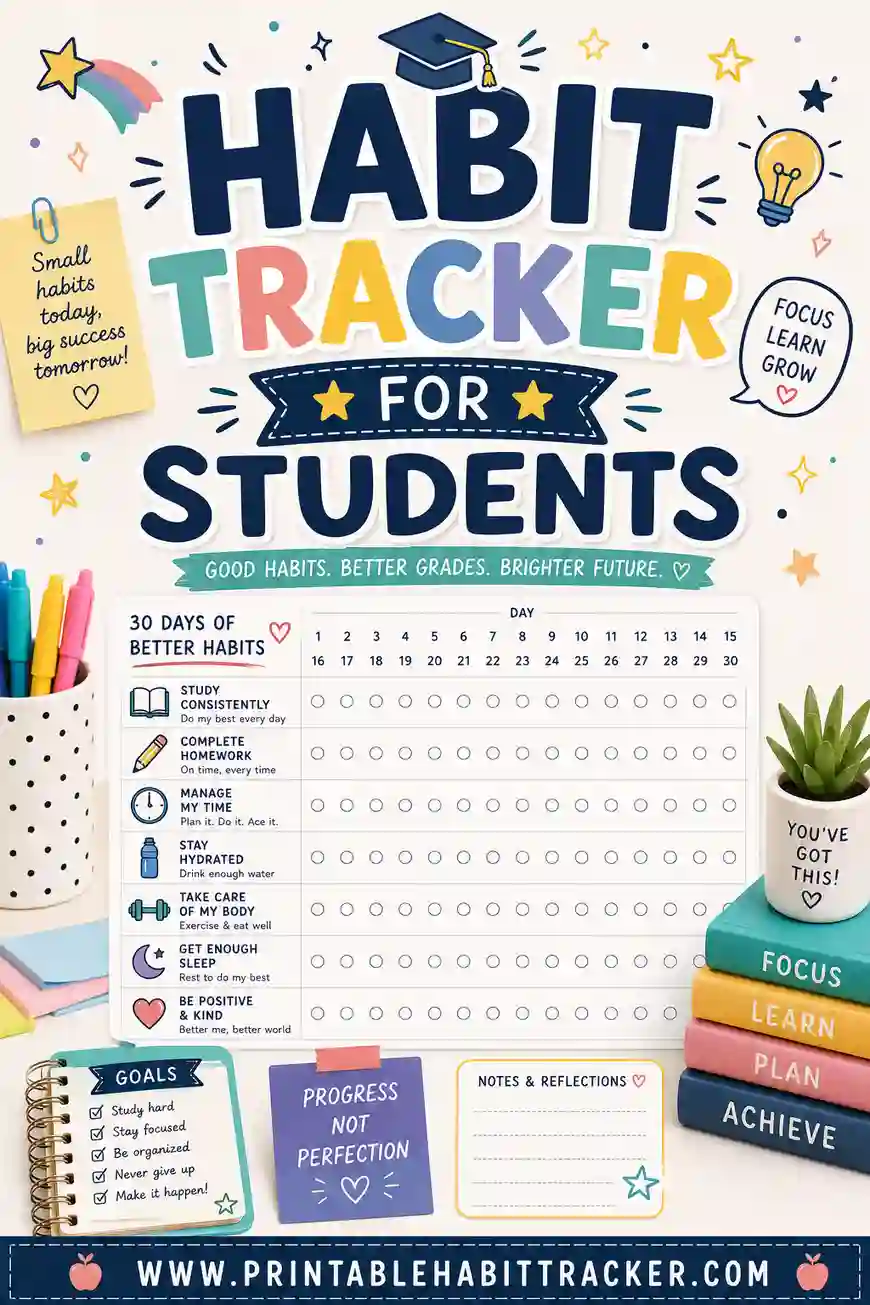
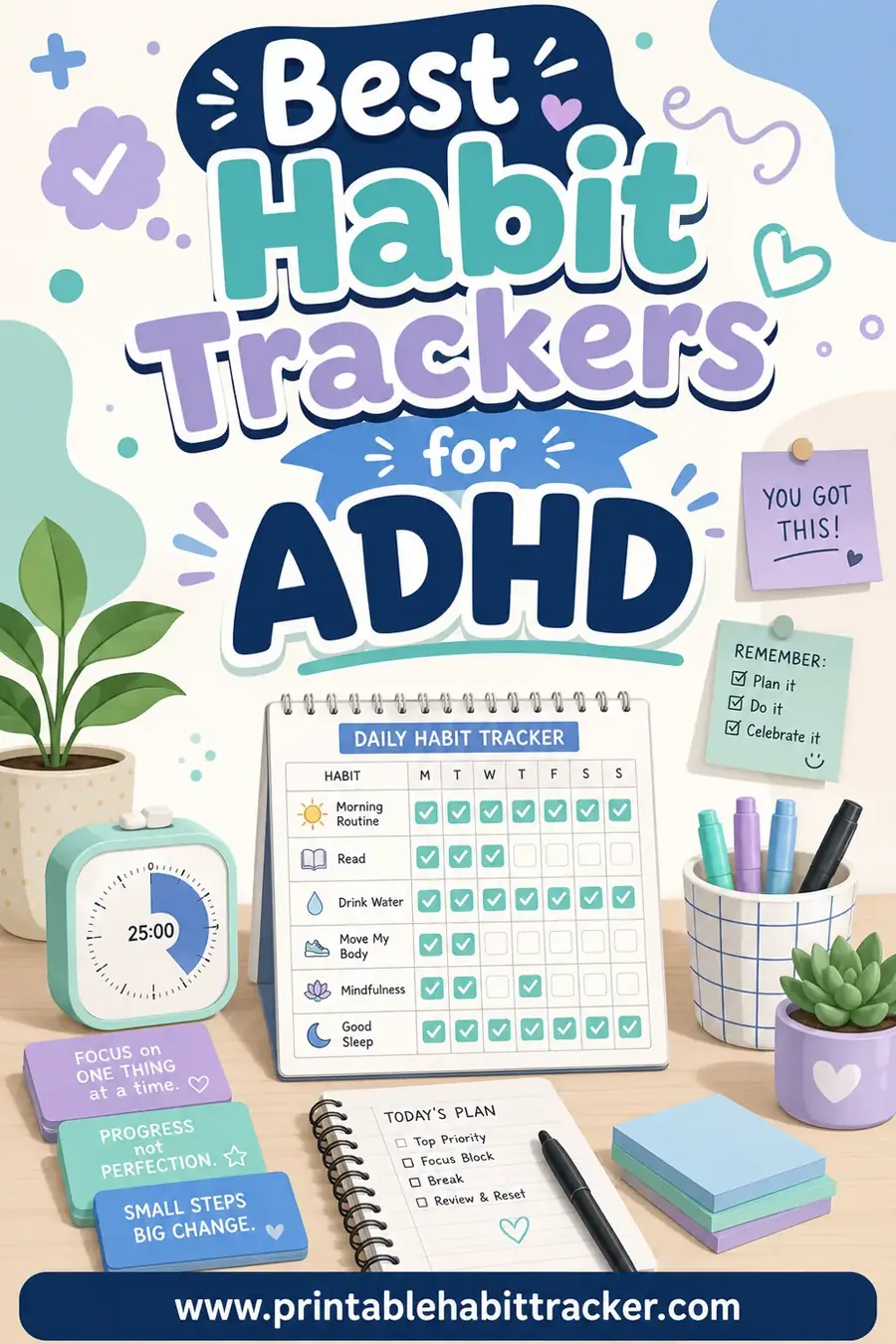
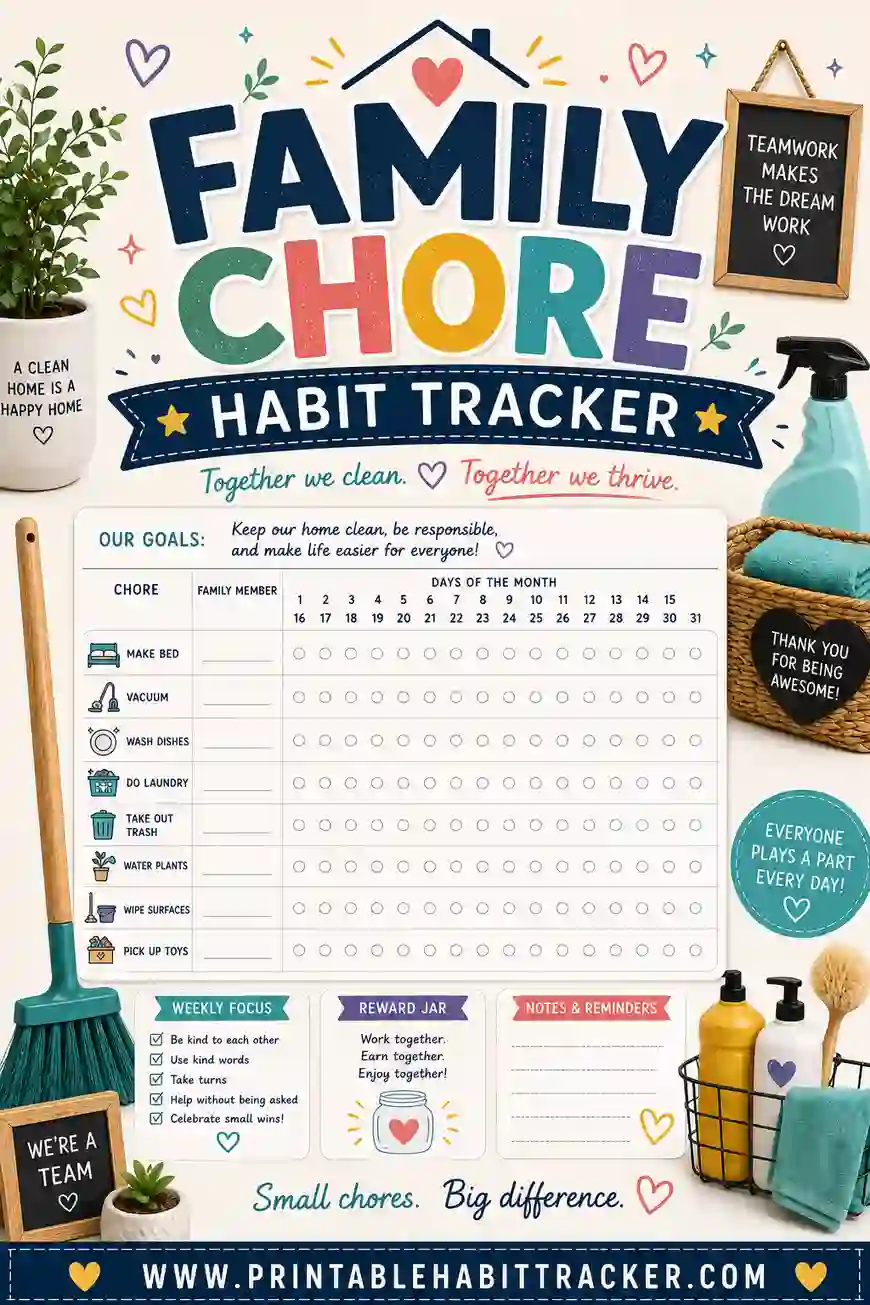
Once your productivity tracker is humming, it's easy to spin up matching ones for other parts of life. You can build the same kind of sheet for students juggling classes, one designed for ADHD brains, or a shared family chore tracker for the whole household.
Frequently Asked Questions
How many habits should a productivity tracker have?
Five to eight is ideal. Fewer than five and it won't shift your day much; more than eight and it starts to feel like a chore you avoid. Start with five core habits and add only after they've stuck for a couple of weeks.
What's the difference between a productivity tracker and a to-do list?
A to-do list captures one-off tasks for today. A productivity tracker follows the repeatable habits and routines you want to do consistently over time. They work well together: the list handles today's chaos, the tracker builds long-term consistency.
Is a printable productivity tracker really free?
Yes. You build it and print it yourself at no cost — no sign-up, no watermark, no subscription. The tracker tool lets you make as many pages as you want and print them at home.
How often should I print a new tracker?
Match it to your layout. A weekly sheet gets reprinted every week, a monthly grid once a month. Starting with a fresh page is part of the appeal — it feels like a clean slate and resets your streaks fairly.
What if I keep missing the same habit?
Make it smaller. Shrink the habit until it's almost too easy to skip — "read one page" instead of "read 30 minutes." Once the tiny version is automatic, grow it back up. A small habit you actually do beats a big one you keep failing.
Can I track both work and personal habits on one sheet?
Absolutely. Many people mix a couple of work habits (deep-work block, inbox zero) with personal ones (water, exercise) on a single tracker. Just keep the total to a manageable handful so the page stays clean and inviting.
Ready to Build Your Productivity Tracker?
Pick five habits that would genuinely improve your days, open the free tracker, and print a clean sheet in minutes. It's free, there's no sign-up, and you can choose the layout that fits how you work. Tape it where you'll see it, grab a pen, and start filling boxes — your future, more-focused self will thank you.