Period Tracker Printable: Free Custom Cycle Log You Can Print at Home
A period tracker printable is a one-page monthly grid for logging your cycle on paper: rows for your period, flow, and the symptoms you care about — cramps, headaches, energy, mood — and a real date grid across the top, so each day gets a quick mark. No app, no account, and nobody's server holding your cycle data. The fastest way to get one that tracks exactly what you want to know is a free printable habit tracker builder — type in your symptom rows, pick the monthly layout, and print.
Want one right now? Open the free builder, add rows like "Period," "Cramps," and "Energy low," choose the monthly layout with color-in squares, and hit print. No sign-up, no watermark — and since the tool saves only in your own browser, your setup stays yours.
What Is a Printable Period Tracker?
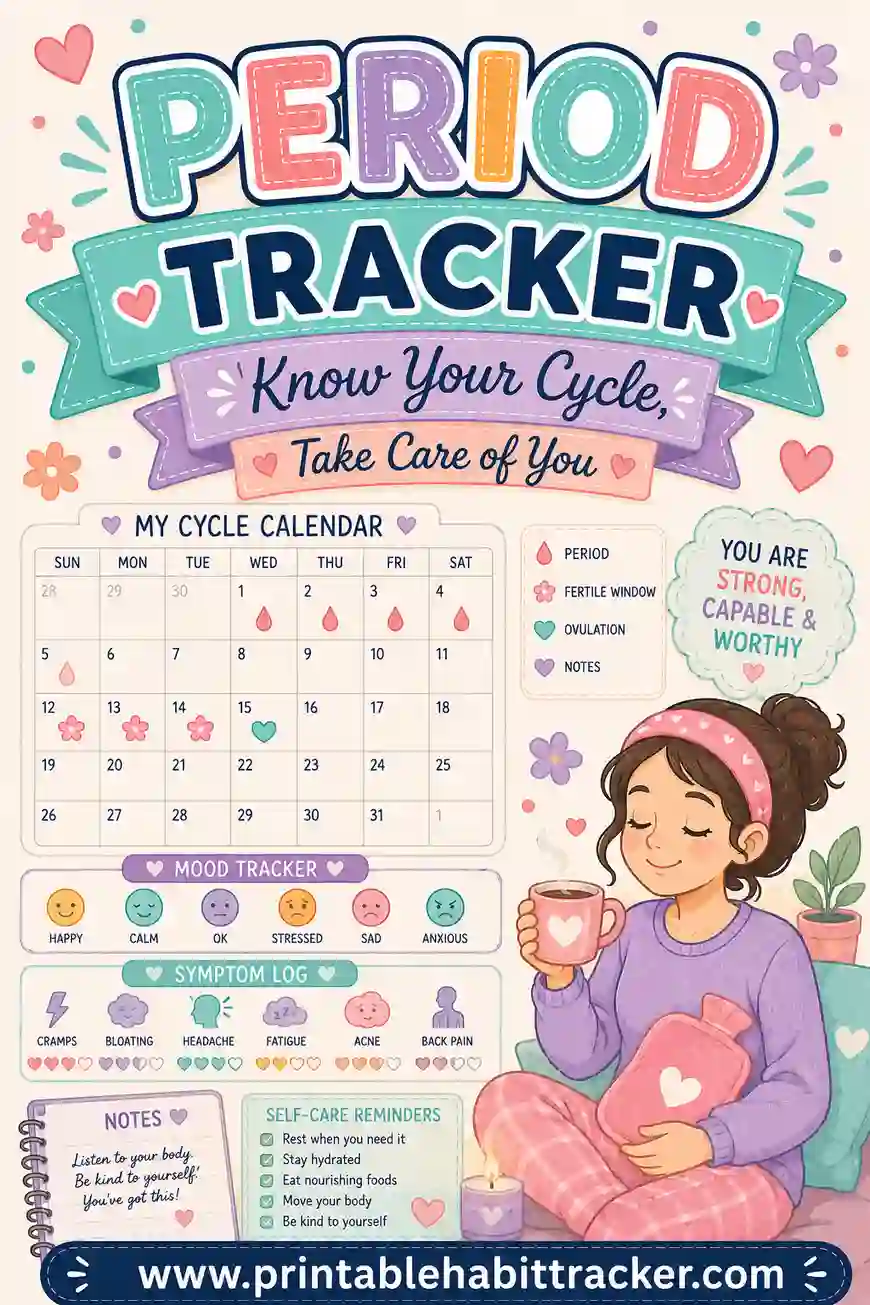
It's a paper cycle log. Each row is one thing worth noticing — period days, flow intensity, cramps, headaches, mood dips, energy, sleep quality — and the columns are the actual dates of the month (the grid generates the right number of days for each month automatically, leap years included). Each day, you mark what happened: color a square, tick a box, or shade lightly for "mild" and fully for "strong."
Worth saying plainly: this is a log, not a predictor. Apps forecast your next period with algorithms; paper shows you your own pattern and lets you do the noticing — which, once you've logged two or three months, turns out to be easy. Most people spot their own rhythm faster on one visual page than in any app's buried history screen. And unlike an app, a paper tracker never gets sold, breached, subpoenaed, or synced anywhere. In an era when period-app privacy makes headlines, "it's in my nightstand drawer" is a genuinely strong data policy.
Because you build it in the free tool, the rows track what matters to your body — a migraine sufferer's tracker and an endometriosis tracker shouldn't look the same, and now they don't have to.
Free Printable Period Tracker Templates
Don't want to start from a blank page? Pick one of these ready-made printable period tracker templates. Each link opens the free builder with the rows and layout already filled in — change anything you like, then print or save it as a PDF. Every one is free to print as many times as you want.
| Template | What it's for | Open it |
|---|---|---|
| Classic monthly cycle calendar | A one-month date grid for most people. Color in period days and shade symptoms. Rows: Period day, Flow: heavy, Spotting, Cramps, Mood, Energy. | Open this template |
| Minimal 3-row log | The simplest version: three rows and ten seconds a night. Best for first-time trackers. Rows: Period, Cramps, Mood. | Open this template |
| Teen & first-period tracker | Friendly row names and a reminder row for keeping supplies in your bag. Rows: Period day, Cramps, Feeling moody, Tired, Supplies packed. | Open this template |
| Symptom tracker | Ten symptom rows for spotting patterns to share with your doctor. Rows: Period, Cramps, Headache, Bloating, Breast tenderness, Skin breakout, Mood low, Energy low, Slept badly, Took pain relief. | Open this template |
| 12-month year view | The whole year on one page. Color each period day and watch your rhythm appear. Rows: Period day. | Open this template |
| PMS week tracker | A one-week sheet for the days before your period, when symptoms tend to show up. Rows: Cramps, Headache, Mood, Cravings, Sleep, Water. | Open this template |
| Migraine + cycle tracker | Lines up headache days with cycle days so you can see if they are connected. Rows: Period, Headache, Migraine, Took medicine, Slept badly, Skipped meal. | Open this template |
| Perimenopause tracker | For tracking changing cycles and common midlife symptoms over several months. Rows: Period, Spotting, Hot flashes, Night sweats, Slept badly, Mood, Brain fog. | Open this template |
Not sure which to choose? Start with the classic monthly cycle calendar. After a month or two you will know which rows you actually use, and you can trim or add from there.
Letter or A4: print size made easy
The builder prints on both US Letter (8.5 × 11 inches) and A4 paper. Pick your paper size and portrait or landscape in the print settings before you print. For best results, keep your browser's print scale at 100% so the date squares stay even. Want a digital copy too? Choose "Save as PDF" in your browser's print window and you will have a PDF file to keep or print later.
Why Track Your Cycle on Paper?
- Privacy, fully solved. Nothing typed into the builder leaves your browser, and the finished tracker is a sheet of paper you control completely.
- Patterns pop visually. When "headache" squares cluster two days before "period" squares three months running, you don't need an algorithm — the page just shows you.
- It's what your doctor actually wants. "When was your last period, how long, how heavy, what symptoms?" A filled tracker answers in seconds what memory answers badly. Bring the pages to appointments.
- It logs more than periods. Mood, energy, sleep, skin, appetite — the whole-cycle picture that helps you plan life around your body instead of being ambushed by it.
- No app fatigue. A tracker on the nightstand with a pen on top takes ten seconds at bedtime. No phone, no notifications, no upsell to premium.
What Rows to Put on Your Period Tracker
Copy a set into the builder and edit freely — the best tracker is the one that matches your body:
| Row | How to mark it |
|---|---|
| Period | Color the square each period day |
| Flow: heavy | Check on heavy days (light days = period row only) |
| Spotting | Check — patterns here are worth knowing |
| Cramps | Light shade = mild, full = strong |
| Headache / migraine | Check the day it hits |
| Mood low / irritable | Honest checks; this is for you |
| Energy low | Check — fatigue patterns are cycle gold |
| Bloating / breast tenderness | Check |
| Slept badly | Check — sleep and cycle talk to each other |
| Took pain relief | Useful medical detail for appointments |
Six to ten rows is the sweet spot. Trying to conceive or avoiding pregnancy? Add rows for whatever your method tracks — but a paper grid is a record for those purposes, not a contraceptive method by itself.
Use the notes box for the numbers
The notes area is where cycle math lives, handwritten: "Started June 3, ended June 8. Cycle length: 29 days. Next expected: ~July 2." Three months of those notes and you know your average better than most apps guess it.
How to Make a Period Tracker Printable in 4 Steps
- Pick your rows. In the free builder, type each symptom or event on its own line — start with period, flow, cramps, mood, and energy, and add your personal ones.
- Choose the monthly layout. A true date grid for the month you pick — mark by actual date, which is exactly what a cycle log needs.
- Pick the color-in square style and turn on color-coding. Squares shade beautifully for intensity, and color-coded rows (period in red, mood in blue, pain in orange — with the key printed on the page) make patterns leap out.
- Add the mood row and notes box, then print. Tick "Print all 12 months" and you get the whole year's dated sheets in one print run — a full cycle journal for the cost of twelve pages.
Everything saves locally in your browser, so refining your rows next month takes seconds.
Ways to Set It Up
The minimal cycle log
Three rows: period, cramps, mood. Ten seconds a night. If you've never tracked before, start here — you can always add rows once the habit is real.
The symptom-mapping tracker
Eight to ten rows with shading for intensity — the version to build if you're investigating something: brutal PMS, suspected PMDD, migraines, perimenopause changes. Two or three filled months make an appointment dramatically more productive.
The whole-body dashboard
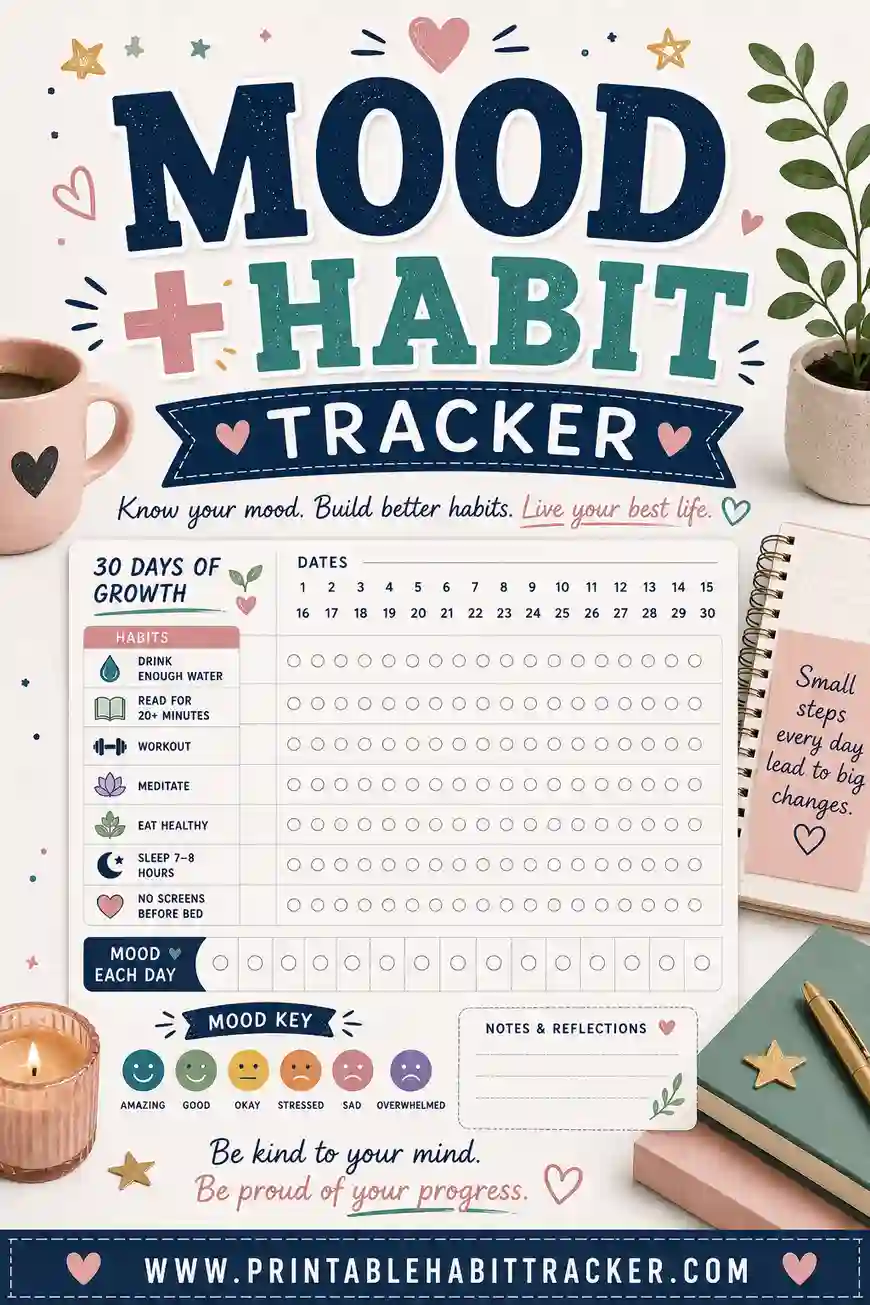
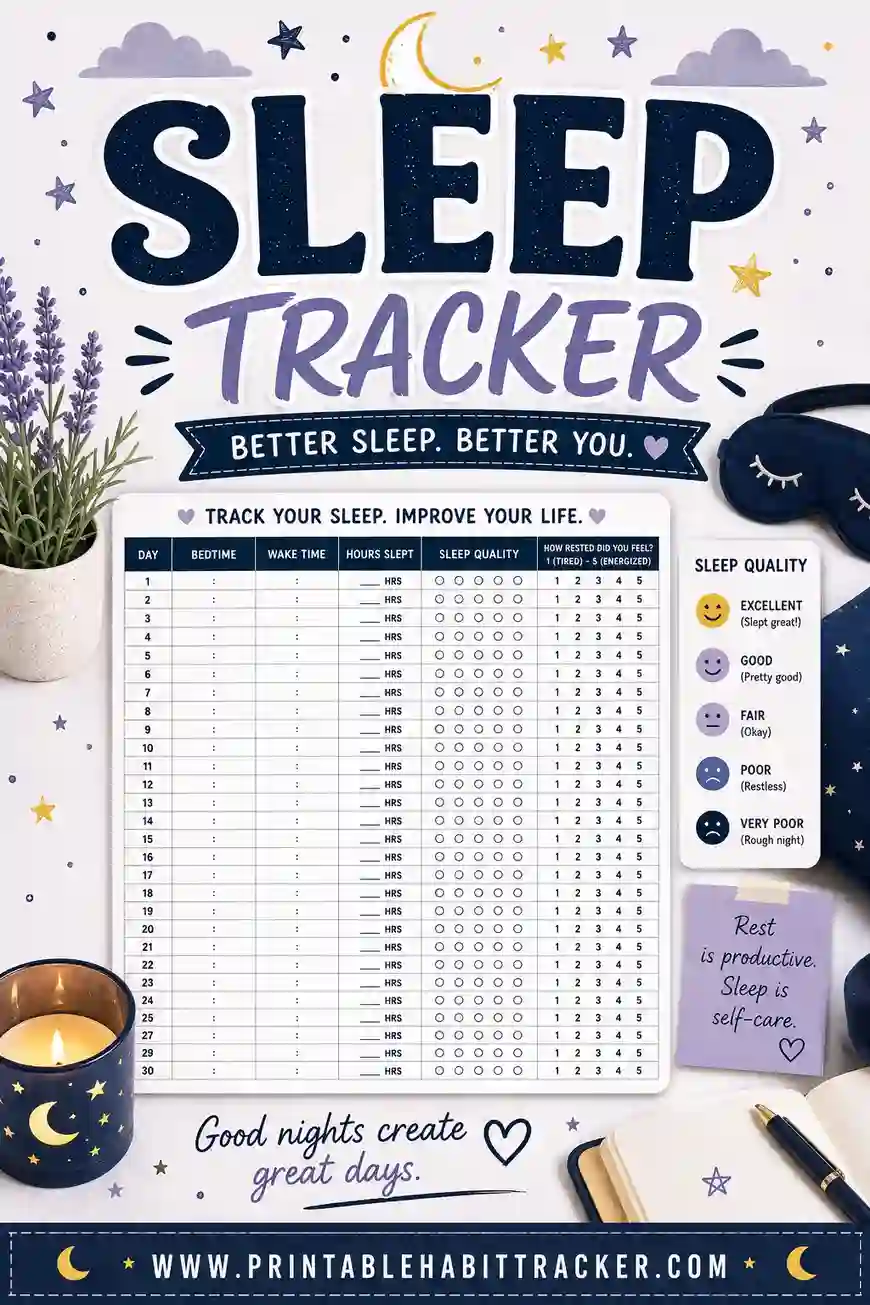
Cycle rows plus daily-life rows: sleep, water, exercise, energy. Seeing "skipped workouts" cluster in the same week as "energy low" every month reframes guilt into biology. A dedicated mood habit tracker or sleep tracker pairs well if one thread deserves its own page.
The year-at-a-glance
The yearly layout — twelve month columns, rows like "period arrived," "cycle over 30 days," "severe cramps" — turns into a big-picture cycle history on one page. Handy for spotting slow changes across a year.
Printable Period Tracking Calendar (Monthly & Year View)
There are two main ways to lay out a period tracking calendar, and each one answers a different question.
Monthly view: the day-by-day calendar
The monthly layout gives you a real date grid for the month you choose, with a row for each thing you track. It is the best view for daily logging: you can see exactly which day cramps started, how many days your period lasted, and how symptoms line up with your cycle. Tick "Print all 12 months" in the builder to print a full year of dated monthly sheets in one go.
Year view: your cycle at a glance
The yearly layout puts all twelve months on one page as a color-in grid for a single row. Color each period day and, after a few months, you get a picture of your rhythm: how far apart your periods are, whether they are getting longer or shorter, and any months that broke the pattern. It is a great sheet to bring to a check-up.
Use both together
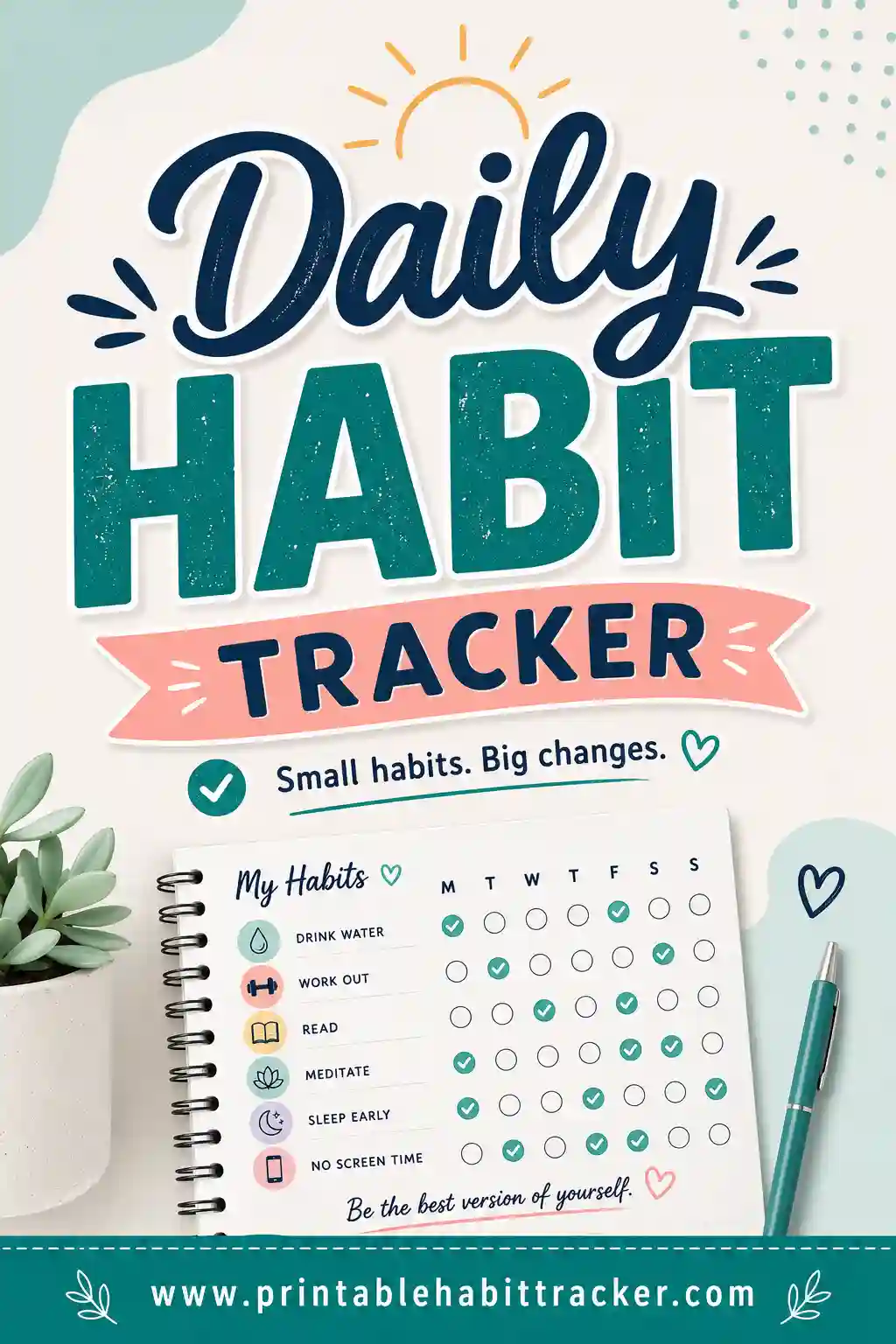
Many people keep the monthly sheet for daily details and the year view taped inside a journal cover for the big picture. If you like the year-long view, our yearly habit tracker guide shows more ways to use it, and a monthly habit tracker can track other habits alongside your cycle.
Printable Period Tracker for Girls and Teens
If you are just starting your period, a paper tracker is a simple, private way to get to know your body. You don't need an app or a phone — just a sheet in your planner or nightstand and a pen.
Here is what to know as you start:
- Your first cycles may be irregular. It is very common for periods to come at uneven times for the first year or two. Tracking helps you see your own pattern as it settles down.
- Mark the first day every time. The day your period starts is the most important thing to write down. Counting from one start day to the next tells you your cycle length.
- Keep it simple. Three to five rows is plenty: period day, cramps, mood, and maybe energy. You can add more later.
- Pack your bag early. Once you see roughly when your next period might arrive, you can keep pads or other supplies in your backpack ahead of time — no surprises at school.
- Share it with someone you trust. A parent, school nurse, or doctor can answer questions, and your tracker makes those conversations easier. If something worries you — like very heavy bleeding or pain that stops you from doing everyday things — tell a trusted adult and see a doctor.
The teen & first-period tracker template above is set up with friendly row names and a "supplies packed" reminder. Decorate it with stickers, color it in with your favorite markers, and keep it in a folder. A sticker chart style can make it more fun, and a habit tracker for teens pairs nicely if you want to track sleep, water, or homework too.
Tips for a Log You'll Actually Keep
- Anchor it to bedtime. Tracker on the nightstand, pen on top, mark today's row while brushing-teeth-adjacent. Ten seconds.
- Shade for intensity. Light shade mild, full square strong — it doubles the information without adding rows.
- Mark the first day no matter what. If you only ever track one thing, track period start dates. Cycle length — the number doctors ask about first — comes entirely from those.
- Keep the pages. A folder or clipped stack becomes your cycle history; the month-to-month comparison is where the insight lives.
- Store it where you're comfortable. Nightstand drawer, journal pocket, planner sleeve. Paper's privacy only works if it's stored the way you want.
Common Mistakes
- Tracking twenty things from day one. Overbuilt trackers die by week two. Start with five rows; earn your way up.
- Skipping the "boring" days. Empty squares are data too — a clean stretch is what makes symptom clusters visible. Marking "nothing today" takes two seconds.
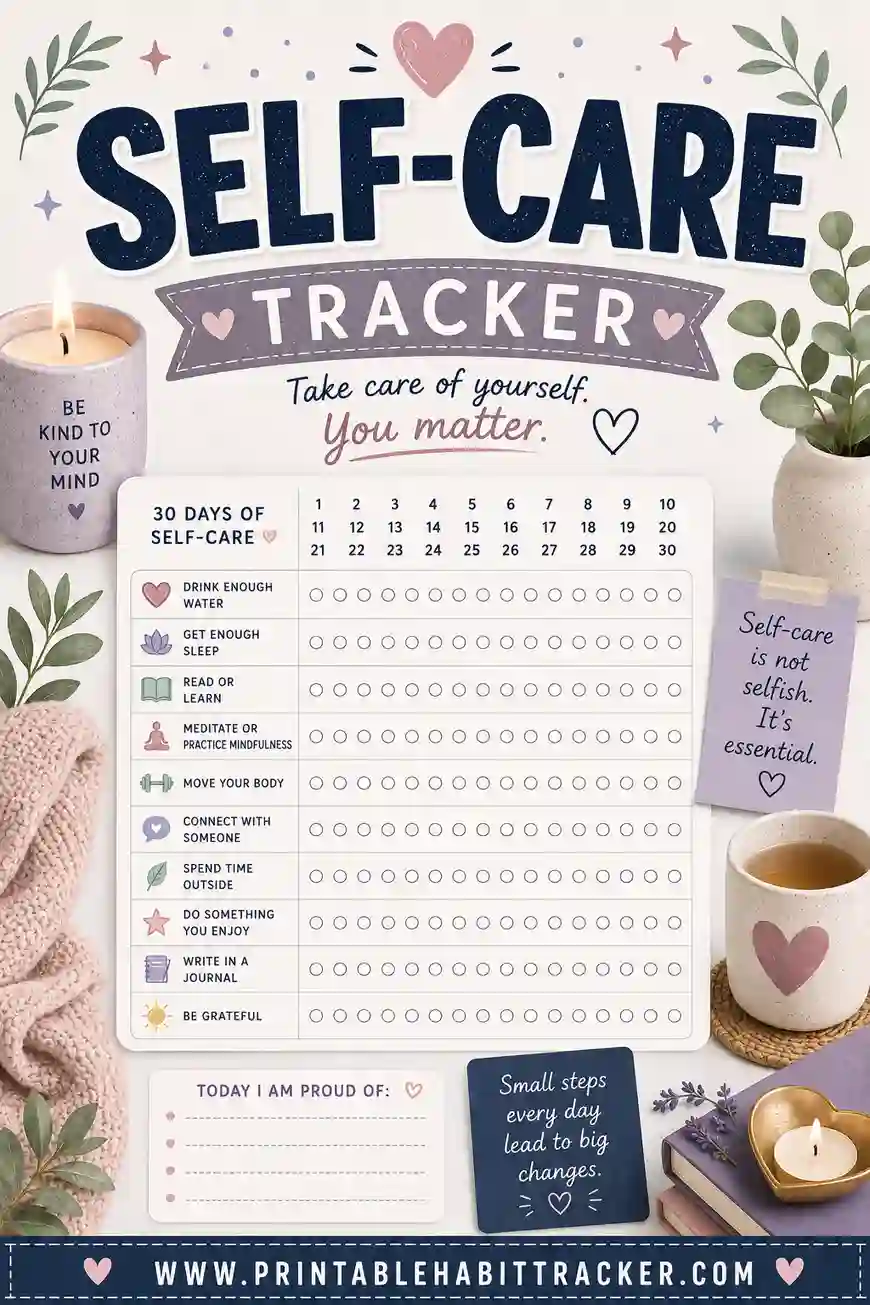
- Judging instead of logging. "Irritable" checks aren't character flaws; they're biology leaving a paper trail so future-you can plan for it. Log kindly. Treat rough weeks with extra care — a self-care tracker is a natural companion.
- Expecting predictions from paper. The page won't ping you at cycle day 26 — but your own handwritten "next expected: ~July 2" in the notes box does the same job once checking the tracker is a habit.
- Not bringing it to the doctor. The single highest-value use of this document, and the one people forget. Two filled pages can meaningfully change an appointment. And if your log shows something worrying — very heavy flow, cycles suddenly shifting, severe pain — that's a reason to book one, not just track on.
A Sample Filled-In Week
Cycle day 26 through day 3, mid-month:
| Row | 24 | 25 | 26 | 27 | 28 | 1 | 2 |
|---|---|---|---|---|---|---|---|
| Period | ■ | ■ | |||||
| Flow: heavy | ✔ | ||||||
| Cramps | ▨ | ▨ | ■ | ■ | ▨ | ||
| Headache | ✔ | ✔ | |||||
| Mood low | ✔ | ✔ | ✔ | ||||
| Energy low | ✔ | ✔ | ✔ | ✔ |
Notes box: "Cycle: 28 days. Headache 2 days pre-period again — 3rd month running. Ask doctor. Next expected: ~Aug 1." That headache pattern took three months of ten-second marks to prove — and it's exactly the kind of detail that gets real answers at an appointment.
Frequently Asked Questions
Is the period tracker printable really free?
Yes — the builder is completely free, no sign-up, no account, no watermark. Print one month or all twelve in a single run, and reprint whenever your rows change.
Is a paper period tracker private?
About as private as it gets. The builder saves settings only in your own browser — nothing uploads — and the finished log is a physical page you store wherever you like. No cloud, no data sharing, no breach risk.
Can it predict my next period?
No — paper doesn't calculate. But after two or three logged months, writing "next expected: ~July 2" in the notes box from your own average gets you most of an app's prediction with none of its data collection. Your pattern, your math, your drawer.
What should I track besides period days?
Whatever affects your month: cramps, headaches, mood, energy, sleep, bloating, skin. Six to ten rows covers most people. If you're investigating a specific issue — PMDD, migraines, perimenopause — track its symptoms daily with intensity shading and bring the pages to your doctor.
Does the monthly grid handle different month lengths?
Yes. Pick the month and year, and the grid generates the correct number of days — 28, 29, 30, or 31, leap years included — so every mark lands on a real date.
How do I track my period on paper?
Print a monthly tracker with a row for period days and a few rows for symptoms. Each night, color in or tick the squares for that day. Write your start and end dates in the notes box. After two or three months, count the days from one start date to the next to find your cycle length.
What size is the printable period tracker?
You can print it on US Letter (8.5 × 11 inches) or A4 paper, in portrait or landscape. Pick your paper size in the builder and keep your print scale at 100% so the grid stays even.
Is there a PDF version of the period tracker?
Yes. Build your tracker, open the print window, and choose "Save as PDF" as the printer. You will get a PDF file you can keep on your computer, print later, or print again each month.
How long should I track my cycle?
Track for at least three months to see a real pattern. One month only shows one cycle; three months let you work out an average cycle length and see which symptoms repeat. Many people simply keep going, since it only takes a few seconds a day.
Ready to Start Your Cycle Log?
Pick five rows, open the free period tracker builder, choose the monthly layout with color-in squares, and print a couple of months. It's free, it's private by design, and three months from now you'll know your own patterns better than any app ever guessed them — with the paper to prove it.