How to make your printable habit tracker
- Add your habits. Type them one per line, or tap a preset like Fitness or 75 Hard and tweak it.
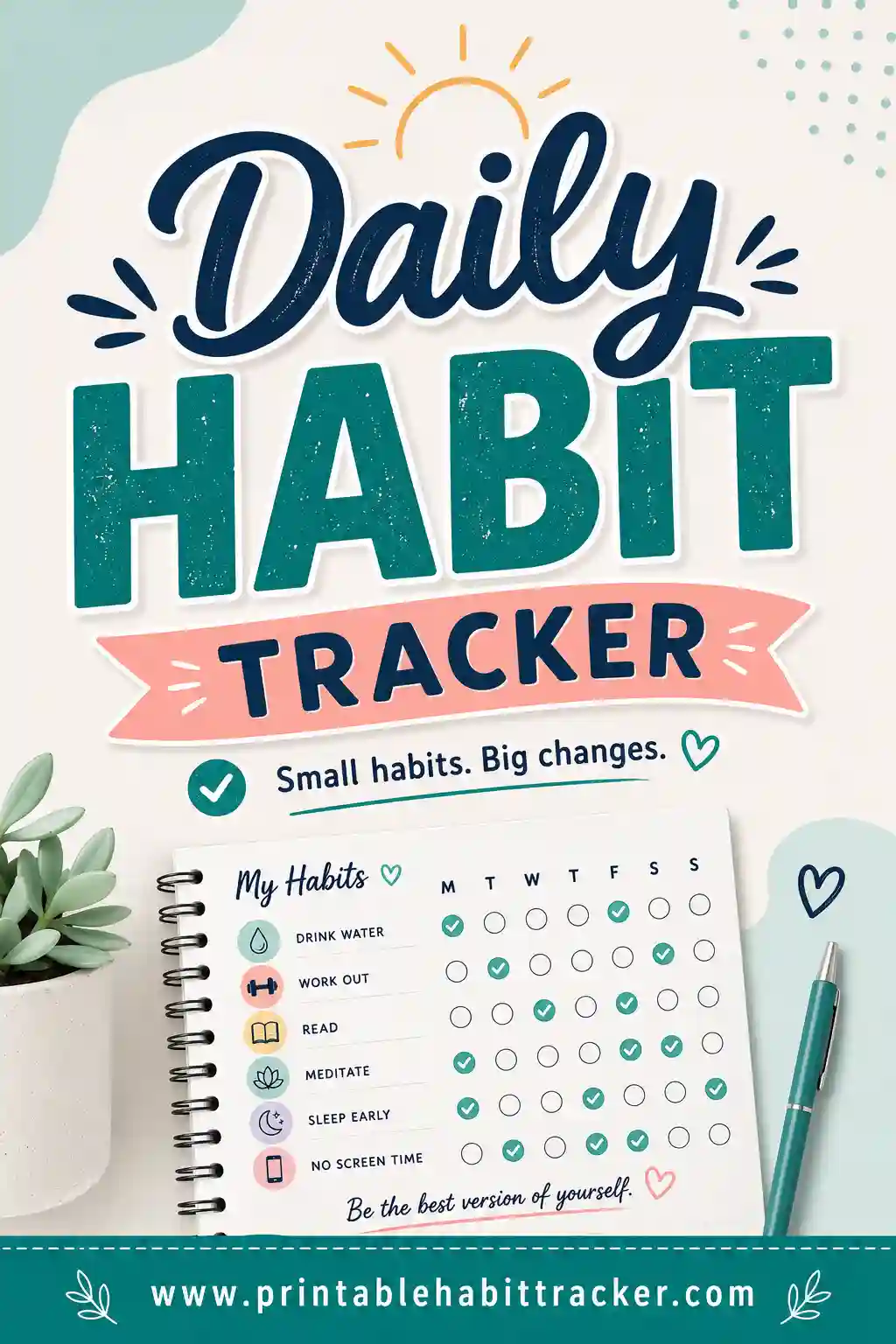
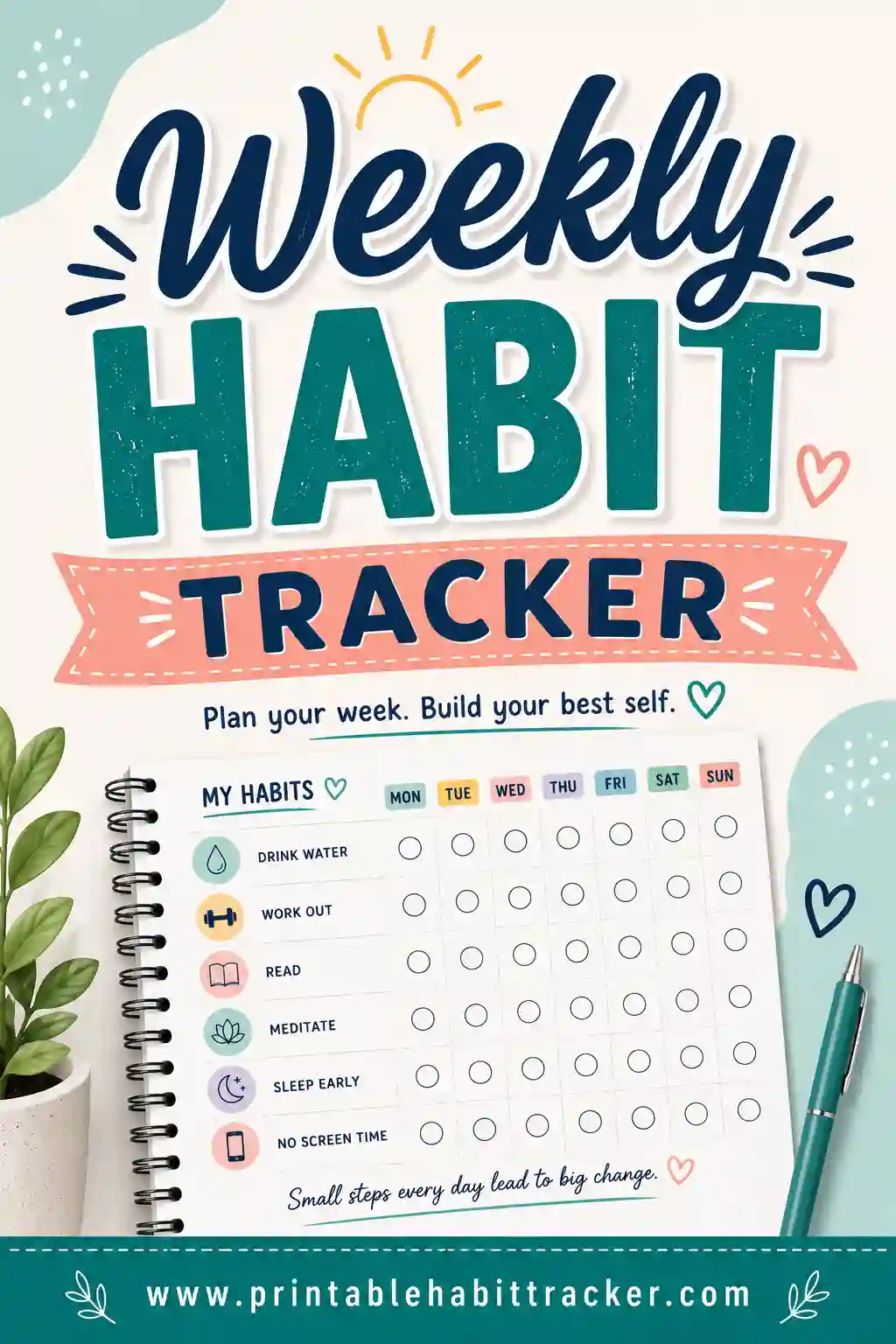
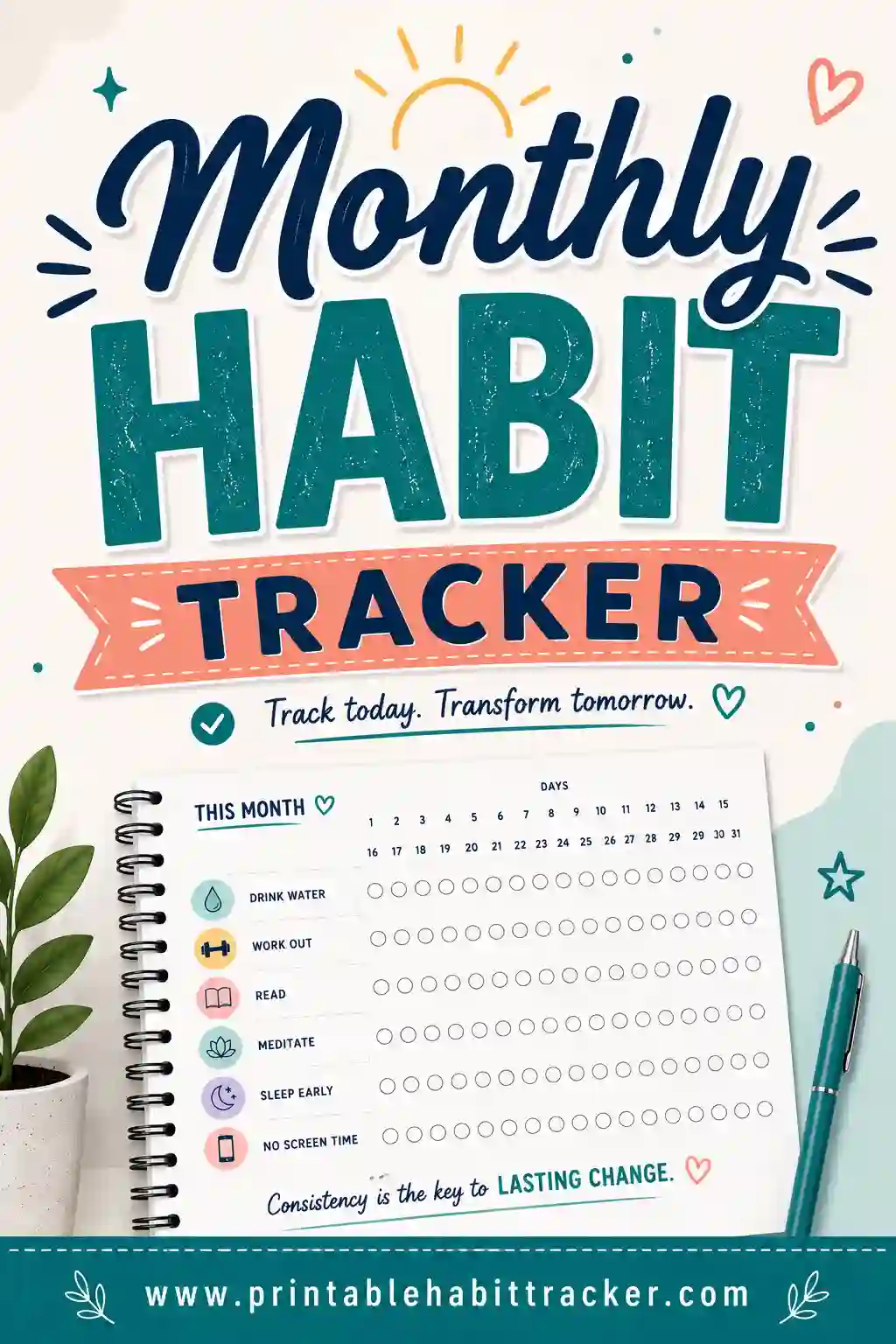
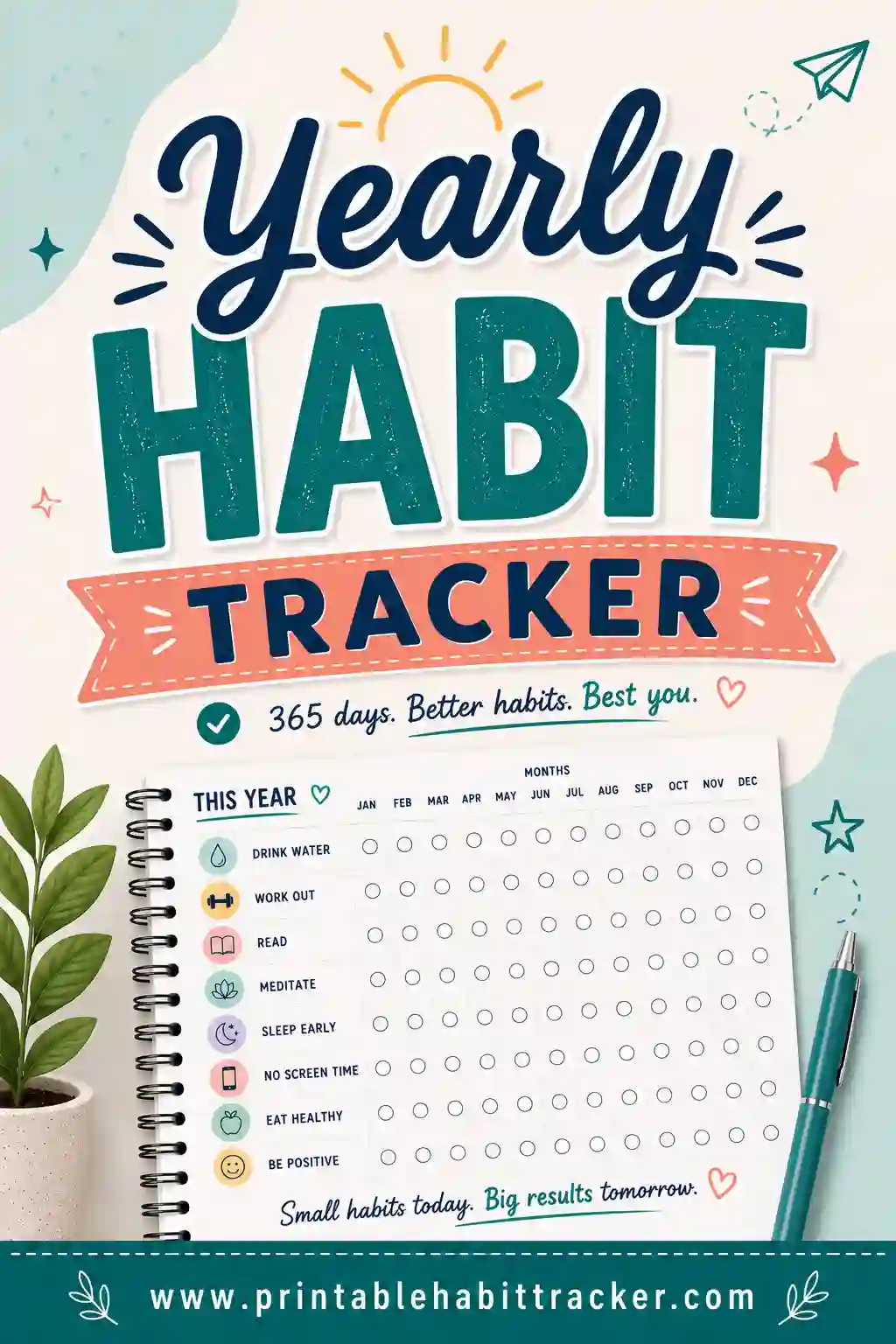
- Pick a layout. Daily, weekly, monthly (a real date grid) or a full-year view.
- Choose a style. Checkbox grid, circle-to-fill, or color-in squares.
- Print or save as PDF. The sheet is built to fit one clean page with no website clutter.
Why a paper habit tracker actually works
Apps are easy to ignore. A printed habit tracker sits on your desk, your fridge, or inside your planner where you can see it. Every time you fill in a box, you get a small, satisfying signal that you showed up — and a visible streak you do not want to break. That little hit of momentum is what carries a habit from "trying" to "automatic."
Writing things down by hand also forces a moment of intention. You decide what matters this week, you commit it to paper, and you check in with it daily. No notifications, no distractions, no doom-scroll waiting on the other side of the screen.
Choosing the right layout
| Layout | Best for | What you get |
|---|---|---|
| Daily | Detailed routines | Hour-by-hour slots for one focused day. |
| Weekly | Most people | Your habits down the side, the 7 days across the top. |
| Monthly | Streaks & challenges | A full date grid with the correct days for that month. |
| Yearly | Big-picture habits | 12 months across, one row per habit, for the whole year. |
| Chain | Don't break the chain | A full-year heat-map grid for one habit — color in a square every day. |
Habit tracker ideas to get you started
Stuck on what to track? Keep it to a handful of habits you can realistically do every day. Good starters: drink water, move your body, read a few pages, sleep on time, no phone in bed, journal for two minutes, take your vitamins, or step outside. The presets above give you a ready-made set for fitness, hydration, mornings, self-care, study and the 75 Hard challenge — start there and make it yours.
What is a habit tracker and how do you use one?
A habit tracker is a simple chart that lists the habits you want to build down one side and the days across the top. Each day you do the habit, you mark the box. That is the whole system — and it works because it turns an invisible effort into something you can see. A row of filled boxes is proof that you are becoming the kind of person who does the thing.
Here is the easiest way to use a printable habit tracker:
- Pick two to five habits. Choose small, specific actions you can do every day — "read 10 pages," not "read more."
- Print it and put it where you will see it. The fridge, your desk, the bathroom mirror, or inside your planner.
- Mark it right after you do the habit. Do not wait until bedtime. Checking the box straight away is part of the reward.
- Review it once a week. Look for patterns. Which habits are easy? Which keep slipping? Adjust the habit, not your motivation.
- Start a fresh sheet each month. A new page is a clean start, and last month's sheet becomes a record of how far you have come.
New to all this? Our guides on how to start a habit tracker and how to use a habit tracker walk through it step by step, and why habit trackers work explains the psychology behind the checkmark.
Habit stacking: the easiest way to fill your tracker
Habit stacking means attaching a new habit to something you already do every day. Instead of hoping you will remember, you use an existing routine as the trigger. The formula is simple: "After I [current habit], I will [new habit]."
- After I pour my morning coffee, I will drink a full glass of water.
- After I brush my teeth at night, I will read two pages.
- After I sit down at my desk, I will write my top three tasks.
- After I start the dishwasher, I will stretch for two minutes.
- After I plug in my phone at night, I will write one line in my journal.
Write your stacks right on your printable habit tracker — put the trigger in the habit name ("Coffee → water") so the cue is on the page every day. Learn more in habit stacking explained and the Tiny Habits method.
How long does it take to build a habit?
You have probably heard that it takes 21 days. The real answer is usually longer, and it varies a lot. A well-known 2009 study from University College London followed people building new daily habits and found it took an average of about 66 days for a behavior to feel automatic — with a very wide range from person to person. Simple habits (a glass of water) got easier faster than demanding ones (a daily workout).
That is good news for paper trackers. A monthly habit tracker covers about 30 days, so plan on filling two or three months of sheets before a new habit really runs on autopilot. Missing a day here and there did not ruin progress in that research either — what mattered was getting back on track. For the full picture, read how long it takes to build a habit, the 21/90 rule explained, and what to do when you miss a day.
Free printable habit trackers by type
The builder above handles almost any tracker, but if you want a page made for one specific goal — with tips and ideas to match — start here:
By layout
- Daily habit tracker — hour-by-hour slots for one focused day
- Weekly habit tracker — seven days at a glance, the most popular choice
- Monthly habit tracker — a full date grid for streaks and challenges
- Yearly habit tracker — one row per habit across all 12 months
- 30-day habit tracker — build one habit in a month
- 21-day challenge tracker — a short challenge to get started
- Color-in habit tracker — fill a square each day
- Habit tracker with notes — extra space for journaling
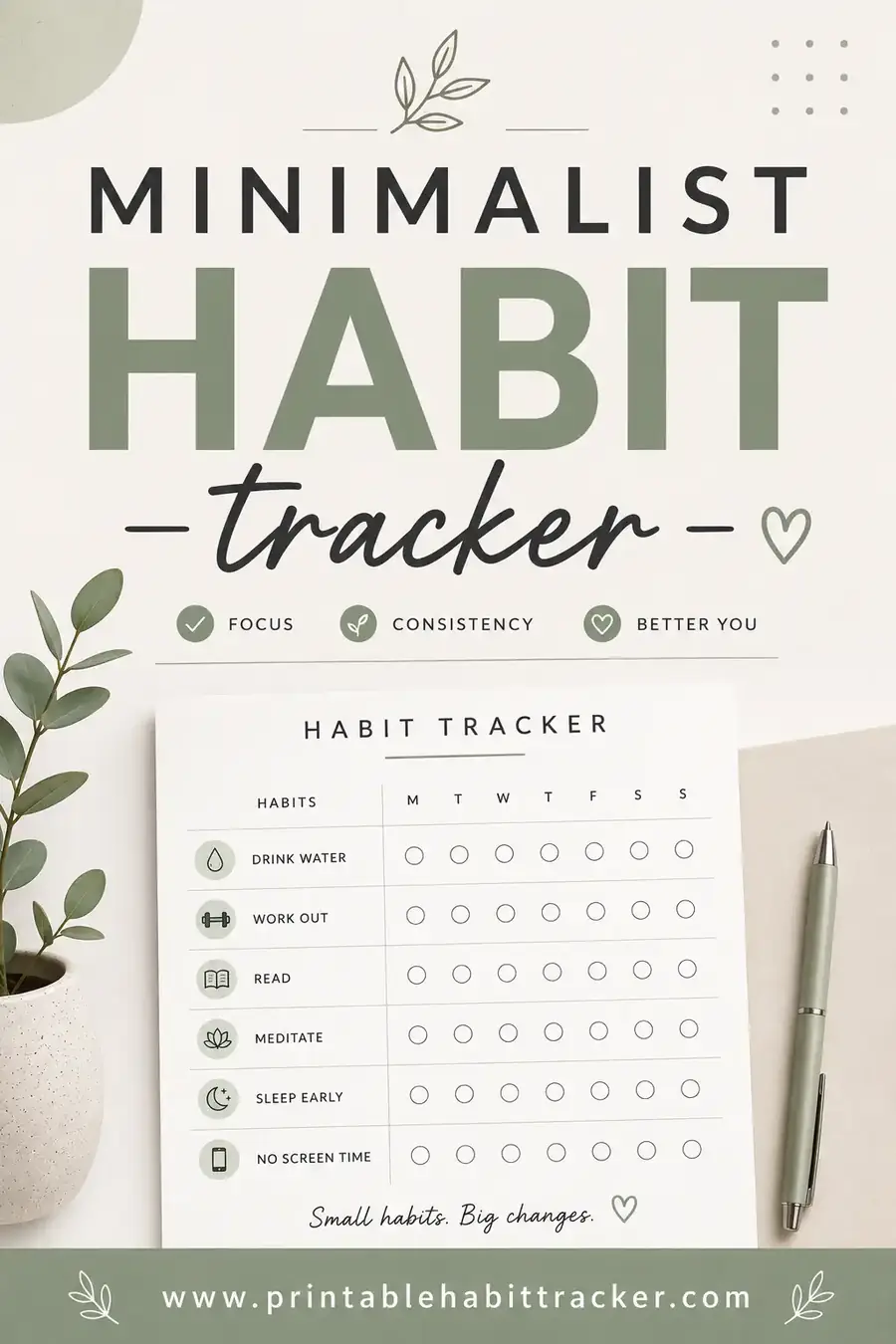
- Minimalist habit tracker — clean and clutter-free
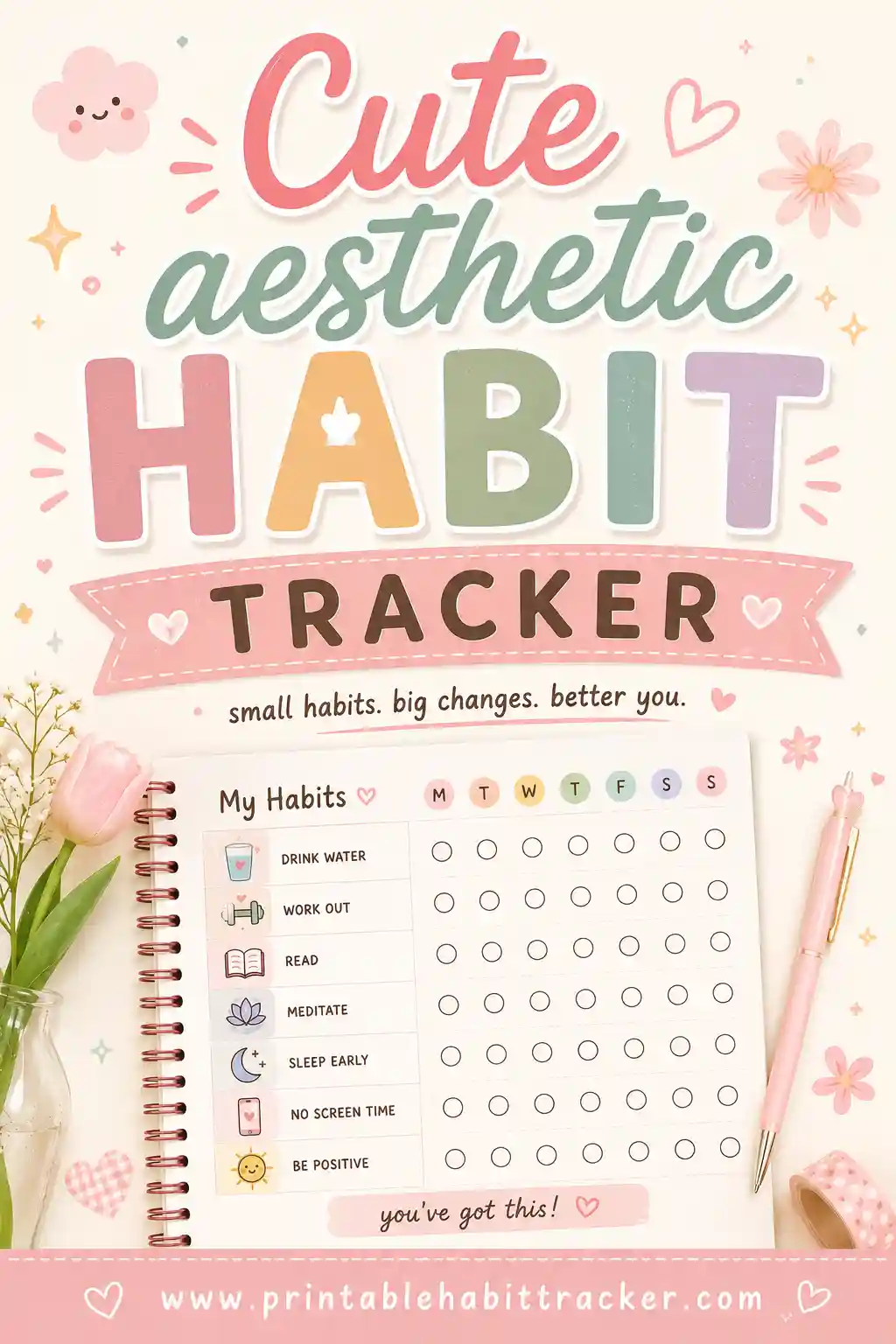
- Cute aesthetic habit tracker — pretty designs you will want to fill in
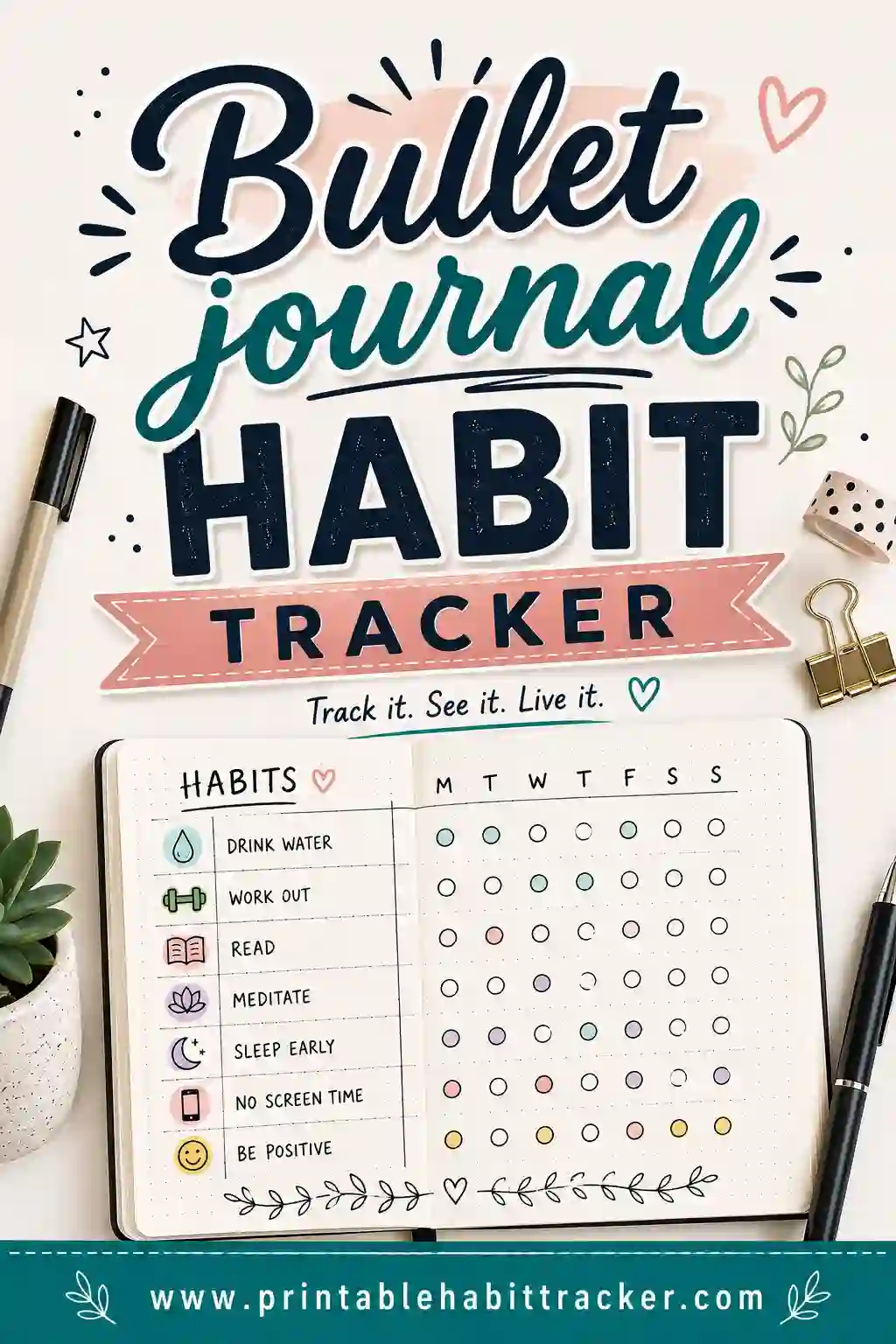
- Bullet journal habit tracker — fits right into your bujo
By goal
- Fitness habit tracker — workouts, steps, and stretching
- Water intake tracker — glasses per day, made simple
- Sleep tracker — bedtime, wake time, and how you feel
- Reading habit tracker — pages or minutes each day
- Mood + habit tracker — see which habits lift your mood
- Morning routine tracker — win your first hour
- Night routine tracker — calmer evenings
- Self-care tracker — small daily kindnesses
- Study habit tracker — for exams and homework
- Skincare routine tracker — morning and night steps
- Medication tracker — a daily checklist for meds and vitamins
- 75 Hard tracker — for the full challenge
- Breaking bad habits tracker — count the days you skip a habit
For kids and families
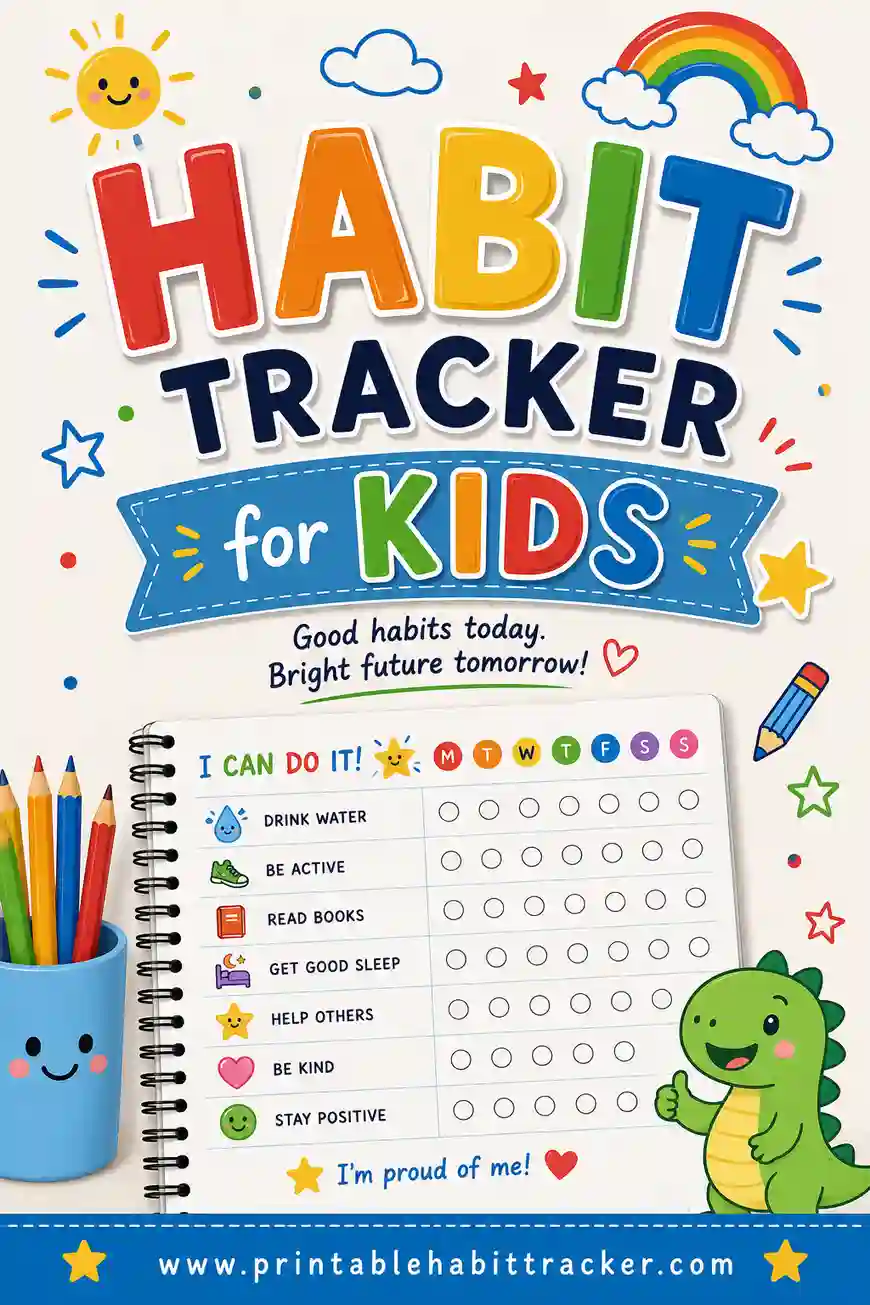
- Habit tracker for kids — routines kids can check off
- Chore chart — for the whole family
- Kids chore chart — chores little helpers can do
- Behavior chart — for home and school
- Sticker chart — kids love adding stickers
- Bedtime routine chart — for calmer nights
- Potty training chart — celebrate every success
- Responsibility chart — grow capable kids
For money goals
- Savings habit tracker — color in as you save
- Budget tracker — plan the month on one page
- Bill tracker — never miss a due date
- Debt tracker — a payoff chart you can color in
- Expense tracker — a daily spending log
For different people
- Habit tracker for ADHD — a kinder, simpler system
- Habit tracker for students — school success habits
- Habit tracker for college students — routines that survive finals week
- Habit tracker for teens — independence-building habits
- Habit tracker for moms — stay on top of the chaos
- Habit tracker for teachers — better routines all school year
- Habit tracker for couples — grow together
How many habits should you track?
Fewer than you think. Most people do best with three to five habits on one tracker, and if you are just starting out, one or two is even better. Every habit you add takes attention, and a sheet full of empty boxes can feel discouraging instead of motivating.
A good approach is to start with one "keystone" habit — like sleep, exercise, or a morning routine — that makes other good habits easier. Once it feels automatic, add the next one. See how many habits to track at once and keystone habits explained for more.
Where to put your habit tracker so you actually use it
- Where the habit happens. A water tracker on the fridge, a skincare tracker on the bathroom mirror, a study tracker on your desk.
- At eye level. If you have to open a drawer to see it, you will forget it within a week.
- With a pen attached. Tape or clip a pen right next to the sheet. Removing that tiny bit of friction makes a big difference.
- Inside your planner. If you already open a planner every day, slip the tracker inside the current week.
- On a clipboard. Easy to move from room to room, and it keeps the sheet flat and neat all month.
Habit tracker ideas by area of life
Need more ideas? Pick one or two from different areas so your tracker feels balanced:
- Health: drink 8 glasses of water, take a 20-minute walk, eat a vegetable at every meal, stretch for 5 minutes, take vitamins, in bed by 10:30.
- Mind: read 10 pages, journal one line, practice a new language for 10 minutes, do a crossword, write down three things you are grateful for.
- Calm: 5 minutes of quiet breathing, no phone for the first hour, step outside for fresh air, screens off an hour before bed.
- Home: make the bed, empty the sink before bed, 10-minute tidy, plan tomorrow's meals, water the plants.
- Work and school: write a to-do list, one hour of focused work, review notes, clear your inbox, practice a skill.
- People: text a friend, call a family member, eat dinner together, give one compliment, play a game with the kids.
- Money: log spending, no impulse buys, pack lunch, move a little into savings.
For more inspiration, browse our monthly habit tracker ideas, best habits to track for health, and best habits to track for productivity.